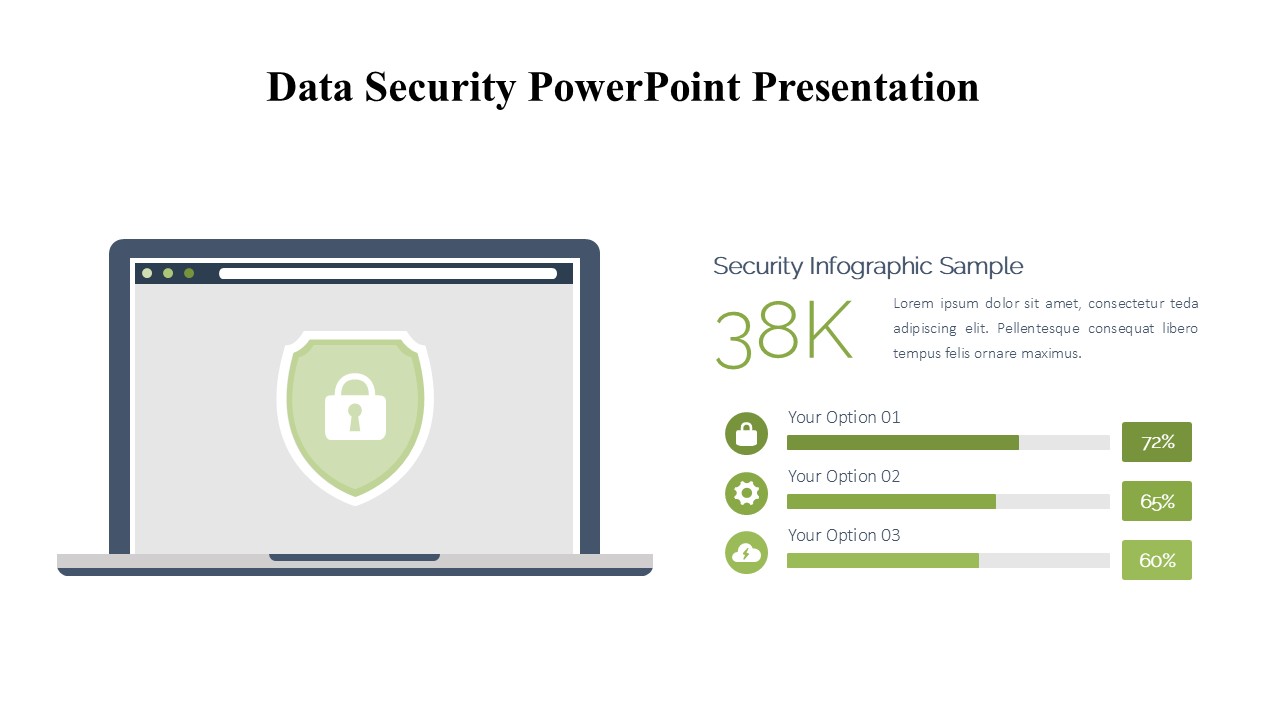
About this PowerPoint template
A Training Infographic is a powerful visual tool designed to enhance learning and retention of information during training sessions. This engaging graphic combines text, images, and design elements to effectively communicate complex ideas in a simple and digestible format.
With its eye-catching visuals and clear presentation of key concepts, a Training Infographic can help trainers deliver information more effectively and keep participants engaged throughout the training session. By breaking down information into easy-to-understand chunks and using visuals to support the content, infographics make it easier for learners to absorb and retain information.
Key Features of Training Infographic with Fully Editable Templates:
- Customizable Design: The Training Infographic comes with fully editable templates that allow trainers to customize the design to suit their specific training needs. From changing colors and fonts to adding or removing elements, trainers can easily tailor the infographic to match their branding or training topic.
- Easy-to-Use Tools: The templates are designed to be user-friendly, allowing trainers with no design experience to create professional-looking infographics with ease. With drag-and-drop functionality and pre-designed elements, trainers can quickly put together informative and visually appealing training materials.
- Versatile Applications: Whether used for in-person training sessions, e-learning modules, or as handouts for participants, Training Infographics offer a versatile solution for conveying information. Trainers can use infographics to summarize key points, explain processes, or present data in a concise and engaging way.
- Attention-Grabbing Visuals: Infographics are known for their ability to capture attention and communicate information more effectively than text alone. By incorporating visuals such as icons, charts, and illustrations, trainers can make their training materials more engaging and memorable for participants.
- Time-Saving Solution: With pre-designed templates and customizable elements, Training Infographics offer a time-saving solution for trainers looking to create compelling training materials quickly. Instead of starting from scratch, trainers can simply plug in their content and make adjustments as needed.
In conclusion, Training Infographics are a valuable resource for trainers looking to enhance their training materials and engage participants more effectively. With fully editable templates and a range of customizable features, infographics offer a user-friendly and versatile solution for conveying information in a clear and visually appealing format.
Template details
| Template | Training Infographic |
|---|---|
| Category | PowerPoint Templates |
| File format | PowerPoint (.pptx) |
| Slide size | 16:9 widescreen |
| Preview images | 1 |
| Editable | Yes: text, colours, shapes, icons and charts |
| Works with | PowerPoint 2010 and later, PowerPoint for Mac, Google Slides |
| Licence | Royalty-free, yours to keep using after your plan ends (terms of use apply) |
| Price | Included in every SlideVilla plan |
| Added | 29 Dec 2024 |
Questions about this template
Can I edit the Training Infographic?
Yes. Every part of the Training Infographic is made with native PowerPoint shapes and text boxes, so you can change the wording, colours, fonts and sizes, move or delete elements, and swap icons without losing quality.
Does the Training Infographic work in Google Slides?
Yes. Download the .pptx file, upload it to Google Drive and open it with Google Slides. The layout, shapes and text stay editable there too.
Is the Training Infographic free?
It is a premium template, included in every SlideVilla plan together with the rest of the library. See plans and pricing.
What size and format is it?
It is a PPTX file in 16:9 widescreen format, with 1 preview image shown above.
How to use this template
- Step 1DownloadClick Download and the .pptx file saves straight to your computer.
- Step 2OpenOpen it in PowerPoint, or upload it to Google Slides from your Drive.
- Step 3Make it yoursChange text, colours, icons and charts. Every element is fully editable.
Categories
Related PowerPoint templates
More designs like this one, ready to edit.