

IT Strategic Diagram Design Powerpoint templateDownload
About this PowerPoint template
Free Google Slides theme and PowerPoint template
The IT Strategic Diagram Design Powerpoint template is a powerpoint slide which shows management strategy model for the businesses.Businesses can take the advantage of this model in making the strategy and planning. The IT strategic design powerpoint slide template contains two slide in the powerpoint presentation with four text holders. This slide will help the user to understand the component of IT strategy workflow and its model.The users can fill the relevant text holder as per there topic and also can able to color the fonts. This template is very beneficial to explain about business environment, culture, stakeholders and also to design the strategy in an powerful visual way. This slide is fully editable and user can also use it as a google powerpoint template.Features:
- Completely editable in terms of shape, color, size and text
- This template has a built in color theme which is unaffected by copy-pasting
- Includes an icon family with 135 unique completely editable icons
- Drag and drop image placeholder
- Completely editable (using spreadsheet) data-driven charts for displaying statistics
- Completely editable vector graphics
Supports
Microsoft PowerPoint 2010, 2011, 2013, 2016
MacOffice 2016, MacOffice 365, Google Slides
Template details
| Template | IT Strategic Diagram Design Powerpoint template |
|---|---|
| Categories | PowerPoint Templates, Business PowerPoint Templates, Strategy |
| File format | PowerPoint (.pptx) |
| Slide size | 16:9 widescreen |
| Preview images | 2 |
| Editable | Yes: text, colours, shapes, icons and charts |
| Works with | PowerPoint 2010 and later, PowerPoint for Mac, Google Slides |
| Licence | Royalty-free, yours to keep using after your plan ends (terms of use apply) |
| Price | Included in every SlideVilla plan |
| Added | 8 May 2020 |
| Last updated | 2 Apr 2021 |
Questions about this template
Can I edit the IT Strategic Diagram Design Powerpoint template?
Yes. Every part of the IT Strategic Diagram Design Powerpoint template is made with native PowerPoint shapes and text boxes, so you can change the wording, colours, fonts and sizes, move or delete elements, and swap icons without losing quality.
Does the IT Strategic Diagram Design Powerpoint template work in Google Slides?
Yes. Download the .pptx file, upload it to Google Drive and open it with Google Slides. The layout, shapes and text stay editable there too.
Is the IT Strategic Diagram Design Powerpoint template free?
It is a premium template, included in every SlideVilla plan together with the rest of the library. See plans and pricing.
What size and format is it?
It is a PPTX file in 16:9 widescreen format, with 2 preview images shown above.
Ready in under a minute
How to use this template
- Step 1DownloadClick Download and the .pptx file saves straight to your computer.
- Step 2OpenOpen it in PowerPoint, or upload it to Google Slides from your Drive.
- Step 3Make it yoursChange text, colours, icons and charts. Every element is fully editable.
Works with PowerPoint 2010+, PowerPoint for Mac and Google SlidesQuestions? Read the FAQ →
Tags
5 year it strategic plan templatebank it strategic plan templatebusiness strategydigital designinformation technologyit department strategic plan templateit infrastructureit strategic plan pptit strategic plan templatemanagement strategyoperational strategyorganizational devlopmentsample it strategic plan templatetechnology devlopment
Related PowerPoint templates
More designs like this one, ready to edit.

Strategic Project Management PowerPoint Template
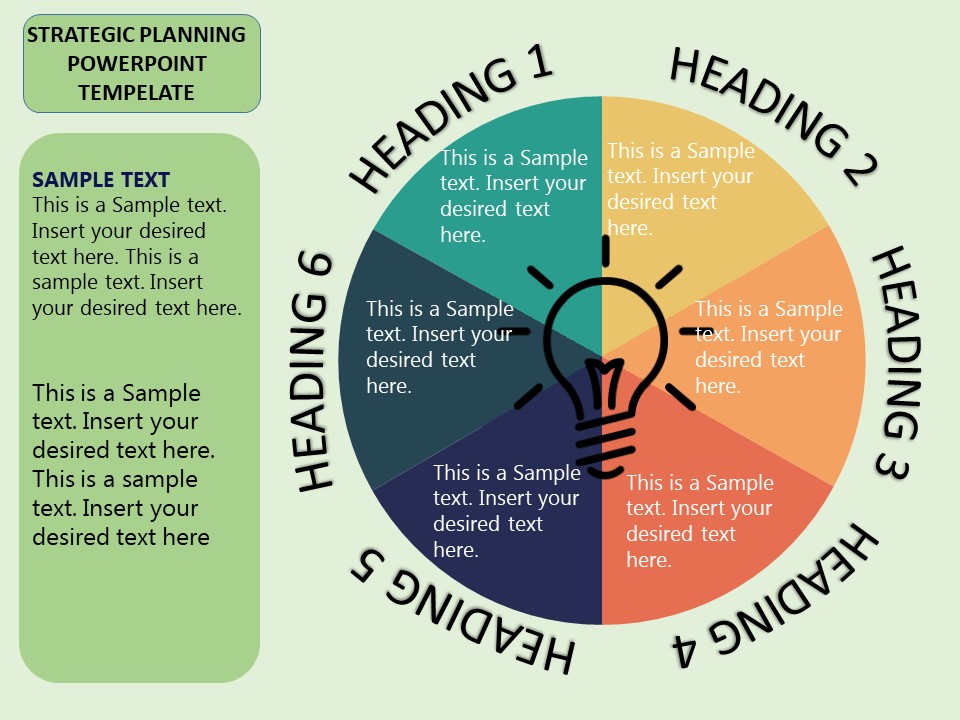
Strategic Planning Cone PowerPoint Template

Strategic Planning PowerPoint Template Slide

Circular Organizational Chart PowerPoint Template

Time Management powerpoint template
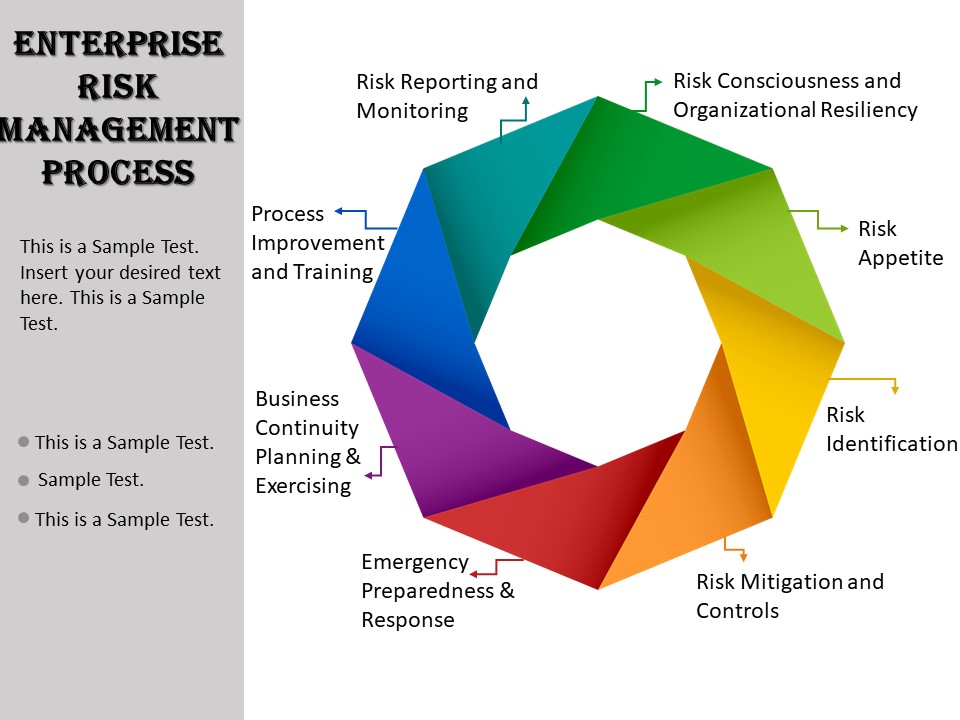
Enterprise Risk Management Process PowerPoint Diagram
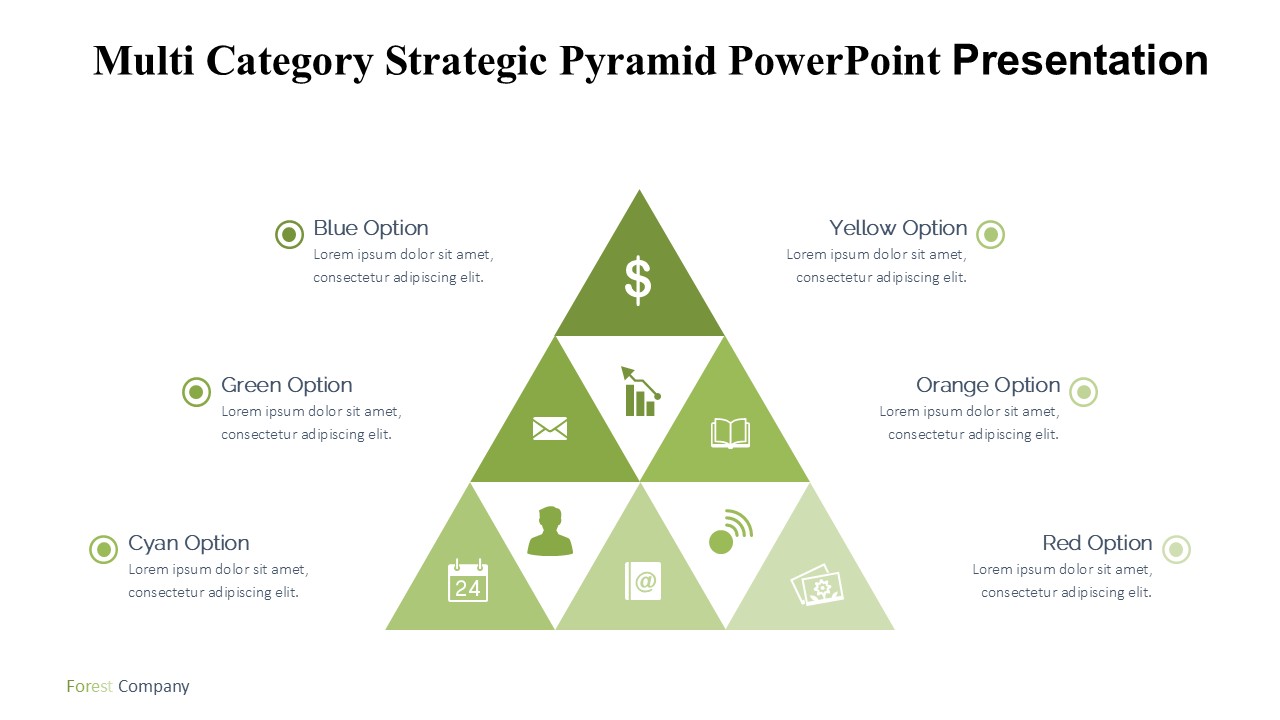
Multi Category Strategic Pyramid PowerPoint Presentation

Three Lines of Defense PowerPoint Template