

Reward And Recognition PowerPoint TemplateDownload
About this PowerPoint template
Free Google Slides theme and PowerPoint template
The Reward and Recognition PowerPoint Template is widely useful for all business industries, academic, and research organizations as this slide is purely focusing on the process of appreciating efforts and contributions of individuals or company. Apart from money, every employee works in an organization for for recolonization so that they will feel motivated in performing the tasks. Such appreciations cold be done from monitory gifts like bonus, holiday packages and so on. The Reward and Recognition PowerPoint Template is the best powerpoint presentation and it contains two slides. Each of the slides are fully editable and user can easily change the text holders and elements. This powerpoint template can be used as google slides themes and powerpoint template.Features:
- Completely editable in terms of shape, color, size and text
- This template has a built in color theme which is unaffected by copy-pasting
- Includes an icon family with 135 unique completely editable icons
- Drag and drop image placeholder
- Completely editable (using spreadsheet) data-driven charts for displaying statistics
- Completely editable vector graphics
Supports
Microsoft PowerPoint 2010, 2011, 2013, 2016
MacOffice 2016, MacOffice 365, Google Slides
Use Cases For Reward And Recognition PowerPoint Template
- Employee Recognition Programs: Highlight the achievements and contributions of employees through an organized recognition program. Use the template to showcase employee accomplishments, milestones, and commendations, fostering a culture of appreciation and motivation within the organization.
- Employee of the Month/Quarter Awards: Recognize outstanding performance by presenting Employee of the Month or Employee of the Quarter awards. Use the template to announce winners, share their achievements, and celebrate their contributions to the team's success, boosting morale and motivation among employees.
- Team Performance Reviews: Evaluate and recognize team performance during performance review meetings or quarterly business reviews. Use the template to showcase team achievements, milestones, and key performance metrics, providing visibility into collective efforts and successes.
- Sales Performance Recognition: Acknowledge top-performing sales representatives and teams for their exceptional performance and results. Use the template to showcase sales achievements, revenue targets, and customer satisfaction metrics, motivating sales teams and driving continuous improvement.
- Customer Service Excellence Awards: Recognize outstanding customer service representatives for their exceptional dedication and customer satisfaction ratings. Use the template to highlight customer service achievements, positive feedback, and testimonials, inspiring a customer-centric culture and service excellence.
- Leadership Recognition: Honor exemplary leadership qualities and achievements within the organization. Use the template to acknowledge leadership accomplishments, initiatives, and contributions to team success, inspiring other employees and fostering leadership development.
- Project Completion Celebrations: Celebrate the successful completion of projects and milestones by recognizing project teams and key contributors. Use the template to showcase project achievements, milestones, and client feedback, boosting team morale and reinforcing project success.
- Years of Service Awards: Commemorate employees' dedication and loyalty to the organization with years of service awards. Use the template to recognize employees' tenure milestones, share their contributions, and express gratitude for their commitment and loyalty over the years.
- Innovation and Creativity Awards: Recognize employees for their innovative ideas, creativity, and problem-solving skills. Use the template to showcase innovative projects, product developments, and process improvements, encouraging a culture of innovation and continuous learning.
- Safety and Wellness Recognition: Acknowledge employees for their commitment to workplace safety and wellness initiatives. Use the template to highlight safety achievements, wellness milestones, and participation in health and wellness programs, promoting a safe and healthy work environment for all employees.
Template details
| Template | Reward And Recognition PowerPoint Template |
|---|---|
| Categories | PowerPoint Templates, Business PowerPoint Templates, Strategy |
| File format | PowerPoint (.pptx) |
| Slide size | 16:9 widescreen |
| Preview images | 2 |
| Editable | Yes: text, colours, shapes, icons and charts |
| Works with | PowerPoint 2010 and later, PowerPoint for Mac, Google Slides |
| Licence | Royalty-free, yours to keep using after your plan ends (terms of use apply) |
| Price | Included in every SlideVilla plan |
| Added | 1 Jun 2020 |
| Last updated | 19 Feb 2024 |
Questions about this template
Can I edit the Reward And Recognition PowerPoint Template?
Yes. Every part of the Reward And Recognition PowerPoint Template is made with native PowerPoint shapes and text boxes, so you can change the wording, colours, fonts and sizes, move or delete elements, and swap icons without losing quality.
Does the Reward And Recognition PowerPoint Template work in Google Slides?
Yes. Download the .pptx file, upload it to Google Drive and open it with Google Slides. The layout, shapes and text stay editable there too.
Is the Reward And Recognition PowerPoint Template free?
It is a premium template, included in every SlideVilla plan together with the rest of the library. See plans and pricing.
What size and format is it?
It is a PPTX file in 16:9 widescreen format, with 2 preview images shown above.
Ready in under a minute
How to use this template
- Step 1DownloadClick Download and the .pptx file saves straight to your computer.
- Step 2OpenOpen it in PowerPoint, or upload it to Google Slides from your Drive.
- Step 3Make it yoursChange text, colours, icons and charts. Every element is fully editable.
Works with PowerPoint 2010+, PowerPoint for Mac and Google SlidesQuestions? Read the FAQ →
Tags
certificateemployee rewards and recognition survey templateemployee satisfactionmetaphor templaterecognition methaphor shapes and templatesrewardreward and recognition certificate templatereward and recognition policy templatereward and recognition strategy templaterewards and recognition ppt templaterewards and recognition presentation templaterewards and recognition program templaterewards and recognition template
Related PowerPoint templates
More designs like this one, ready to edit.

Supply Chain Control Tower PowerPoint Template

Talent Wall Recognition PowerPoint Template

Employee Reward And Recognition PowerPoint Presentation
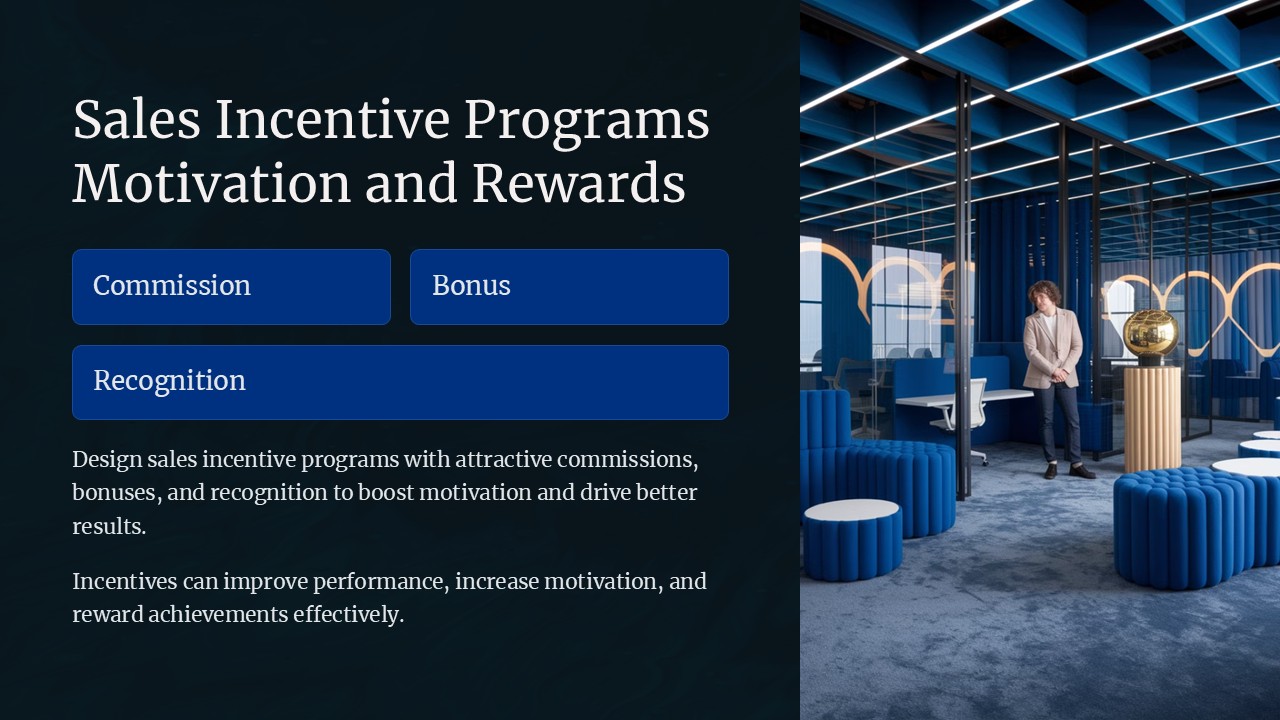
Sales Incentive Programs Motivation and Rewards PowerPoint Presentation

Recognition Programs Acknowledging Top Achievers PowerPoint Presentation

Employee Engagement and Satisfaction PowerPoint Presentation
Comparison Table for PowerPoint Template

Creative Roadmap PowerPoint Template