About this PowerPoint template
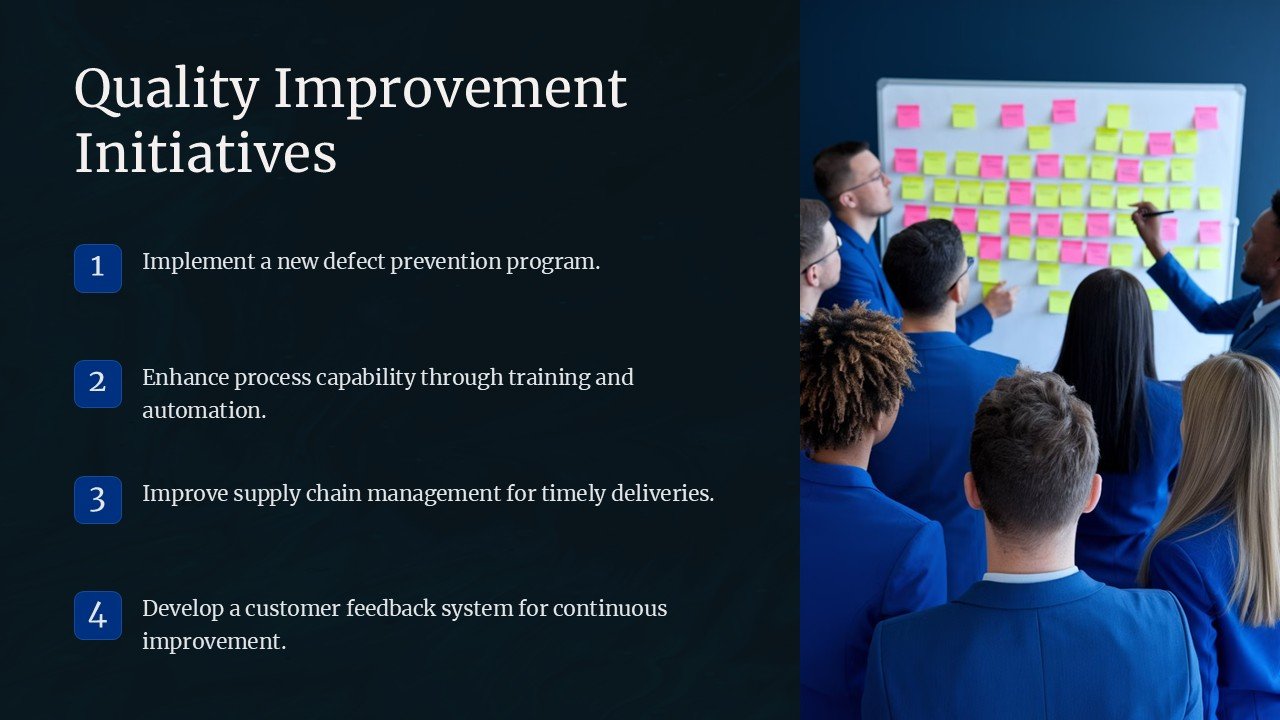
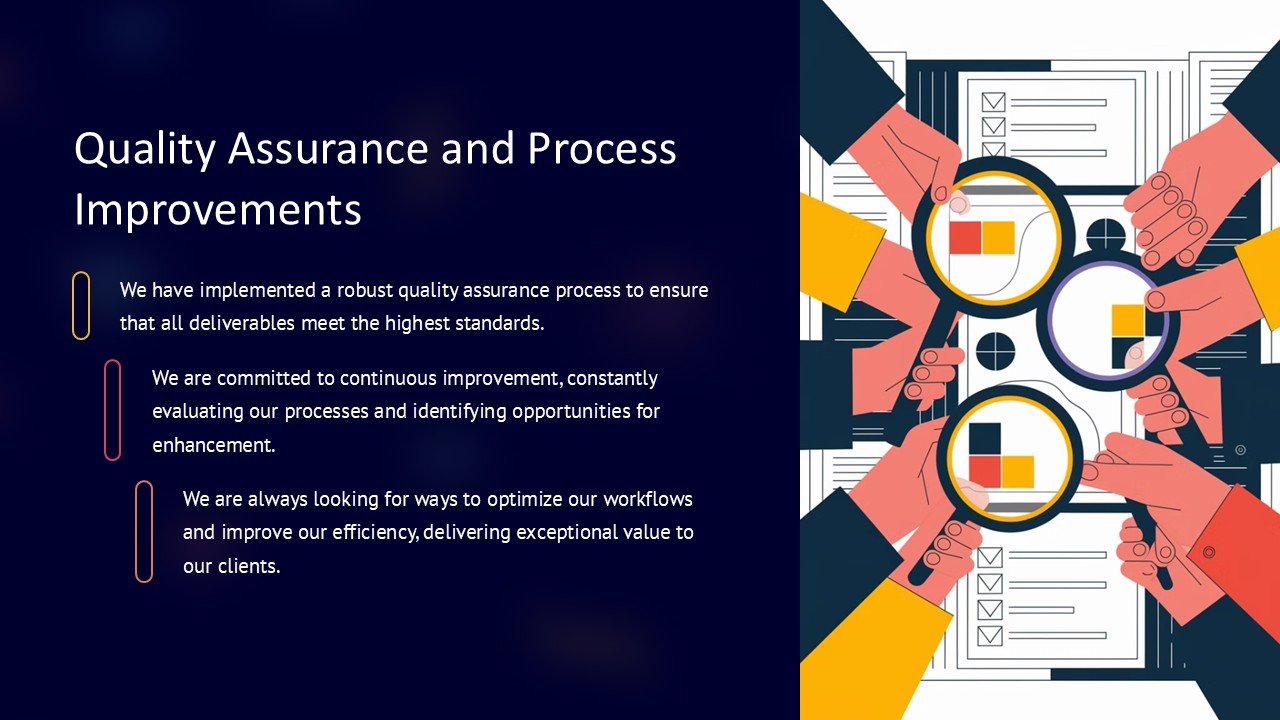
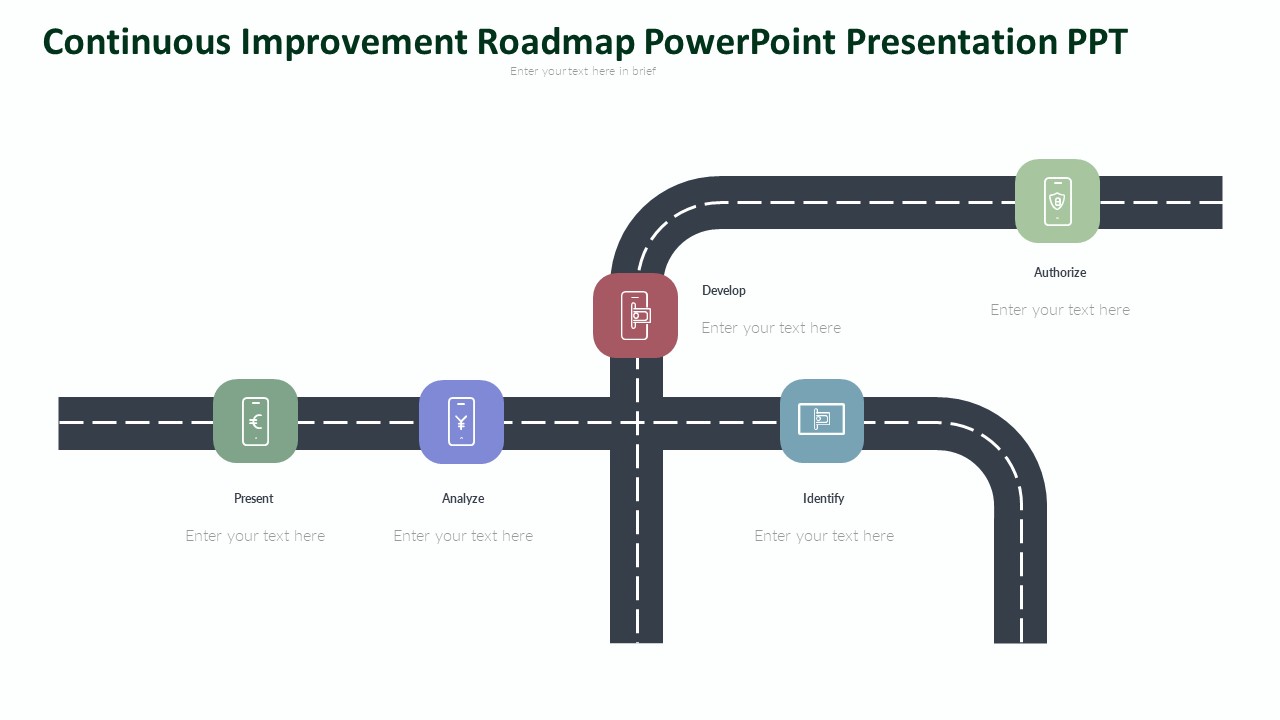
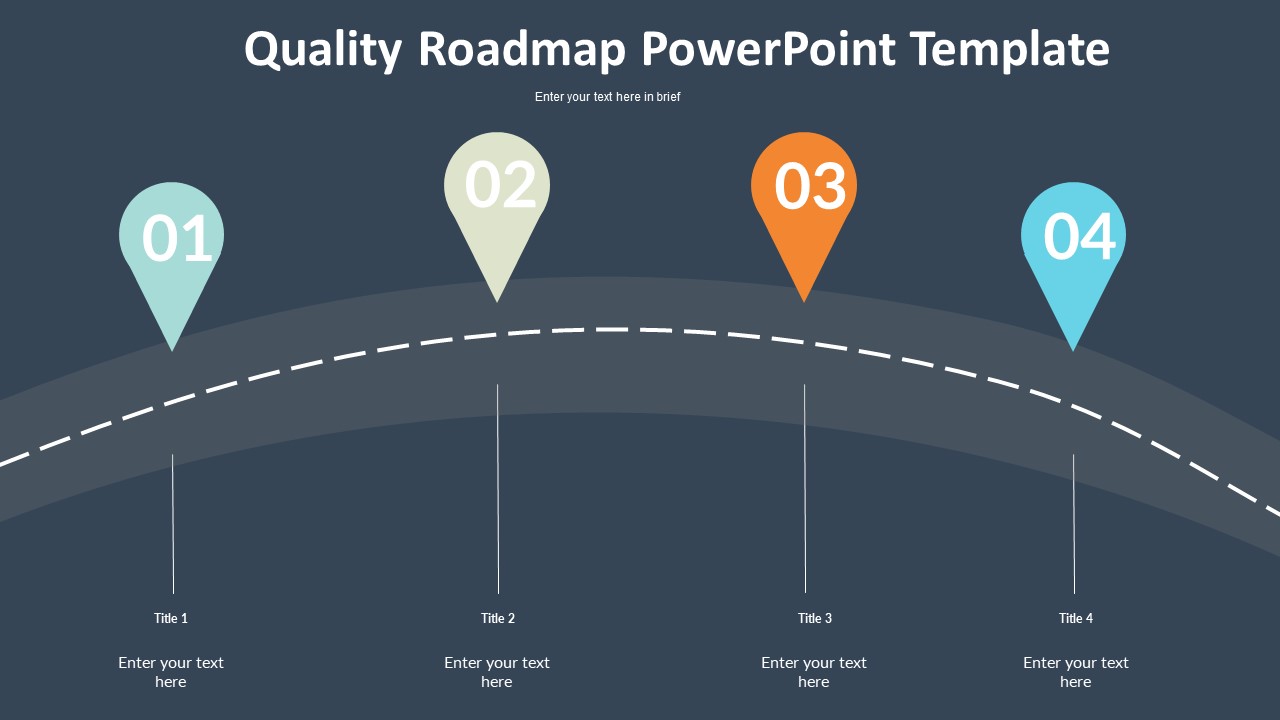
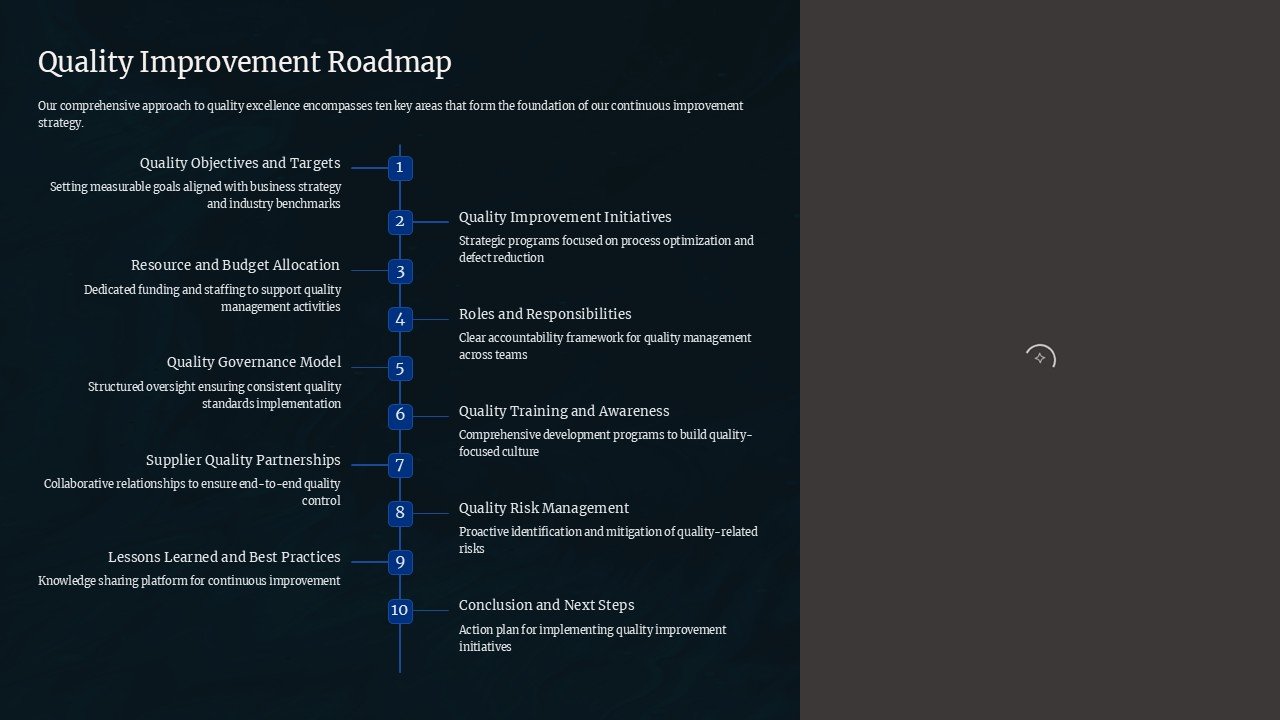
The Quality Improvement Roadmap PowerPoint Presentation is a comprehensive template designed to help organizations streamline their quality improvement processes. This professionally designed presentation offers a roadmap that outlines key steps and strategies essential for driving continuous improvement within an organization. Whether you are looking to enhance product quality, optimize processes, or improve customer satisfaction, this PowerPoint template is an invaluable tool for achieving your quality improvement goals.
Key features of the Quality Improvement Roadmap PowerPoint Presentation include:
- Fully Editable Slides: The presentation slides are fully editable, allowing users to customize the content to suit their specific needs. This flexibility ensures that the roadmap aligns with the organization's unique quality improvement objectives.
- High-Quality Graphics: The template features high-quality graphics and visuals that enhance the overall look and feel of the presentation. These engaging visuals help capture the audience's attention and effectively communicate key quality improvement concepts.
- Step-by-Step Guidance: The roadmap provides a step-by-step guide for implementing quality improvement initiatives, making it easy for users to follow along and stay on track throughout the process. This structured approach helps organizations achieve tangible results in a systematic manner.
- Data-driven Analysis: The template includes sections for showcasing data-driven analysis, such as KPIs, metrics, and performance indicators. This analytical approach allows organizations to track progress, identify areas for improvement, and make informed decisions based on data insights.
- Professional Design: With a sleek and professional design, the Quality Improvement Roadmap PowerPoint Presentation is suitable for a variety of audiences, including executives, team members, and stakeholders. The clean layout and modern aesthetic ensure that the content is easy to read and understand.
Overall, the Quality Improvement Roadmap PowerPoint Presentation is an essential tool for organizations looking to drive quality improvement initiatives effectively. With its user-friendly features and customizable templates, this presentation is a valuable resource for achieving sustainable quality improvements and delivering enhanced value to customers.
Template details
| Template | Quality Improvement Roadmap PowerPoint Presentation |
|---|---|
| Category | PowerPoint Presentations |
| File format | PowerPoint (.pptx) |
| Slide size | 16:9 widescreen |
| Preview images | 1 |
| Editable | Yes: text, colours, shapes, icons and charts |
| Works with | PowerPoint 2010 and later, PowerPoint for Mac, Google Slides |
| Licence | Royalty-free, yours to keep using after your plan ends (terms of use apply) |
| Price | Included in every SlideVilla plan |
| Added | 9 Feb 2025 |
Questions about this template
Can I edit the Quality Improvement Roadmap PowerPoint Presentation?
Yes. Every part of the Quality Improvement Roadmap PowerPoint Presentation is made with native PowerPoint shapes and text boxes, so you can change the wording, colours, fonts and sizes, move or delete elements, and swap icons without losing quality.
Does the Quality Improvement Roadmap PowerPoint Presentation work in Google Slides?
Yes. Download the .pptx file, upload it to Google Drive and open it with Google Slides. The layout, shapes and text stay editable there too.
Is the Quality Improvement Roadmap PowerPoint Presentation free?
It is a premium template, included in every SlideVilla plan together with the rest of the library. See plans and pricing.
What size and format is it?
It is a PPTX file in 16:9 widescreen format, with 1 preview image shown above.
How to use this template
- Step 1DownloadClick Download and the .pptx file saves straight to your computer.
- Step 2OpenOpen it in PowerPoint, or upload it to Google Slides from your Drive.
- Step 3Make it yoursChange text, colours, icons and charts. Every element is fully editable.
Categories
Related PowerPoint templates
More designs like this one, ready to edit.