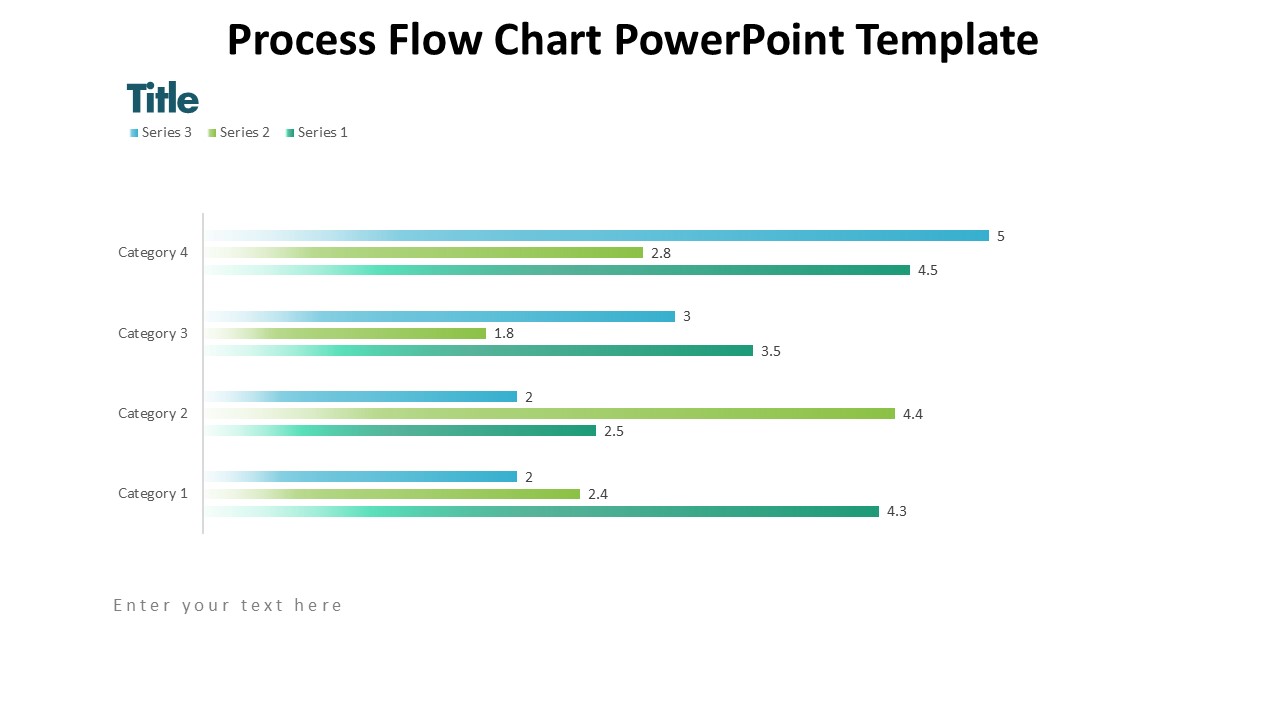
About this PowerPoint template
A process flow chart is an essential tool for businesses looking to streamline their operations and improve efficiency. This visual representation of a process helps to identify bottlenecks, unnecessary steps, and opportunities for improvement. With a well-designed process flow chart template, businesses can easily map out their processes, communicate them effectively to team members, and make informed decisions based on data-driven insights.
Our Process Flow Chart Template offers a user-friendly and professional design that is easy to customize to suit your specific needs. Whether you are designing a flow chart for a manufacturing process, a sales funnel, or a project management workflow, our template provides the flexibility and functionality you need to create a clear and comprehensive visual representation of your process.
Key Features of our Process Flow Chart Template:
- Fully Editable: Our template is fully editable, allowing you to customize the design, colors, and text to match your brand guidelines and specific requirements. With easy-to-use editing tools, you can quickly update the flow chart to reflect any changes or updates to your process.
- Multiple Layout Options: Choose from a variety of layout options to create a process flow chart that best suits your needs. Whether you prefer a linear flow, a branching tree structure, or a swimlane layout, our template offers flexibility to accommodate different process structures.
- Icons and Symbols: Enhance the visual clarity of your process flow chart with a library of icons and symbols that represent different steps, actions, and decision points. These visual aids help to make your flow chart easy to understand and navigate, improving communication and comprehension among team members.
- Print and Export Options: Once you have finalized your process flow chart, our template allows you to easily print it out or export it in various formats, such as PDF or image files. This flexibility enables you to share the flow chart with stakeholders, present it in meetings, or incorporate it into reports and presentations.
With our Process Flow Chart Template, you can create professional and insightful process flow charts that drive operational excellence and continuous improvement within your organization. Invest in our template today and take the first step towards optimizing your business processes for success.
Template details
| Template | Process Flow Chart Template |
|---|---|
| Category | PowerPoint Templates |
| File format | PowerPoint (.pptx) |
| Slide size | 16:9 widescreen |
| Preview images | 1 |
| Editable | Yes: text, colours, shapes, icons and charts |
| Works with | PowerPoint 2010 and later, PowerPoint for Mac, Google Slides |
| Licence | Royalty-free, yours to keep using after your plan ends (terms of use apply) |
| Price | Included in every SlideVilla plan |
| Added | 2 Nov 2024 |
Questions about this template
Can I edit the Process Flow Chart Template?
Yes. Every part of the Process Flow Chart Template is made with native PowerPoint shapes and text boxes, so you can change the wording, colours, fonts and sizes, move or delete elements, and swap icons without losing quality.
Does the Process Flow Chart Template work in Google Slides?
Yes. Download the .pptx file, upload it to Google Drive and open it with Google Slides. The layout, shapes and text stay editable there too.
Is the Process Flow Chart Template free?
It is a premium template, included in every SlideVilla plan together with the rest of the library. See plans and pricing.
What size and format is it?
It is a PPTX file in 16:9 widescreen format, with 1 preview image shown above.
How to use this template
- Step 1DownloadClick Download and the .pptx file saves straight to your computer.
- Step 2OpenOpen it in PowerPoint, or upload it to Google Slides from your Drive.
- Step 3Make it yoursChange text, colours, icons and charts. Every element is fully editable.
Categories
Related PowerPoint templates
More designs like this one, ready to edit.