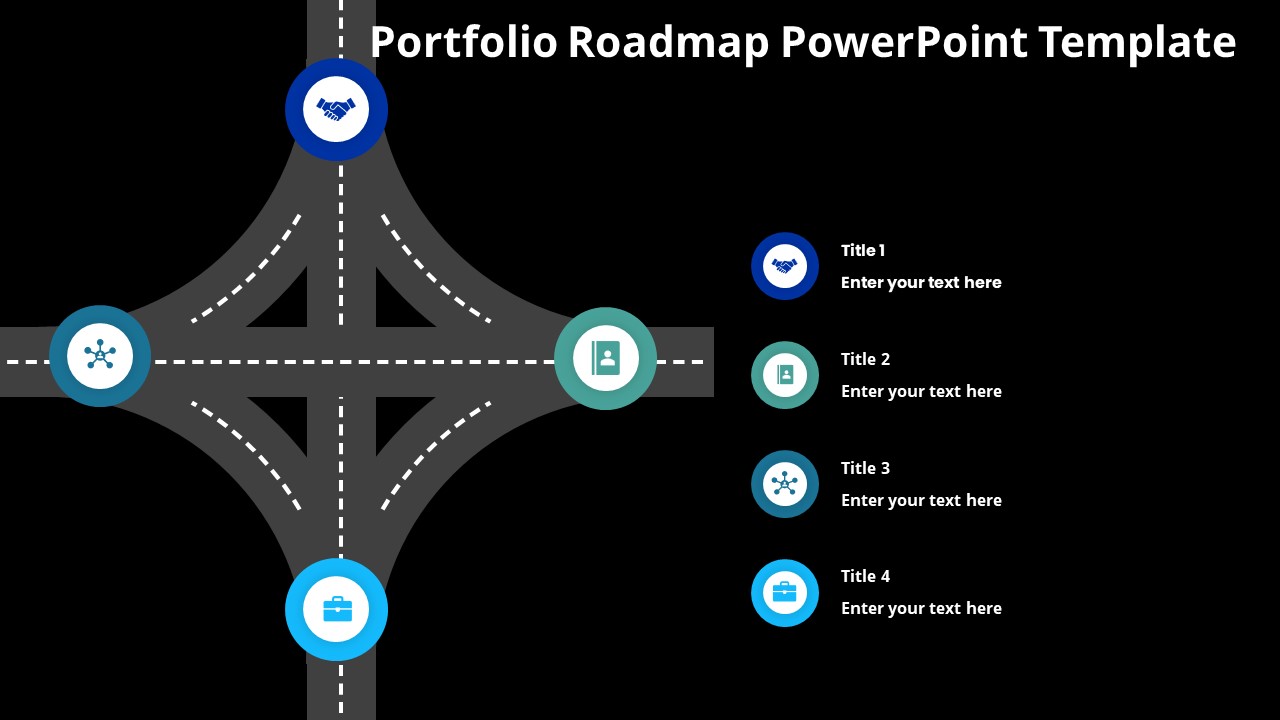
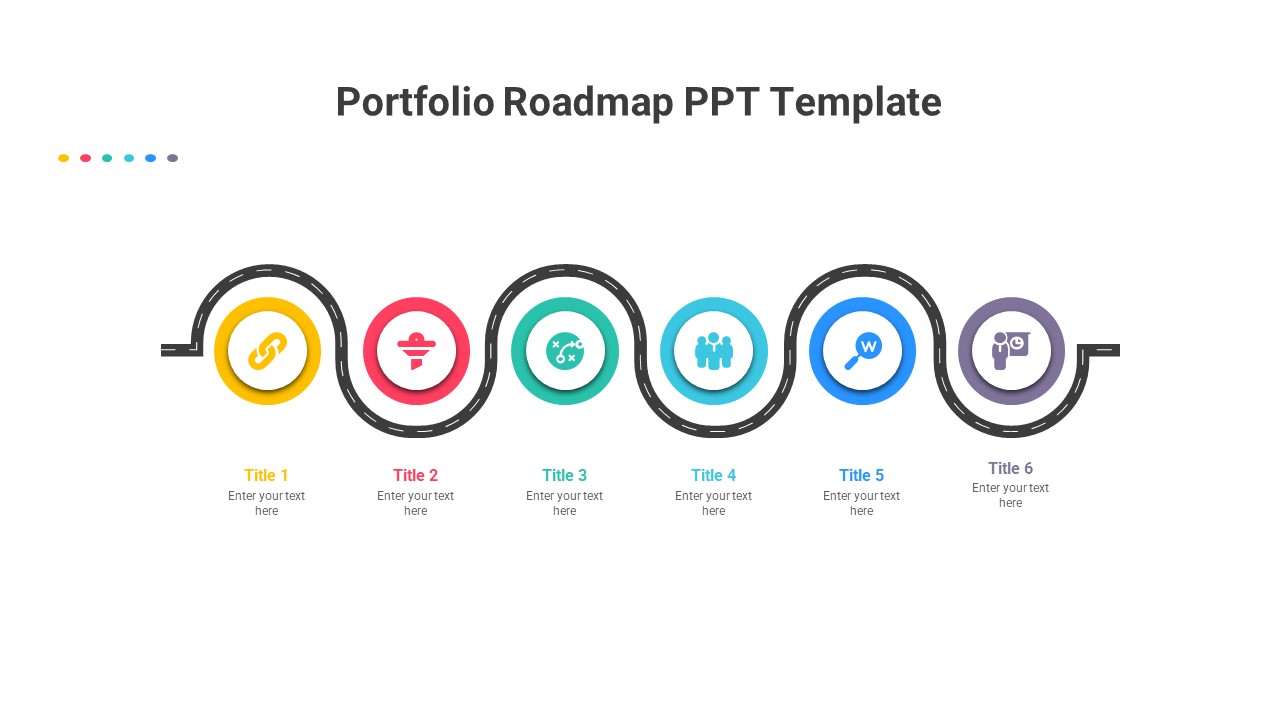
About this PowerPoint template
Introducing the Portfolio Roadmap PowerPoint Presentation, your ultimate solution for visualizing and strategizing your project portfolios with unparalleled ease and efficiency. In today's fast-paced business landscape, effective communication and planning are paramount, and this meticulously crafted presentation template empowers you to streamline your processes and drive success.
With its fully editable PowerPoint format, this presentation eliminates the hassle of starting from scratch, saving you precious time and resources. Say goodbye to tedious manual adjustments – every element, from shapes to text, is customizable, allowing you to tailor your roadmap to perfection with just a few clicks. Whether you're fine-tuning color schemes, resizing components, or refining textual content, this template offers unparalleled flexibility to meet your exact specifications.
Gone are the days of inconsistent design elements. Our built-in color theme ensures consistency throughout your presentation, even when copying and pasting content across slides. This feature not only enhances visual appeal but also reinforces brand identity, leaving a lasting impression on your audience.
Experience seamless integration of visuals with our drag-and-drop image placeholders, allowing you to effortlessly incorporate graphics that resonate with your audience. Whether you're showcasing product mock-ups, team photos, or project milestones, our intuitive interface simplifies the process, enabling you to convey your message with clarity and impact.
Moreover, our presentation template boasts fully editable vector graphics, guaranteeing crisp, high-quality imagery that scales seamlessly across various screen sizes. Say goodbye to pixelation and hello to professional-grade visuals that captivate and engage your audience.
Industries across the spectrum can benefit from the Portfolio Roadmap PowerPoint Presentation. From technology firms navigating product development cycles to marketing agencies orchestrating campaign timelines, the versatility of this template knows no bounds. Whether you're a project manager seeking to align stakeholders or a startup founder mapping out growth strategies, this tool empowers you to visualize your roadmap with precision and finesse.
Unlock the potential of your projects and propel your organization toward its goals with the Portfolio Roadmap PowerPoint Presentation. Revolutionize your planning process, captivate your audience, and pave the way to success with this indispensable tool.
Template details
| Template | Portfolio Roadmap Roadmap PowerPoint Presentation |
|---|---|
| Category | Roadmap |
| File format | PowerPoint (.pptx) |
| Slide size | 16:9 widescreen |
| Preview images | 1 |
| Editable | Yes: text, colours, shapes, icons and charts |
| Works with | PowerPoint 2010 and later, PowerPoint for Mac, Google Slides |
| Licence | Royalty-free, yours to keep using after your plan ends (terms of use apply) |
| Price | Included in every SlideVilla plan |
| Added | 13 Mar 2024 |
| Last updated | 16 Mar 2024 |
Questions about this template
Can I edit the Portfolio Roadmap Roadmap PowerPoint Presentation?
Yes. Every part of the Portfolio Roadmap Roadmap PowerPoint Presentation is made with native PowerPoint shapes and text boxes, so you can change the wording, colours, fonts and sizes, move or delete elements, and swap icons without losing quality.
Does the Portfolio Roadmap Roadmap PowerPoint Presentation work in Google Slides?
Yes. Download the .pptx file, upload it to Google Drive and open it with Google Slides. The layout, shapes and text stay editable there too.
Is the Portfolio Roadmap Roadmap PowerPoint Presentation free?
It is a premium template, included in every SlideVilla plan together with the rest of the library. See plans and pricing.
What size and format is it?
It is a PPTX file in 16:9 widescreen format, with 1 preview image shown above.
How to use this template
- Step 1DownloadClick Download and the .pptx file saves straight to your computer.
- Step 2OpenOpen it in PowerPoint, or upload it to Google Slides from your Drive.
- Step 3Make it yoursChange text, colours, icons and charts. Every element is fully editable.
Categories
Related PowerPoint templates
More designs like this one, ready to edit.