About this PowerPoint template
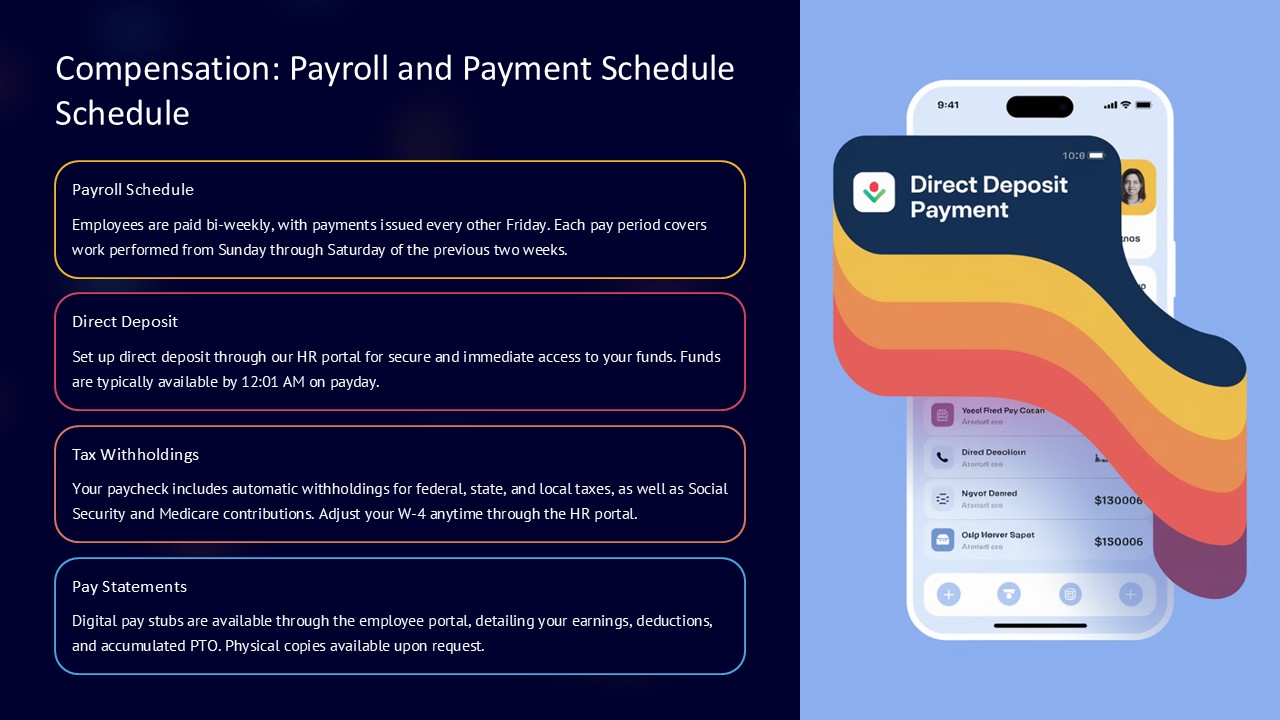
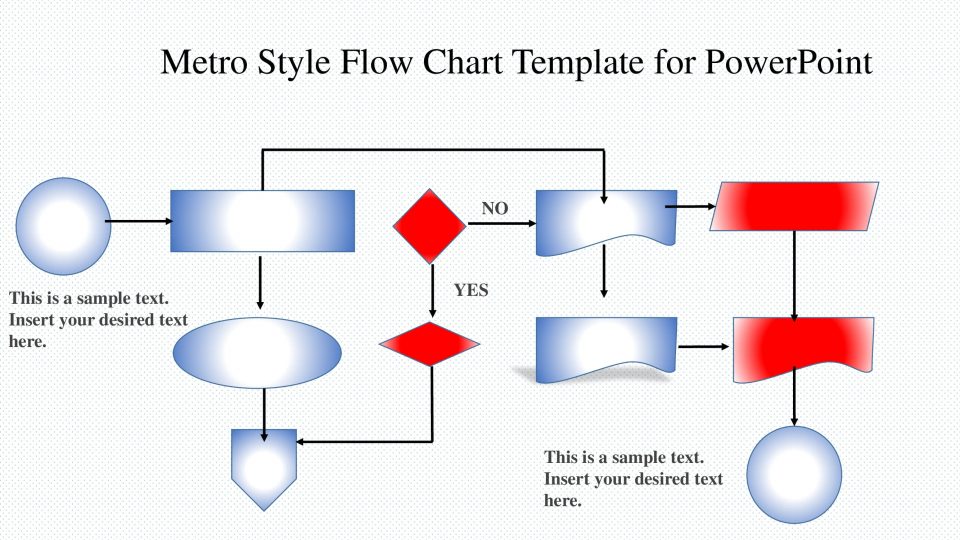
The Payroll Flow Chart PowerPoint Template is an essential tool for HR departments and payroll professionals to easily visualize and communicate the payroll process within an organization. This professionally designed template comes with a collection of editable slides that make it effortless to create detailed and informative flow charts.
The template includes a variety of pre-designed slides that cover every step of the payroll process, from employee hours tracking to tax deductions and direct deposits. Each slide features clear and concise icons, labels, and arrows to guide the viewer through the flow chart seamlessly. The user-friendly design allows for quick customization by simply updating the text, colors, and shapes to fit your organization's specific payroll procedures.
With the Payroll Flow Chart PowerPoint Template, you can effectively communicate payroll processes to employees, managers, and executives, ensuring transparency and understanding across the board. Whether you are preparing for a presentation, training session, or documenting the payroll process, this template provides the necessary tools to streamline your workflow and enhance communication.
Features of the Payroll Flow Chart PowerPoint Template:
- Fully Editable Slides: Customize the text, colors, and shapes to match your organization's branding and payroll process.
- Pre-Designed Layouts: Choose from a variety of professionally designed slides to easily create detailed flow charts.
- Easy-to-Use Icons: Utilize the included icons and symbols to visually represent each step of the payroll process.
- Clear Labels and Arrows: Guide viewers through the flow chart with clear labels and arrows for easy comprehension.
- Versatile Use: Suitable for presentations, training sessions, documentation, and more to effectively communicate payroll processes.
Overall, the Payroll Flow Chart PowerPoint Template is a valuable resource for anyone involved in managing payroll within an organization. Its fully editable templates provide the flexibility and customization needed to create professional and informative flow charts that enhance productivity and understanding in the workplace.
Template details
| Template | Payroll Flow Chart PowerPoint Template |
|---|---|
| Category | PowerPoint Templates |
| File format | PowerPoint (.pptx) |
| Slide size | 16:9 widescreen |
| Preview images | 1 |
| Editable | Yes: text, colours, shapes, icons and charts |
| Works with | PowerPoint 2010 and later, PowerPoint for Mac, Google Slides |
| Licence | Royalty-free, yours to keep using after your plan ends (terms of use apply) |
| Price | Included in every SlideVilla plan |
| Added | 2 Nov 2024 |
Questions about this template
Can I edit the Payroll Flow Chart PowerPoint Template?
Yes. Every part of the Payroll Flow Chart PowerPoint Template is made with native PowerPoint shapes and text boxes, so you can change the wording, colours, fonts and sizes, move or delete elements, and swap icons without losing quality.
Does the Payroll Flow Chart PowerPoint Template work in Google Slides?
Yes. Download the .pptx file, upload it to Google Drive and open it with Google Slides. The layout, shapes and text stay editable there too.
Is the Payroll Flow Chart PowerPoint Template free?
It is a premium template, included in every SlideVilla plan together with the rest of the library. See plans and pricing.
What size and format is it?
It is a PPTX file in 16:9 widescreen format, with 1 preview image shown above.
How to use this template
- Step 1DownloadClick Download and the .pptx file saves straight to your computer.
- Step 2OpenOpen it in PowerPoint, or upload it to Google Slides from your Drive.
- Step 3Make it yoursChange text, colours, icons and charts. Every element is fully editable.
Categories
Related PowerPoint templates
More designs like this one, ready to edit.