About this PowerPoint template
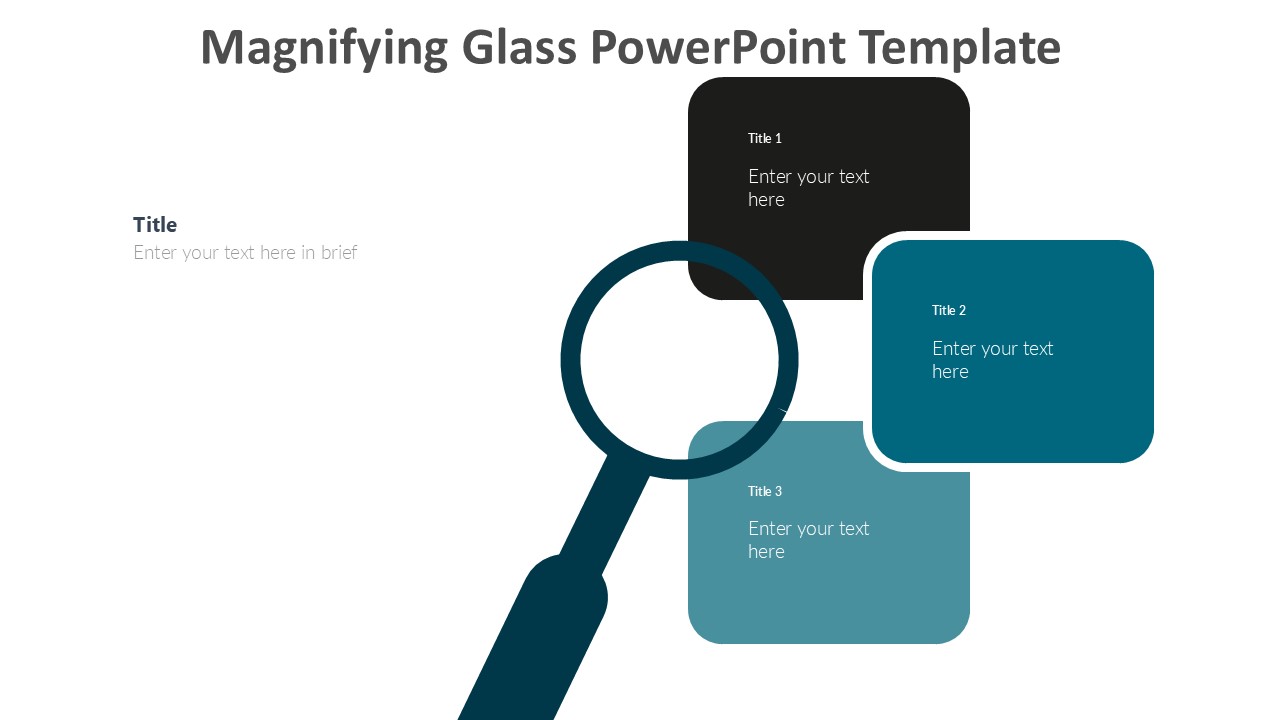
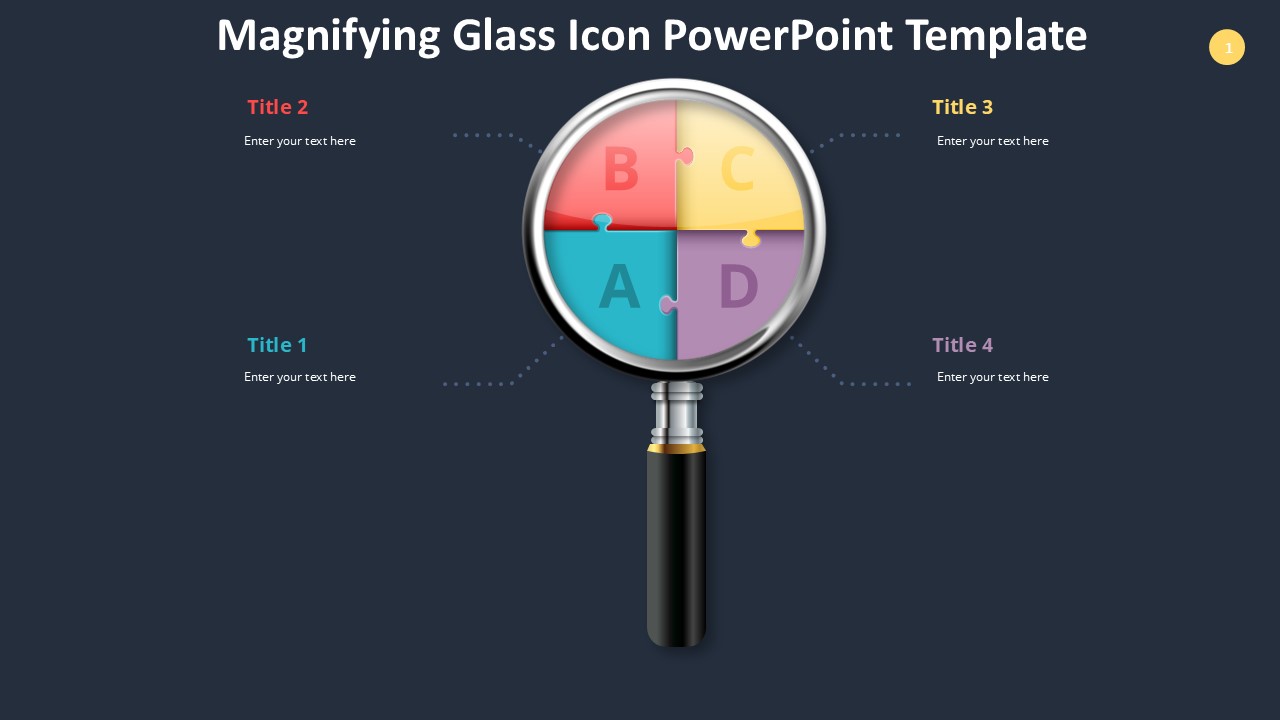
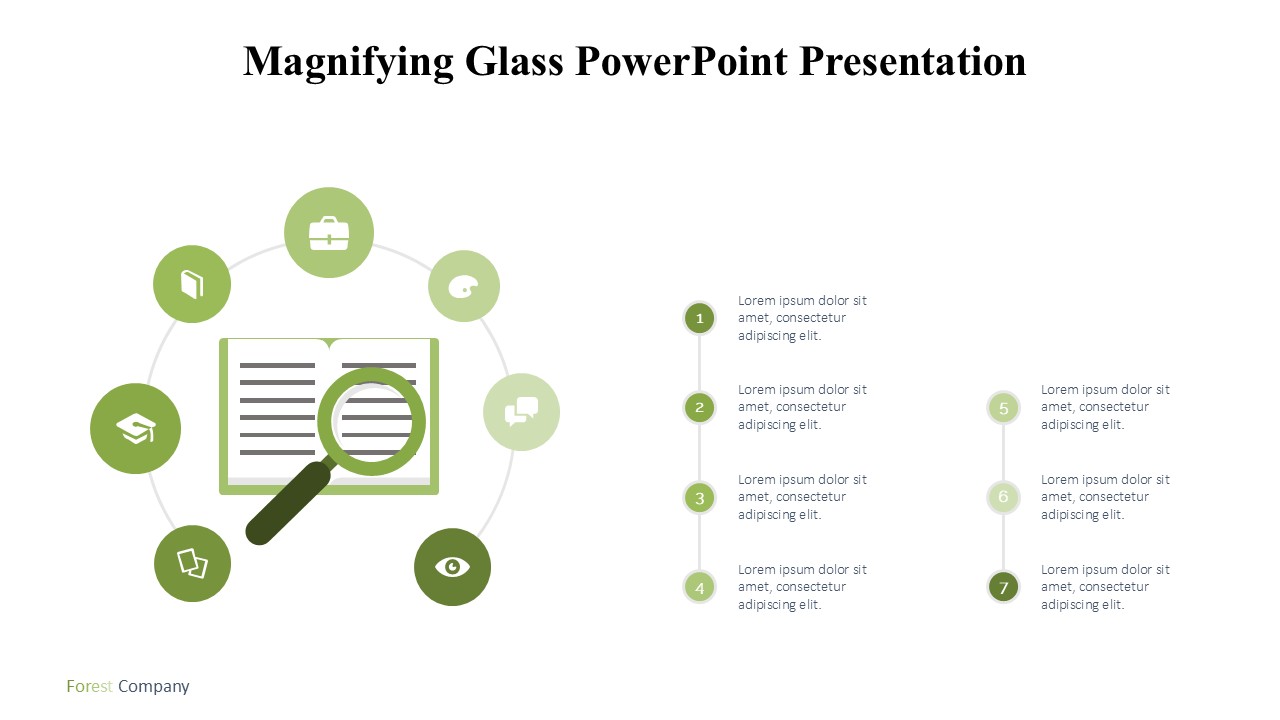
Introducing the Magnifying Glass PowerPoint Presentation, your ultimate tool for showcasing details and emphasizing critical data points in your business or educational presentations. This meticulously crafted PowerPoint template features a creative and engaging design centered around the magnifying glass concept, perfect for highlighting specifics, conducting detailed analyses, or simply drawing your audience’s attention to the most important aspects of your discourse.
The Magnifying Glass PowerPoint Presentation template is not only visually appealing but also incredibly versatile, making it suitable for a wide range of applications. Whether you are a business professional looking to delve deep into market research findings, a scientist presenting a complex study, or an educator explaining intricate concepts, this template will help you convey your message with clarity and precision.
Design and Aesthetics:
The template boasts a professional design with clean lines and a modern aesthetic. The magnifying glass motif is cleverly integrated into various slides, serving as a focal point that guides the viewer's attention to where it matters most. The use of subtle animations and transitions adds a layer of sophistication without distracting from the core content.
Ease of Use:
Designed with the user in mind, this PowerPoint template is incredibly easy to customize. Each slide is fully editable, allowing you to change colors, text, and graphics to suit your specific needs. The layout and design elements can be effortlessly adjusted to match your personal or corporate style, ensuring that your presentation is both unique and compelling.
Compatibility and Flexibility:
The Magnifying Glass PowerPoint Presentation is designed to be compatible with a wide range of software platforms. It supports PowerPoint templates and is also fully compatible with Google Slides, providing flexibility for users who prefer different presentation tools. This feature ensures that you can access and edit your presentation from anywhere, on any device, making it an ideal choice for professionals on the go.
Features:
1. Fully Editable Templates: Every element of the presentation can be customized to fit your specific requirements. From text boxes and fonts to color schemes and background images, you have complete control over your presentation's look and feel.
- Supports PowerPoint and Google Slides: This template is designed to be used across multiple platforms. Whether you are a long-time PowerPoint user or prefer the simplicity and accessibility of Google Slides, this template ensures seamless integration and functionality.
- Wide Range of Slides: The template includes a variety of slide layouts, each tailored for different types of content. Whether you need to create lists, graphs, comparison charts, or image galleries, there is a slide design ready to be utilized.
- High-Quality Graphics: The magnifying glass and other graphical elements are of high resolution, ensuring that your presentation looks sharp and professional on any screen size.
- User Guide and Support: The template comes with a detailed user guide to help you make the most of its features. Additionally, customer support is available to assist you with any questions or issues you might encounter.
In conclusion, the Magnifying Glass PowerPoint Presentation is an essential tool for anyone looking to create impactful and detailed presentations. Its combination of aesthetic appeal, ease of use, and broad compatibility makes it an excellent choice for professionals across all industries. Elevate your presentation game and ensure your audience is not only watching but truly seeing what you have to offer.
Template details
| Template | Magnifying Glass PowerPoint Presentation |
|---|---|
| Category | PowerPoint Templates |
| File format | PowerPoint (.pptx) |
| Slide size | 16:9 widescreen |
| Preview images | 1 |
| Editable | Yes: text, colours, shapes, icons and charts |
| Works with | PowerPoint 2010 and later, PowerPoint for Mac, Google Slides |
| Licence | Royalty-free, yours to keep using after your plan ends (terms of use apply) |
| Price | Included in every SlideVilla plan |
| Added | 11 May 2025 |
Questions about this template
Can I edit the Magnifying Glass PowerPoint Presentation?
Yes. Every part of the Magnifying Glass PowerPoint Presentation is made with native PowerPoint shapes and text boxes, so you can change the wording, colours, fonts and sizes, move or delete elements, and swap icons without losing quality.
Does the Magnifying Glass PowerPoint Presentation work in Google Slides?
Yes. Download the .pptx file, upload it to Google Drive and open it with Google Slides. The layout, shapes and text stay editable there too.
Is the Magnifying Glass PowerPoint Presentation free?
It is a premium template, included in every SlideVilla plan together with the rest of the library. See plans and pricing.
What size and format is it?
It is a PPTX file in 16:9 widescreen format, with 1 preview image shown above.
How to use this template
- Step 1DownloadClick Download and the .pptx file saves straight to your computer.
- Step 2OpenOpen it in PowerPoint, or upload it to Google Slides from your Drive.
- Step 3Make it yoursChange text, colours, icons and charts. Every element is fully editable.
Categories
Related PowerPoint templates
More designs like this one, ready to edit.