About this PowerPoint template
Looking to make an informed decision when purchasing a new laptop but overwhelmed with all the options available in the market? Our Laptop Comparison PowerPoint Presentation is here to simplify the process for you.
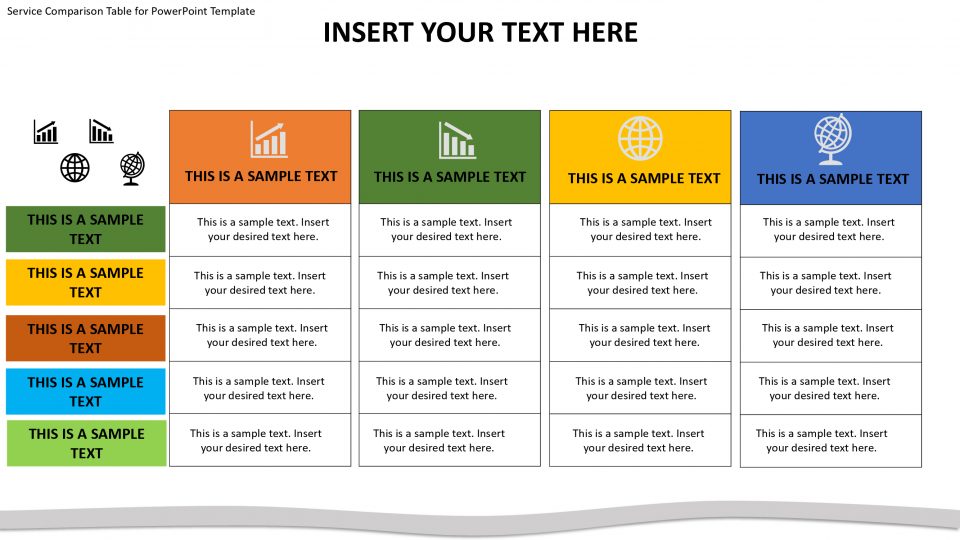
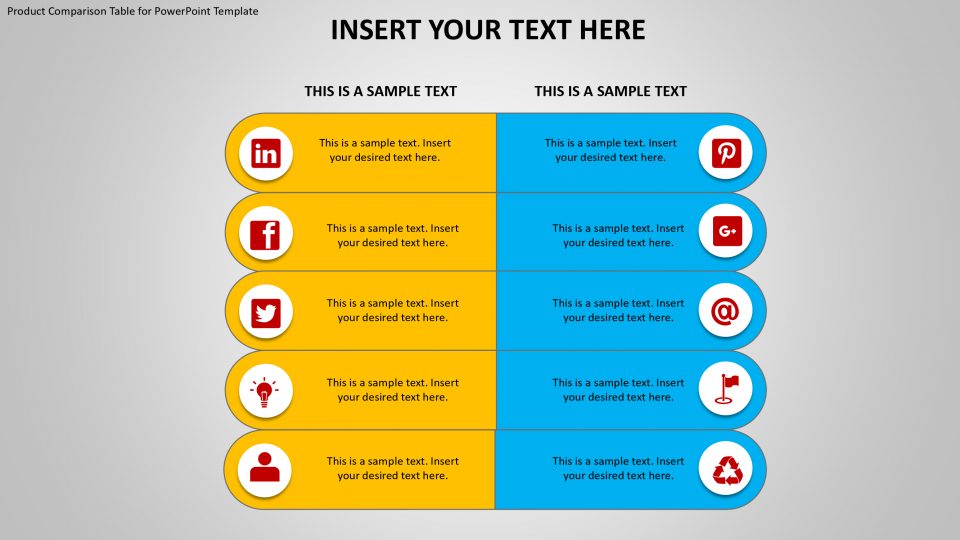
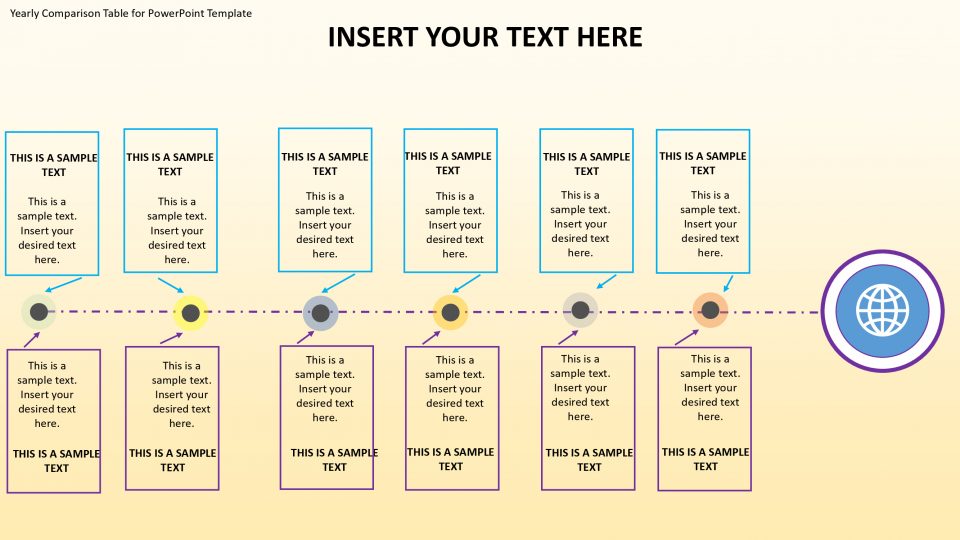
This comprehensive presentation allows you to compare different laptop models based on various factors such as price, specifications, features, and design. With easy-to-understand charts and graphs, you can quickly see the pros and cons of each laptop and make a well-informed decision based on your needs and budget.
Whether you are a student looking for a budget-friendly laptop for online classes, a professional in need of a high-performance device for work, or a gamer searching for a laptop with top-notch graphics, our Laptop Comparison PowerPoint Presentation has got you covered.
Say goodbye to hours of research and endless comparison websites – with our presentation, you can save time and effort by having all the information you need in one convenient place. Make the right choice and invest in a laptop that meets all your requirements with the help of our Laptop Comparison PowerPoint Presentation.
Features related to fully editable templates:
1. Customizable design: Change the colors, fonts, and layout to match your branding or personal preferences.
2. Editable charts and graphs: Easily update the data to reflect the latest specifications and prices of the laptops you are comparing.
3. Drag-and-drop functionality: Quickly rearrange slides and elements to create a customized presentation that suits your needs.
4. Easy to use: No advanced design skills required – simply open the presentation in PowerPoint and start editing.
5. Professional look: Impress your audience with a sleek and modern presentation that is visually appealing and easy to follow.
In conclusion, our Laptop Comparison PowerPoint Presentation is the perfect tool to help you make an informed decision when selecting a new laptop. With its user-friendly interface and fully editable templates, you can create a professional presentation that showcases the key features and benefits of each laptop model. Save time, effort, and make the right choice with our Laptop Comparison PowerPoint Presentation.
Template details
| Template | Laptop Comparison PowerPoint Presentation |
|---|---|
| Category | PowerPoint Templates |
| File format | PowerPoint (.pptx) |
| Slide size | 16:9 widescreen |
| Preview images | 1 |
| Editable | Yes: text, colours, shapes, icons and charts |
| Works with | PowerPoint 2010 and later, PowerPoint for Mac, Google Slides |
| Licence | Royalty-free, yours to keep using after your plan ends (terms of use apply) |
| Price | Included in every SlideVilla plan |
| Added | 15 May 2024 |
Questions about this template
Can I edit the Laptop Comparison PowerPoint Presentation?
Yes. Every part of the Laptop Comparison PowerPoint Presentation is made with native PowerPoint shapes and text boxes, so you can change the wording, colours, fonts and sizes, move or delete elements, and swap icons without losing quality.
Does the Laptop Comparison PowerPoint Presentation work in Google Slides?
Yes. Download the .pptx file, upload it to Google Drive and open it with Google Slides. The layout, shapes and text stay editable there too.
Is the Laptop Comparison PowerPoint Presentation free?
It is a premium template, included in every SlideVilla plan together with the rest of the library. See plans and pricing.
What size and format is it?
It is a PPTX file in 16:9 widescreen format, with 1 preview image shown above.
How to use this template
- Step 1DownloadClick Download and the .pptx file saves straight to your computer.
- Step 2OpenOpen it in PowerPoint, or upload it to Google Slides from your Drive.
- Step 3Make it yoursChange text, colours, icons and charts. Every element is fully editable.
Categories
Related PowerPoint templates
More designs like this one, ready to edit.