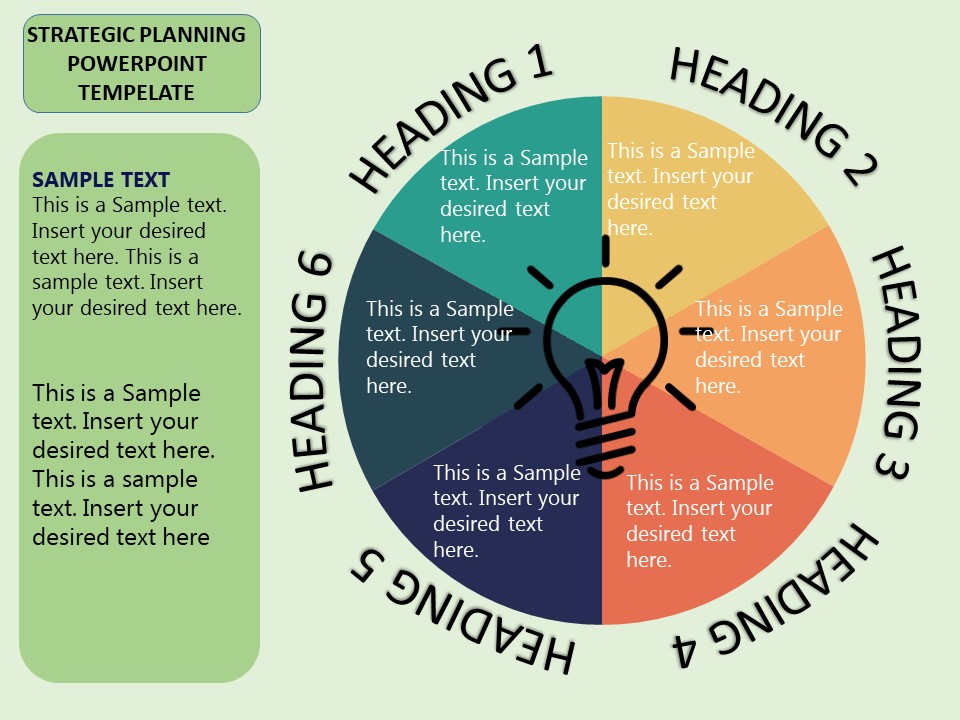
About this PowerPoint template
Unlock the Power of Strategic Account Management with Our Comprehensive Key Account Management Strategy PowerPoint Presentation
In today’s highly competitive business environment, effective management of key accounts is crucial for sustaining long-term partnerships and driving revenue growth. Our Key Account Management Strategy PowerPoint Presentation is meticulously designed to help professionals like you develop, present, and execute winning strategies for your most important accounts. Whether you’re a seasoned account manager, a sales executive, or a business strategist, this presentation template is your go-to resource for crafting a compelling key account strategy.
Detailed and Professional: This PowerPoint presentation includes a range of professionally designed slides that cover every aspect of key account management. From identifying key accounts to strategy formulation and execution, each slide is structured to guide you through the process methodically. You'll find templates for SWOT analysis, investment planning, relationship mapping, performance tracking, and more, all tailored to help you focus on strategic account planning and management.
Customizable for Your Business Needs: We understand that every business is unique. That’s why our presentation is fully customizable, allowing you to tailor the content to fit the specific needs and characteristics of your accounts. Whether it's changing the text, altering the color schemes, or adding your company logo, you can easily personalize each slide to align with your corporate branding and the strategic nuances of your key accounts.
Engaging Visuals to Communicate Your Strategy: With a mix of charts, graphs, and infographics, our presentation makes data visualization simple and effective. These visuals not only make the information more digestible but also engage your audience, be it during internal team meetings or external client presentations. The use of compelling graphics helps in illustrating complex data in a clear and impactful way, facilitating better understanding and decision-making.
Versatile and User-Friendly: Created with the user in mind, this template supports both PowerPoint and Google Slides, ensuring you can present and share your strategy across various platforms seamlessly. Whether you’re presenting in the boardroom or collaborating online, our template provides the flexibility needed for modern business environments.
Key Features:
- Fully Editable Templates: Every element of our PowerPoint presentation can be edited to suit your specific needs. Adjust texts, fonts, colors, and images with just a few clicks.
- PowerPoint and Google Slides Compatibility: No matter your preference or requirement, our template is designed to perform excellently on both PowerPoint and Google Slides, offering you versatility in presentation and collaboration.
- Professional Design: With a sleek, professional design, our presentation makes a visual impact that can help captivate your audience and effectively communicate your strategic vision.
- Comprehensive Content Range: Covers all necessary areas of key account management, including planning, execution, and review phases, ensuring a holistic approach to your account strategy presentations.
Leverage our Key Account Management Strategy PowerPoint Presentation to enhance your strategic account planning and impress your stakeholders with clear, effective, and professional presentations. Elevate your account management approach today and witness the transformation in how your key accounts are managed and nurtured for optimal success.
Template details
| Template | Key Account Management Strategy PowerPoint Presentation |
|---|---|
| Category | PowerPoint Templates |
| File format | PowerPoint (.pptx) |
| Slide size | 16:9 widescreen |
| Preview images | 1 |
| Editable | Yes: text, colours, shapes, icons and charts |
| Works with | PowerPoint 2010 and later, PowerPoint for Mac, Google Slides |
| Licence | Royalty-free, yours to keep using after your plan ends (terms of use apply) |
| Price | Included in every SlideVilla plan |
| Added | 11 May 2025 |
Questions about this template
Can I edit the Key Account Management Strategy PowerPoint Presentation?
Yes. Every part of the Key Account Management Strategy PowerPoint Presentation is made with native PowerPoint shapes and text boxes, so you can change the wording, colours, fonts and sizes, move or delete elements, and swap icons without losing quality.
Does the Key Account Management Strategy PowerPoint Presentation work in Google Slides?
Yes. Download the .pptx file, upload it to Google Drive and open it with Google Slides. The layout, shapes and text stay editable there too.
Is the Key Account Management Strategy PowerPoint Presentation free?
It is a premium template, included in every SlideVilla plan together with the rest of the library. See plans and pricing.
What size and format is it?
It is a PPTX file in 16:9 widescreen format, with 1 preview image shown above.
How to use this template
- Step 1DownloadClick Download and the .pptx file saves straight to your computer.
- Step 2OpenOpen it in PowerPoint, or upload it to Google Slides from your Drive.
- Step 3Make it yoursChange text, colours, icons and charts. Every element is fully editable.
Categories
Related PowerPoint templates
More designs like this one, ready to edit.