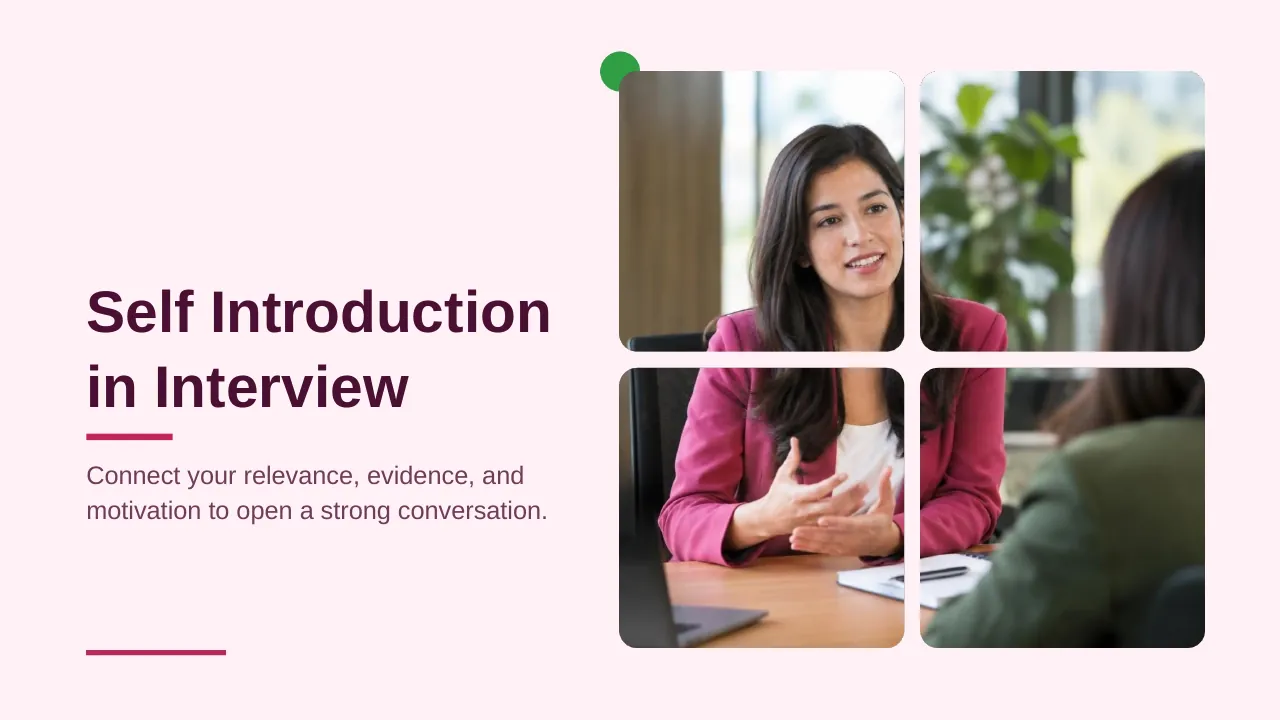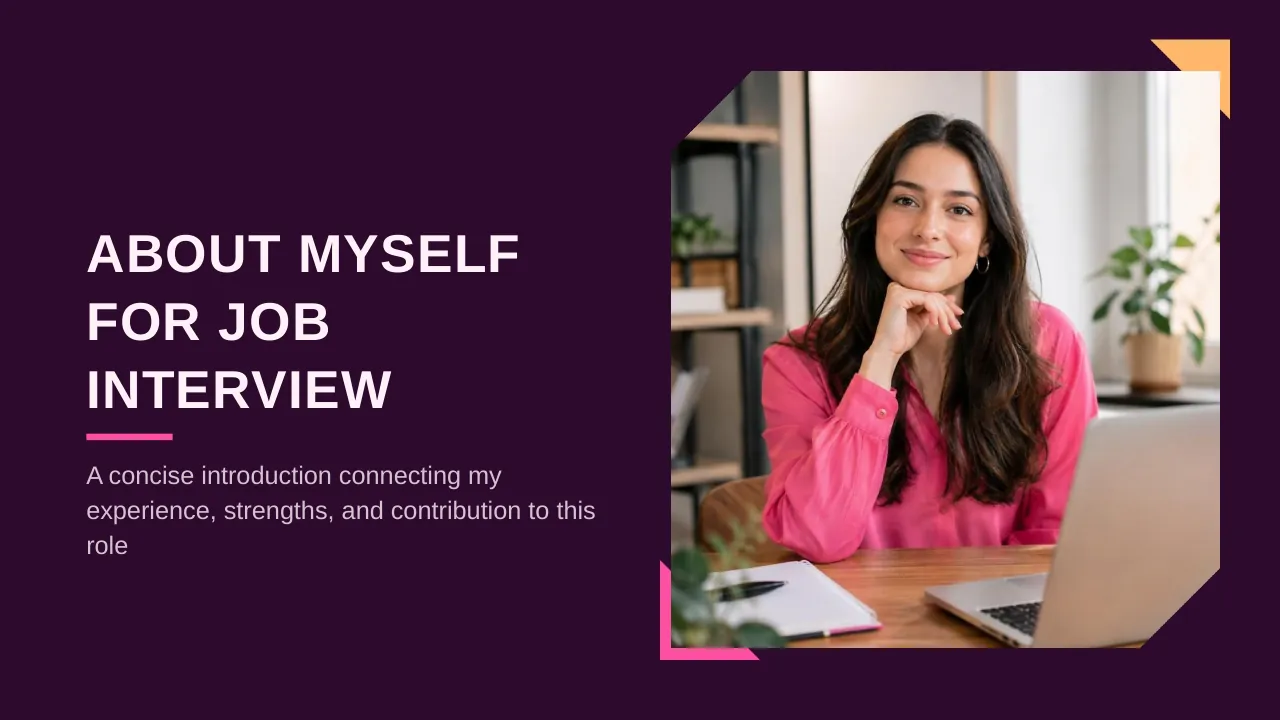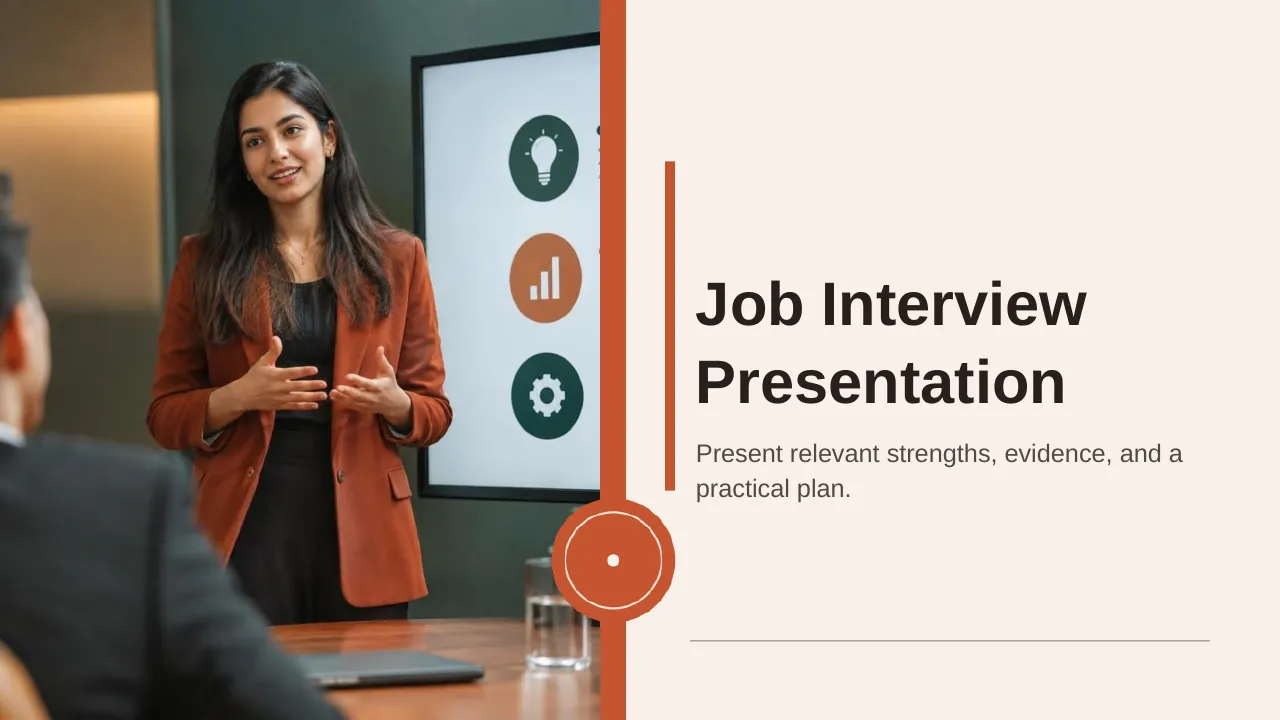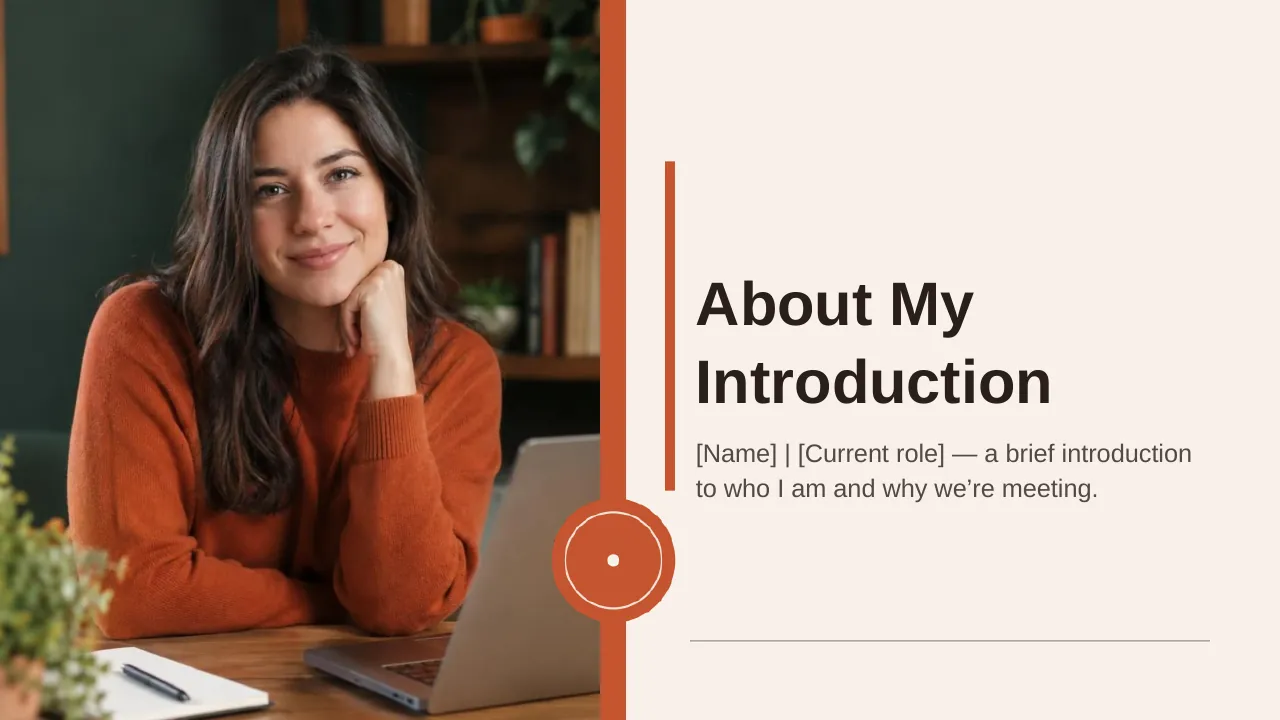

About this PowerPoint template
The Job Interview Self-Presentation PowerPoint Presentation is a complete 20-slide presentation: a focused introduction to my experience, strengths, and fit. Every slide is fully editable in PowerPoint and Google Slides, so you can change the text, colours, charts and icons to fit your brand in minutes.
Inside, the slides walk through topics such as “Connect your experience directly to the hiring team’s priorities”, “Show how you work with others” and “Give the panel three reasons to remember you”, with ready-made layouts for each step. It is part of our About Me & Job Interview presentations.
On this page
What's included
- 20 professionally designed 16:9 widescreen slides
- 100% editable text, shapes, icons, tables and charts (no flat images)
- Works in Microsoft PowerPoint (Windows and Mac) and Google Slides
- Clean, consistent layout that follows your theme colours and fonts
- Delivered as a single ZIP file containing the .pptx presentation
What to include in an interview presentation
A simple structure that works for most audiences, mapped to the slides in this deck:
| Part | What goes there | Slide in this deck |
|---|---|---|
| Introduction | Who you are in one or two lines | Slides 2, 4 |
| Experience | Relevant roles and results | Slides 3, 4, 6 |
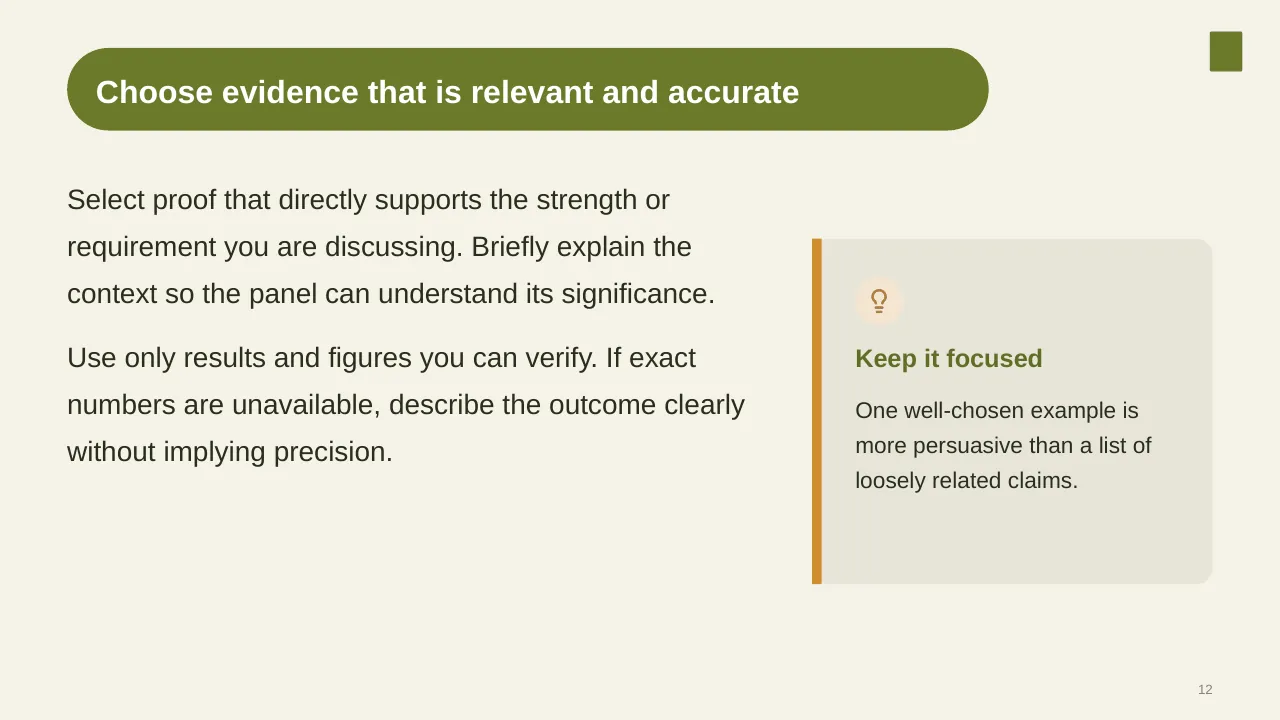
| Skills | The skills the role needs, with evidence | Slides 8, 12 |
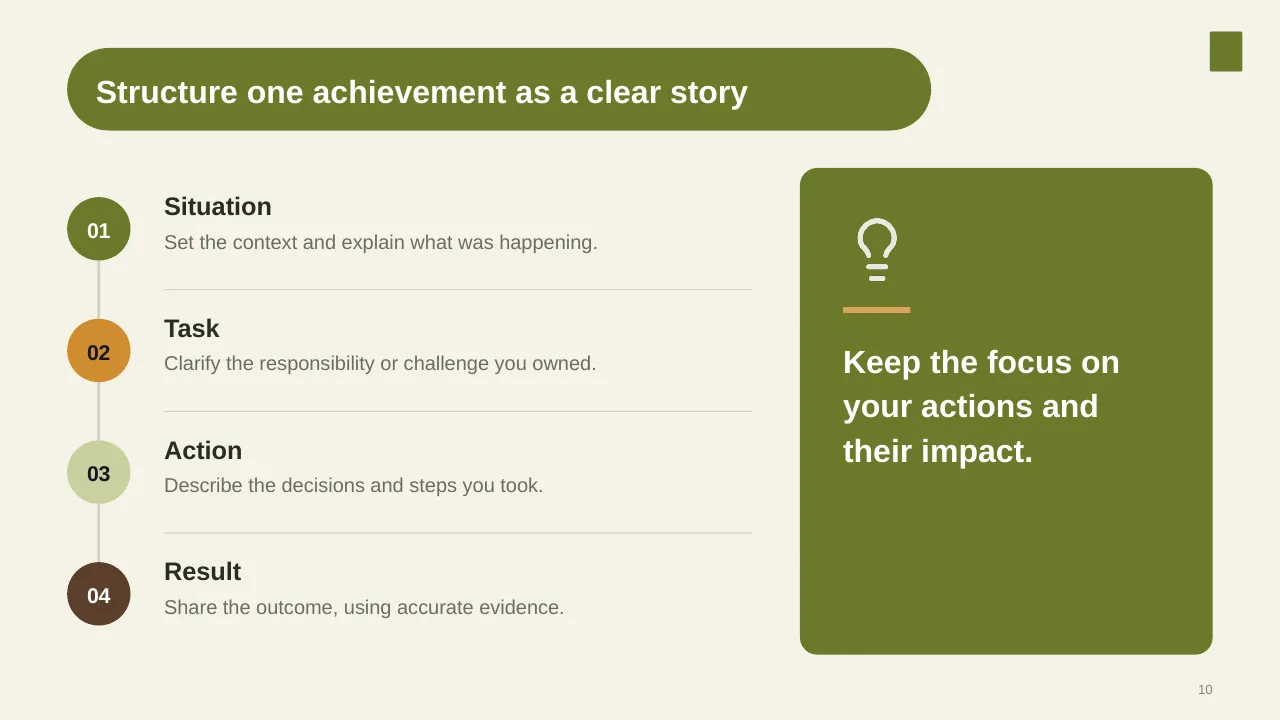
| Achievements | Two or three results with numbers | Slide 10 |
| Fit and plan | Why this role and what you would do first | Slides 5, 15, 17 |
Key numbers: Interviews and hiring decisions
Research figures you can quote on your slides. Each one names the study it comes from, so your audience can check it.
| Finding | Figure | Source |
|---|---|---|
| Predictive validity of structured interviews (highest of all common methods) | 0.42 | Sackett et al., Journal of Applied Psychology (2022) |
| Predictive validity of unstructured interviews | 0.19 | Sackett et al. (2022) |
| Predictive validity of job knowledge tests | 0.40 | Sackett et al. (2022) |
| Average non-executive cost per hire (US) | $5,475 | SHRM Recruiting Benchmarking (2025) |
Sources: SIOP on Sackett et al. (2022) · Structured interview validity summary, Noon · SHRM 2025 Recruiting Benchmarking. Figures are from the editions named; check for a newer edition before you present.
Validity is a correlation from 0 to 1 between the method and later job performance. Asking every candidate the same questions roughly doubles it.
Slide-by-slide outline
| Slide | What it covers |
|---|---|
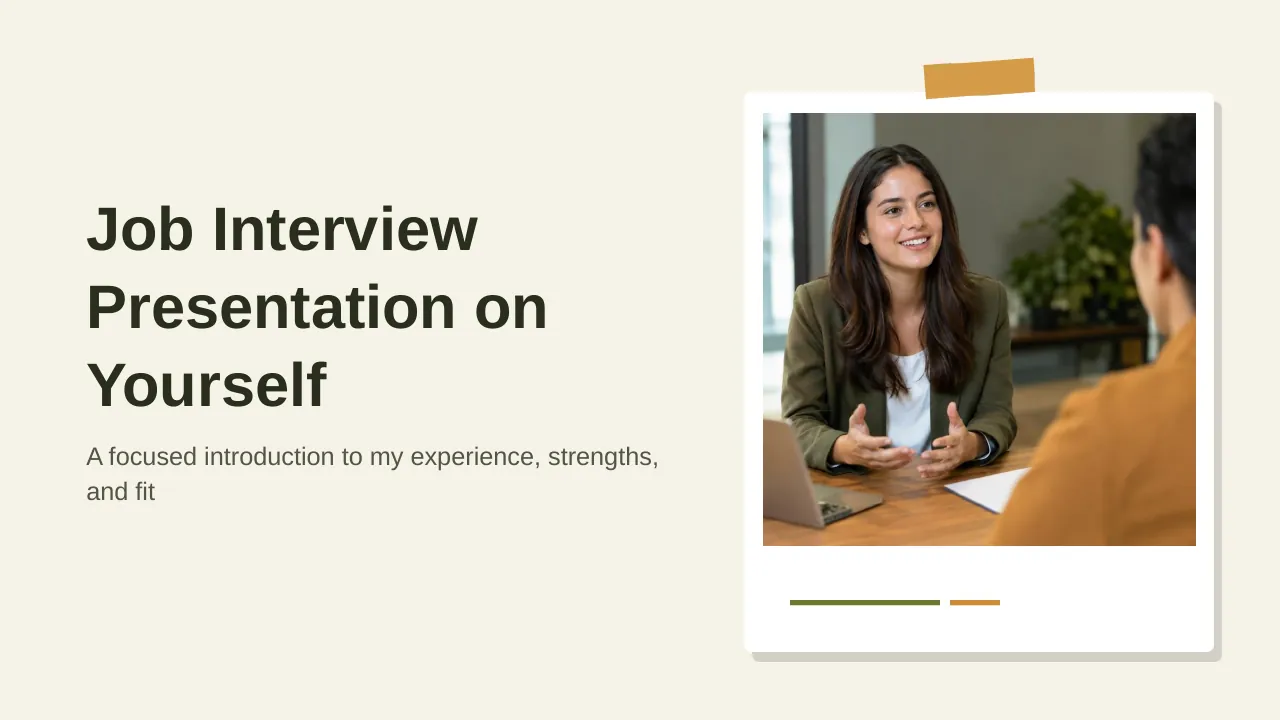
| 1 | Title slide: Job Interview Self-Presentation |
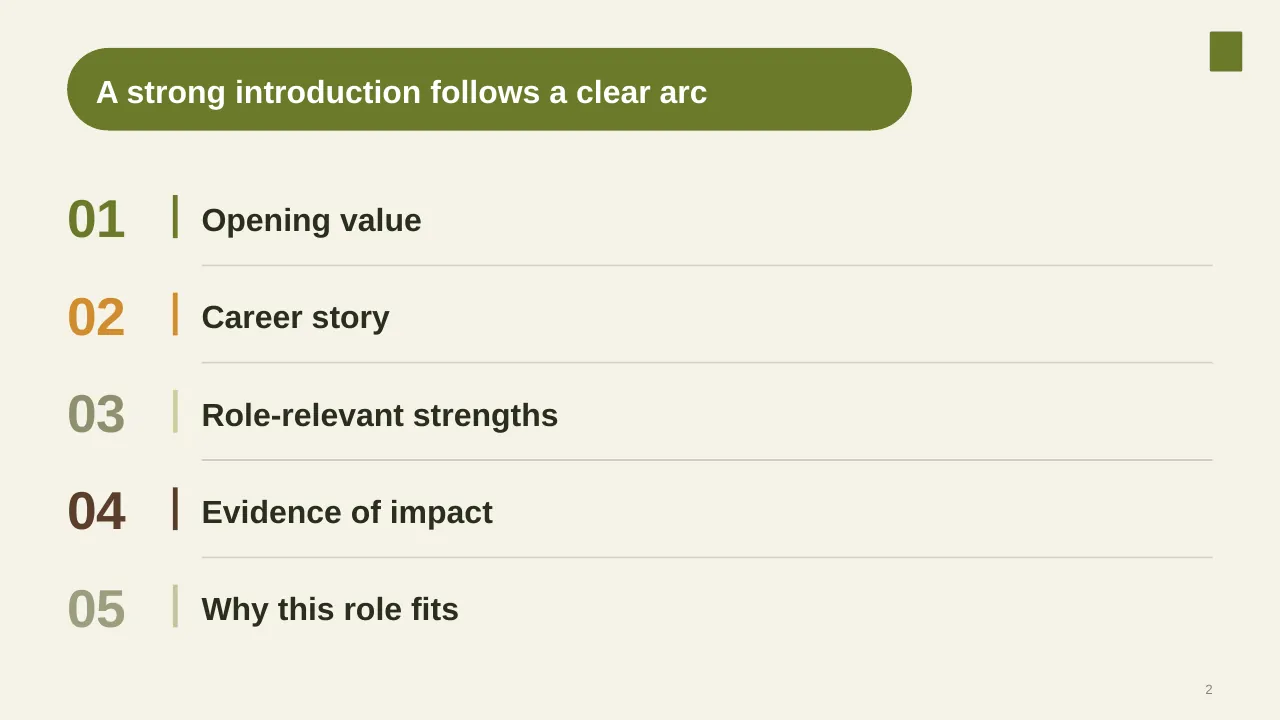
| 2 | A strong introduction follows a clear arc |
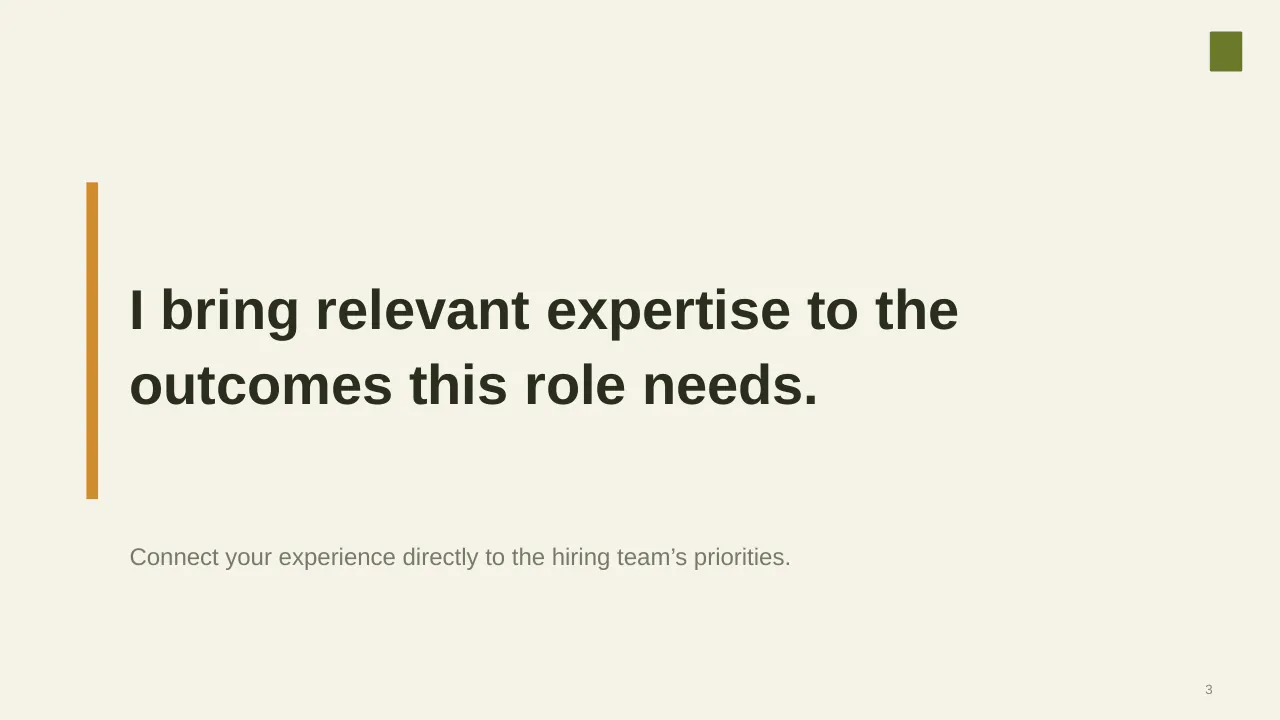
| 3 | Connect your experience directly to the hiring team’s priorities. |
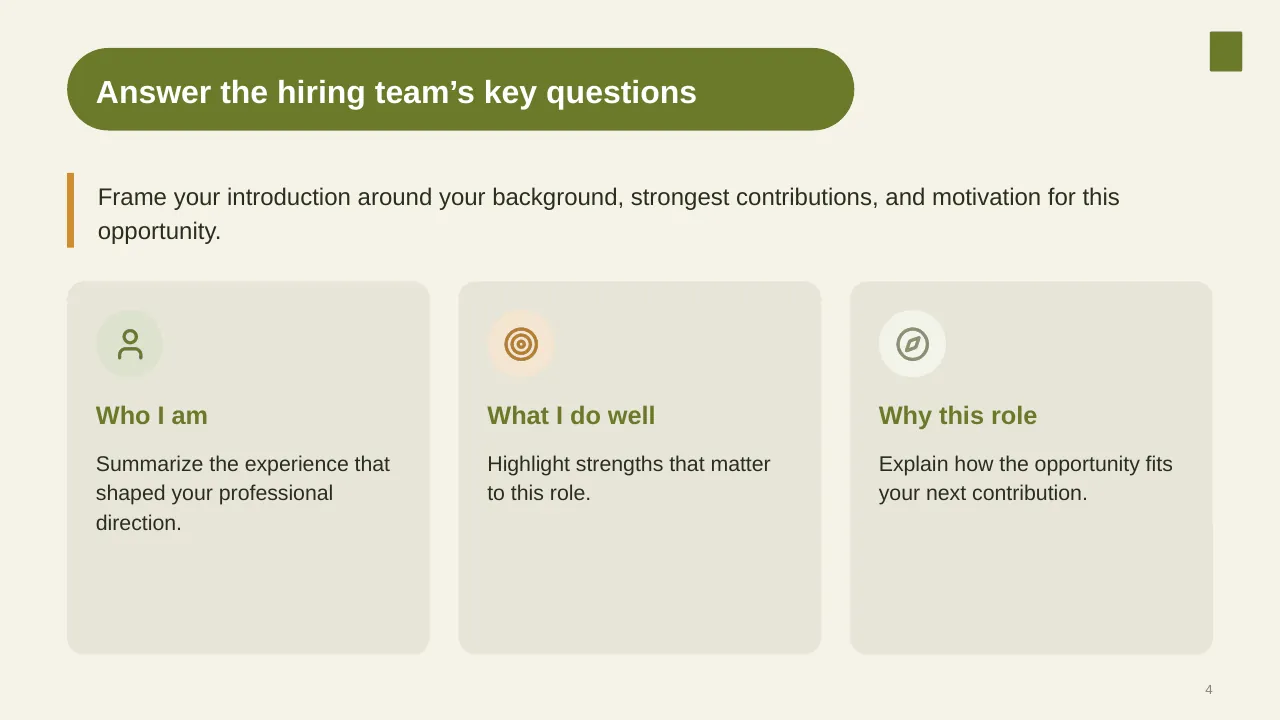
| 4 | Frame your introduction around your background, strongest contributions, and motivation for this opportunity. |
| 5 | Connect the choices you made with the value you bring next. |
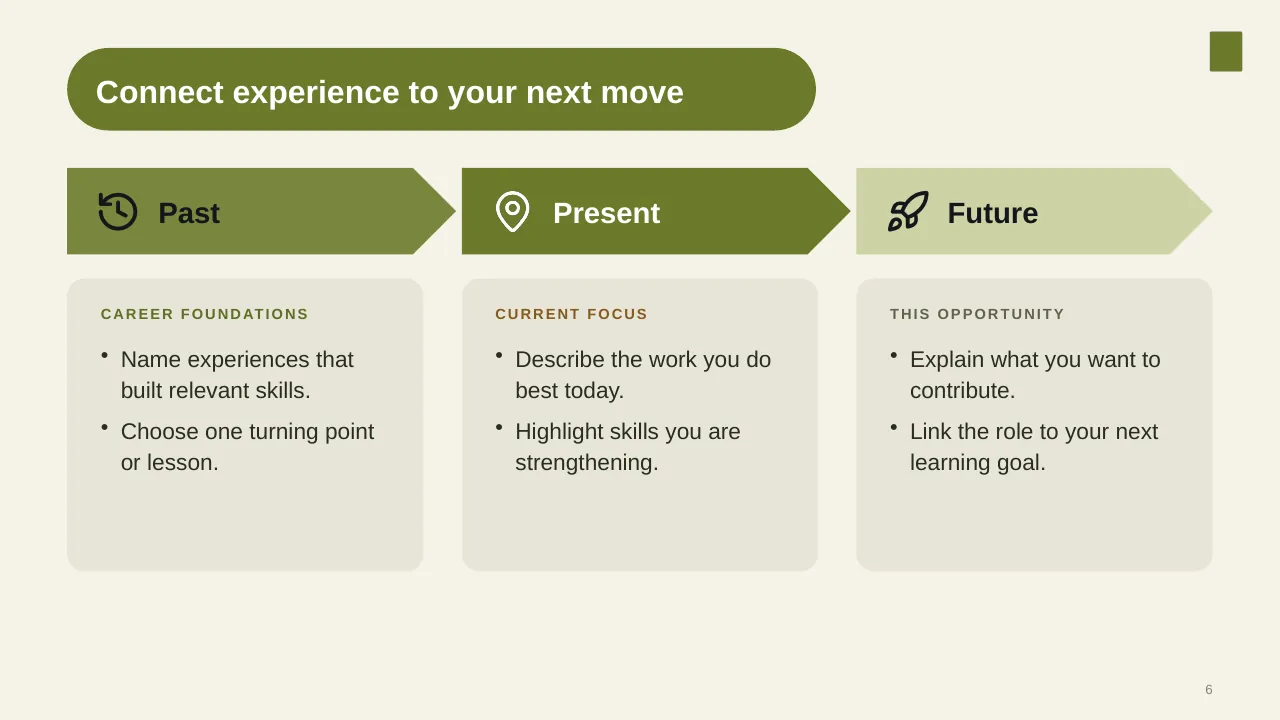
| 6 | Connect experience to your next move |
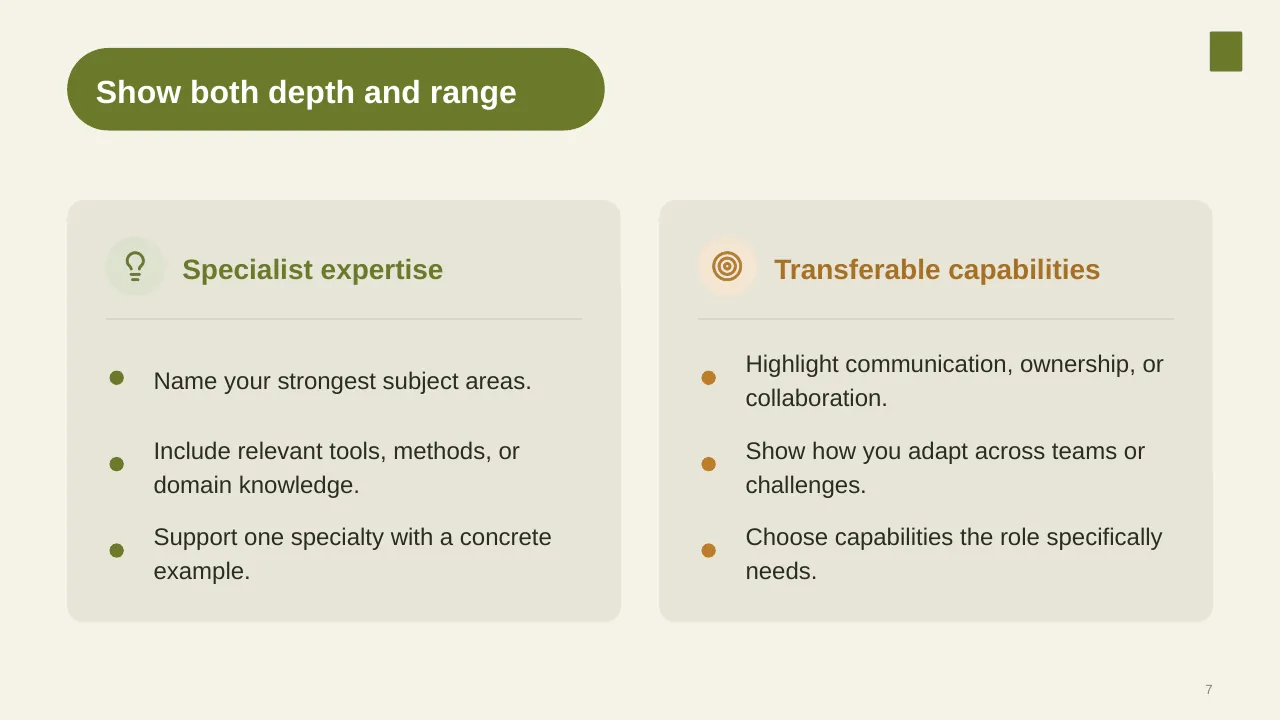
| 7 | Name your strongest subject areas. |
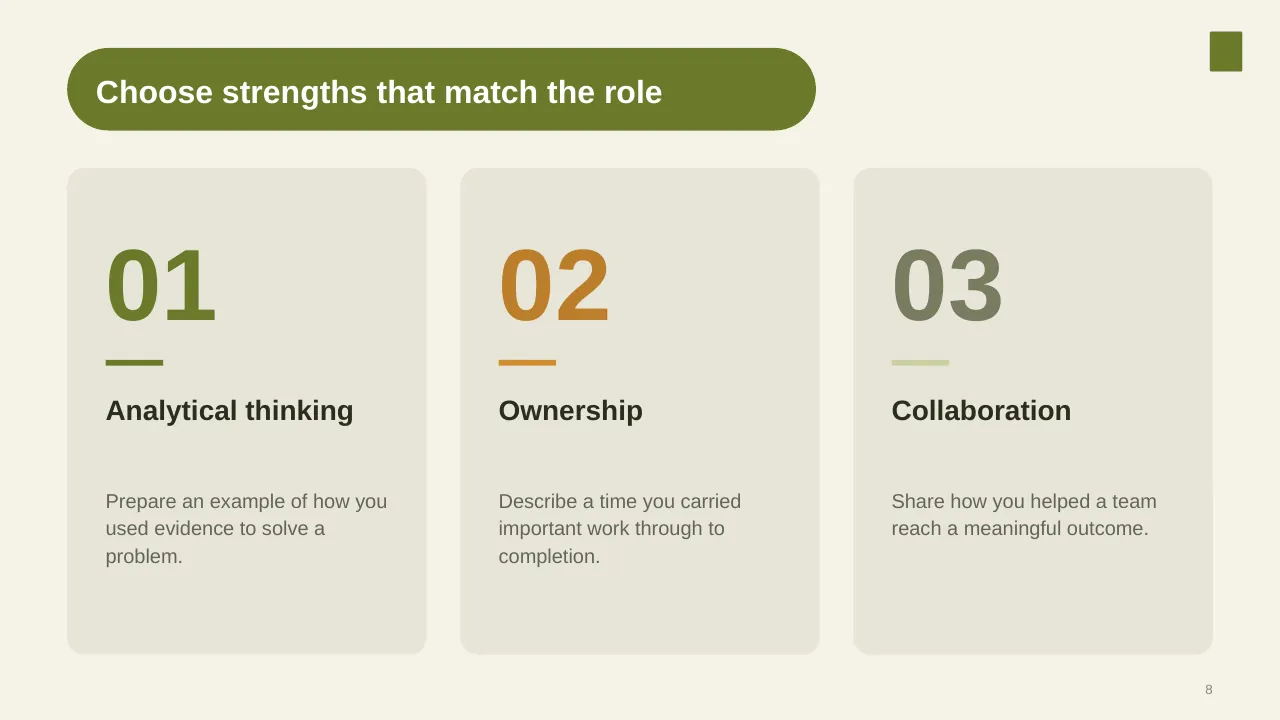
| 8 | Choose strengths that match the role |
| 9 | Move from describing what you do well to showing it through relevant examples. |
| 10 | Structure one achievement as a clear story |
| 11 | Distinguish your contribution from the team's work, while giving teammates appropriate credit. |
| 12 | Select proof that directly supports the strength or requirement you are discussing. Briefly explain the… |
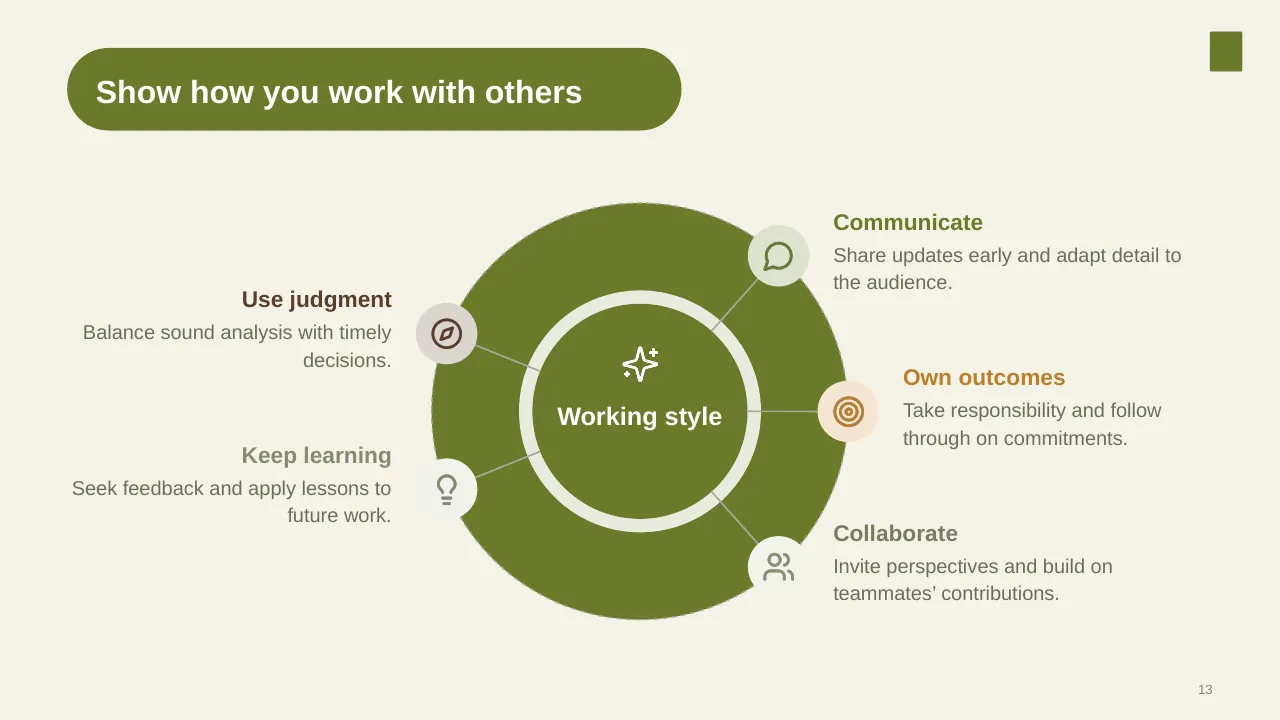
| 13 | Show how you work with others |
| 14 | Show how your proven capabilities can meet this role’s needs. |
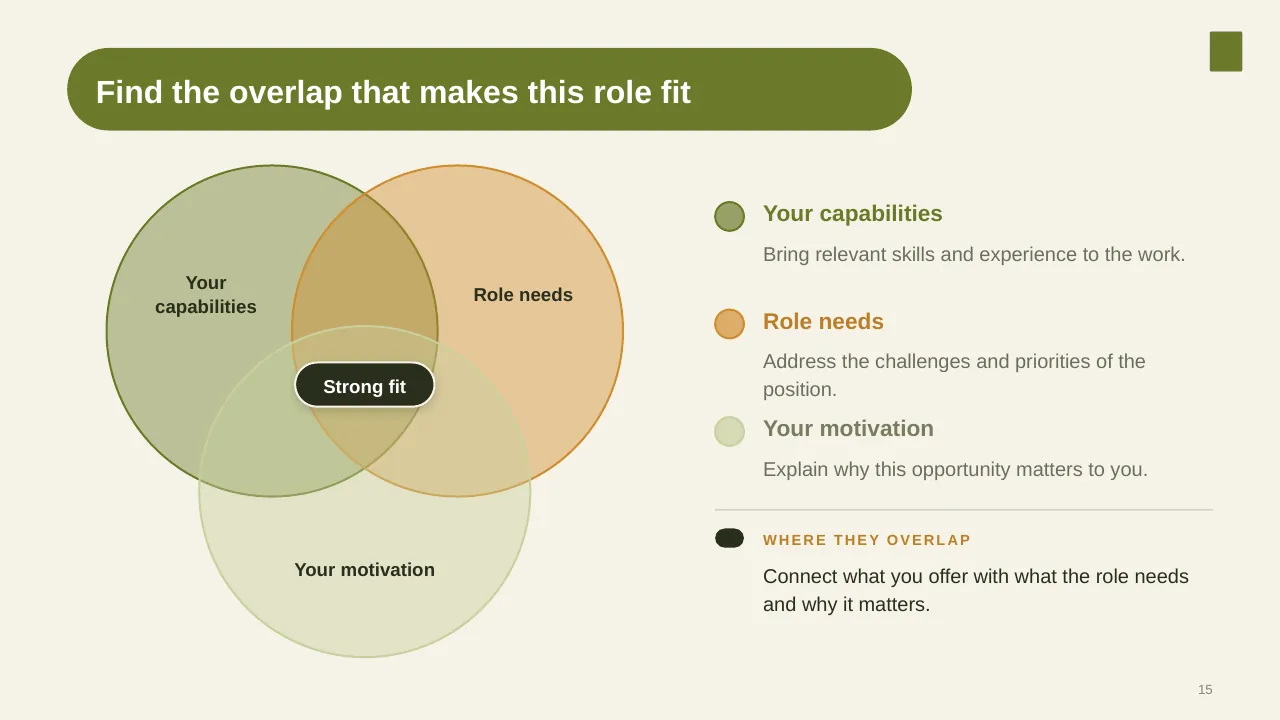
| 15 | Find the overlap that makes this role fit |
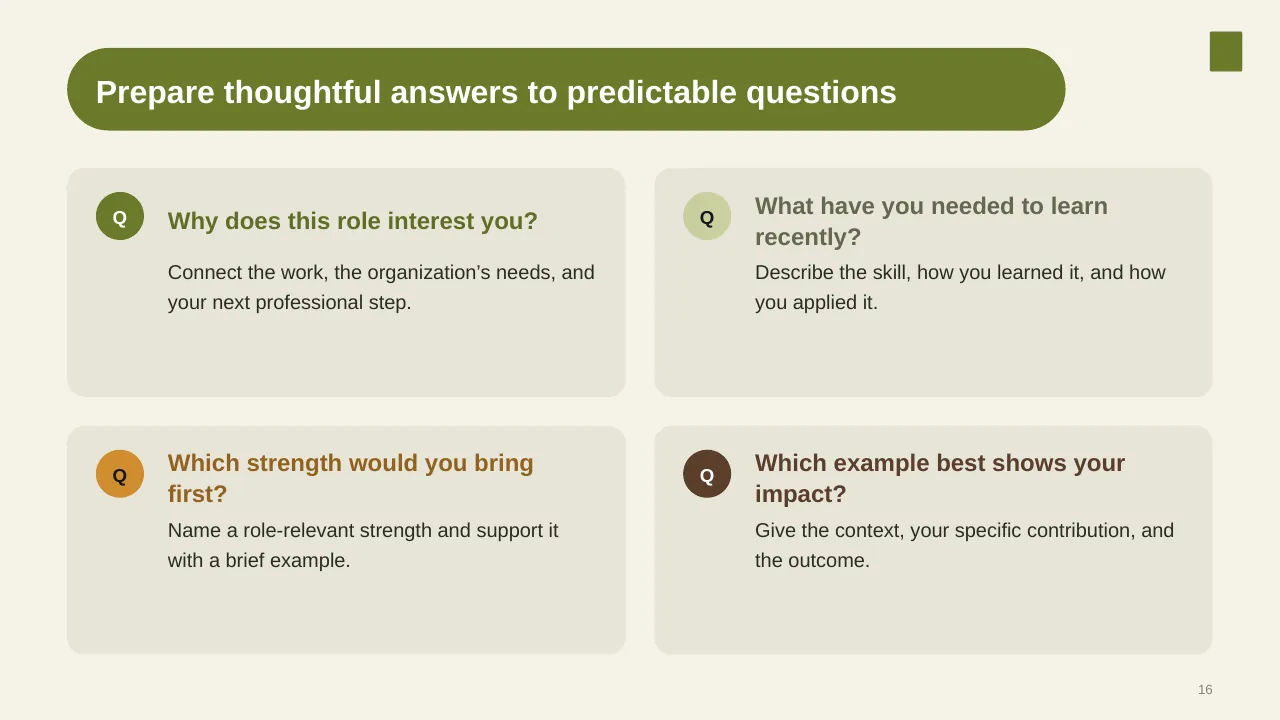
| 16 | Prepare thoughtful answers to predictable questions |
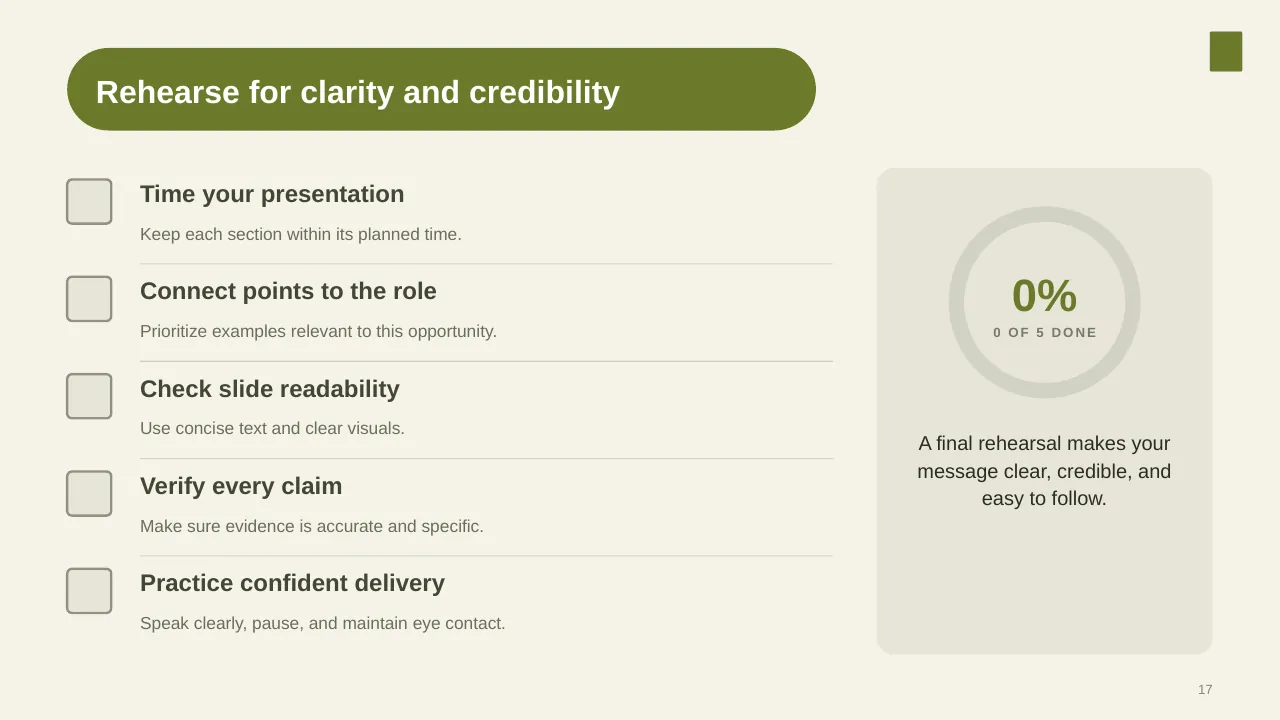
| 17 | Keep each section within its planned time. |
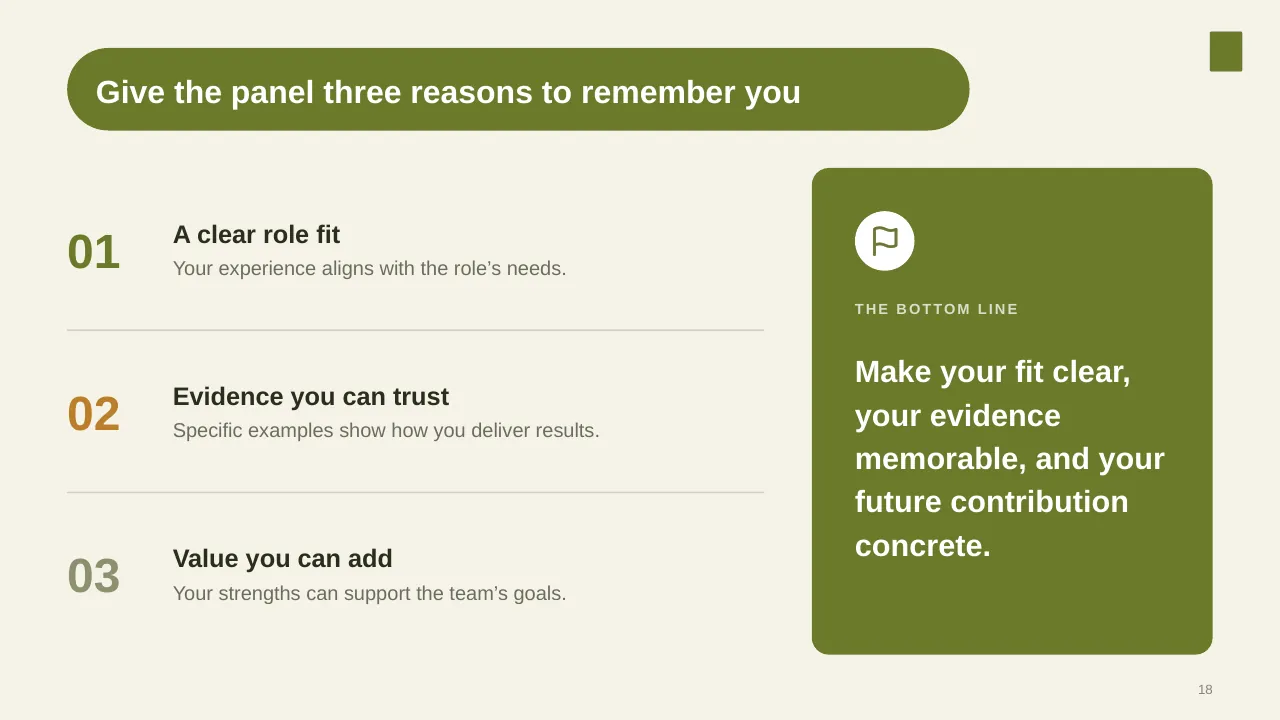
| 18 | Give the panel three reasons to remember you |
| 19 | Thank you for your time; I remain genuinely interested in this opportunity. |
| 20 | I look forward to discussing how I can contribute. |
Tips for an interview presentation
- Tailor each slide to the job description.
- Use numbers for achievements.
- Keep it short; leave time for questions.
- Practise with a timer.
Mistakes to avoid
- Reading the CV aloud
- Too many slides for the time
- No link to the role
Checklist before you present
- Is each slide relevant to the role?
- Are achievements quantified?
- Does it fit the time limit?
- Is there a clear close?
- Have you practised it?
Great for
- Job interview presentations
- Self-introductions in a new team
- Career portfolios
- Personal profile and skills overviews
How to customise it
- Download the ZIP file and unzip it to get the .pptx presentation.
- Open it in PowerPoint, or upload it to Google Drive and open it with Google Slides.
- Replace the sample text and numbers with your own; charts update from their data sheets.
- Change the theme colours once to recolour the whole deck, then delete any slides you don't need.
Questions about an interview presentation
How long should an interview presentation be?
Follow the brief; if none is given, 10 minutes and 5 to 8 slides is a safe default.
What questions are interviewers likely to ask?
Structured interviews ask every candidate the same job-related questions, often about past situations, so prepare a few STAR examples.
Related presentations
- Job Interview PowerPoint Presentation
- About Myself for Job Interview PowerPoint Presentation
- Introduce Yourself PowerPoint Presentation
- About Me Personal Profile PowerPoint Presentation
Browse all About Me & Job Interview presentations or more business PowerPoint templates.
Template details
| Template | Job Interview Self-Presentation PowerPoint Presentation |
|---|---|
| Categories | Business PowerPoint Templates, About Me & Job Interview |
| File format | PowerPoint (.pptx), delivered as a .zip file |
| Number of slides | 20 fully editable slides |
| File size | 2.2 MB |
| Slide size | 16:9 widescreen |
| Preview images | 20 |
| Editable | Yes: text, colours, shapes, icons and charts |
| Works with | PowerPoint 2010 and later, PowerPoint for Mac, Google Slides |
| Licence | Royalty-free, yours to keep using after your plan ends (terms of use apply) |
| Price | Included in every SlideVilla plan |
| Added | 19 Jul 2025 |
Questions about this template
Can I edit the Job Interview Self-Presentation PowerPoint Presentation?
Yes. Every part of the Job Interview Self-Presentation PowerPoint Presentation is made with native PowerPoint shapes and text boxes, so you can change the wording, colours, fonts and sizes, move or delete elements, and swap icons without losing quality.
Does the Job Interview Self-Presentation PowerPoint Presentation work in Google Slides?
Yes. Download the .zip file, unzip it to get the .pptx, upload it to Google Drive and open it with Google Slides. The layout, shapes and text stay editable there too.
Is the Job Interview Self-Presentation PowerPoint Presentation free?
It is a premium template, included in every SlideVilla plan together with the rest of the library. See plans and pricing.
What size and format is it?
It is a PPTX file in 16:9 widescreen format with 20 slides, 2.2 MB (downloaded as a .zip; unzip it to get the presentation), with 20 preview images shown above.
How to use this template
- Step 1DownloadClick Download, then unzip the .zip file to get the .pptx presentation.
- Step 2OpenOpen it in PowerPoint, or upload it to Google Slides from your Drive.
- Step 3Make it yoursChange text, colours, icons and charts. Every element is fully editable.
Related PowerPoint templates
More designs like this one, ready to edit.