About this PowerPoint template
The Investment Impact on Business PowerPoint Presentation is a complete 20-slide presentation: how directed investment builds capabilities and improves business results. Every slide is fully editable in PowerPoint and Google Slides, so you can change the text, colours, charts and icons to fit your brand in minutes.
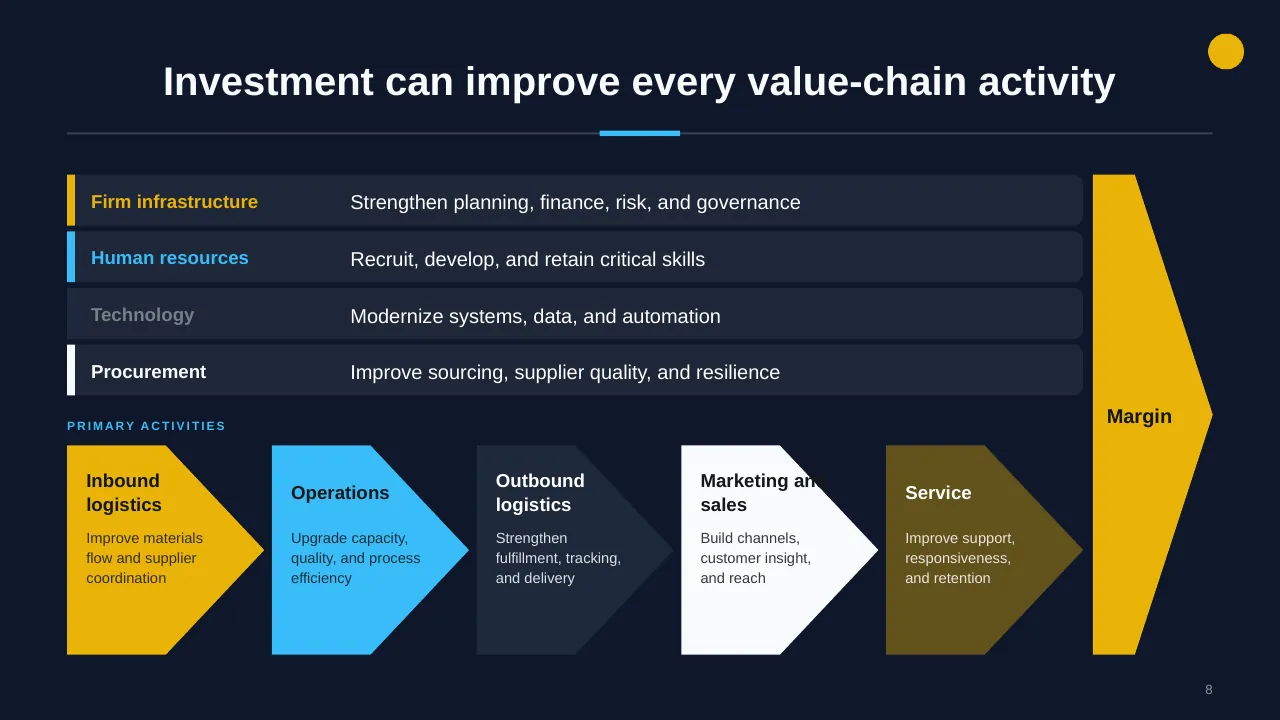
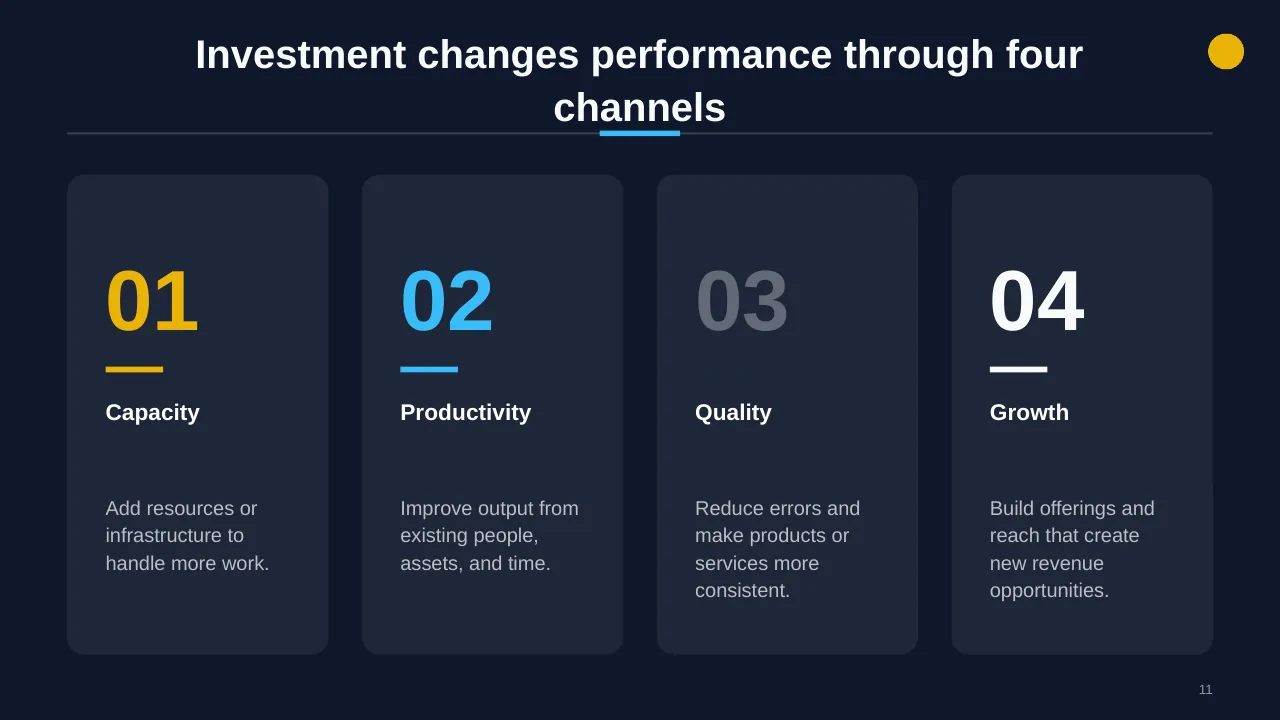
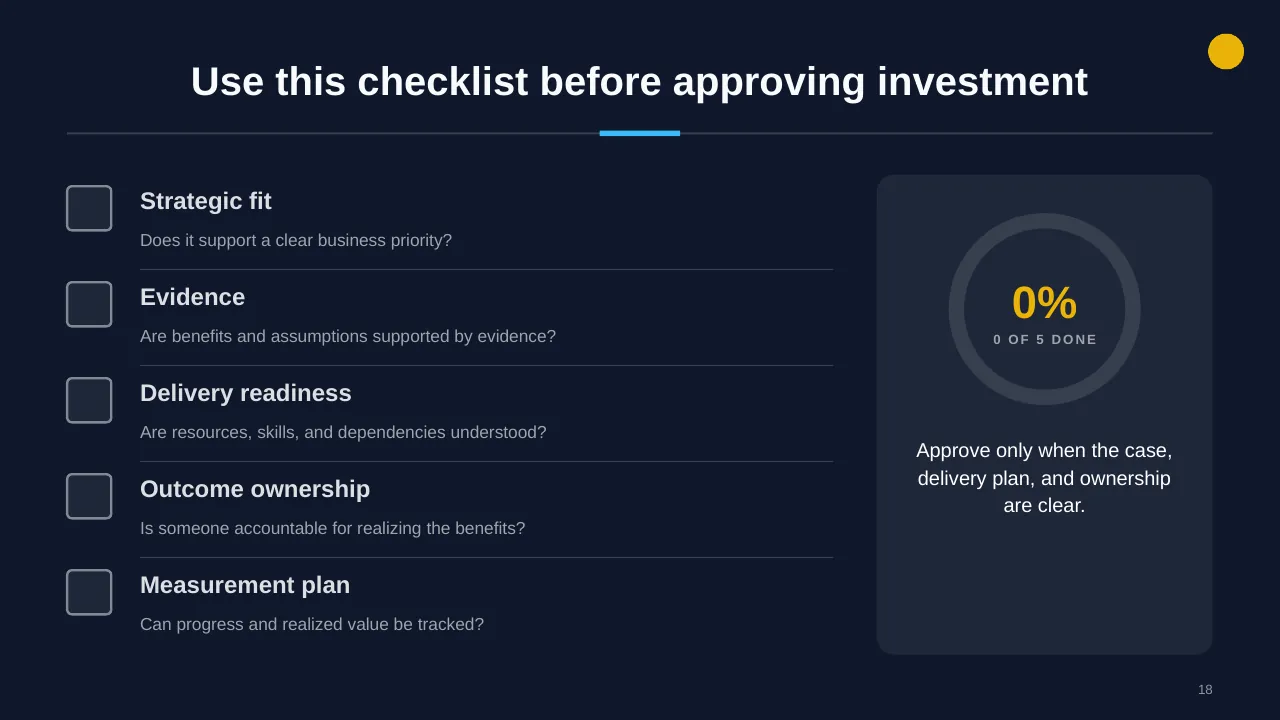
Inside, the slides walk through topics such as “More spending does not guarantee better results”, “Investment changes performance through four channels” and “Use this checklist before approving investment”, with ready-made layouts for each step. It is part of our Finance & Investment presentations.
On this page
What's included
- 20 professionally designed 16:9 widescreen slides
- 100% editable text, shapes, icons, tables and charts (no flat images)
- Works in Microsoft PowerPoint (Windows and Mac) and Google Slides
- Clean, consistent layout that follows your theme colours and fonts
- Delivered as a single ZIP file containing the .pptx presentation
What to include in a financial presentation
A simple structure that works for most audiences, mapped to the slides in this deck:
| Part | What goes there | Slide in this deck |
|---|---|---|
| Summary | Key numbers and the story behind them | Use any content slide |
| Budget vs actual | Variances by line and the reasons | Slides 4, 6, 9 |
| Forecast | Outlook and assumptions | Slides 8, 14 |
| Investments | Capital needs, returns and payback | Slides 2, 3, 5 |
| Risks and actions | Financial risks and decisions needed | Slides 8, 19, 20 |
Key numbers: Finance and budgeting
Research figures you can quote on your slides. Each one names the study it comes from, so your audience can check it.
| Finding | Figure | Source |
|---|---|---|
| Finance leaders who rank forecast accuracy among their top three FP&A goals | 72% | Vena, FP&A Impact Report (2026) |
| Finance leaders who use spreadsheets as a main budgeting tool | 61% | Vena, FP&A Impact Report (2026) |
| FP&A teams that rate their forecasts good or great | 42% (65% with AI/ML) | FP&A Trends Survey (2024) |
| CFOs ranking better forecast accuracy in their top five priorities | 51% | Gartner CFO survey (2025) |
Sources: Vena, FP&A trends and predictions · FP&A Trends Survey 2024 (PDF) · CPA Practice Advisor on the Gartner CFO survey. Figures are from the editions named; check for a newer edition before you present.
Slide-by-slide outline
| Slide | What it covers |
|---|---|
| 1 | Title slide: Investment Impact on Business |
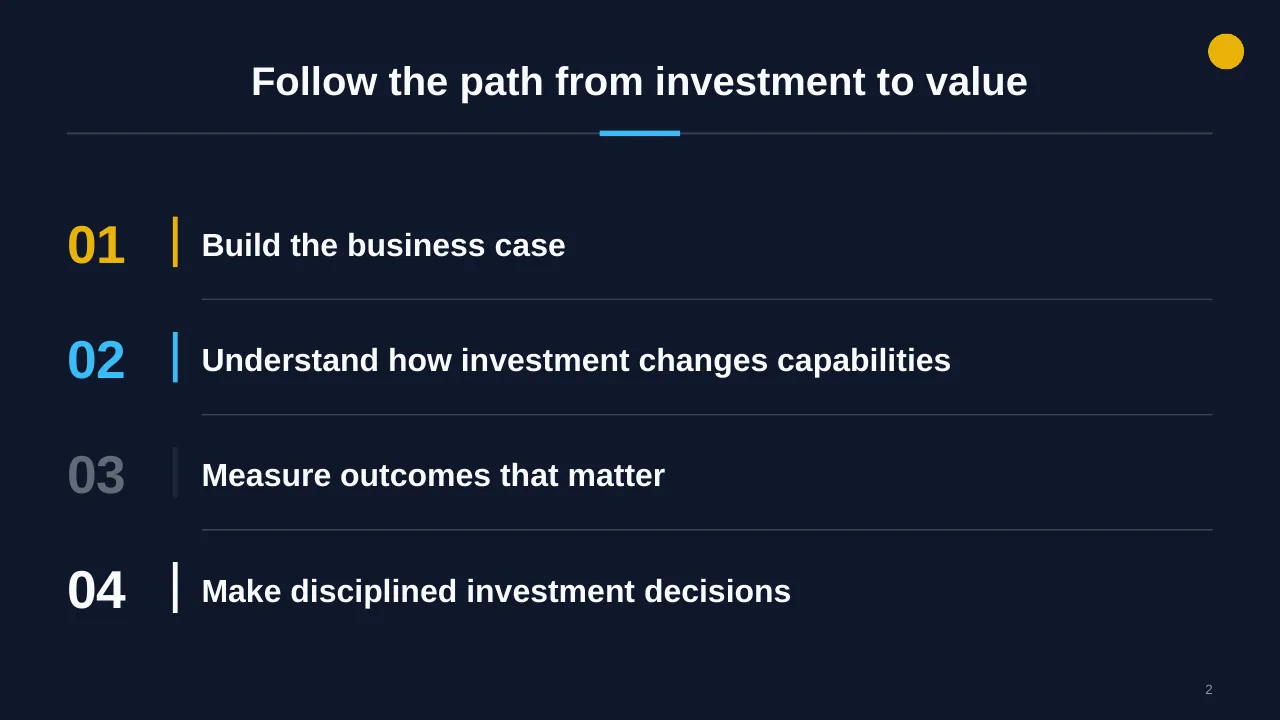
| 2 | Follow the path from investment to value |
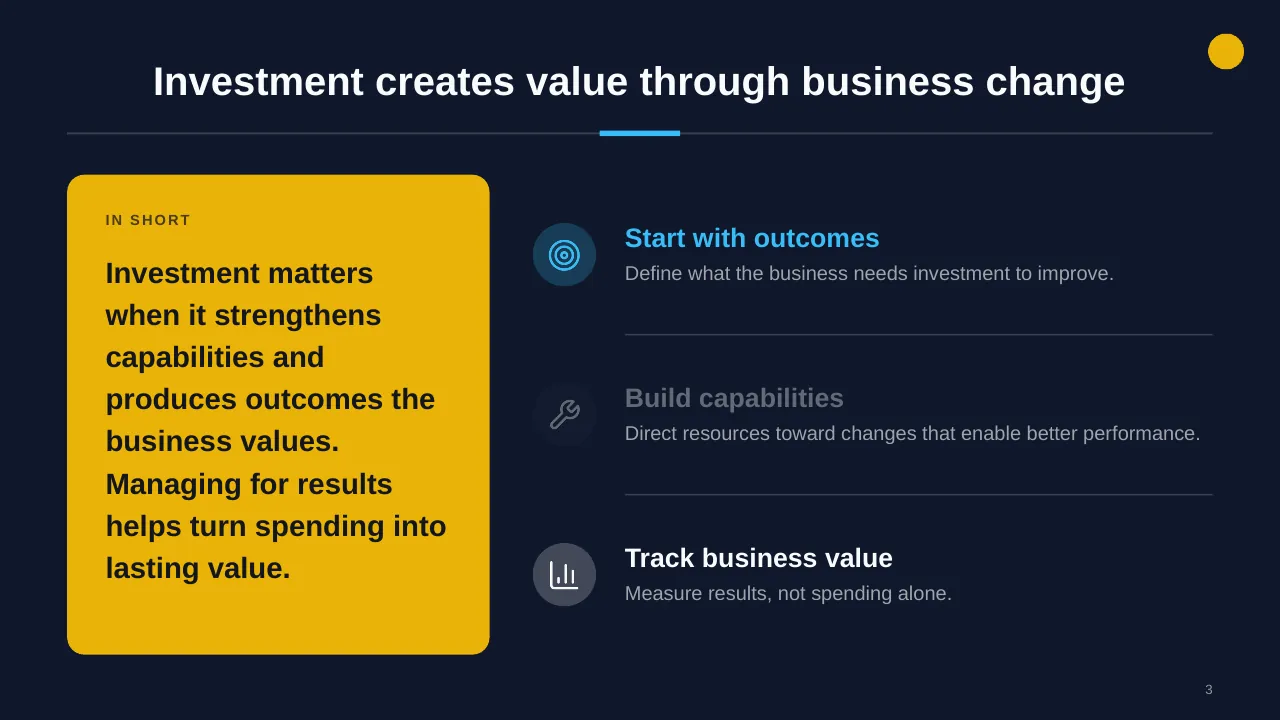
| 3 | Investment matters when it strengthens capabilities and produces outcomes the business values. Managing… |
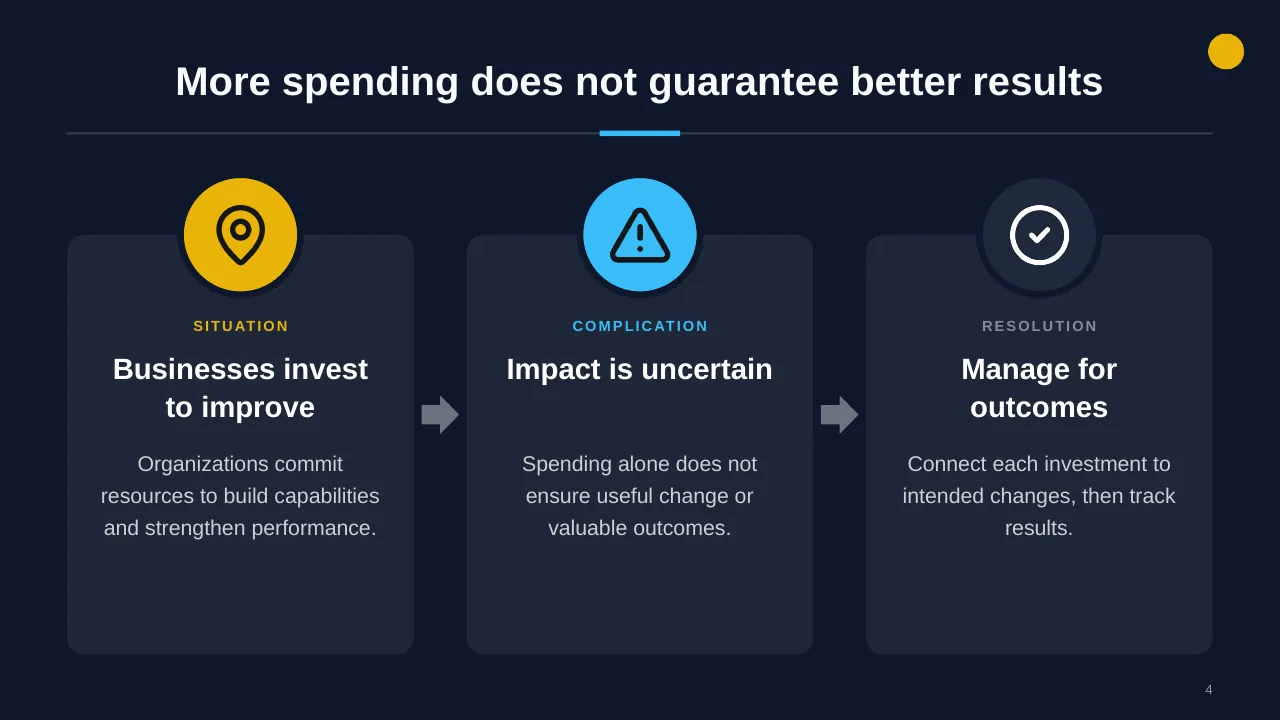
| 4 | More spending does not guarantee better results |
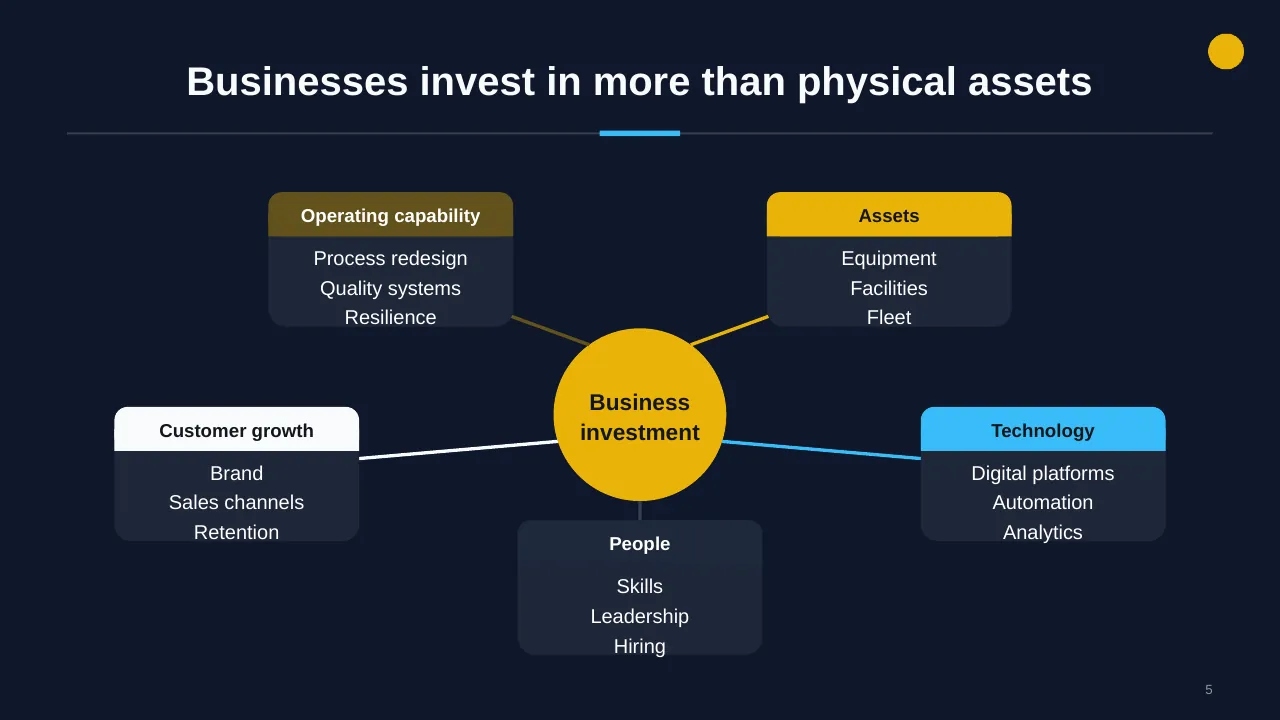
| 5 | Businesses invest in more than physical assets |
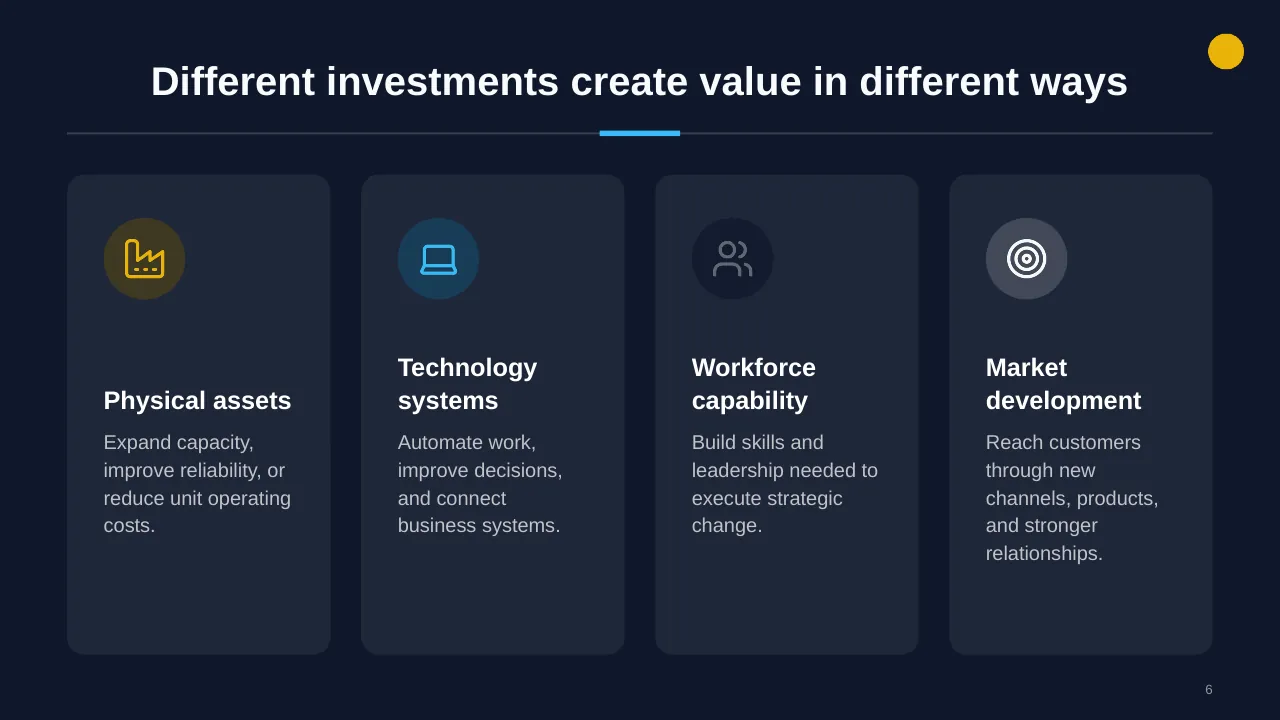
| 6 | Expand capacity, improve reliability, or reduce unit operating costs. |
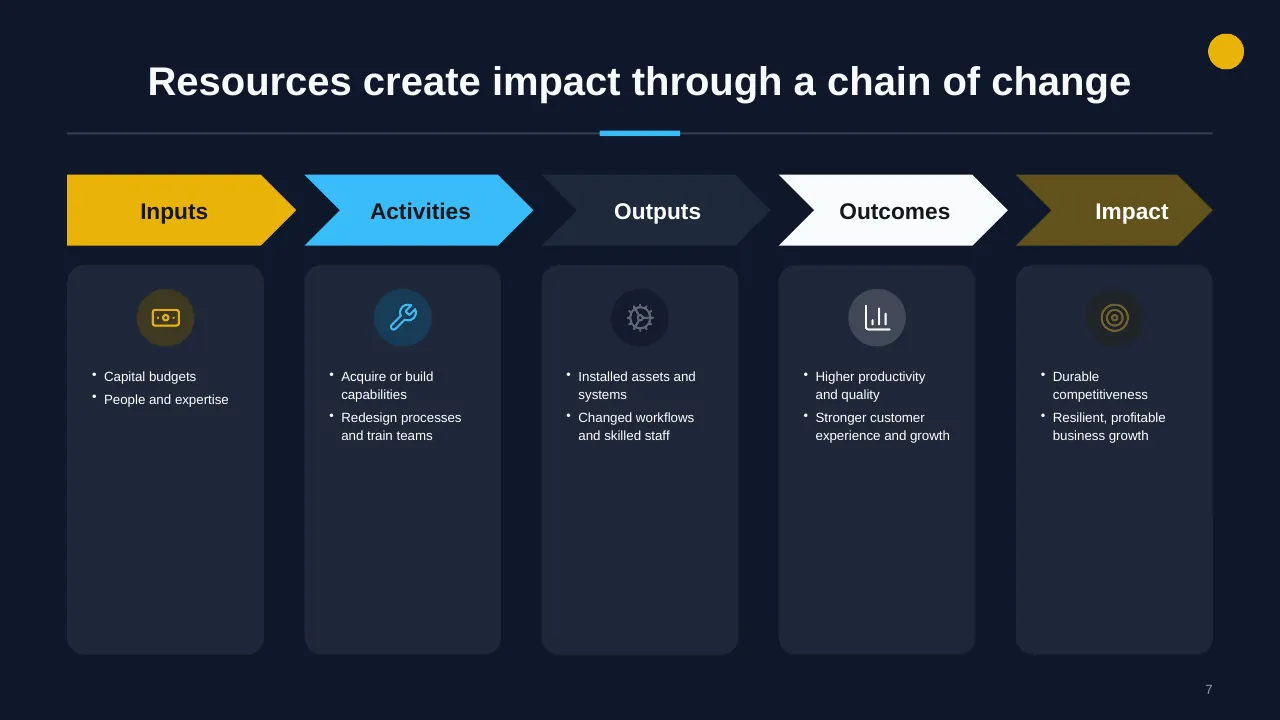
| 7 | Resources create impact through a chain of change |
| 8 | Strengthen planning, finance, risk, and governance |
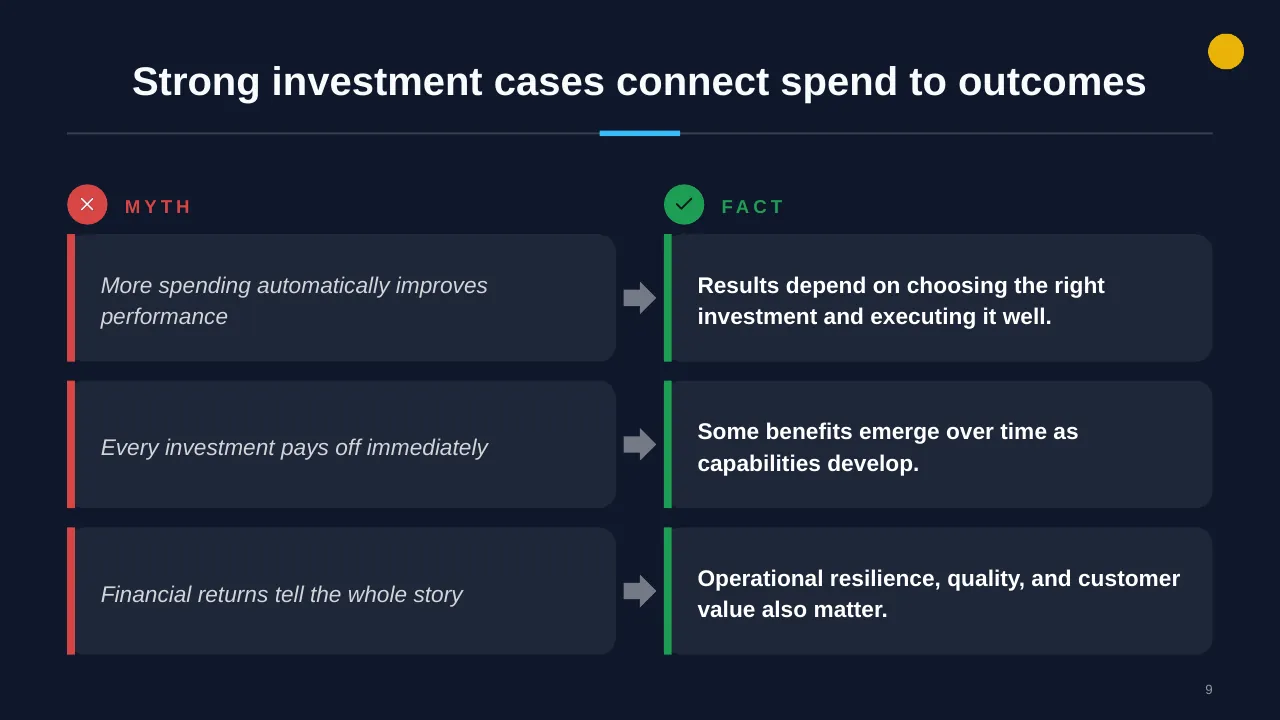
| 9 | Strong investment cases connect spend to outcomes |
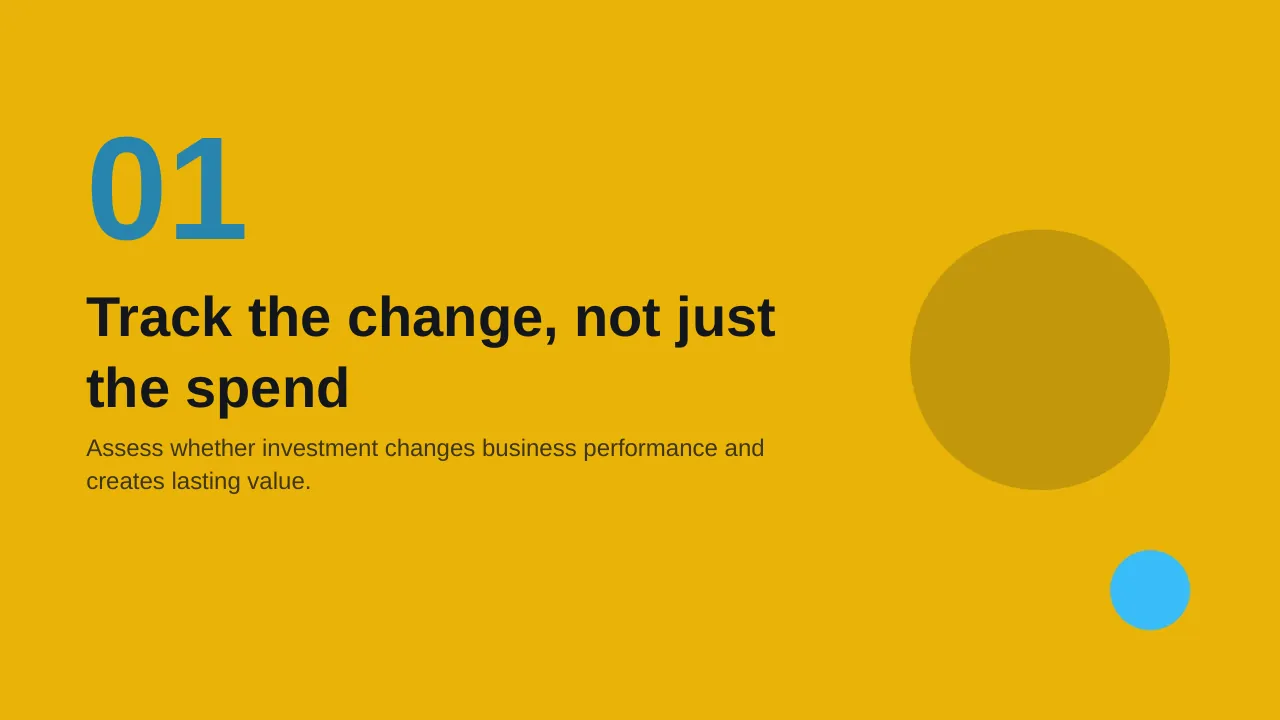
| 10 | Assess whether investment changes business performance and creates lasting value. |
| 11 | Investment changes performance through four channels |
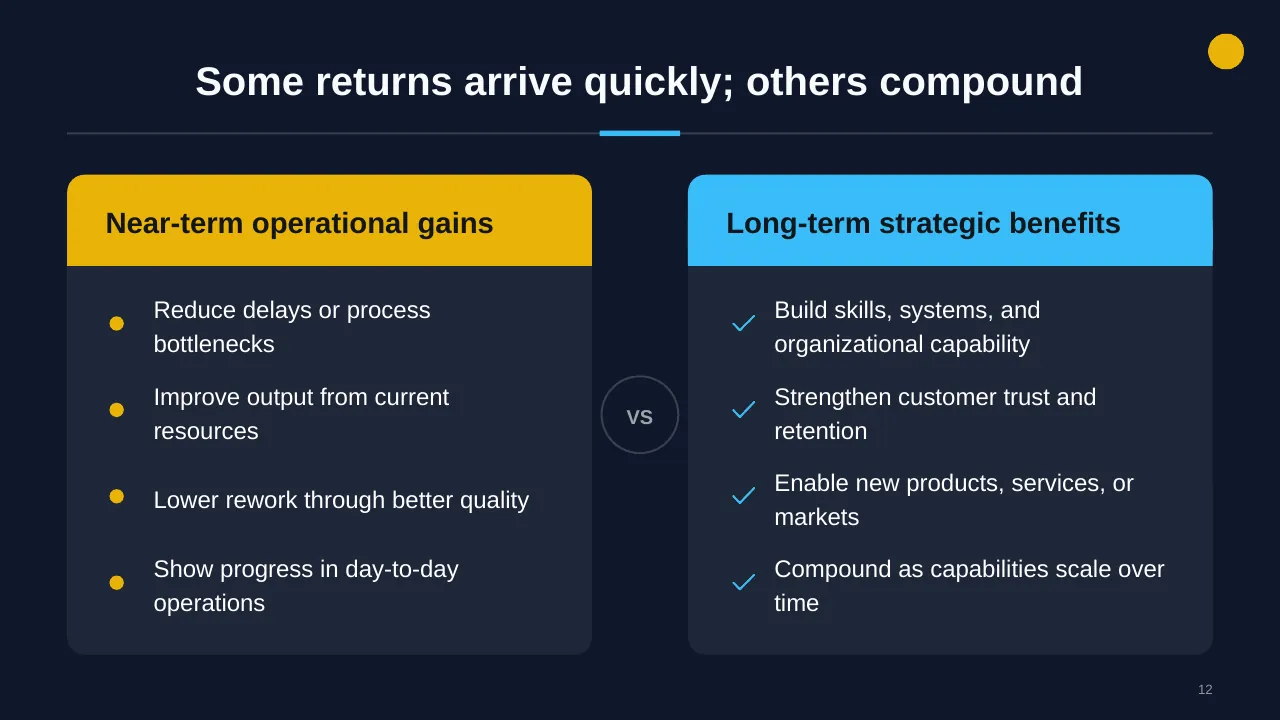
| 12 | Some returns arrive quickly; others compound |
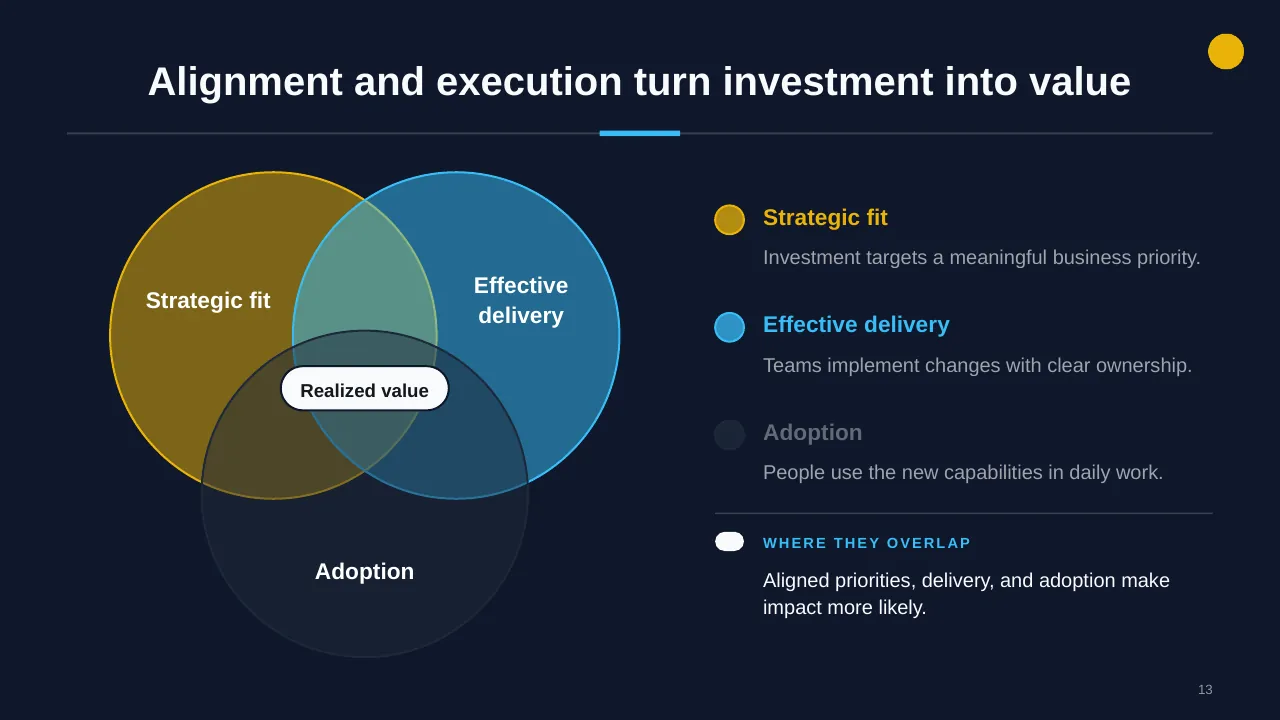
| 13 | Alignment and execution turn investment into value |
| 14 | Protect value by reviewing assumptions, reallocating resources, and sustaining what works. |
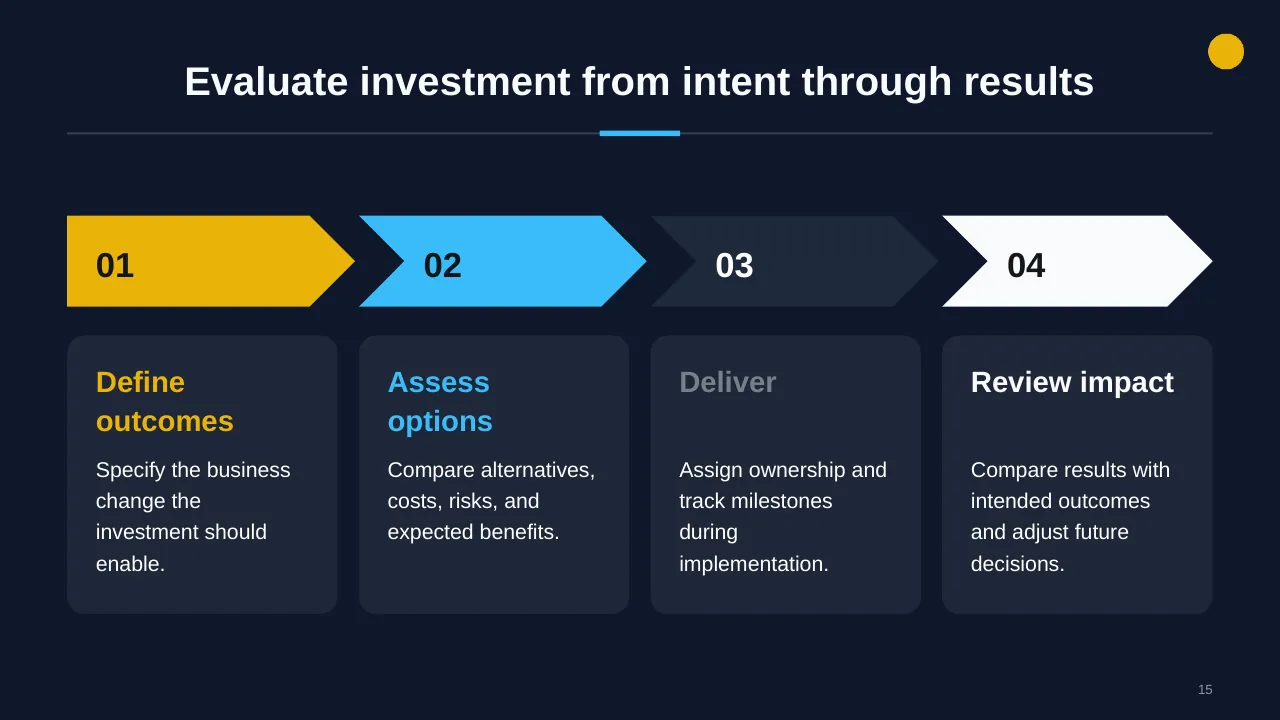
| 15 | Evaluate investment from intent through results |
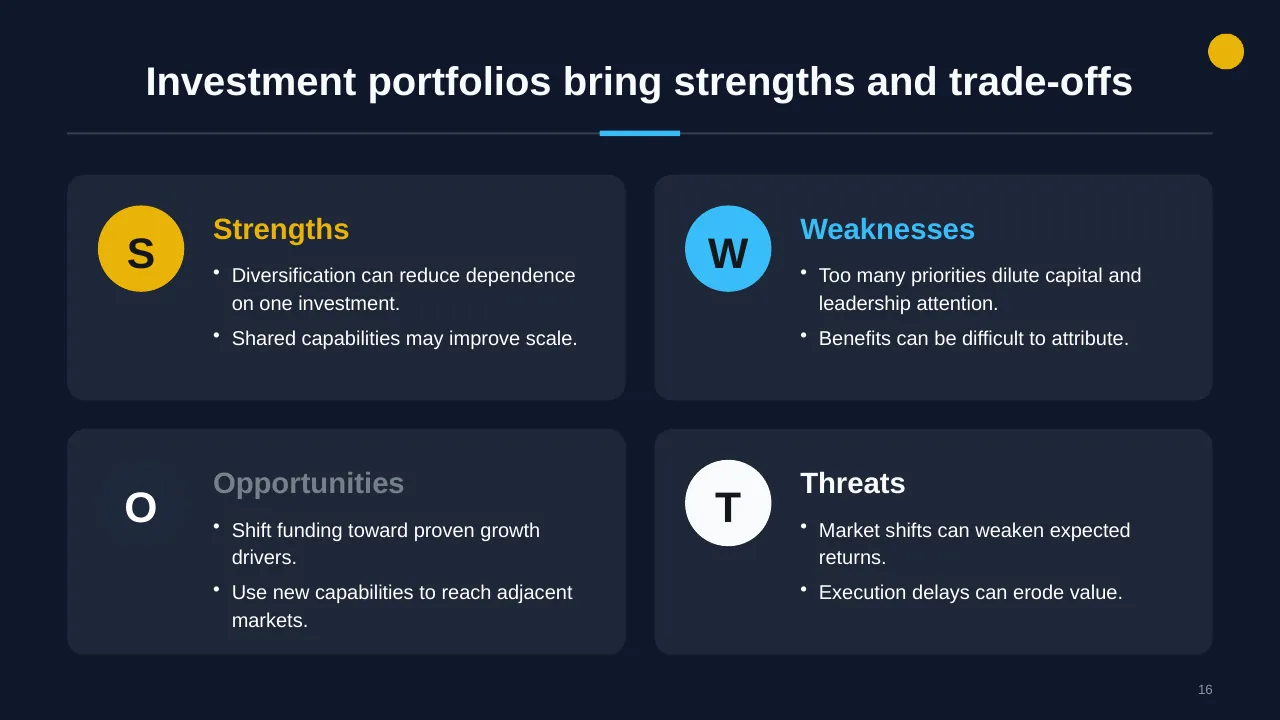
| 16 | Investment portfolios bring strengths and trade-offs |
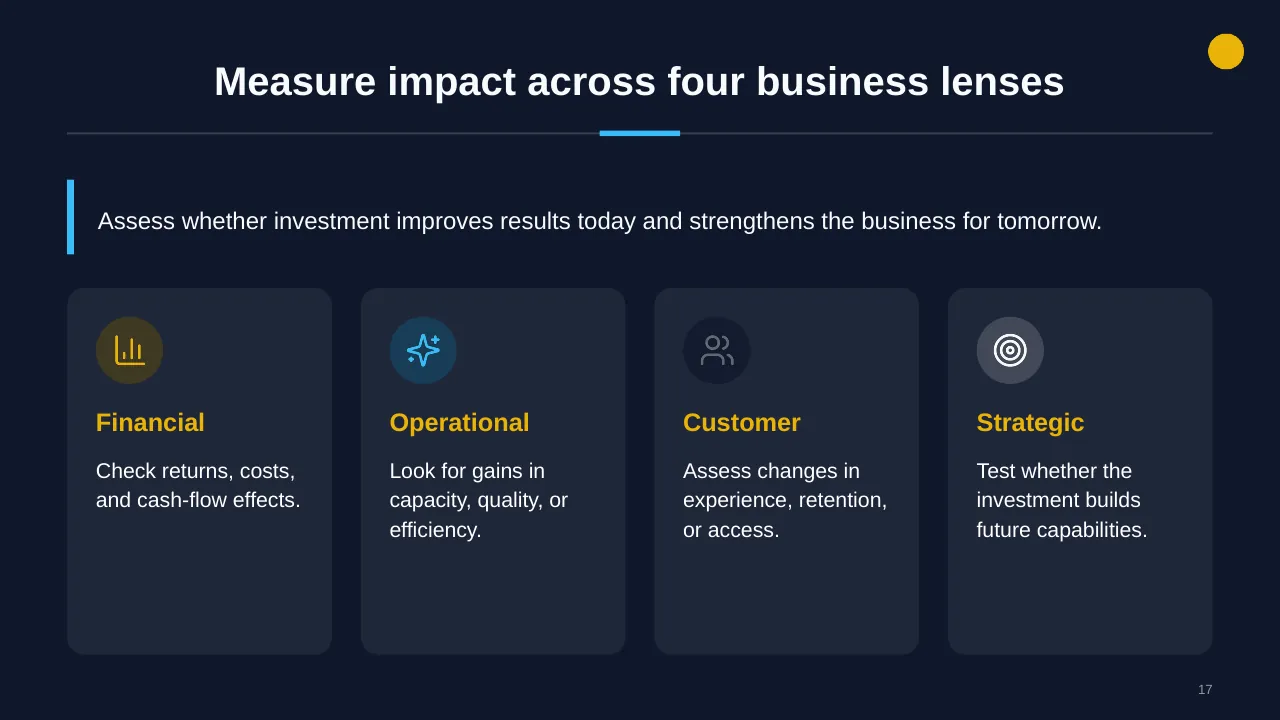
| 17 | Assess whether investment improves results today and strengthens the business for tomorrow. |
| 18 | Use this checklist before approving investment |
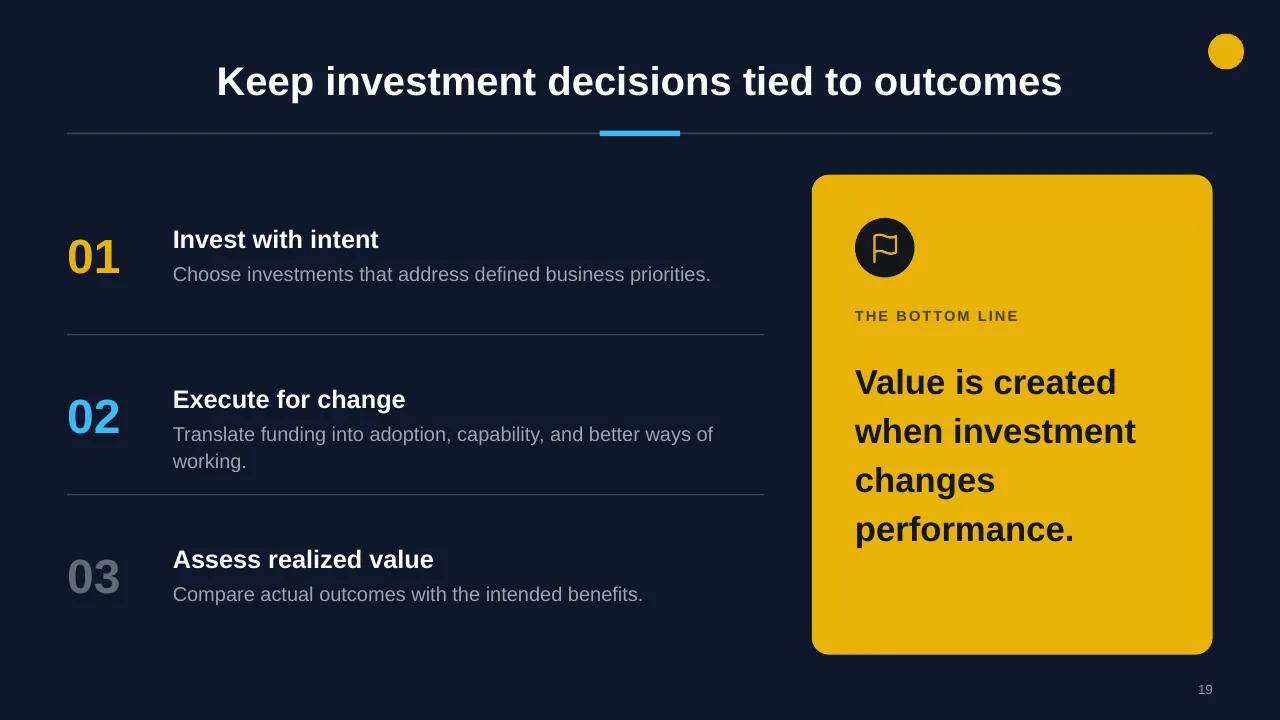
| 19 | Keep investment decisions tied to outcomes |
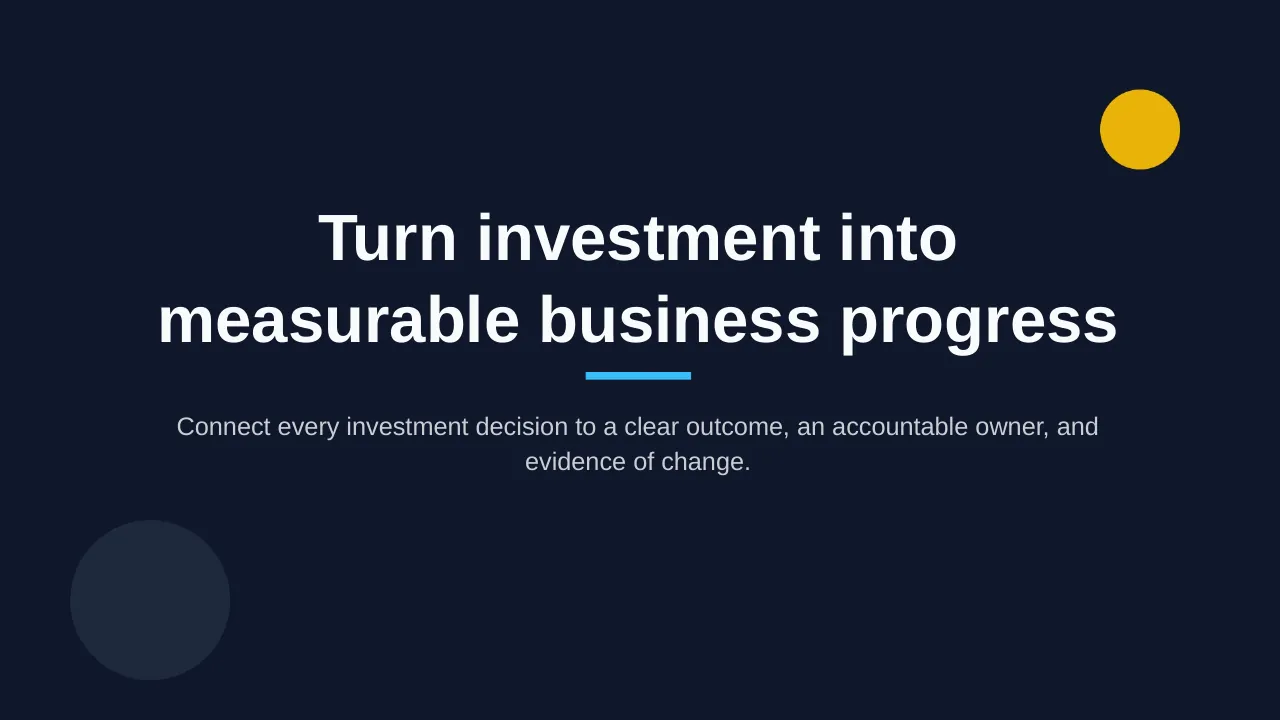
| 20 | Connect every investment decision to a clear outcome, an accountable owner, and evidence of change. |
Tips for a financial presentation
- Start with three numbers and what they mean.
- Explain variances by driver, not just by line.
- List the main forecast assumptions on one slide.
- Keep detailed tables in the appendix.
Mistakes to avoid
- Dense tables with no message
- Forecasts with hidden assumptions
- No link to decisions
Checklist before you present
- Is there a clear summary?
- Are variances explained?
- Are assumptions visible?
- Are units and periods consistent?
- Is the ask or decision clear?
Great for
- Budget and spend reviews
- Financial reporting
- Investment and acquisition planning
- Real estate and capital planning
How to customise it
- Download the ZIP file and unzip it to get the .pptx presentation.
- Open it in PowerPoint, or upload it to Google Drive and open it with Google Slides.
- Replace the sample text and numbers with your own; charts update from their data sheets.
- Change the theme colours once to recolour the whole deck, then delete any slides you don't need.
Questions about a financial presentation
How do I present budget vs actual?
Show the totals first, then the few lines with the largest variances, each with a one-line reason and the action taken.
Should financial slides use tables or charts?
Use charts for trends and comparisons and small tables for exact figures; avoid full spreadsheets on a slide.
Related presentations
- Budget Breakdown PowerPoint Presentation
- Procurement Spend Analysis PowerPoint Presentation
- Acquisition Integration Plan PowerPoint Presentation
- Real Estate Investment Planning PowerPoint Presentation
Browse all Finance & Investment presentations or more business PowerPoint templates.
Template details
| Template | Investment Impact on Business PowerPoint Presentation |
|---|---|
| Categories | Business PowerPoint Templates, Finance & Investment |
| File format | PowerPoint (.pptx), delivered as a .zip file |
| Number of slides | 20 fully editable slides |
| File size | 2.7 MB |
| Slide size | 16:9 widescreen |
| Preview images | 20 |
| Editable | Yes: text, colours, shapes, icons and charts |
| Works with | PowerPoint 2010 and later, PowerPoint for Mac, Google Slides |
| Licence | Royalty-free, yours to keep using after your plan ends (terms of use apply) |
| Price | Included in every SlideVilla plan |
| Added | 5 Jun 2025 |
Questions about this template
Can I edit the Investment Impact on Business PowerPoint Presentation?
Yes. Every part of the Investment Impact on Business PowerPoint Presentation is made with native PowerPoint shapes and text boxes, so you can change the wording, colours, fonts and sizes, move or delete elements, and swap icons without losing quality.
Does the Investment Impact on Business PowerPoint Presentation work in Google Slides?
Yes. Download the .zip file, unzip it to get the .pptx, upload it to Google Drive and open it with Google Slides. The layout, shapes and text stay editable there too.
Is the Investment Impact on Business PowerPoint Presentation free?
It is a premium template, included in every SlideVilla plan together with the rest of the library. See plans and pricing.
What size and format is it?
It is a PPTX file in 16:9 widescreen format with 20 slides, 2.7 MB (downloaded as a .zip; unzip it to get the presentation), with 20 preview images shown above.
How to use this template
- Step 1DownloadClick Download, then unzip the .zip file to get the .pptx presentation.
- Step 2OpenOpen it in PowerPoint, or upload it to Google Slides from your Drive.
- Step 3Make it yoursChange text, colours, icons and charts. Every element is fully editable.
Tags
Related PowerPoint templates
More designs like this one, ready to edit.