About this PowerPoint template
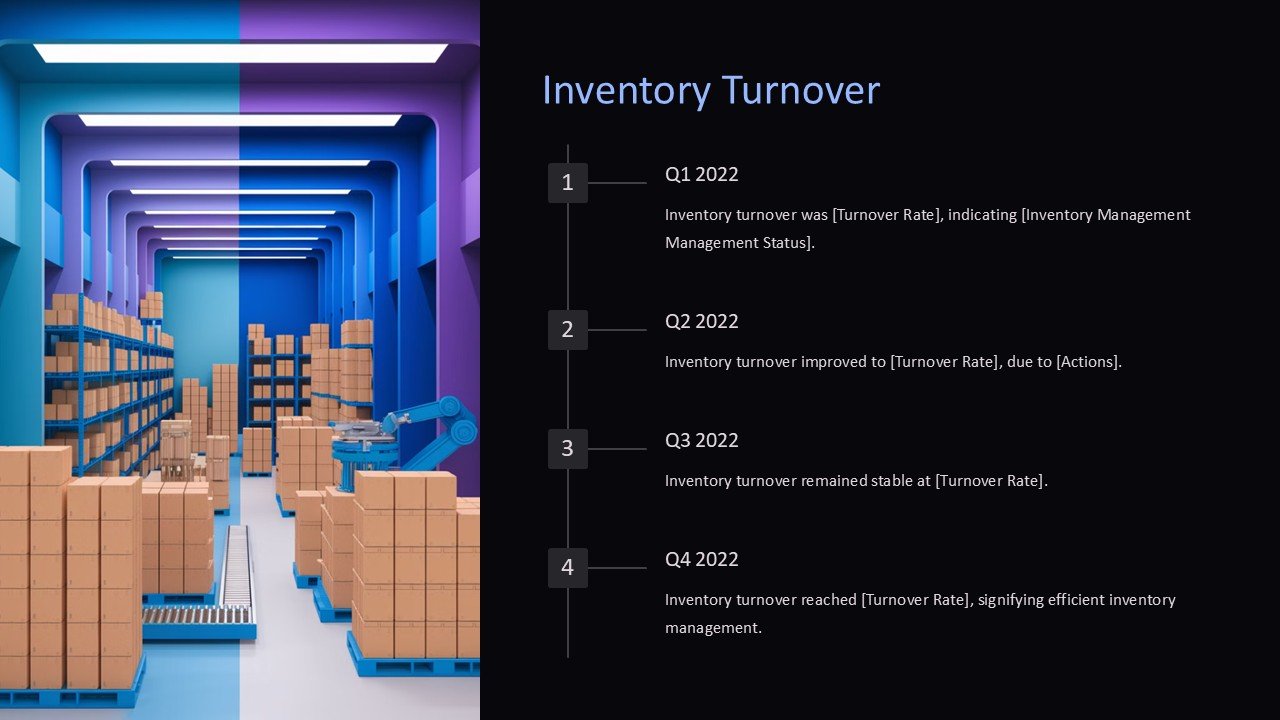
Inventory management is a vital aspect of any business that deals with physical products. Keeping track of stock levels, orders, and sales can be a challenging task, but with the help of the Q2 PowerPoint Presentation, businesses can streamline their inventory management processes.
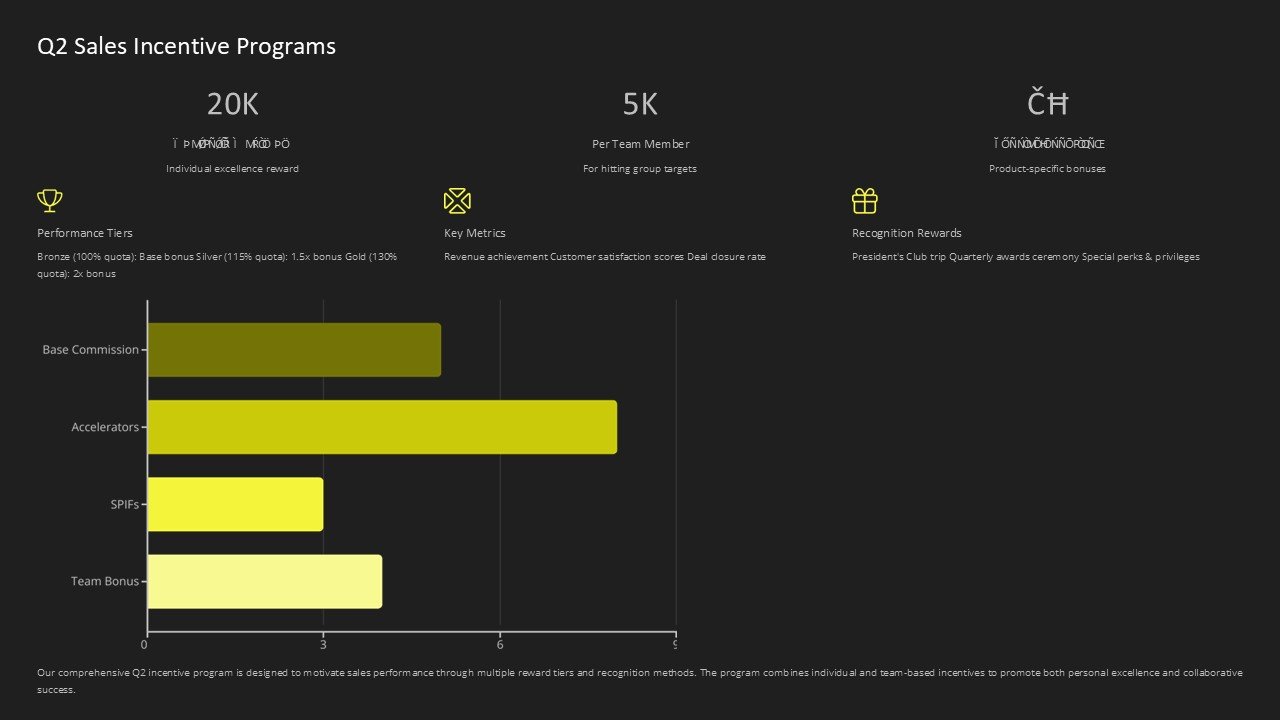
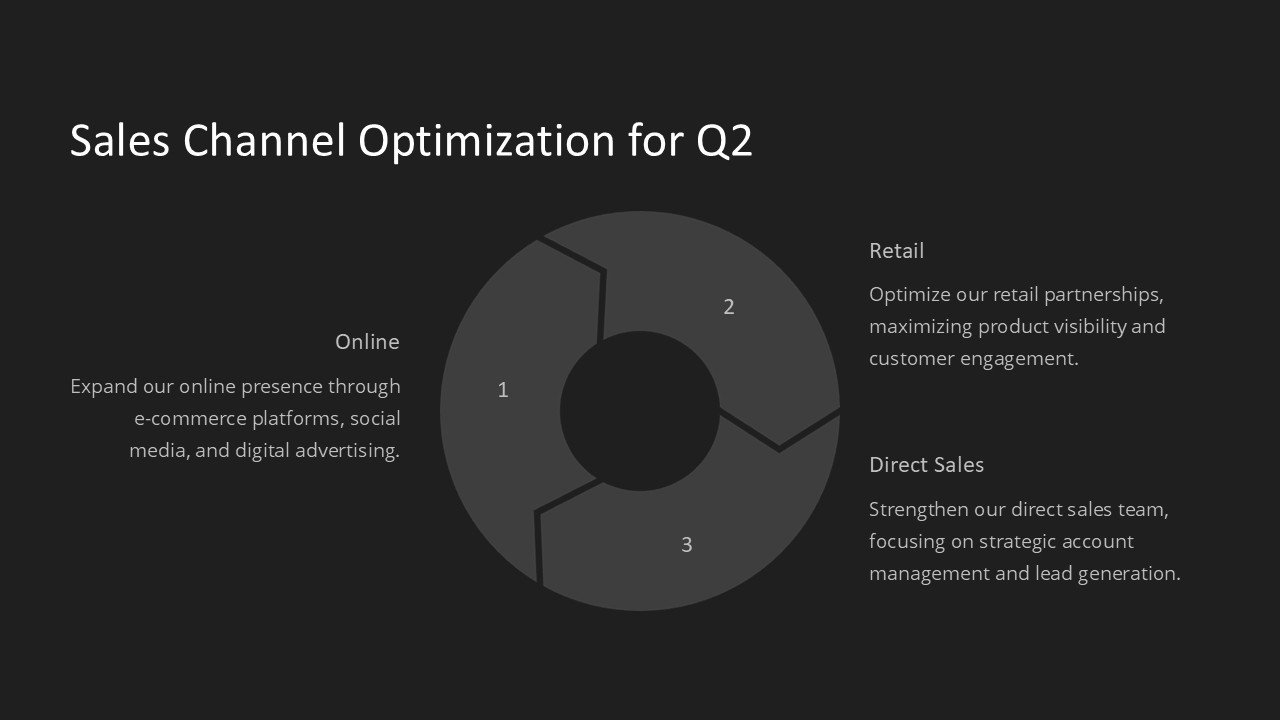
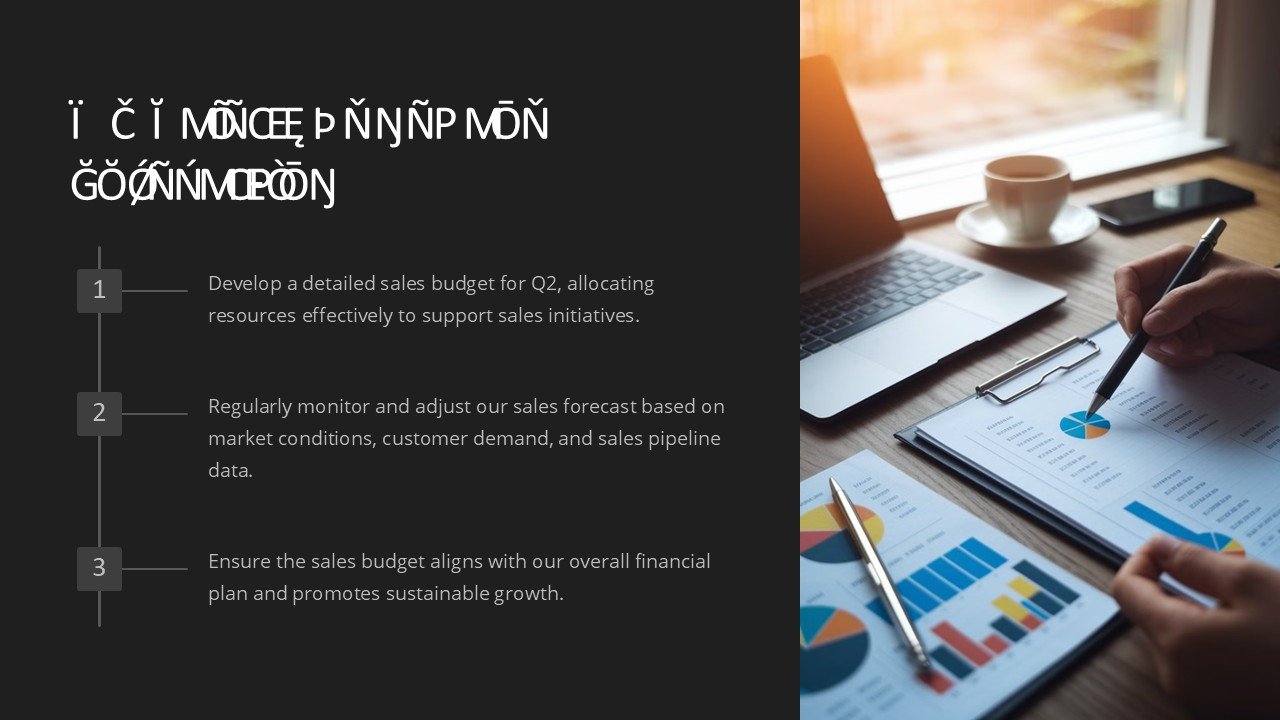
This PowerPoint presentation offers a comprehensive overview of inventory management strategies for the second quarter of the year. From forecasting demand to optimizing inventory levels, this presentation covers all aspects of managing inventory effectively. With informative slides, charts, and graphs, businesses can gain valuable insights into their inventory performance and make informed decisions to improve efficiency and profitability.
Features of the Q2 Inventory Management PowerPoint Presentation:
- Fully editable templates: The presentation slides are fully customizable, allowing businesses to tailor the content to their specific needs. Users can easily update text, graphics, and colors to match their branding and style.
- Visual charts and graphs: Visual representations of inventory data help businesses quickly understand key metrics and trends. Charts and graphs make it easy to identify areas for improvement and track progress over time.
- Forecasting tools: The presentation includes tools and techniques for forecasting demand and predicting inventory needs. By using these tools, businesses can avoid stockouts and overstocks, leading to better customer satisfaction and cost savings.
- Inventory optimization strategies: The presentation covers various strategies for optimizing inventory levels, such as ABC analysis, safety stock calculations, and economic order quantity (EOQ). Businesses can learn how to strike the right balance between holding costs and stockouts to maximize profitability.
- Inventory performance metrics: The presentation outlines key performance indicators (KPIs) for measuring inventory performance, such as inventory turnover, carrying costs, and fill rate. By monitoring these metrics, businesses can assess the effectiveness of their inventory management strategies and make data-driven decisions.
Overall, the Q2 Inventory Management PowerPoint Presentation is a valuable resource for businesses looking to enhance their inventory management practices. With its fully editable templates and comprehensive content, businesses can take their inventory operations to the next level and achieve sustainable growth and success.
Template details
| Template | Inventory Management for Q2 PowerPoint Presentation |
|---|---|
| Category | PowerPoint Presentations |
| File format | PowerPoint (.pptx) |
| Slide size | 16:9 widescreen |
| Preview images | 1 |
| Editable | Yes: text, colours, shapes, icons and charts |
| Works with | PowerPoint 2010 and later, PowerPoint for Mac, Google Slides |
| Licence | Royalty-free, yours to keep using after your plan ends (terms of use apply) |
| Price | Included in every SlideVilla plan |
| Added | 9 Feb 2025 |
Questions about this template
Can I edit the Inventory Management for Q2 PowerPoint Presentation?
Yes. Every part of the Inventory Management for Q2 PowerPoint Presentation is made with native PowerPoint shapes and text boxes, so you can change the wording, colours, fonts and sizes, move or delete elements, and swap icons without losing quality.
Does the Inventory Management for Q2 PowerPoint Presentation work in Google Slides?
Yes. Download the .pptx file, upload it to Google Drive and open it with Google Slides. The layout, shapes and text stay editable there too.
Is the Inventory Management for Q2 PowerPoint Presentation free?
It is a premium template, included in every SlideVilla plan together with the rest of the library. See plans and pricing.
What size and format is it?
It is a PPTX file in 16:9 widescreen format, with 1 preview image shown above.
How to use this template
- Step 1DownloadClick Download and the .pptx file saves straight to your computer.
- Step 2OpenOpen it in PowerPoint, or upload it to Google Slides from your Drive.
- Step 3Make it yoursChange text, colours, icons and charts. Every element is fully editable.
Categories
Related PowerPoint templates
More designs like this one, ready to edit.