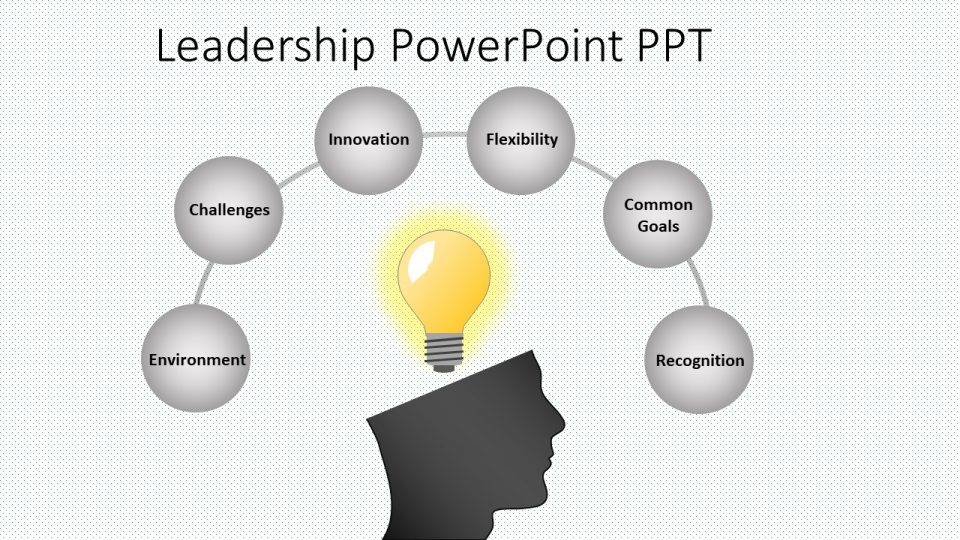
About this PowerPoint template
Create a Powerpoint or Google Slides presentation that will meet the latest design trends with this multipurpose free template. With inclined shapes that give a dynamic and modern look this theme will fit a keynote on your business action plan, a marketing strategy or a new product proposal. You can customize the look & feel for one that matches your brand in one click. Simply change the slide background to a color, gradient or photo that fits your corporate identity. Besides all shapes and design elements are fully editable. Give your next talk like a pro with this modern and professional theme!
Template details
| Template | Free Powerpoint template Google Slides theme |
|---|---|
| Categories | PowerPoint Templates, Free for All |
| File format | PowerPoint (.pptx) |
| Slide size | 16:9 widescreen |
| Preview images | 1 |
| Editable | Yes: text, colours, shapes, icons and charts |
| Works with | PowerPoint 2010 and later, PowerPoint for Mac, Google Slides |
| Licence | Royalty-free, yours to keep using after your plan ends (terms of use apply) |
| Price | Free with a SlideVilla account |
| Added | 3 Mar 2019 |
| Last updated | 30 May 2025 |
Questions about this template
Can I edit the Free Powerpoint template Google Slides theme?
Yes. Every part of the Free Powerpoint template Google Slides theme is made with native PowerPoint shapes and text boxes, so you can change the wording, colours, fonts and sizes, move or delete elements, and swap icons without losing quality.
Does the Free Powerpoint template Google Slides theme work in Google Slides?
Yes. Download the .pptx file, upload it to Google Drive and open it with Google Slides. The layout, shapes and text stay editable there too.
Is the Free Powerpoint template Google Slides theme free?
Yes. It is part of our free collection: create a free SlideVilla account and download it straight away.
What size and format is it?
It is a PPTX file in 16:9 widescreen format, with 1 preview image shown above.
How to use this template
- Step 1DownloadClick Download and the .pptx file saves straight to your computer.
- Step 2OpenOpen it in PowerPoint, or upload it to Google Slides from your Drive.
- Step 3Make it yoursChange text, colours, icons and charts. Every element is fully editable.
Categories
Related PowerPoint templates
More designs like this one, ready to edit.