About this PowerPoint template
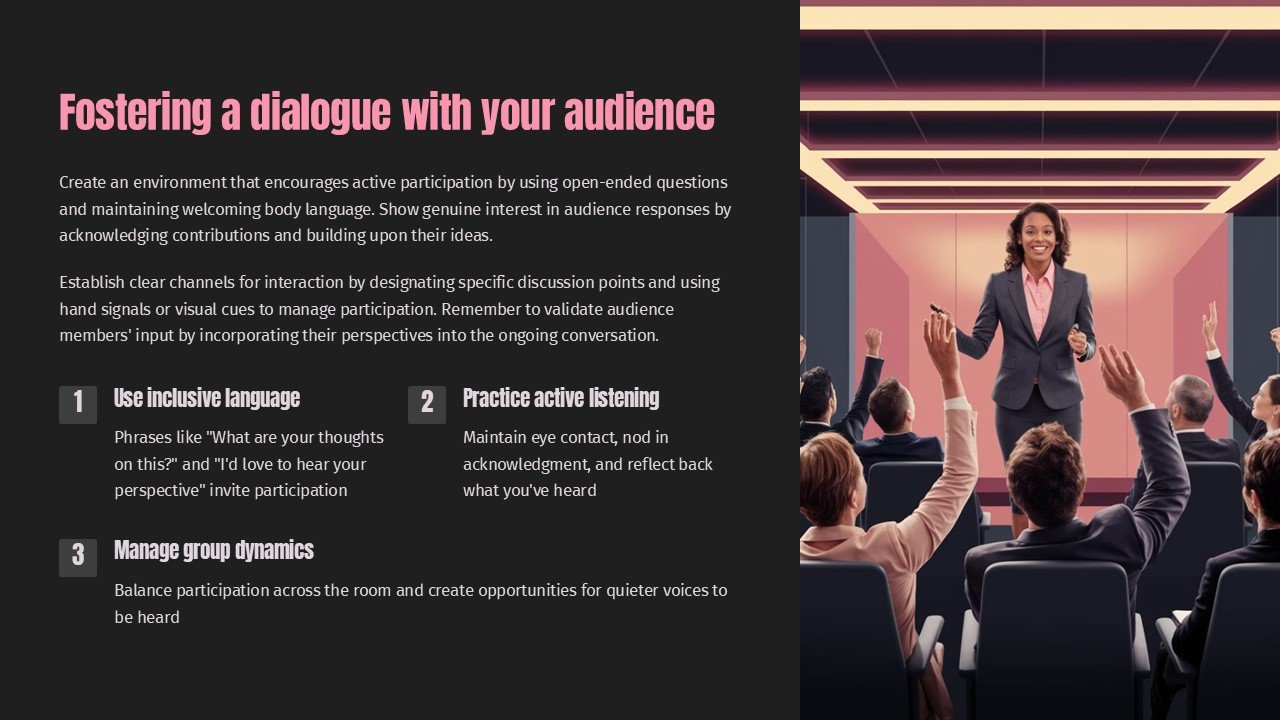
Fostering a dialogue with your audience is crucial for any business or organization looking to build strong relationships and effective communication. This PowerPoint presentation is designed to help you do just that by providing you with the tools and strategies needed to engage, listen, and respond to your audience effectively.
With visually appealing slides and engaging content, this presentation will guide you through the process of creating meaningful dialogue with your audience. Whether you're looking to gather feedback, address concerns, or simply connect on a more personal level, this presentation will equip you with the necessary tips and techniques to foster healthy and productive interactions.
Features of this PowerPoint presentation include fully editable templates that allow you to customize the content to suit your specific needs and preferences. From changing colors and fonts to adding your own images and text, the templates are designed to be flexible and easy to use. This means you can tailor the presentation to align with your brand identity and messaging, ensuring a cohesive and professional look.
In addition, the presentation includes a variety of interactive elements such as graphs, charts, and infographics that can help you convey information in a clear and engaging way. This not only makes your content more visually appealing but also enhances the audience's understanding and retention of the information being communicated.
Overall, fostering a dialogue with your audience is essential for building trust, loyalty, and long-term relationships. With this PowerPoint presentation, you'll have everything you need to start meaningful conversations and connect with your audience on a deeper level.
Template details
| Template | Fostering a dialogue with your audience PowerPoint Presentation |
|---|---|
| Category | PowerPoint Presentations |
| File format | PowerPoint (.pptx) |
| Slide size | 16:9 widescreen |
| Preview images | 1 |
| Editable | Yes: text, colours, shapes, icons and charts |
| Works with | PowerPoint 2010 and later, PowerPoint for Mac, Google Slides |
| Licence | Royalty-free, yours to keep using after your plan ends (terms of use apply) |
| Price | Included in every SlideVilla plan |
| Added | 9 Feb 2025 |
Questions about this template
Can I edit the Fostering a dialogue with your audience PowerPoint Presentation?
Yes. Every part of the Fostering a dialogue with your audience PowerPoint Presentation is made with native PowerPoint shapes and text boxes, so you can change the wording, colours, fonts and sizes, move or delete elements, and swap icons without losing quality.
Does the Fostering a dialogue with your audience PowerPoint Presentation work in Google Slides?
Yes. Download the .pptx file, upload it to Google Drive and open it with Google Slides. The layout, shapes and text stay editable there too.
Is the Fostering a dialogue with your audience PowerPoint Presentation free?
It is a premium template, included in every SlideVilla plan together with the rest of the library. See plans and pricing.
What size and format is it?
It is a PPTX file in 16:9 widescreen format, with 1 preview image shown above.
How to use this template
- Step 1DownloadClick Download and the .pptx file saves straight to your computer.
- Step 2OpenOpen it in PowerPoint, or upload it to Google Slides from your Drive.
- Step 3Make it yoursChange text, colours, icons and charts. Every element is fully editable.
Categories
Related PowerPoint templates
More designs like this one, ready to edit.