About this PowerPoint template
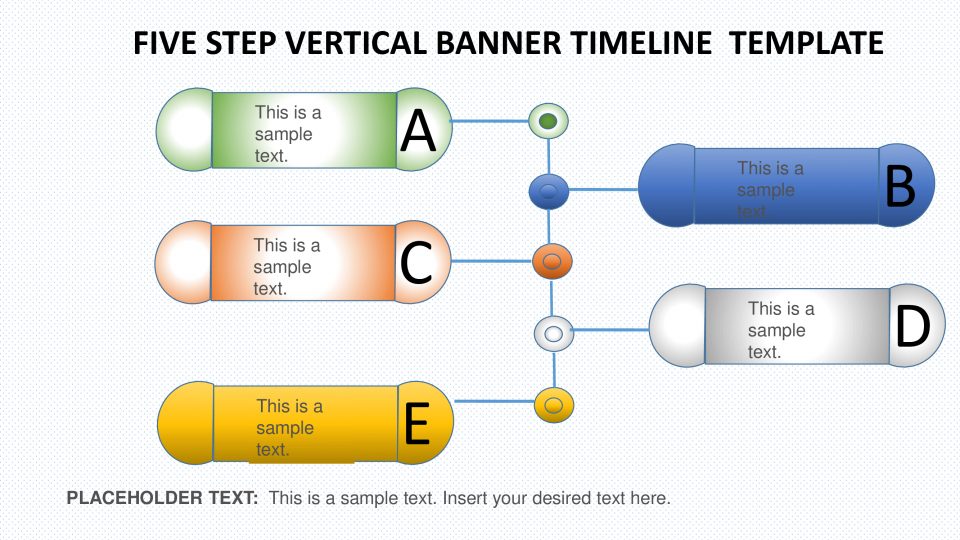
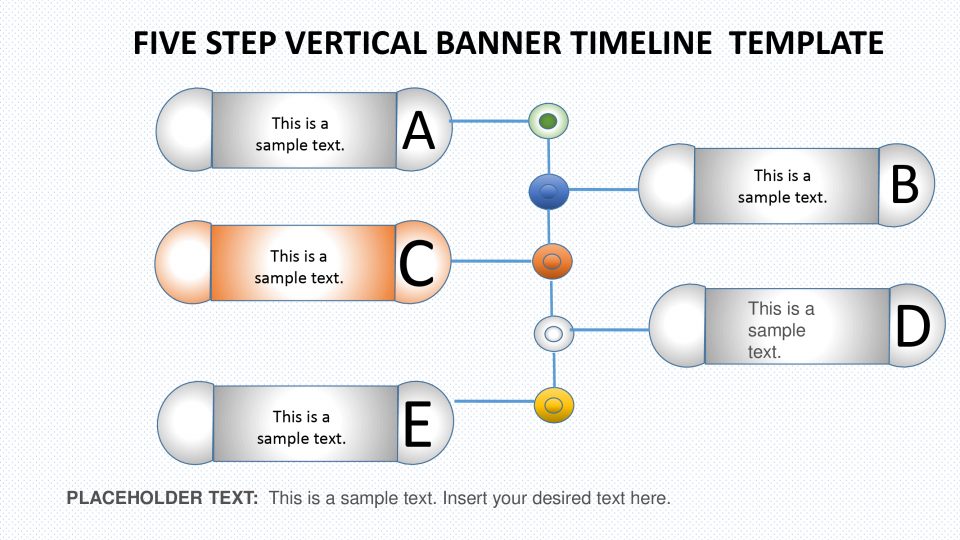
The 5 step vertical banner timeline powerpoint template is an interesting and creative flow chart template will help you describe your fascinating idea in five discrete steps in SlideVilla's five step vertical banner timeline PowerPoint template that bring home presenters exact ideas for the viewers. You can use individual slides to describe each step as each step can be colored alone while leaving all other in dark. This, it is highly customisable too. Surely, your idea will catch a number of eyeballs and will not go unnoticed. All the best for your insightful presentation.
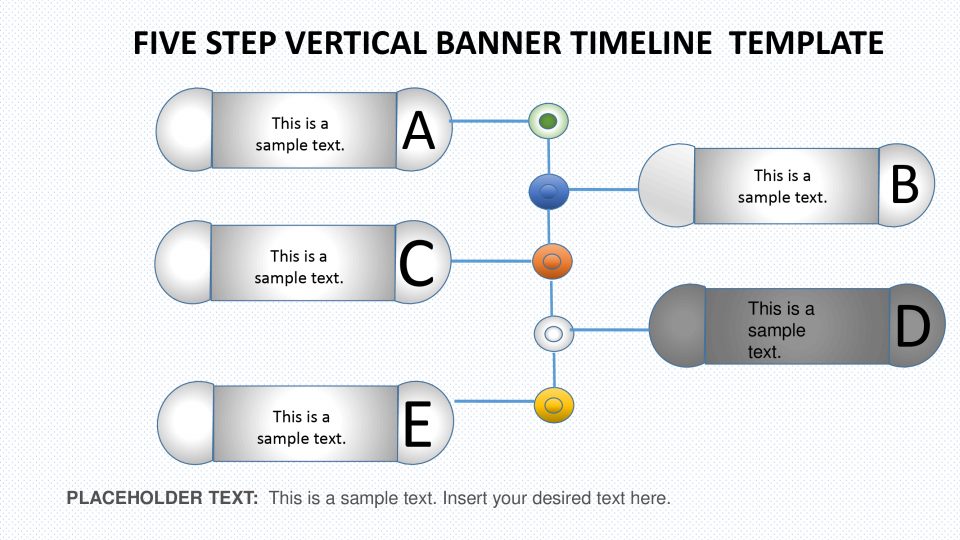
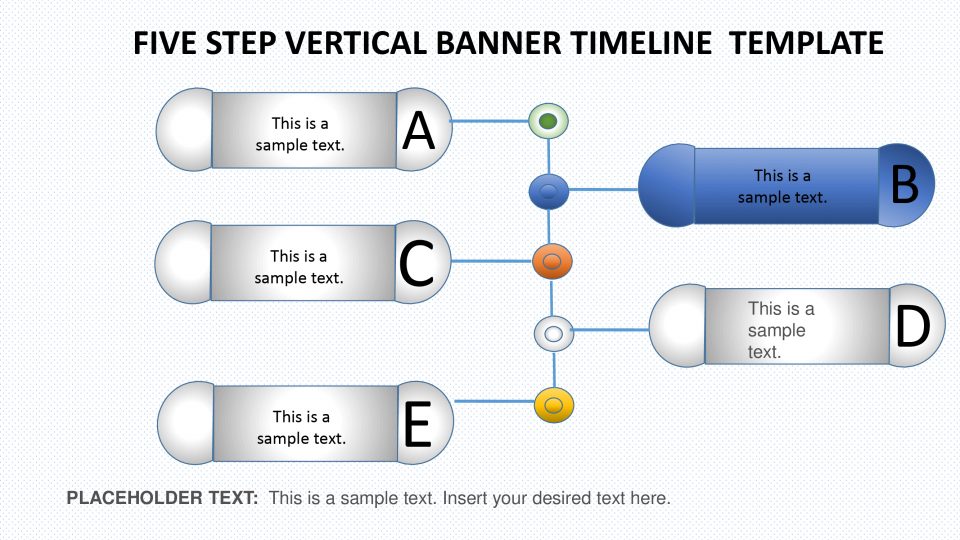
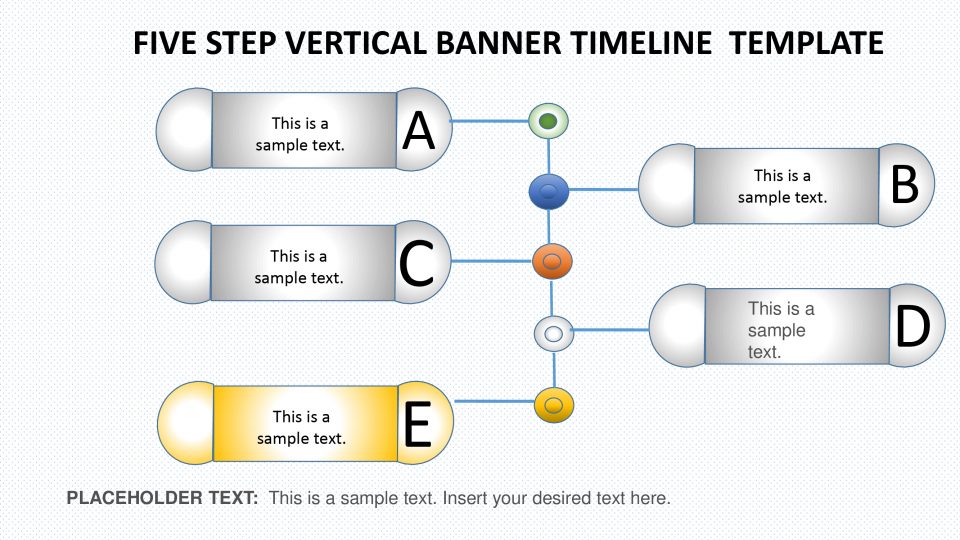
It is an expert PowerPoint plan of five fragments. It is a vivid info-graphic design which can bring life into an exhausting course of events introduction. This is a multi-reason PowerPoint layout for course of events and arranging ideas. For instance, the development of organization in five years, investigation of worker's exhibition or future conjecture dependent on current circumstance. The 5 stages vertical course of events demonstrates the vintage name's style for pennants. It is a 6 slides PowerPoint format containing info-graphic components. The 5 slides out of 6, helps the moderator to feature one section of the outline per format. Along these lines, the group of spectators can concentrate on one unit all the more mindfully. While the remainder of four info-graphic components are turned gray out.
The PowerPoint of 5 Steps vertical Banners Timeline Template can help with envisioning different ideas effectively. The info-graphic components in vertical course of events can speak to occasions and procedures as achievements. Be that as it may, the 5 stages vertical pennant can make an amazing review of chronicled occasions. The standard course of events layout of 5 stage graph is a completely adjustable PowerPoint. The clients can change the size and textual style of content, use numbers or symbols rather than letter sets to speak to every component. Likewise, they can change the figure of components from alter shape alternative in illustration instruments. Include more components by replicating these fragments, change hues from shape fill and resize by basic drag-drop alternative. This should be possible in few ticks.
Features:
- Completely editable in terms of shape, color, size and text
- This template has a built in color theme which is unaffected by copy-pasting
- Includes an icon family with 135 unique completely editable icons
- Drag and drop image placeholder
- Completely editable (using spreadsheet) data-driven charts for displaying statistics
- Completely editable vector graphics
Supports
Microsoft PowerPoint 2010, 2011, 2013, 2016
MacOffice 2016, MacOffice 365
Template details
| Template | 5 step vertical banner timeline PowerPoint template |
|---|---|
| Categories | PowerPoint Templates, PowerPoint Diagrams, Flow Chart Diagrams, Arrow Diagrams |
| File format | PowerPoint (.pptx) |
| Slide size | 16:9 widescreen |
| Preview images | 5 |
| Editable | Yes: text, colours, shapes, icons and charts |
| Works with | PowerPoint 2010 and later, PowerPoint for Mac, Google Slides |
| Licence | Royalty-free, yours to keep using after your plan ends (terms of use apply) |
| Price | Included in every SlideVilla plan |
| Added | 25 Feb 2019 |
| Last updated | 29 May 2025 |
Questions about this template
Can I edit the 5 step vertical banner timeline PowerPoint template?
Yes. Every part of the 5 step vertical banner timeline PowerPoint template is made with native PowerPoint shapes and text boxes, so you can change the wording, colours, fonts and sizes, move or delete elements, and swap icons without losing quality.
Does the 5 step vertical banner timeline PowerPoint template work in Google Slides?
Yes. Download the .pptx file, upload it to Google Drive and open it with Google Slides. The layout, shapes and text stay editable there too.
Is the 5 step vertical banner timeline PowerPoint template free?
It is a premium template, included in every SlideVilla plan together with the rest of the library. See plans and pricing.
What size and format is it?
It is a PPTX file in 16:9 widescreen format, with 5 preview images shown above.
How to use this template
- Step 1DownloadClick Download and the .pptx file saves straight to your computer.
- Step 2OpenOpen it in PowerPoint, or upload it to Google Slides from your Drive.
- Step 3Make it yoursChange text, colours, icons and charts. Every element is fully editable.
Related PowerPoint templates
More designs like this one, ready to edit.


