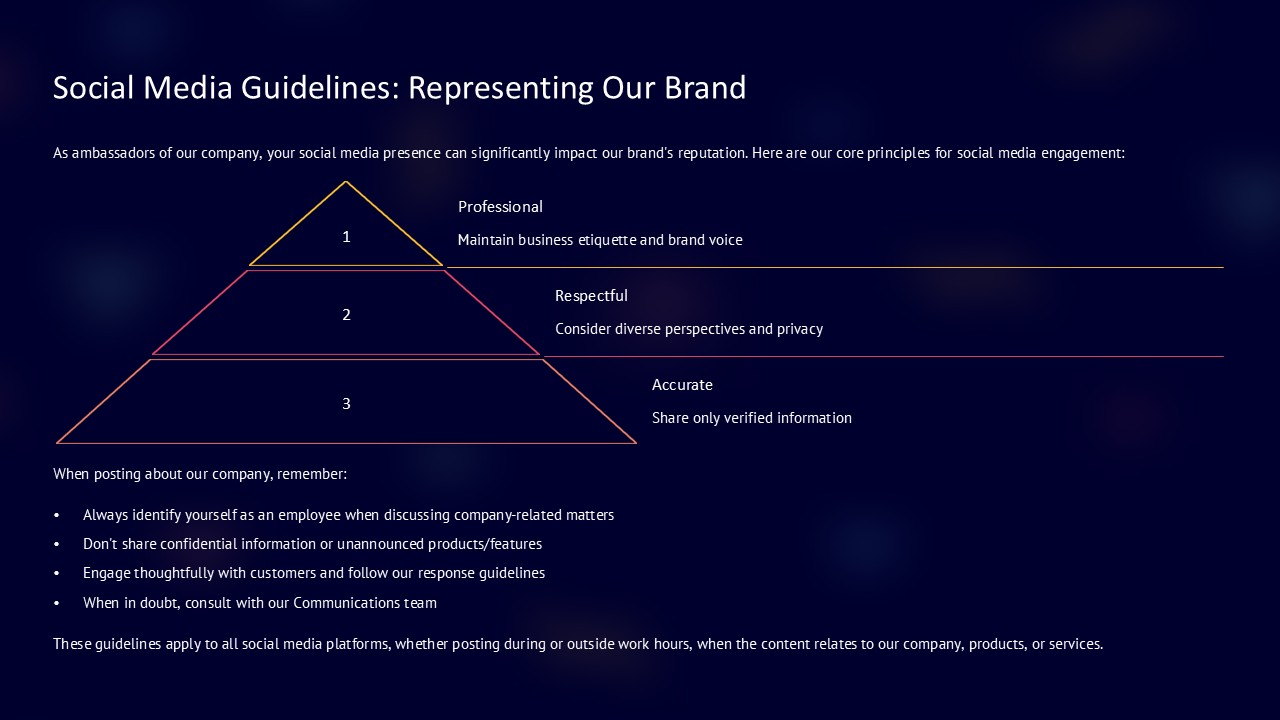
About this PowerPoint template
Enhance your employee training initiatives with our comprehensive Employee Training Roadmap PowerPoint Presentation template. Developed by training experts, this versatile presentation deck empowers you to outline your training programs with clarity and effectiveness. Whether you're designing onboarding processes, delivering skill development workshops, or implementing compliance training, this template serves as the perfect platform to communicate your training roadmap to managers, trainers, or HR teams.
Our Employee Training Roadmap PowerPoint Presentation template comprises a diverse array of customizable slides, meticulously crafted to convey essential training strategies with clarity and precision. From illustrating training objectives to detailing curriculum outlines, each slide is designed to engage your audience and facilitate effective learning outcomes. With fully editable elements, including shapes, colors, sizes, and text, you have the flexibility to tailor the presentation to your specific training goals and organizational context.
A standout feature of our template is its compatibility with all versions of Google Slides and PowerPoint, ensuring seamless integration into your preferred presentation platform. Whether you prefer the collaborative environment of Google Slides or the robust features of PowerPoint, you can effortlessly incorporate our presentation into your workflow without encountering any compatibility issues. Additionally, the template includes drag-and-drop image placeholders, facilitating the seamless integration of visuals such as training materials or course outlines to enrich your presentation.
Designed for versatility, our Employee Training Roadmap template boasts editable vector graphics, allowing you to customize visuals to align with your branding or thematic elements seamlessly. Furthermore, the template incorporates a pre-defined color theme that remains consistent across slides, ensuring visual coherence and reinforcing your professional branding throughout the presentation.
Key Features:
- Compatible with all versions of Google Slides and PowerPoint
- Fully editable in terms of shape, color, size, and text
- Built-in color theme unaffected by copy-pasting
- Drag-and-drop image placeholders for seamless customization
- Editable vector graphics for effortless adaptation to your branding
Template details
| Template | Employee Training Roadmap PowerPoint Presentation |
|---|---|
| Category | Roadmap |
| File format | PowerPoint (.pptx) |
| Slide size | 16:9 widescreen |
| Preview images | 1 |
| Editable | Yes: text, colours, shapes, icons and charts |
| Works with | PowerPoint 2010 and later, PowerPoint for Mac, Google Slides |
| Licence | Royalty-free, yours to keep using after your plan ends (terms of use apply) |
| Price | Included in every SlideVilla plan |
| Added | 13 Mar 2024 |
| Last updated | 24 Mar 2024 |
Questions about this template
Can I edit the Employee Training Roadmap PowerPoint Presentation?
Yes. Every part of the Employee Training Roadmap PowerPoint Presentation is made with native PowerPoint shapes and text boxes, so you can change the wording, colours, fonts and sizes, move or delete elements, and swap icons without losing quality.
Does the Employee Training Roadmap PowerPoint Presentation work in Google Slides?
Yes. Download the .pptx file, upload it to Google Drive and open it with Google Slides. The layout, shapes and text stay editable there too.
Is the Employee Training Roadmap PowerPoint Presentation free?
It is a premium template, included in every SlideVilla plan together with the rest of the library. See plans and pricing.
What size and format is it?
It is a PPTX file in 16:9 widescreen format, with 1 preview image shown above.
How to use this template
- Step 1DownloadClick Download and the .pptx file saves straight to your computer.
- Step 2OpenOpen it in PowerPoint, or upload it to Google Slides from your Drive.
- Step 3Make it yoursChange text, colours, icons and charts. Every element is fully editable.
Categories
Related PowerPoint templates
More designs like this one, ready to edit.