About this PowerPoint template
Introducing the "Discussing Employee Benefits Packages and Options PowerPoint Presentation" – a comprehensive and professionally designed template to aid HR professionals and business leaders in effectively communicating the various aspects of employee benefits. Whether you are presenting to stakeholders, discussing options with your team, or briefing employees, this PowerPoint presentation is your go-to resource for all things related to employee benefits.
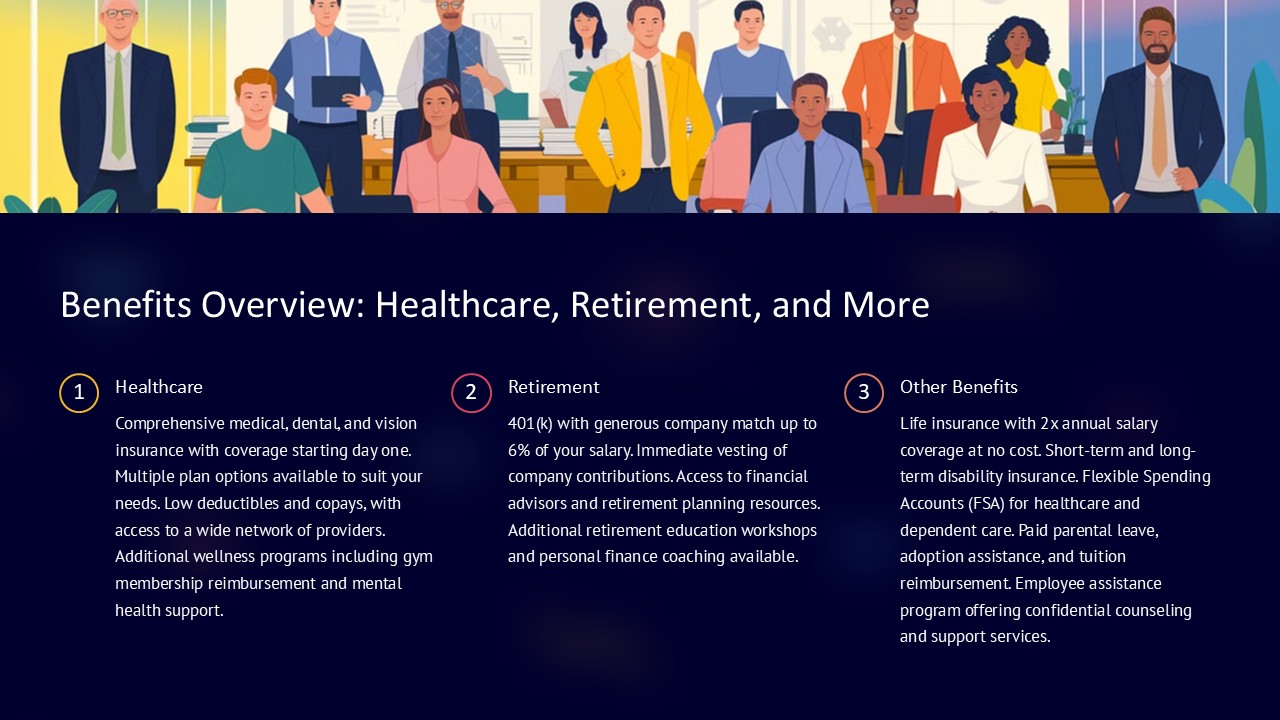
This detailed presentation is meticulously crafted to cover a wide range of topics that are crucial in employee benefits discussions. It starts with an introduction to the importance of employee benefits and how they can be used as a strategic tool for enhancing employee satisfaction and retention. Following this, the presentation delves into different types of benefits, including health insurance, retirement plans, paid time off, and unique perks that companies might offer, such as wellness programs or remote working opportunities.
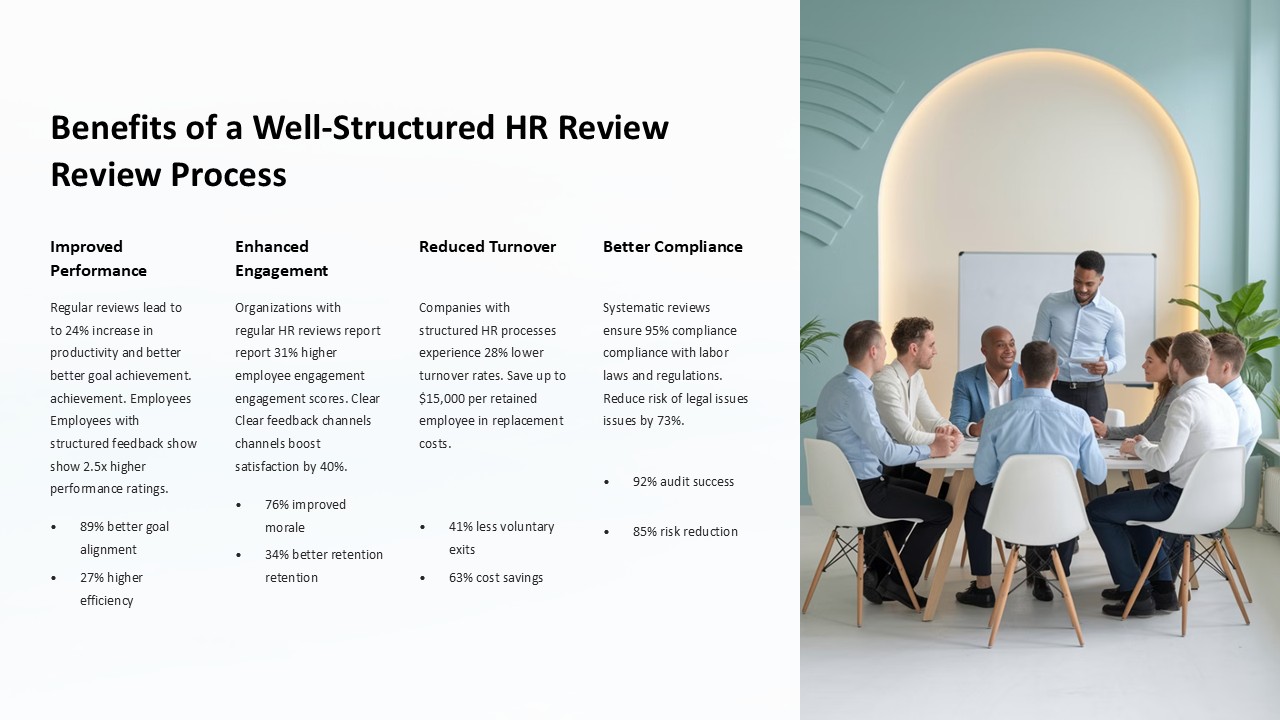
Each slide in the presentation is structured to facilitate clear and engaging communication. With dedicated slides to discuss the objectives of offering competitive benefits, the financial implications, and the expected outcomes, this template ensures that every aspect of the discussion is covered thoroughly. Additionally, it includes comparative analysis tools that help in evaluating various benefits packages against industry standards or competitor offerings, making it easier for decision-makers to understand the landscape and make informed choices.
Moreover, the presentation is not just about listing benefits but also addresses the implementation challenges. It provides strategic insights into how to effectively communicate these benefits to the workforce, ensuring that employees understand and appreciate the value of what is being offered to them. This section is crucial for ensuring the successful adoption and utilization of the benefits by the workforce.
Features of the "Discussing Employee Benefits Packages and Options PowerPoint Presentation":
- Fully Editable Templates: Every slide in this presentation is fully editable, allowing you to customize the content, colors, and graphics to suit your specific needs and corporate branding. Whether you need to add more data, tweak the design, or rephrase the content, you can do it all without any hassle.
- PowerPoint and Google Slides Compatibility: This presentation is designed to be compatible with both Microsoft PowerPoint and Google Slides. This dual compatibility ensures that you can use the platform that you are most comfortable with or that best fits the technology available to your audience.
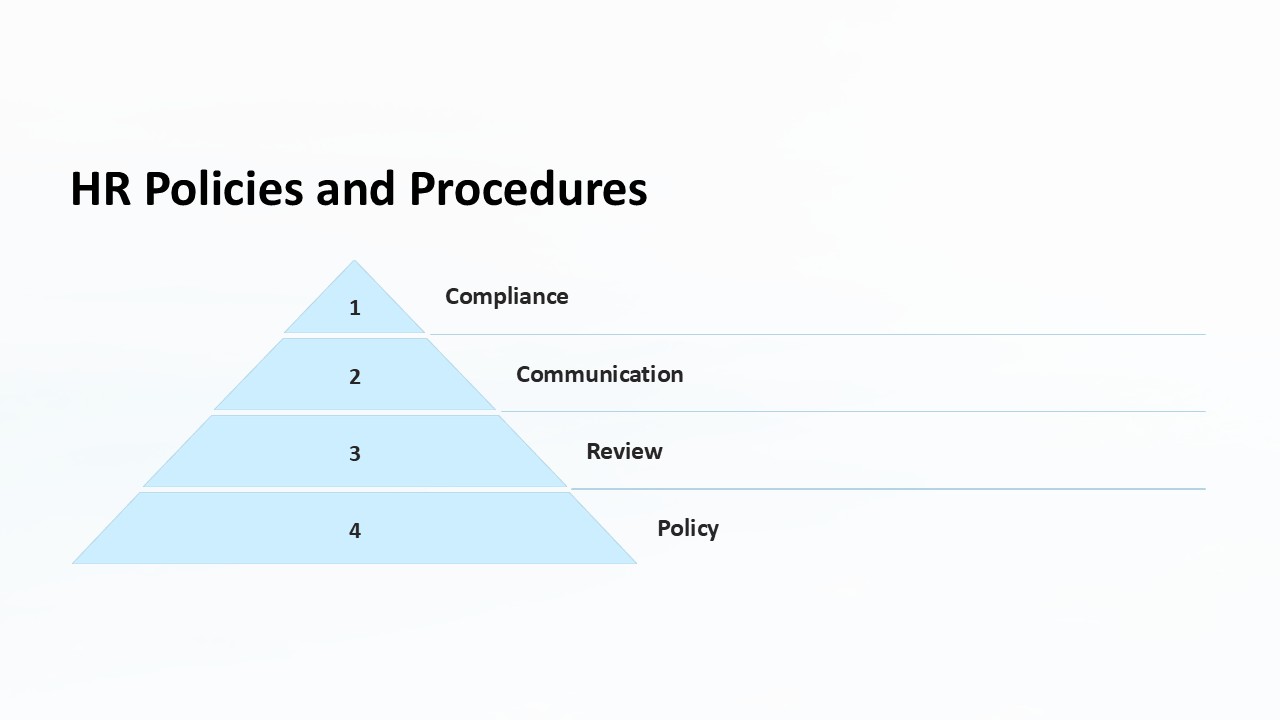
- Professional Design: Each slide boasts a professional design that combines aesthetic appeal with clarity and functionality. The use of visual aids like charts, graphs, and icons helps in conveying complex information in an easily digestible manner.
- Comprehensive Content Structure: The structure of the presentation covers all aspects of employee benefits discussions. From introduction to implementation, every necessary topic is included and presented logically to facilitate smooth flow and understanding.
- User Guide Included: To help you make the most out of this presentation template, it comes with a user guide that provides tips on how to effectively customize and present the content.
This "Discussing Employee Benefits Packages and Options PowerPoint Presentation" is an essential tool for anyone involved in the planning, discussion, or management of employee benefits. It equips you with everything needed to conduct a thorough and effective discussion, ensuring that your audience is well-informed and engaged throughout the presentation.
Template details
| Template | Discussing Employee Benefits Packages and Options PowerPoint Presentation |
|---|---|
| Category | PowerPoint Presentations |
| File format | PowerPoint (.pptx) |
| Slide size | 16:9 widescreen |
| Preview images | 1 |
| Editable | Yes: text, colours, shapes, icons and charts |
| Works with | PowerPoint 2010 and later, PowerPoint for Mac, Google Slides |
| Licence | Royalty-free, yours to keep using after your plan ends (terms of use apply) |
| Price | Included in every SlideVilla plan |
| Added | 27 Apr 2025 |
Questions about this template
Can I edit the Discussing Employee Benefits Packages and Options PowerPoint Presentation?
Yes. Every part of the Discussing Employee Benefits Packages and Options PowerPoint Presentation is made with native PowerPoint shapes and text boxes, so you can change the wording, colours, fonts and sizes, move or delete elements, and swap icons without losing quality.
Does the Discussing Employee Benefits Packages and Options PowerPoint Presentation work in Google Slides?
Yes. Download the .pptx file, upload it to Google Drive and open it with Google Slides. The layout, shapes and text stay editable there too.
Is the Discussing Employee Benefits Packages and Options PowerPoint Presentation free?
It is a premium template, included in every SlideVilla plan together with the rest of the library. See plans and pricing.
What size and format is it?
It is a PPTX file in 16:9 widescreen format, with 1 preview image shown above.
How to use this template
- Step 1DownloadClick Download and the .pptx file saves straight to your computer.
- Step 2OpenOpen it in PowerPoint, or upload it to Google Slides from your Drive.
- Step 3Make it yoursChange text, colours, icons and charts. Every element is fully editable.
Categories
Related PowerPoint templates
More designs like this one, ready to edit.