About this PowerPoint template
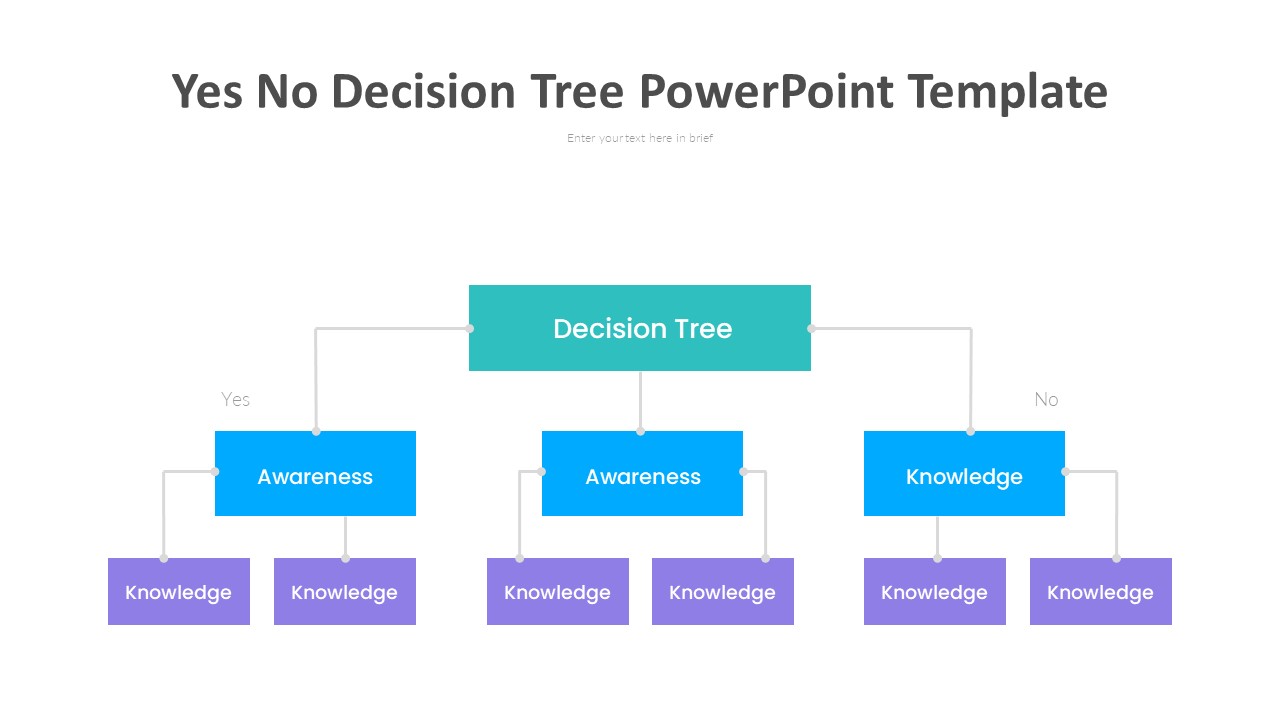
The Decision Tree Icon PowerPoint Template is a versatile and professional tool that can be used for a variety of presentations. This template features a collection of decision tree icons that can help you visually represent complex decision-making processes in a clear and concise manner.
The decision tree icons included in this template are modern and sleek, making them perfect for business, academic, or educational presentations. They can be easily customized to match your branding or color scheme, allowing you to create a cohesive and professional-looking presentation.
One of the key features of this template is its fully editable design. You can easily resize, recolor, or rearrange the decision tree icons to fit your specific needs. This flexibility allows you to create unique and impactful presentations that effectively communicate your message to your audience.
In addition to the decision tree icons, this template also includes a range of other useful elements such as text boxes, diagrams, and charts. These elements can be used to further enhance your presentation and provide additional context or information to your audience.
Overall, the Decision Tree Icon PowerPoint Template is a must-have tool for anyone looking to create engaging and informative presentations. With its fully editable design and versatile icons, this template will help you communicate your ideas effectively and impress your audience with visually appealing slides.
Template details
| Template | Decision Tree Icon PowerPoint Template |
|---|---|
| Category | PowerPoint Templates |
| File format | PowerPoint (.pptx) |
| Slide size | 16:9 widescreen |
| Preview images | 1 |
| Editable | Yes: text, colours, shapes, icons and charts |
| Works with | PowerPoint 2010 and later, PowerPoint for Mac, Google Slides |
| Licence | Royalty-free, yours to keep using after your plan ends (terms of use apply) |
| Price | Included in every SlideVilla plan |
| Added | 7 Sept 2024 |
Questions about this template
Can I edit the Decision Tree Icon PowerPoint Template?
Yes. Every part of the Decision Tree Icon PowerPoint Template is made with native PowerPoint shapes and text boxes, so you can change the wording, colours, fonts and sizes, move or delete elements, and swap icons without losing quality.
Does the Decision Tree Icon PowerPoint Template work in Google Slides?
Yes. Download the .pptx file, upload it to Google Drive and open it with Google Slides. The layout, shapes and text stay editable there too.
Is the Decision Tree Icon PowerPoint Template free?
It is a premium template, included in every SlideVilla plan together with the rest of the library. See plans and pricing.
What size and format is it?
It is a PPTX file in 16:9 widescreen format, with 1 preview image shown above.
How to use this template
- Step 1DownloadClick Download and the .pptx file saves straight to your computer.
- Step 2OpenOpen it in PowerPoint, or upload it to Google Slides from your Drive.
- Step 3Make it yoursChange text, colours, icons and charts. Every element is fully editable.
Categories
Related PowerPoint templates
More designs like this one, ready to edit.