
About this PowerPoint template
The Data Governance PPT Template is a complete 20-slide presentation: a shared way to make data reliable, secure, and useful. Every slide is fully editable in PowerPoint and Google Slides, so you can change the text, colours, charts and icons to fit your brand in minutes.
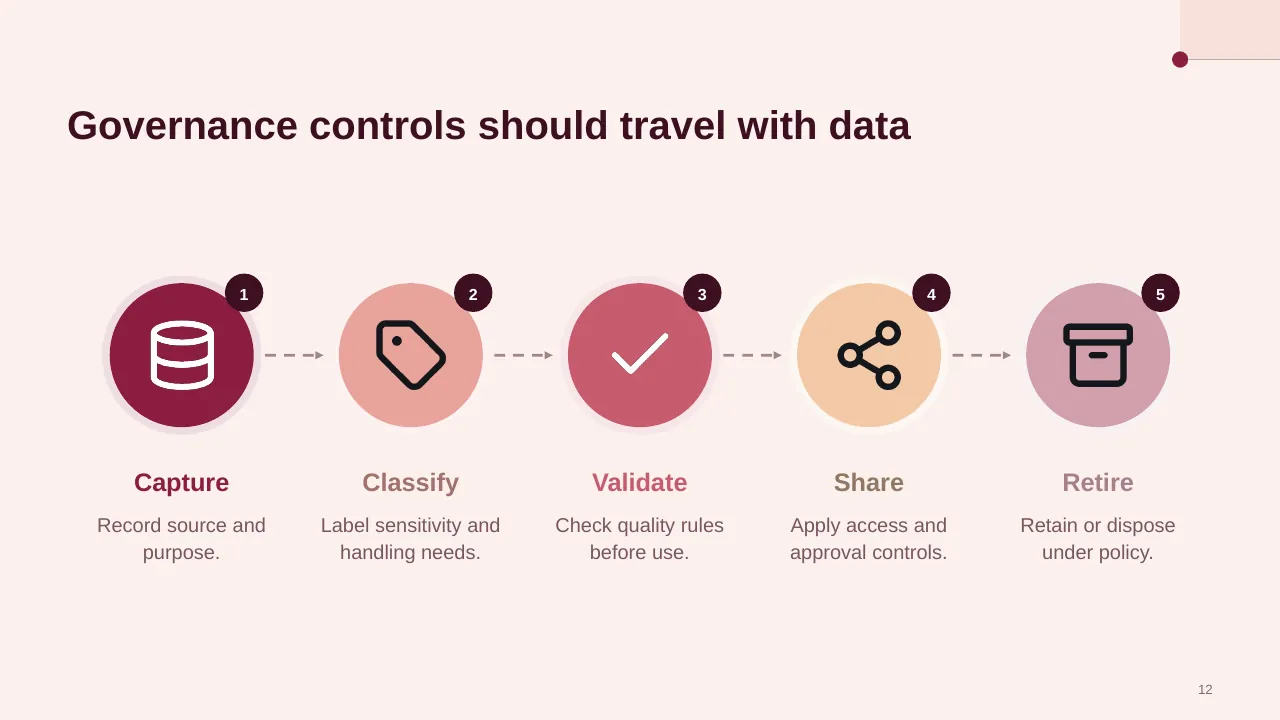
Inside, the slides walk through topics such as “Assign responsibility for data decisions and outcomes”, “Governance controls should travel with data” and “Build capability in deliberate horizons”, with ready-made layouts for each step. It is part of our Cybersecurity & IT presentations.
On this page
What's included
- 20 professionally designed 16:9 widescreen slides
- 100% editable text, shapes, icons, tables and charts (no flat images)
- Works in Microsoft PowerPoint (Windows and Mac) and Google Slides
- Clean, consistent layout that follows your theme colours and fonts
- Delivered as a single ZIP file containing the .pptx presentation
What to include in a data governance presentation
A simple structure that works for most audiences, mapped to the slides in this deck:
| Part | What goes there | Slide in this deck |
|---|---|---|
| Why it matters | The cost of poor data and the goals | Slides 2, 13 |
| Framework | Principles, policies and standards | Use any content slide |
| Roles | Owners, stewards and the council | Slides 3, 5, 6 |
| Processes | Quality checks, access, privacy and issue handling | Slides 4, 16 |
| Measures and roadmap | Data quality KPIs and next steps | Use any content slide |
Key numbers: Data quality and governance
Research figures you can quote on your slides. Each one names the study it comes from, so your audience can check it.
| Finding | Figure | Source |
|---|---|---|
| Average yearly cost of poor data quality per organisation | $12.9 million | Gartner (2020 research) |
| Organisations that do not measure data quality | 59% | Gartner survey |
| Share of marketing data CMOs estimate is poor quality | 45% | Adverity, State of Play (2025) |
| Finance leaders naming data quality and availability as their top FP&A bottleneck | 58% | Vena, FP&A Impact Report (2026) |
Sources: Gartner, Data Quality · IBM, What is data quality · Adverity, data quality research 2025 · Vena, FP&A trends. Figures are from the editions named; check for a newer edition before you present.
Slide-by-slide outline
| Slide | What it covers |
|---|---|
| 1 | Title slide: Data Governance |
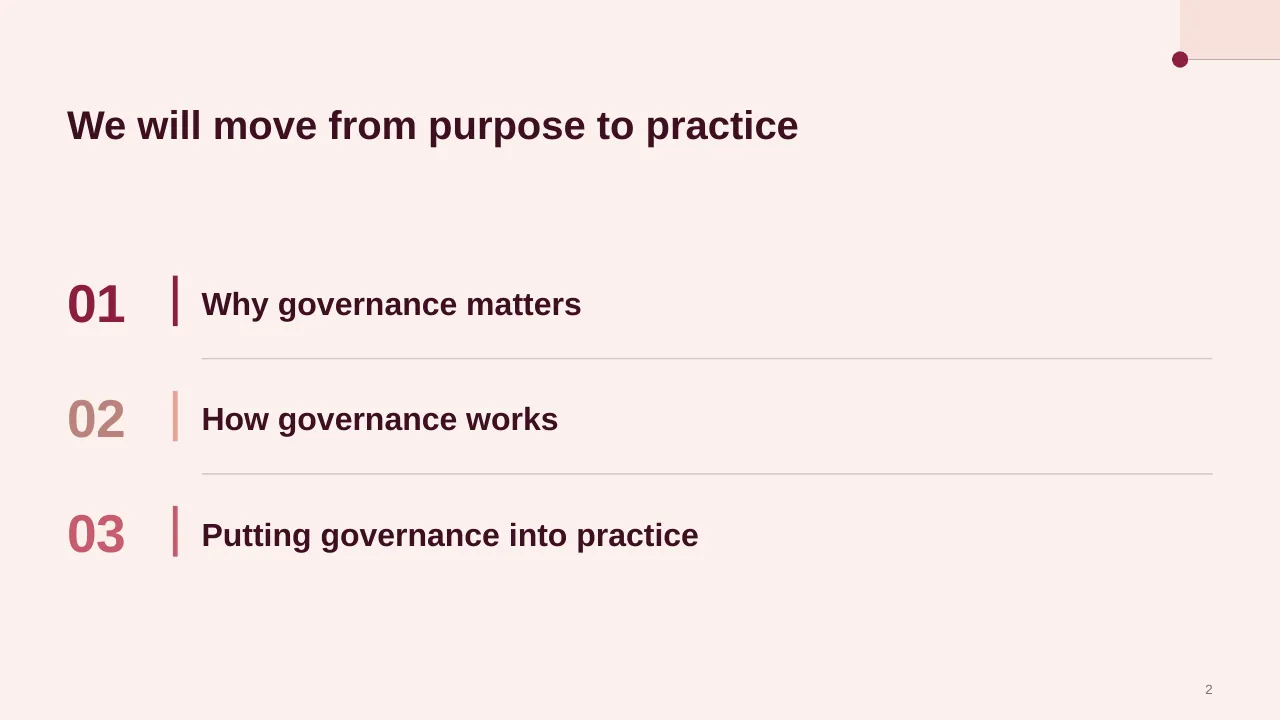
| 2 | We will move from purpose to practice |
| 3 | Data becomes a shared responsibility when people rely on it across an organization |
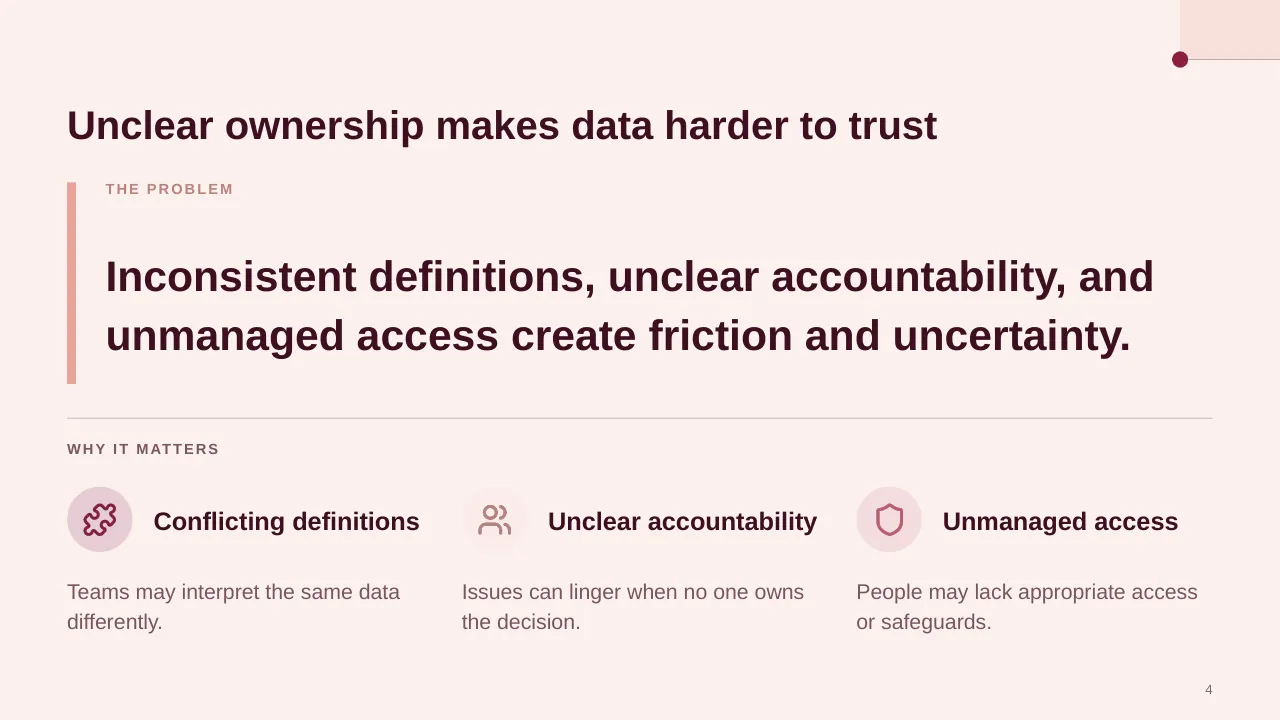
| 4 | Inconsistent definitions, unclear accountability, and unmanaged access create friction and uncertainty. |
| 5 | Clear responsibilities and expectations help people make confident decisions with data. |
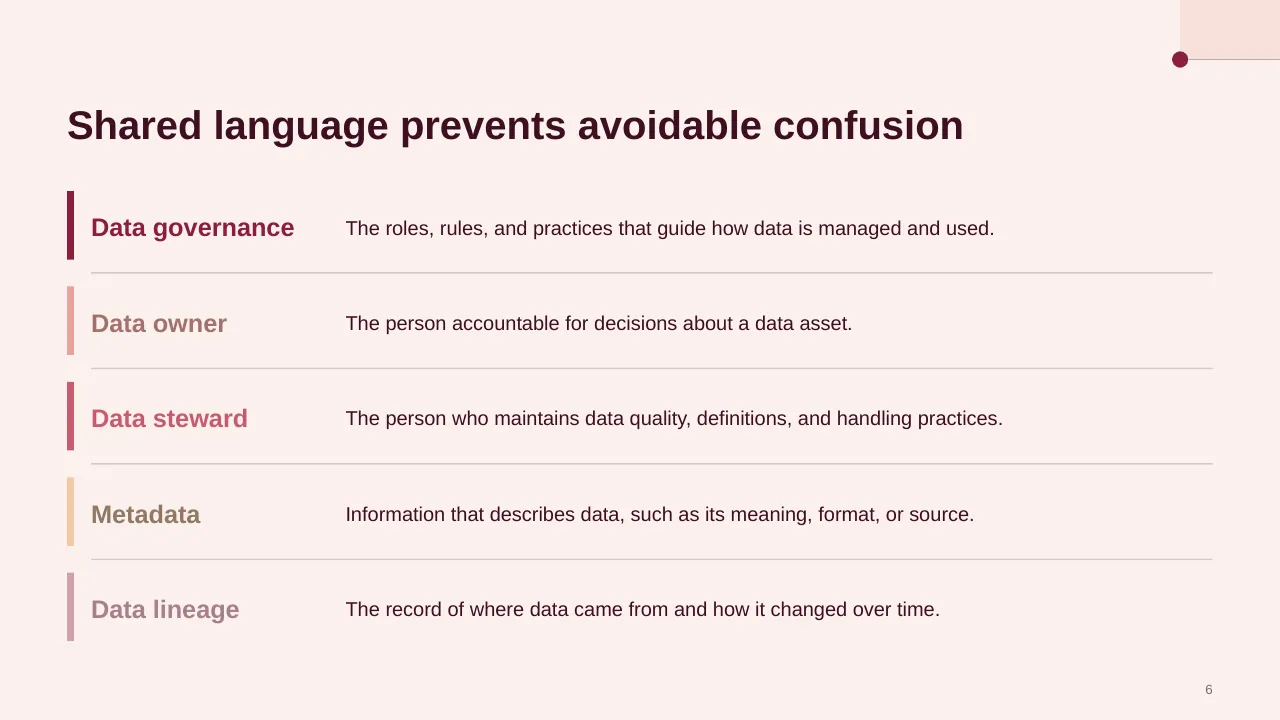
| 6 | The roles, rules, and practices that guide how data is managed and used. |
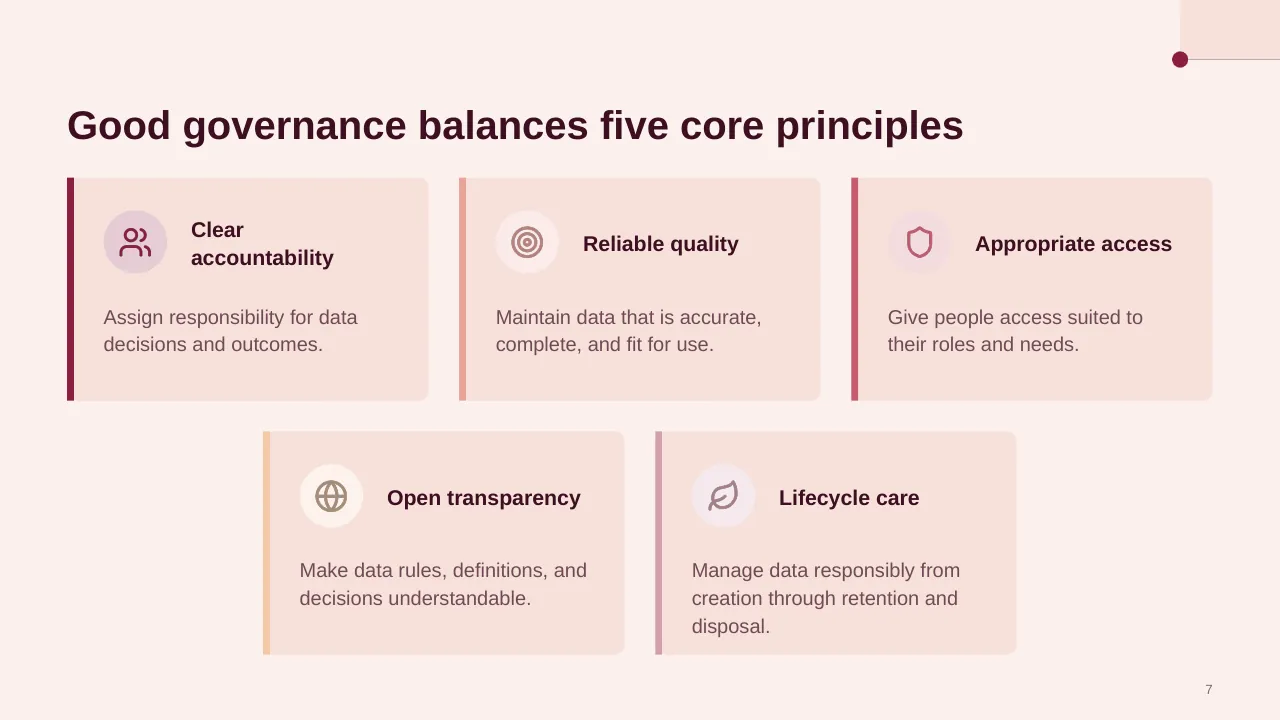
| 7 | Assign responsibility for data decisions and outcomes. |
| 8 | Explore the people, decision rights, and controls that make responsible data use practical. |
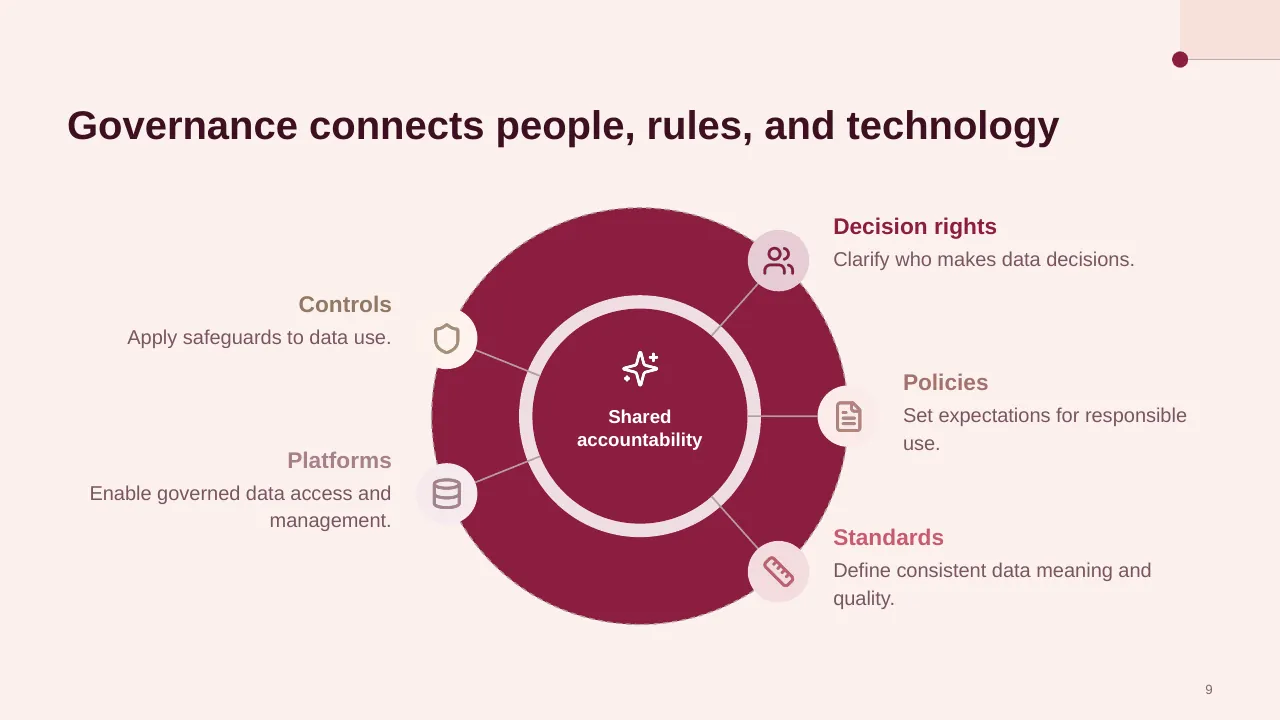
| 9 | Governance connects people, rules, and technology |
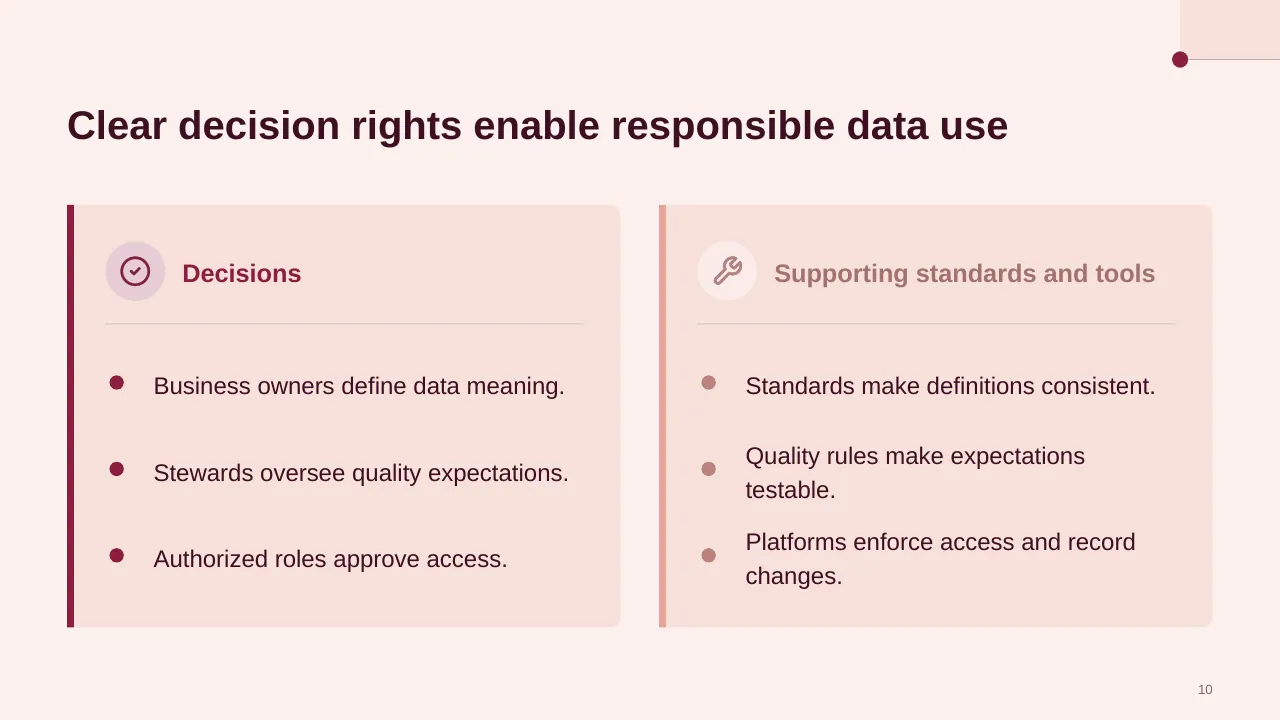
| 10 | Clear decision rights enable responsible data use |
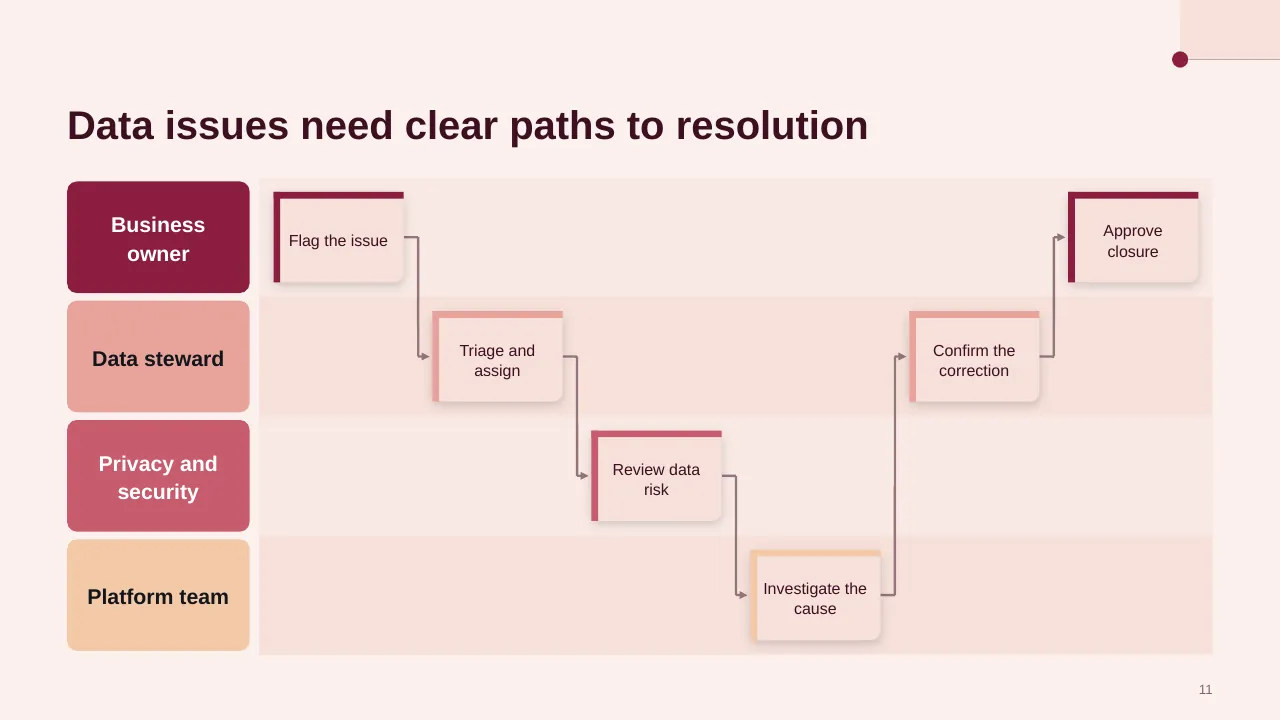
| 11 | Data issues need clear paths to resolution |
| 12 | Governance controls should travel with data |
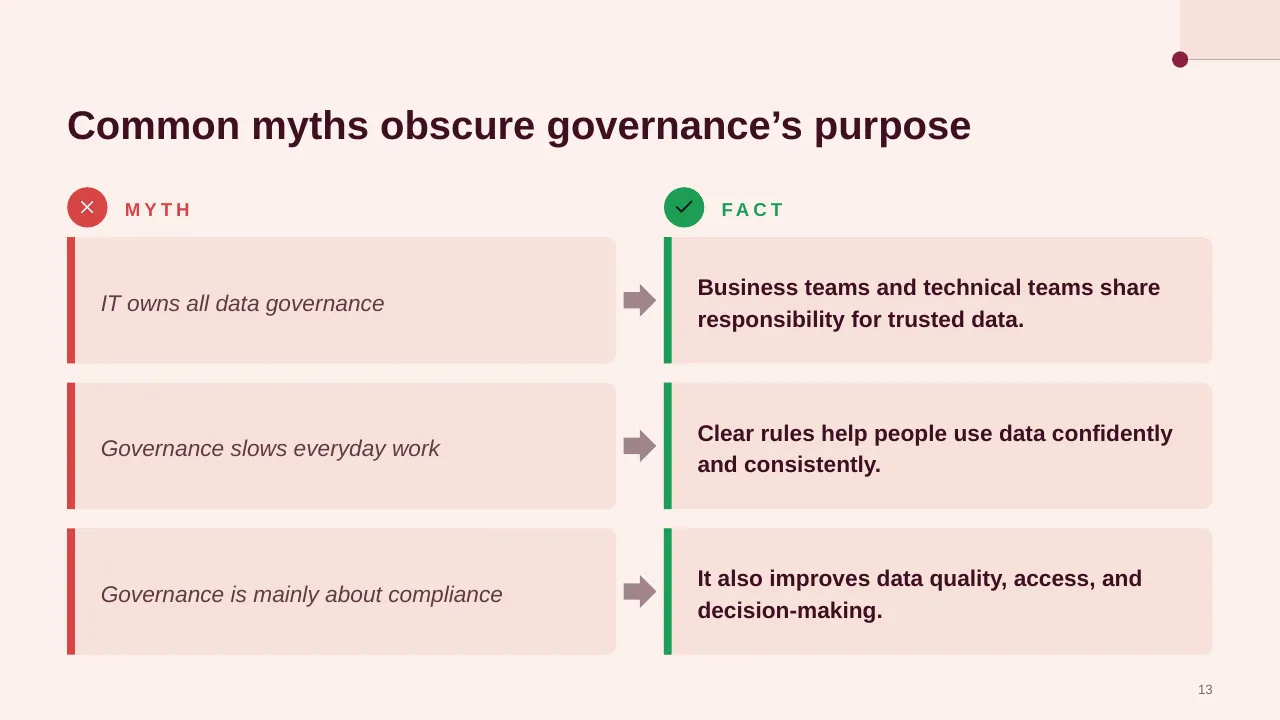
| 13 | Common myths obscure governance’s purpose |
| 14 | Begin with a focused pilot that turns shared responsibilities into everyday habits. |
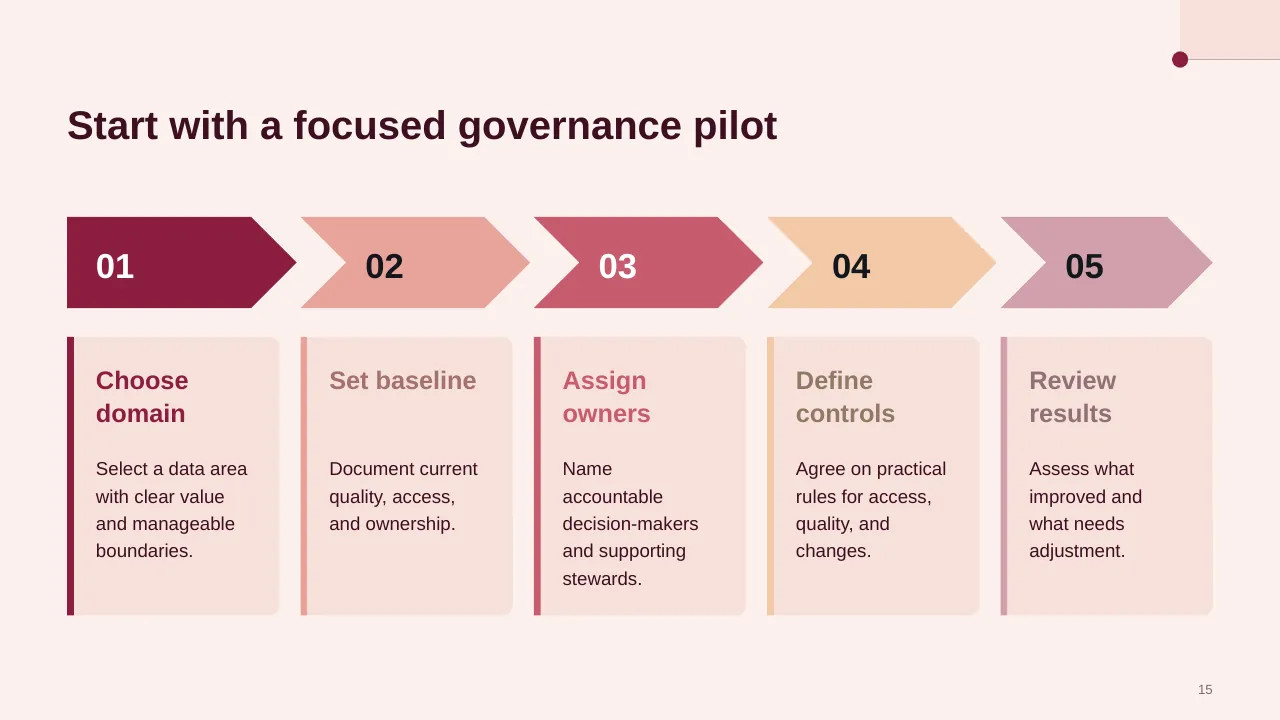
| 15 | Start with a focused governance pilot |
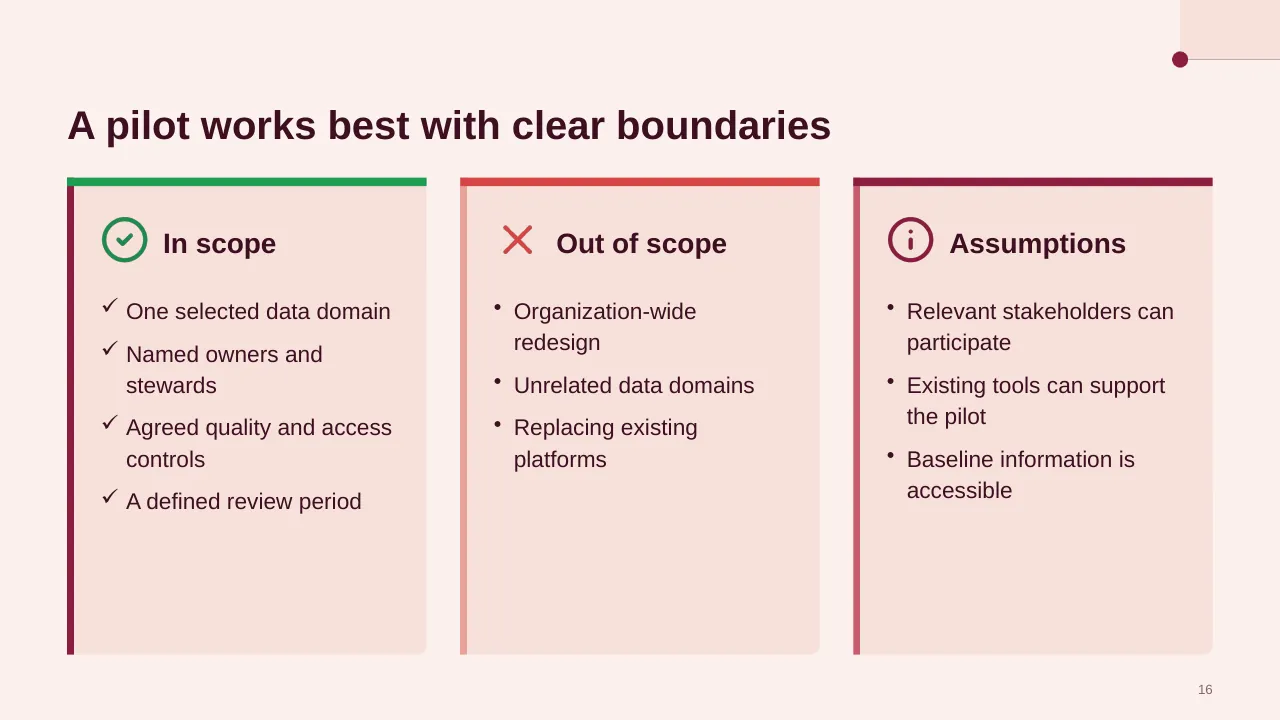
| 16 | One selected data domain Named owners and stewards Agreed quality and access controls A defined review period |
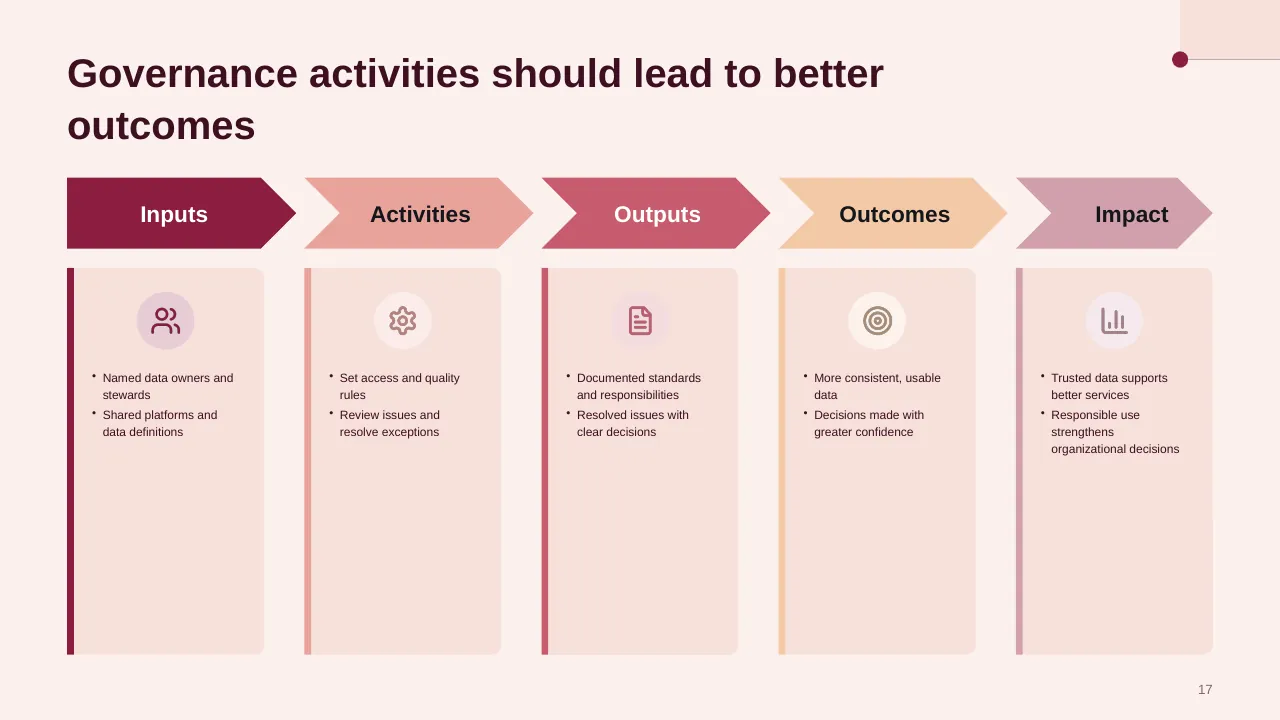
| 17 | Named data owners and stewards Shared platforms and data definitions |
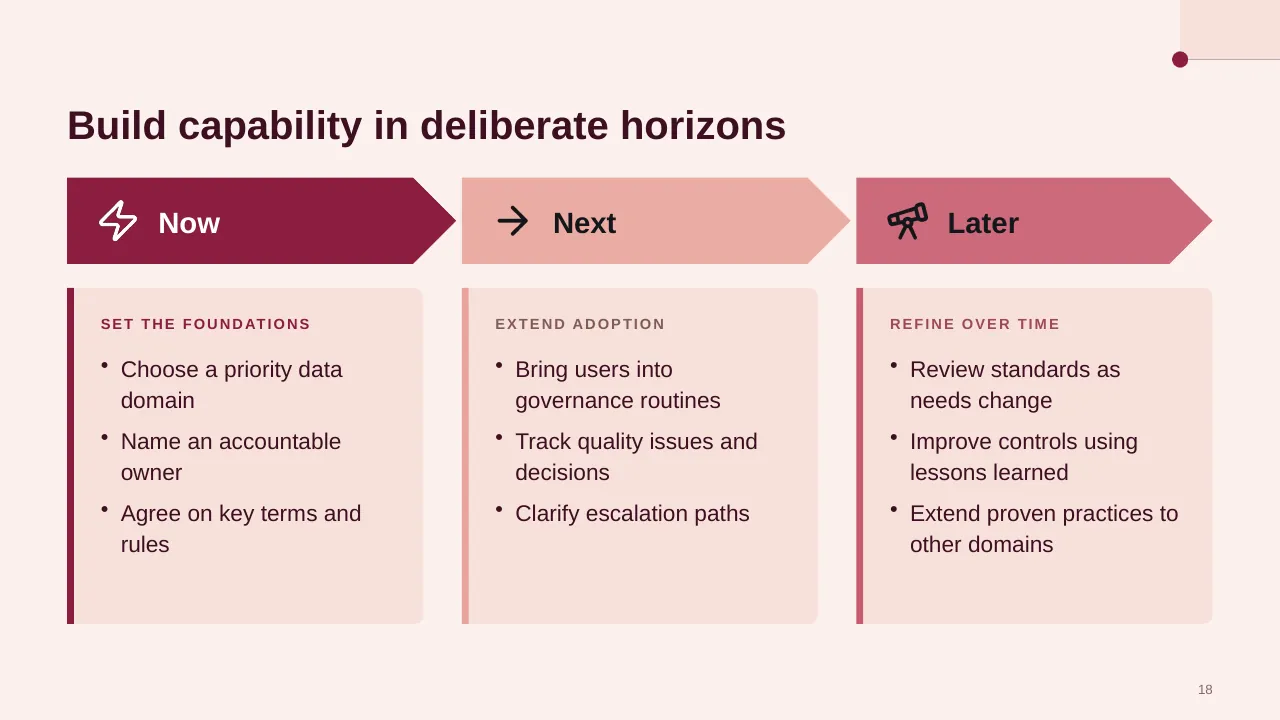
| 18 | Build capability in deliberate horizons |
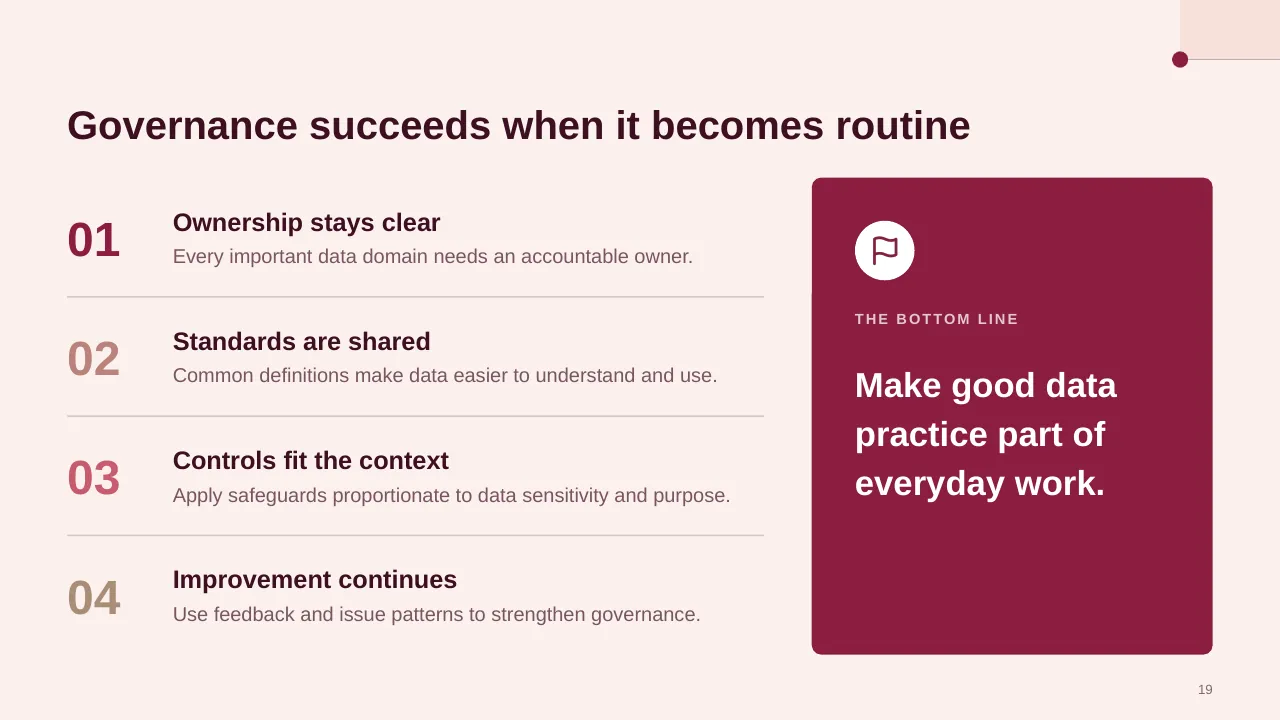
| 19 | Governance succeeds when it becomes routine |
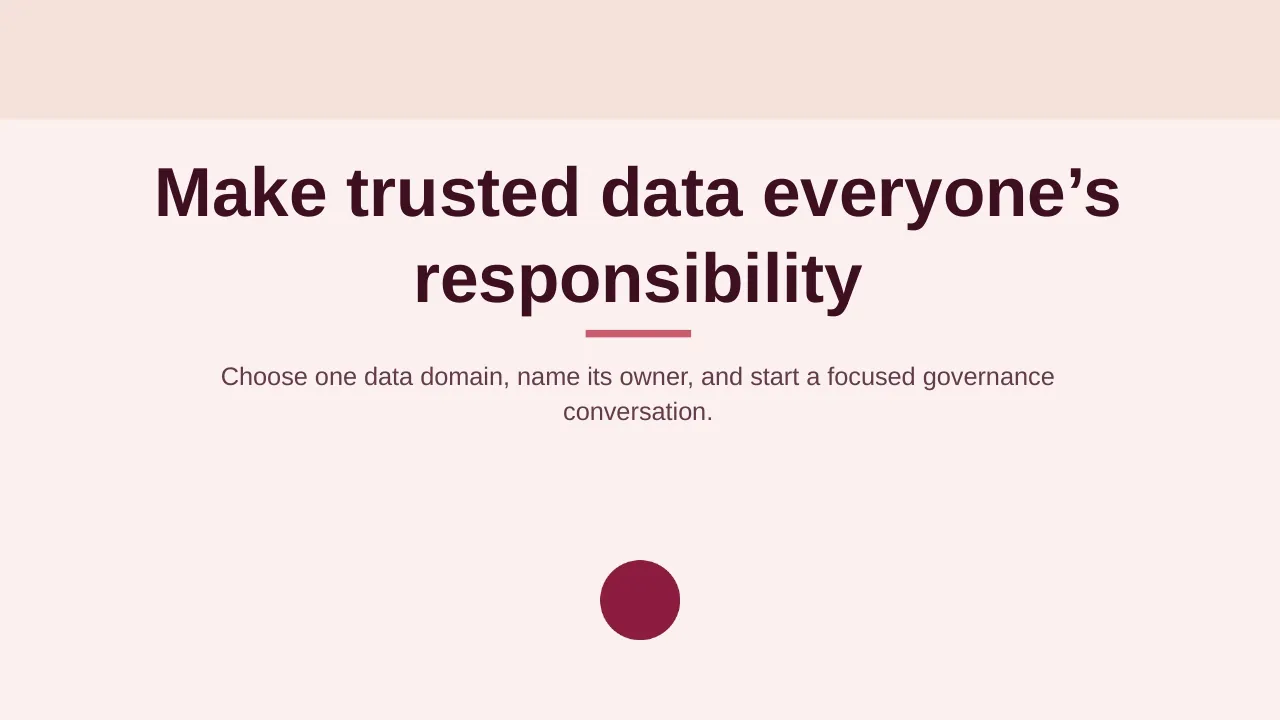
| 20 | Choose one data domain, name its owner, and start a focused governance conversation. |
Tips for a data governance presentation
- Start with a business cost: Gartner puts poor data quality at about $12.9M a year per organisation.
- Name data owners and stewards for your most important domains.
- Measure quality; most organisations don't, so a simple score is a quick win.
- Keep the policy language short and link to the full documents.
Mistakes to avoid
- Governance with no business sponsor
- Policies with no owners
- No way to measure progress
Checklist before you present
- Is the business case clear?
- Are roles named for key domains?
- Are quality measures defined?
- Are privacy rules covered?
- Is there a phased roadmap?
Great for
- Security awareness training
- Cyber risk and strategy briefings
- Data governance and privacy programmes
- IT and disaster recovery planning
How to customise it
- Download the ZIP file and unzip it to get the .pptx presentation.
- Open it in PowerPoint, or upload it to Google Drive and open it with Google Slides.
- Replace the sample text and numbers with your own; charts update from their data sheets.
- Change the theme colours once to recolour the whole deck, then delete any slides you don't need.
Questions about a data governance presentation
What is the difference between a data owner and a data steward?
The owner is accountable for a data domain and its decisions; the steward manages its day-to-day quality and definitions.
Which data quality dimensions should I track?
Common ones are accuracy, completeness, consistency, timeliness, validity and uniqueness.
Related presentations
- Cybersecurity Risk Management Framework PPT Template
- IT Data Stewardship PPT Template
- Cybersecurity Awareness PPT Template
- Disaster Recovery Implementation Plan PPT Template
Browse all Cybersecurity & IT presentations or more technology templates.
Template details
| Template | Data Governance PPT Template |
|---|---|
| Categories | Technology, Cybersecurity & IT |
| File format | PowerPoint (.pptx), delivered as a .zip file |
| Number of slides | 20 fully editable slides |
| File size | 2.7 MB |
| Slide size | 16:9 widescreen |
| Preview images | 20 |
| Editable | Yes: text, colours, shapes, icons and charts |
| Works with | PowerPoint 2010 and later, PowerPoint for Mac, Google Slides |
| Licence | Royalty-free, yours to keep using after your plan ends (terms of use apply) |
| Price | Included in every SlideVilla plan |
| Added | 1 Aug 2025 |
Questions about this template
Can I edit the Data Governance PPT Template?
Yes. Every part of the Data Governance PPT Template is made with native PowerPoint shapes and text boxes, so you can change the wording, colours, fonts and sizes, move or delete elements, and swap icons without losing quality.
Does the Data Governance PPT Template work in Google Slides?
Yes. Download the .zip file, unzip it to get the .pptx, upload it to Google Drive and open it with Google Slides. The layout, shapes and text stay editable there too.
Is the Data Governance PPT Template free?
It is a premium template, included in every SlideVilla plan together with the rest of the library. See plans and pricing.
What size and format is it?
It is a PPTX file in 16:9 widescreen format with 20 slides, 2.7 MB (downloaded as a .zip; unzip it to get the presentation), with 20 preview images shown above.
How to use this template
- Step 1DownloadClick Download, then unzip the .zip file to get the .pptx presentation.
- Step 2OpenOpen it in PowerPoint, or upload it to Google Slides from your Drive.
- Step 3Make it yoursChange text, colours, icons and charts. Every element is fully editable.
Categories
Tags
Related PowerPoint templates
More designs like this one, ready to edit.