About this PowerPoint template
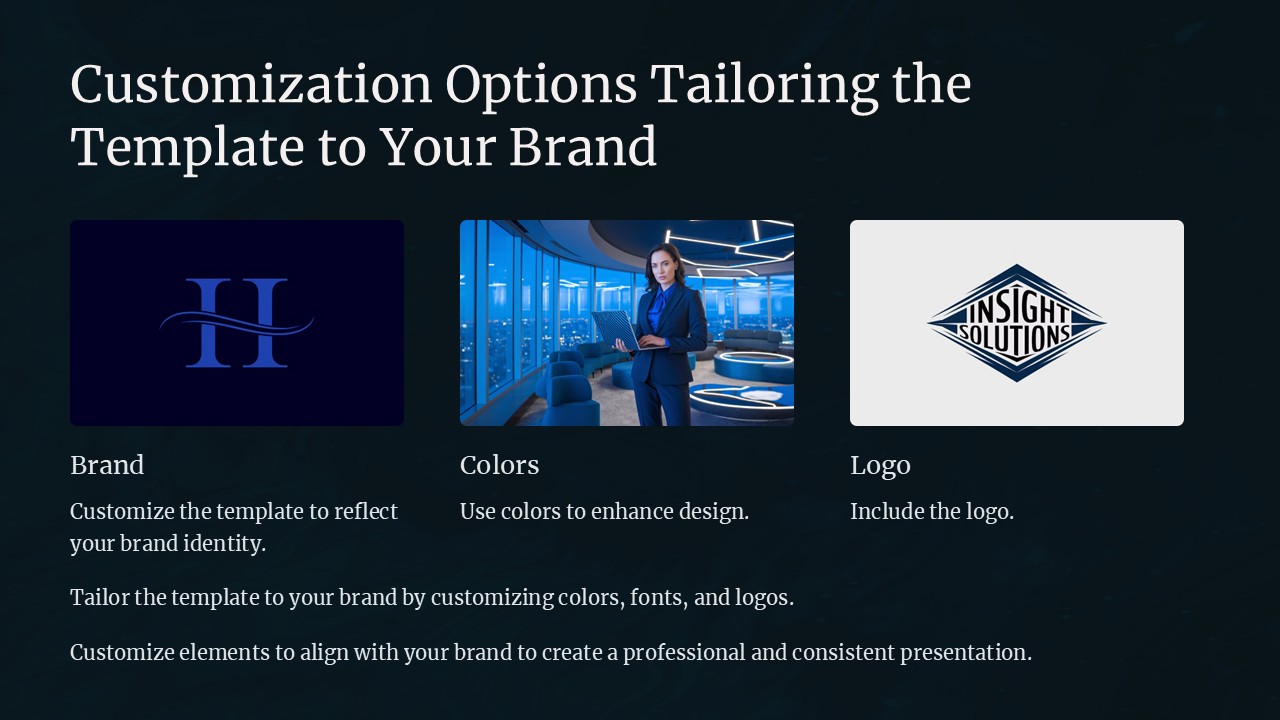
Introducing the Customization Options: Tailoring the Template to Your Brand PowerPoint Presentation
Unlock the potential of your brand's visual communication with the "Customization Options: Tailoring the Template to Your Brand" PowerPoint presentation. This meticulously crafted template is designed to empower professionals like you to convey your brand's unique story with clarity and impact. Whether you're pitching to stakeholders, presenting at conferences, or delivering internal reports, our template ensures that your presentation not only resonates with your audience but also embodies the essence of your brand.
Elevate Your Brand Identity
Our PowerPoint template offers a versatile foundation that can be seamlessly integrated with your company's branding guidelines. From the boardroom to the marketing meet-ups, your presentations will leave a lasting impression. Each slide is thoughtfully designed to be visually appealing and aligned with contemporary design trends, ensuring that your presentation looks polished and professional.
Customizable to the Core
At the heart of our product is its customizability. You can adapt every aspect of the template—from color schemes and fonts to logos and backgrounds—to mirror your brand's identity. The template includes a variety of slide layouts, such as title slides, section breaks, graphs, charts, and diagrams, all of which can be tailored to suit your specific content needs. Whether your brand is bold and dynamic or subtle and sophisticated, our template adjusts to your tone and style.
User-Friendly Features
Navigating through the customization process is straightforward and hassle-free. The template is designed to be user-friendly, allowing even those with minimal graphic design experience to create stunning presentations. With drag-and-drop placeholders, you can easily add your images and text without disrupting the design integrity of the slides.
Consistency Across All Platforms
To maintain consistency across various platforms, the "Customization Options: Tailoring the Template to Your Brand" PowerPoint presentation is compatible with both PowerPoint and Google Slides. This feature ensures that your presentation maintains its aesthetic appeal and functionality, regardless of the software you or your audience may be using.
Key Features:
- Fully Editable Templates: Every element in the template can be edited. Modify shapes, colors, and text with just a few clicks to ensure that every slide reflects your brand perfectly.
- PowerPoint and Google Slides Compatibility: Use the template with your preferred presentation software without any compatibility issues, ensuring a smooth and efficient design process.
- Wide Variety of Slides: Includes diverse slide designs like team introduction, market analysis, solution overview, case studies, and more, providing a comprehensive toolkit for all your presentation needs.
- High-Resolution Graphics: All graphical elements are designed to be high-resolution, ensuring that your presentation looks sharp and professional on any screen size.
- Support and Documentation: Comes with detailed documentation and customer support to assist you in customizing and using the template effectively.
Transform your presentations from mundane to memorable with the "Customization Options: Tailoring the Template to Your Brand" PowerPoint presentation. Embrace the power of brand-aligned communication and make every slide count!
Template details
| Template | Customization Options Tailoring the Template to Your Brand PowerPoint Presentation |
|---|---|
| Category | PowerPoint Presentations |
| File format | PowerPoint (.pptx) |
| Slide size | 16:9 widescreen |
| Preview images | 1 |
| Editable | Yes: text, colours, shapes, icons and charts |
| Works with | PowerPoint 2010 and later, PowerPoint for Mac, Google Slides |
| Licence | Royalty-free, yours to keep using after your plan ends (terms of use apply) |
| Price | Included in every SlideVilla plan |
| Added | 27 Apr 2025 |
Questions about this template
Can I edit the Customization Options Tailoring the Template to Your Brand PowerPoint Presentation?
Yes. Every part of the Customization Options Tailoring the Template to Your Brand PowerPoint Presentation is made with native PowerPoint shapes and text boxes, so you can change the wording, colours, fonts and sizes, move or delete elements, and swap icons without losing quality.
Does the Customization Options Tailoring the Template to Your Brand PowerPoint Presentation work in Google Slides?
Yes. Download the .pptx file, upload it to Google Drive and open it with Google Slides. The layout, shapes and text stay editable there too.
Is the Customization Options Tailoring the Template to Your Brand PowerPoint Presentation free?
It is a premium template, included in every SlideVilla plan together with the rest of the library. See plans and pricing.
What size and format is it?
It is a PPTX file in 16:9 widescreen format, with 1 preview image shown above.
How to use this template
- Step 1DownloadClick Download and the .pptx file saves straight to your computer.
- Step 2OpenOpen it in PowerPoint, or upload it to Google Slides from your Drive.
- Step 3Make it yoursChange text, colours, icons and charts. Every element is fully editable.
Categories
Related PowerPoint templates
More designs like this one, ready to edit.