About this PowerPoint template
The Consulting Proposal PowerPoint Presentation is a complete 20-slide presentation: clarify the challenge, align decisions, and prepare practical action. Every slide is fully editable in PowerPoint and Google Slides, so you can change the text, colours, charts and icons to fit your brand in minutes.
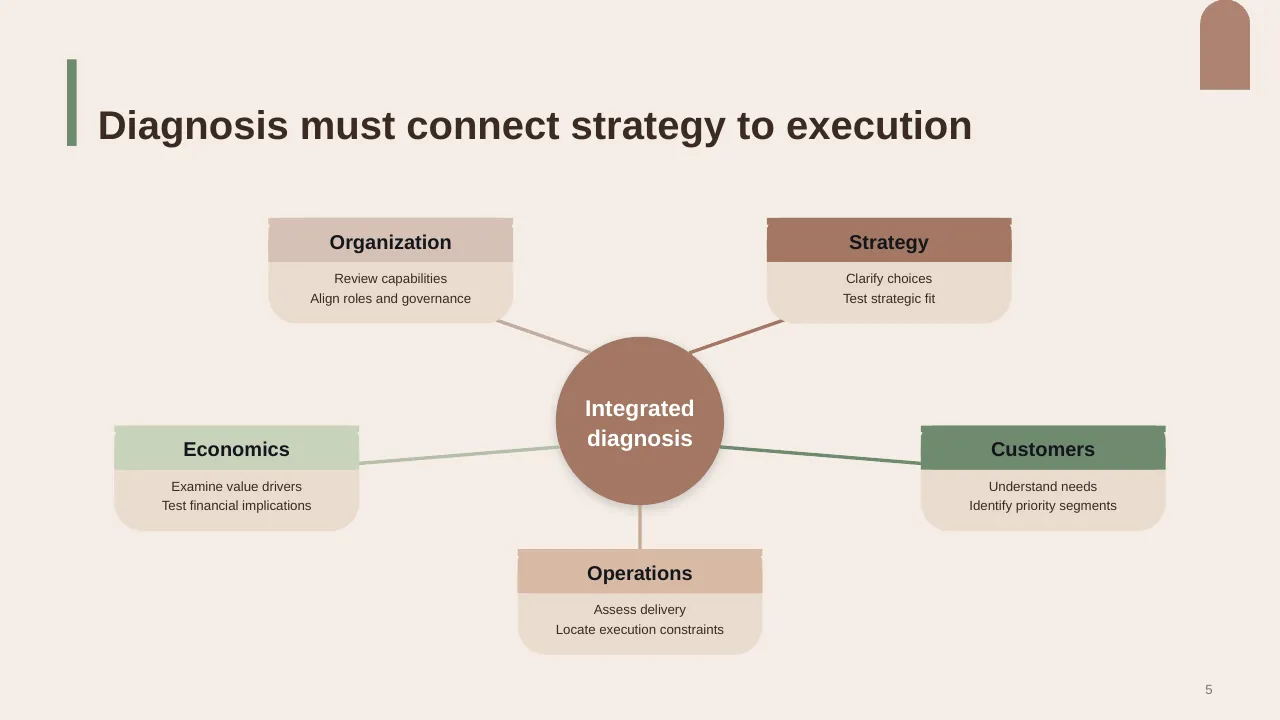
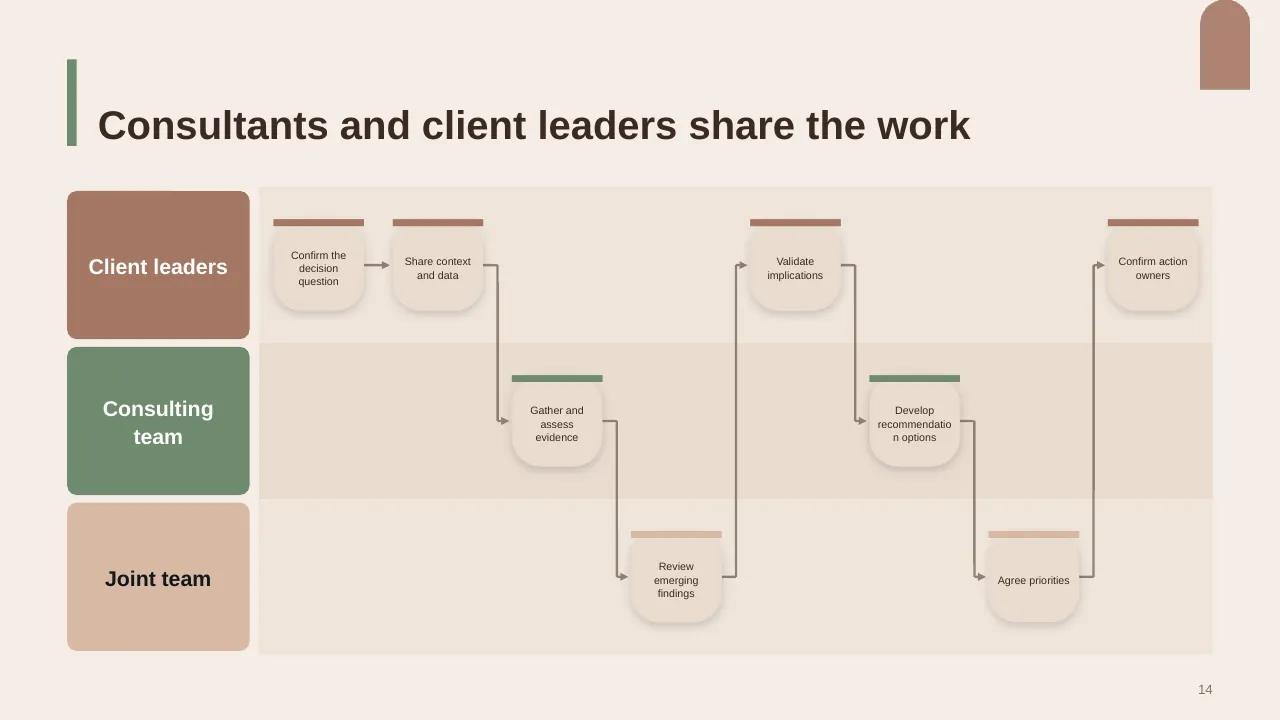
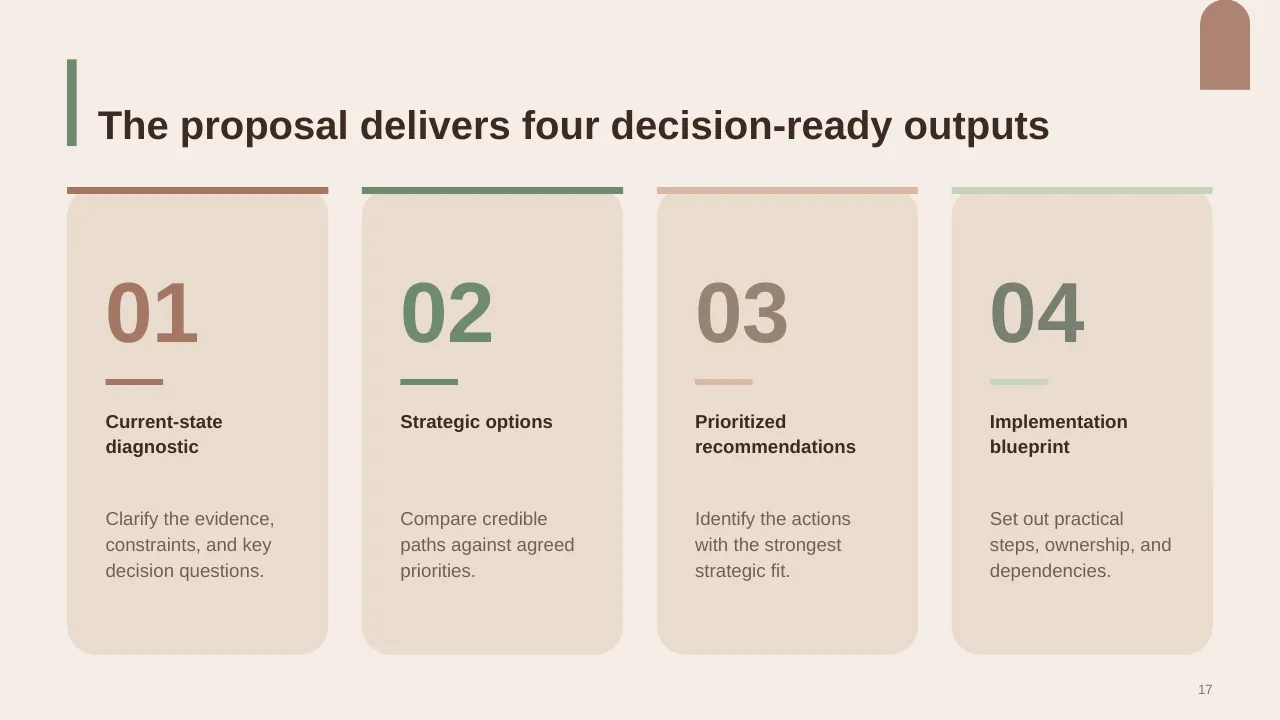
Inside, the slides walk through topics such as “Diagnosis must connect strategy to execution”, “Consultants and client leaders share the work” and “The proposal delivers four decision-ready outputs”, with ready-made layouts for each step. It is part of our Pitch Decks & Proposals presentations.
On this page
What's included
- 20 professionally designed 16:9 widescreen slides
- 100% editable text, shapes, icons, tables and charts (no flat images)
- Works in Microsoft PowerPoint (Windows and Mac) and Google Slides
- Clean, consistent layout that follows your theme colours and fonts
- Delivered as a single ZIP file containing the .pptx presentation
What to include in a proposal
A simple structure that works for most audiences, mapped to the slides in this deck:
| Part | What goes there | Slide in this deck |
|---|---|---|
| Client need | Their problem and goals, in their words | Slides 2, 4, 6 |
| Proposed solution | What you will do and how | Slides 17, 19, 20 |
| Why you | Experience, case studies and team | Slide 4 |
| Plan and timeline | Phases and milestones | Use any content slide |
| Investment | Price, options and terms | Slide 12 |
| Next steps | How to proceed | Slides 3, 19 |
Key numbers: Proposals and RFPs
Research figures you can quote on your slides. Each one names the study it comes from, so your audience can check it.
| Finding | Figure | Source |
|---|---|---|
| Average RFP win rate | 45% (up from 43%) | Loopio RFP Trends & Benchmarks (2025) |
| Average RFP win rate, the following year | 39% | Loopio RFP Trends & Benchmarks (2026) |
| How often responses reach the shortlist | 54% | Loopio RFP Trends & Benchmarks (2025) |
| Average RFPs a team completes per year | 153 | Loopio RFP Trends & Benchmarks (2025) |
Sources: Loopio, RFP statistics and win rates · Loopio 2025 report (PDF) · Loopio 2026 report. Figures are from the editions named; check for a newer edition before you present.
Loopio links the drop in 2026 partly to teams bidding on more RFPs while using go/no-go reviews less often. A clear qualification step is worth a slide of its own.
Slide-by-slide outline
| Slide | What it covers |
|---|---|
| 1 | Title slide: Consulting Proposal |
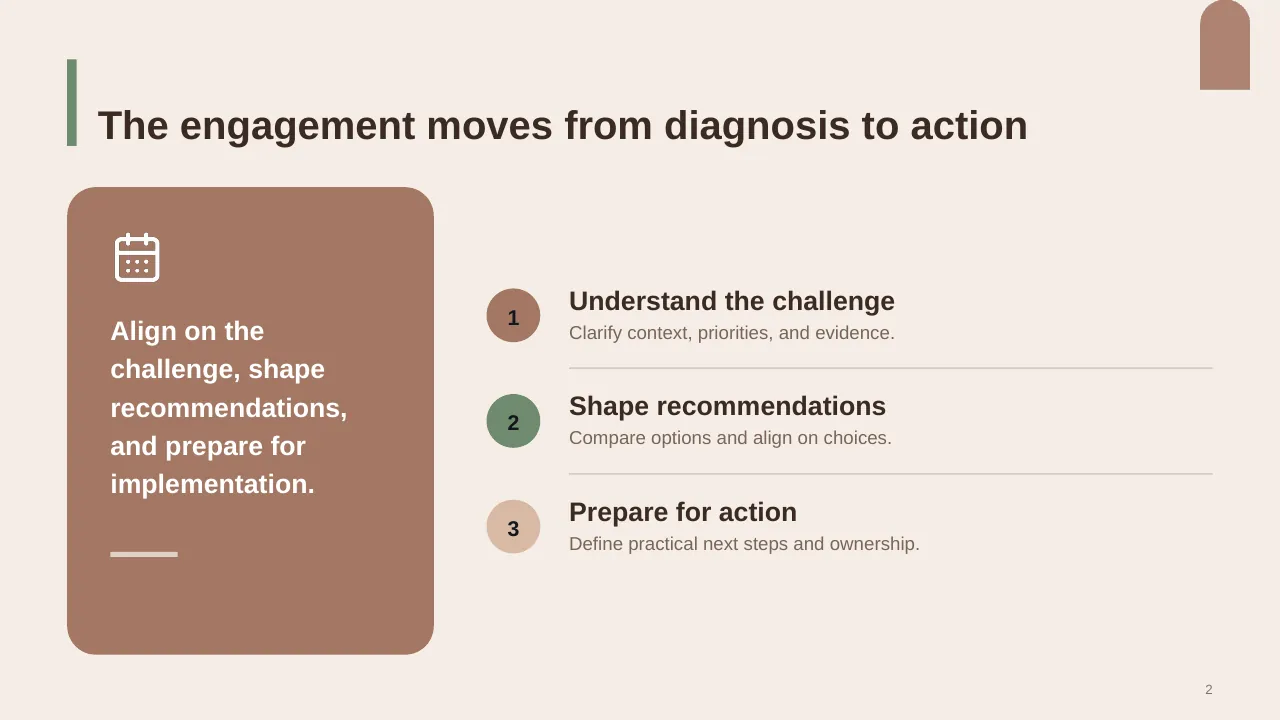
| 2 | Align on the challenge, shape recommendations, and prepare for implementation. |
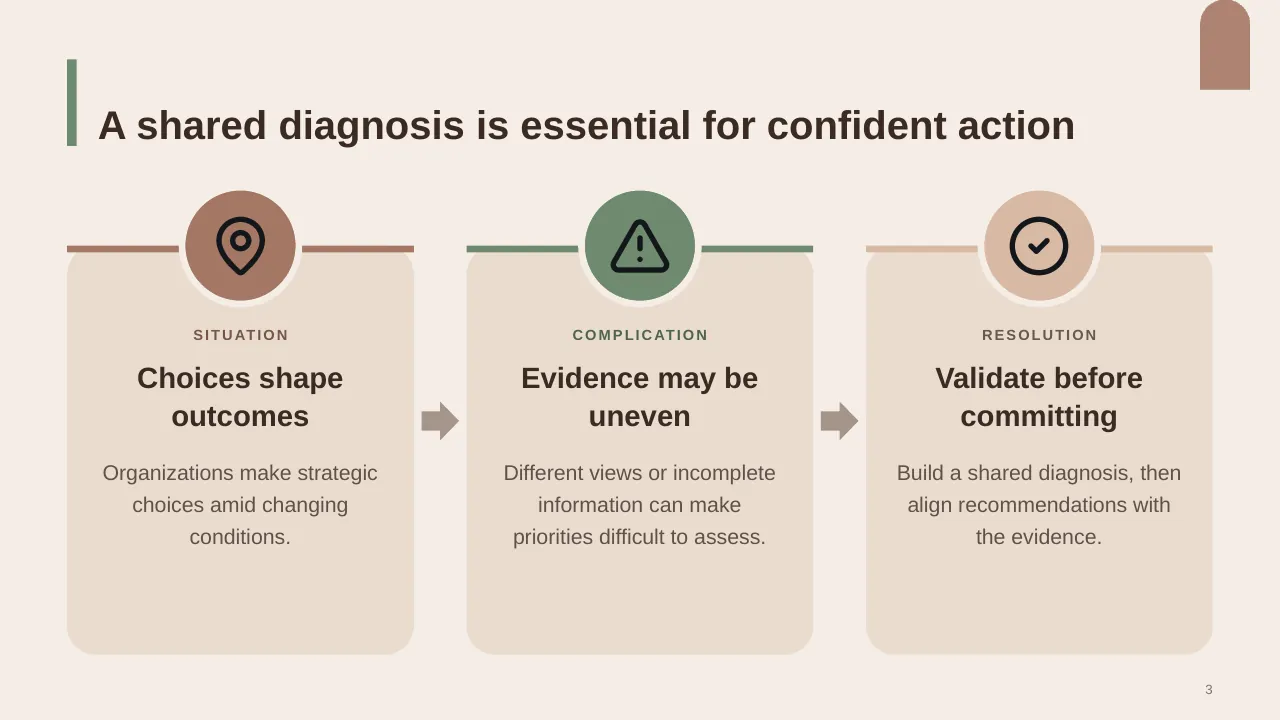
| 3 | A shared diagnosis is essential for confident action |
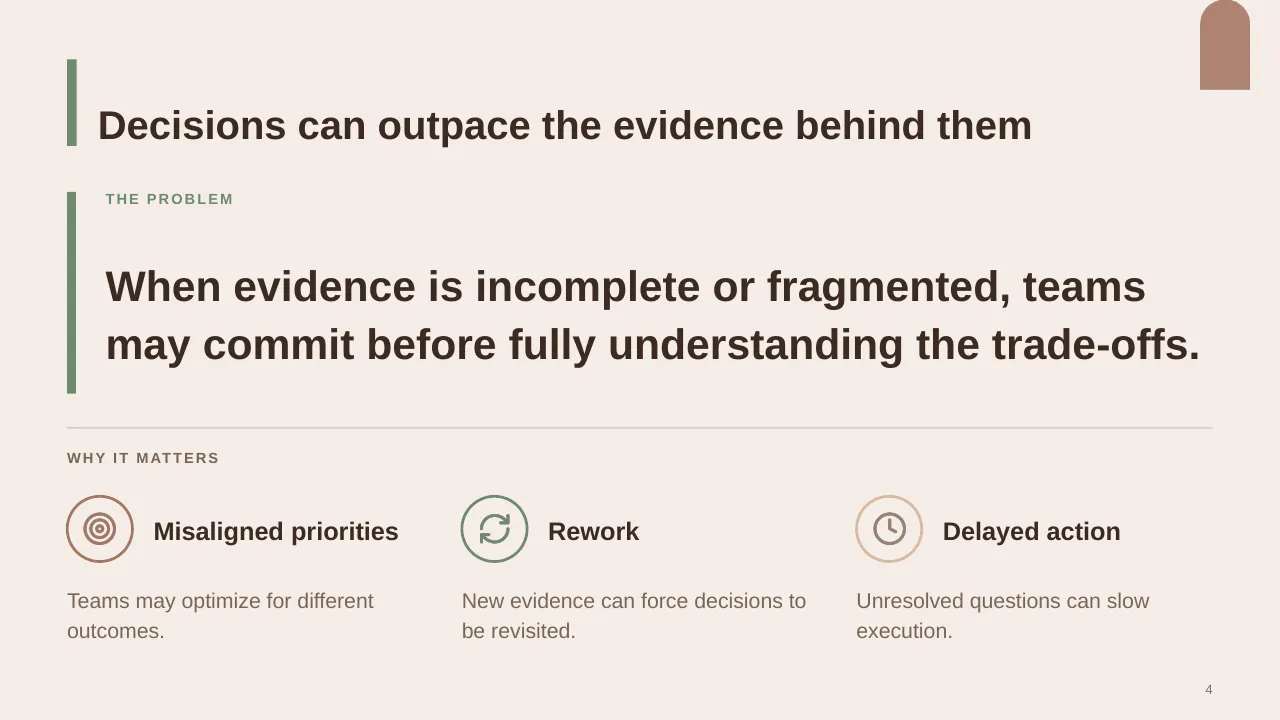
| 4 | When evidence is incomplete or fragmented, teams may commit before fully understanding the trade-offs. |
| 5 | Diagnosis must connect strategy to execution |
| 6 | From understanding the challenge to defining a focused, executable response. |
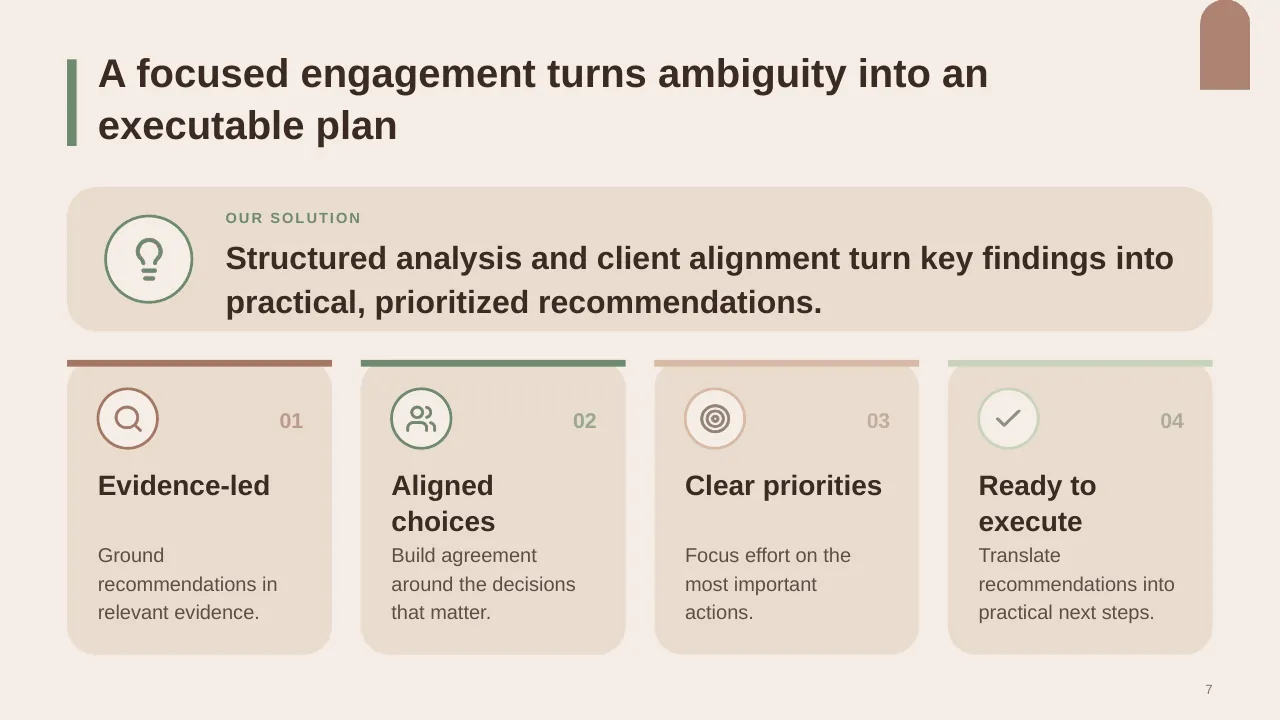
| 7 | Structured analysis and client alignment turn key findings into practical, prioritized recommendations. |
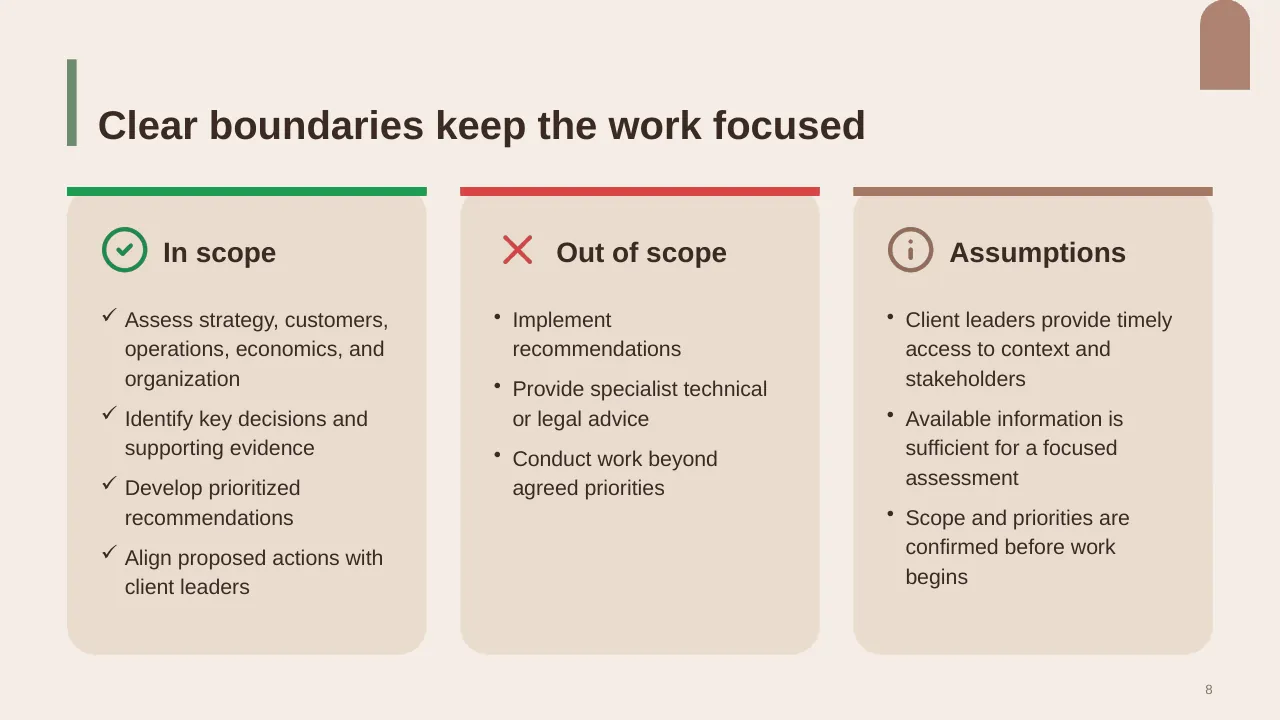
| 8 | Assess strategy, customers, operations, economics, and organization Identify key decisions and supporting… |
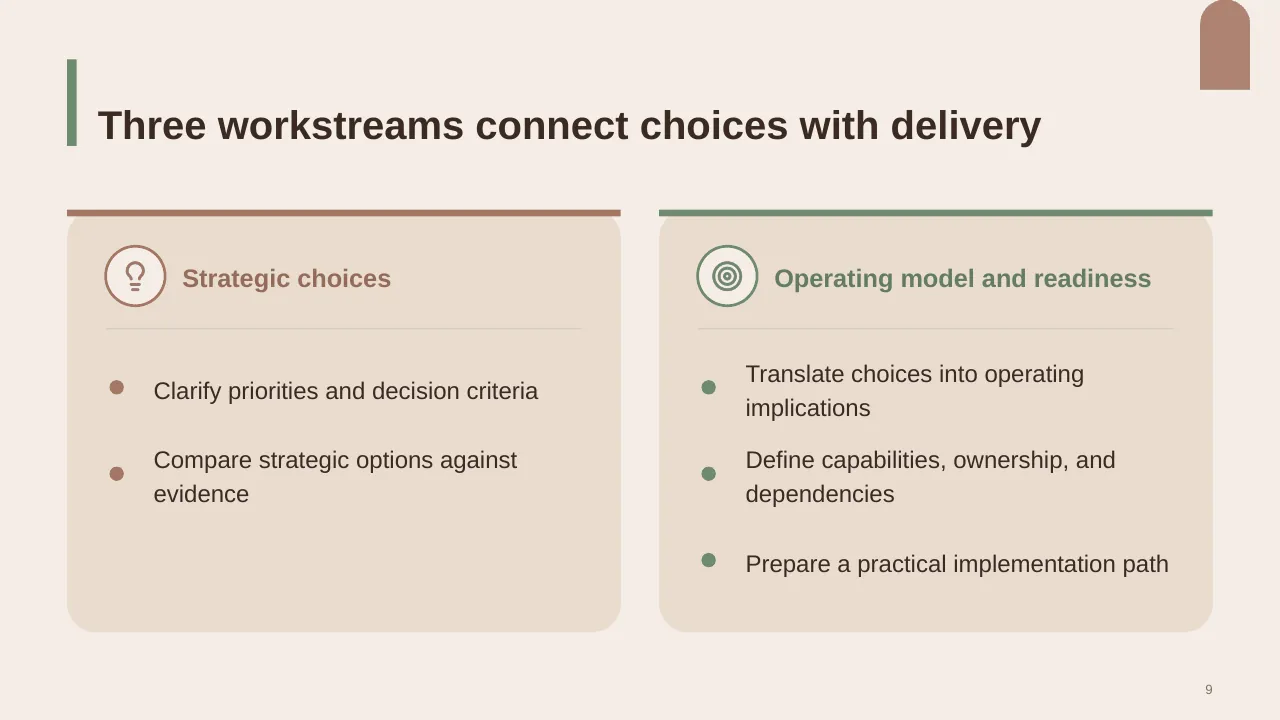
| 9 | Three workstreams connect choices with delivery |
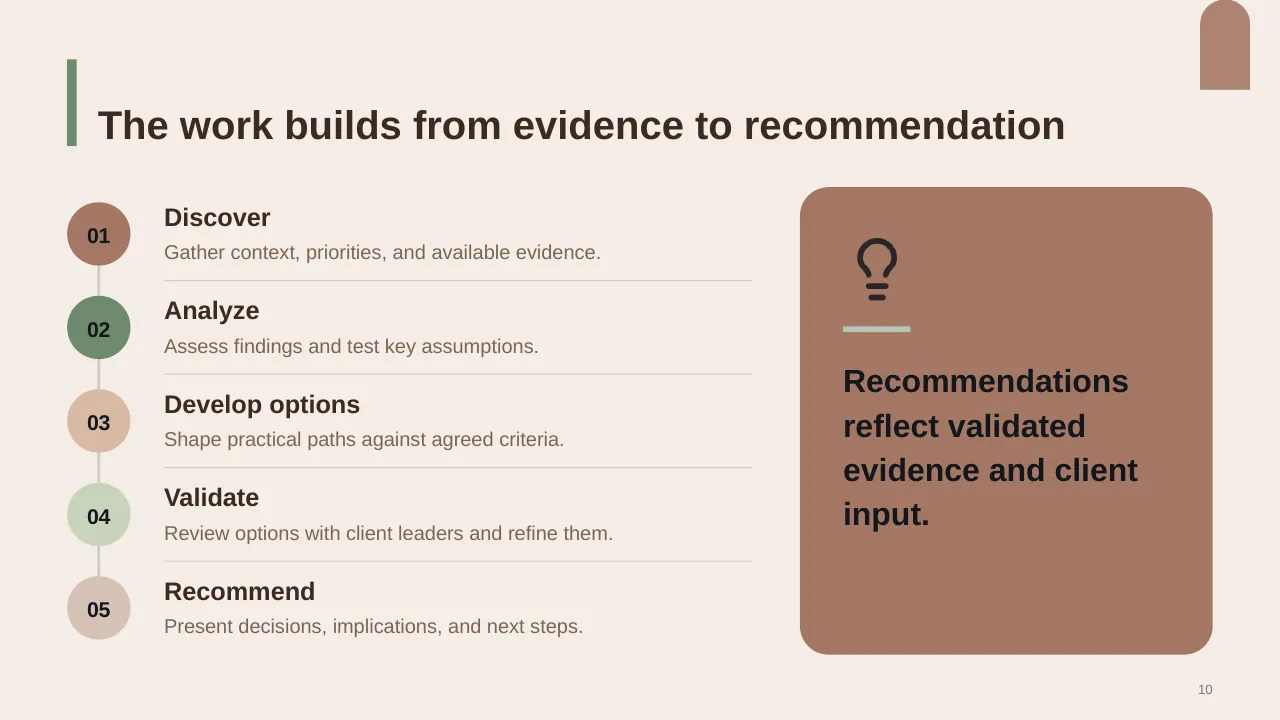
| 10 | The work builds from evidence to recommendation |
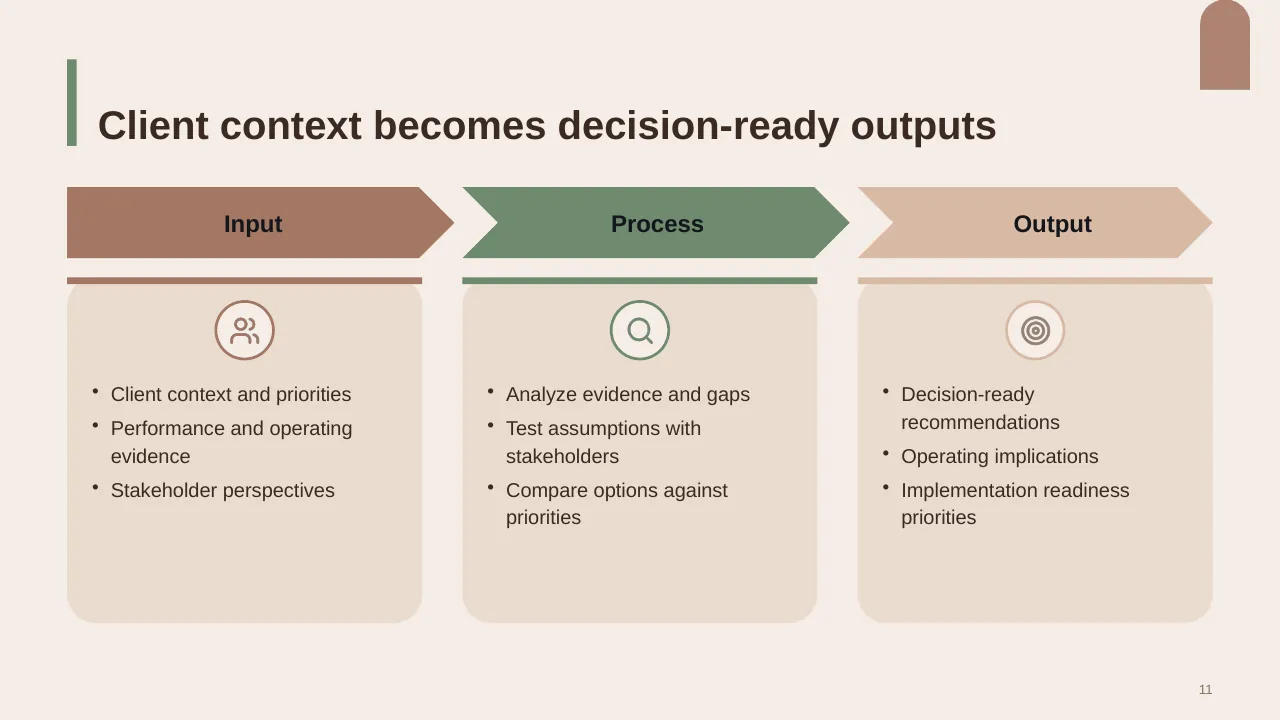
| 11 | Client context and priorities Performance and operating evidence Stakeholder perspectives |
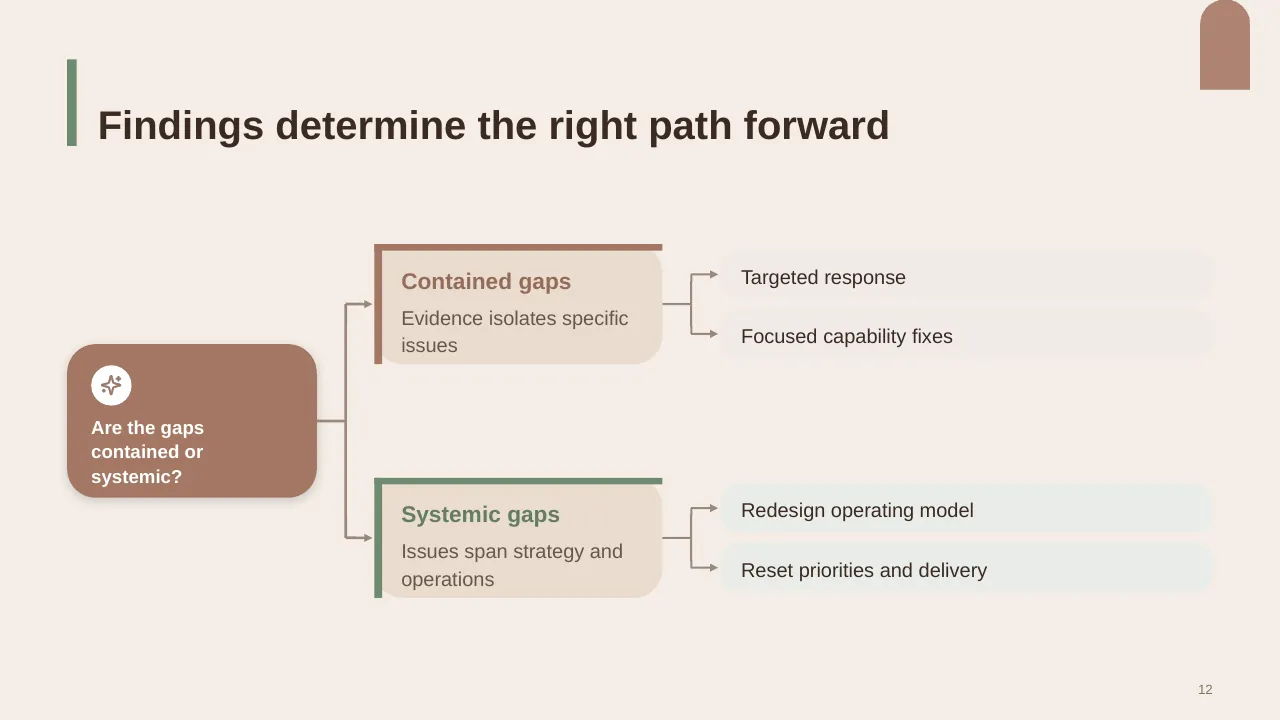
| 12 | Findings determine the right path forward |
| 13 | Client leaders and consultants combine context, evidence, and judgment to shape decisions. |
| 14 | Consultants and client leaders share the work |
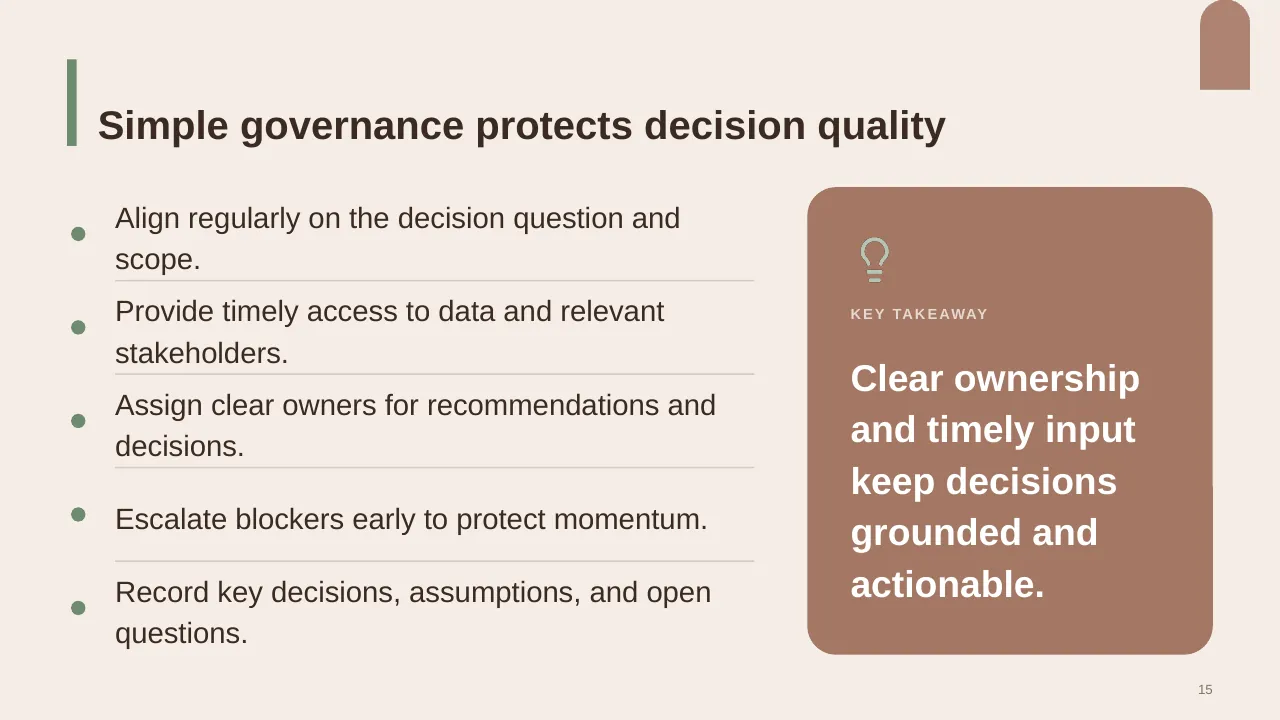
| 15 | Provide timely access to data and relevant stakeholders. |
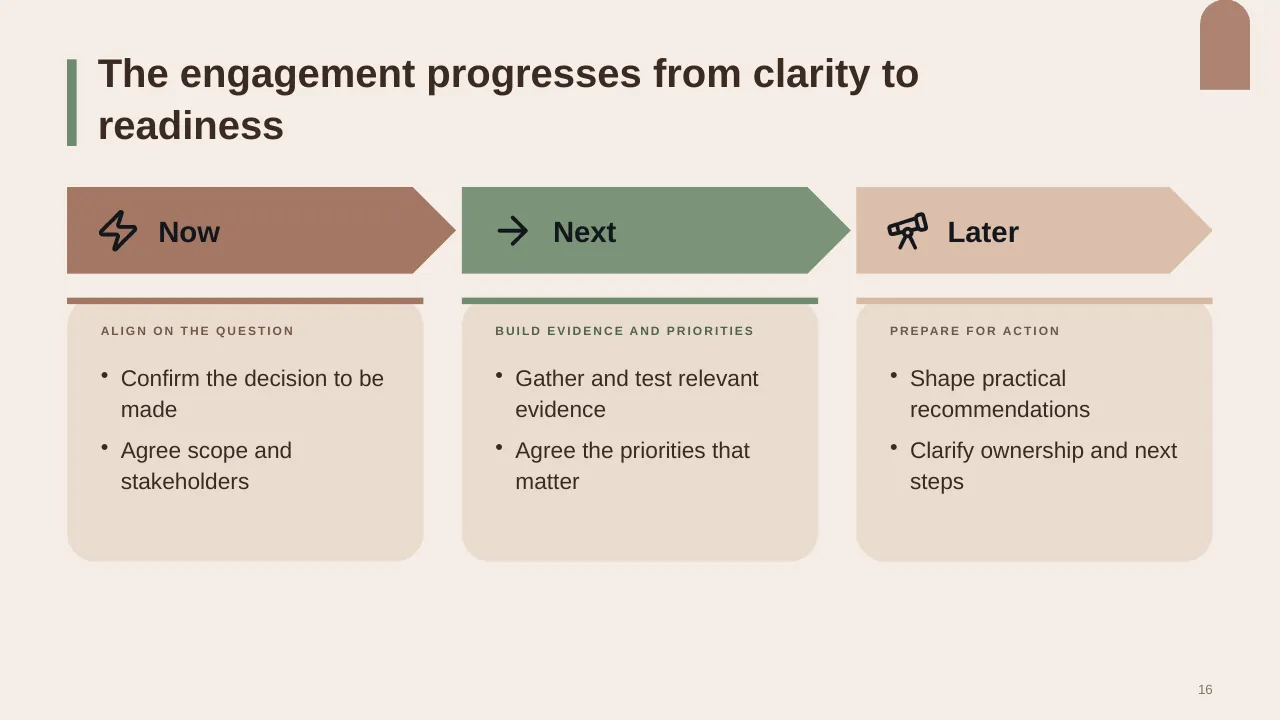
| 16 | The engagement progresses from clarity to readiness |
| 17 | The proposal delivers four decision-ready outputs |
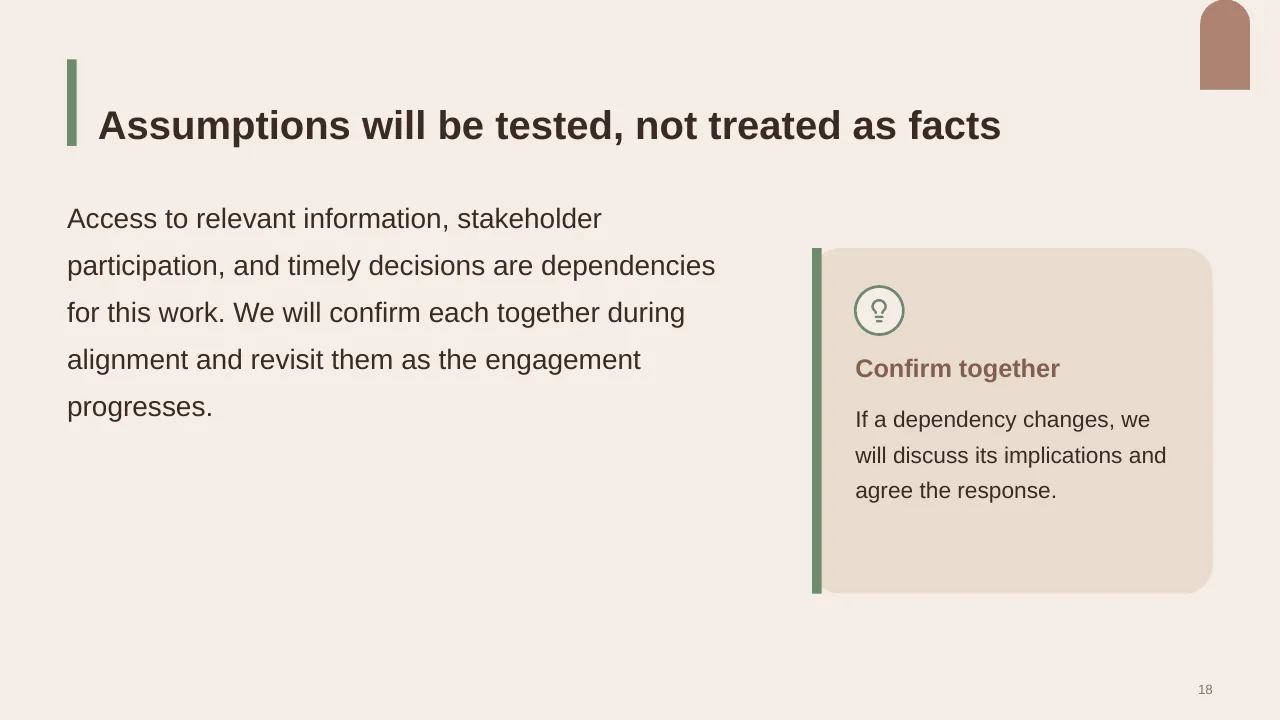
| 18 | Access to relevant information, stakeholder participation, and timely decisions are dependencies for this… |
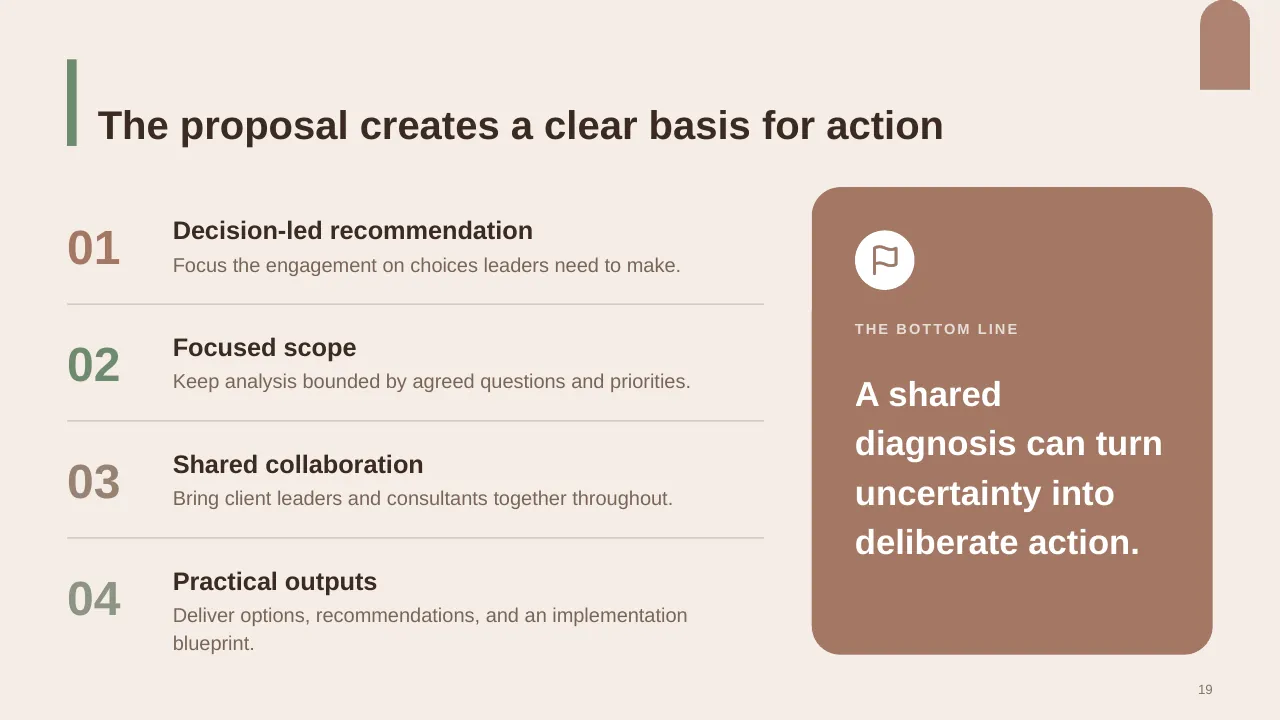
| 19 | The proposal creates a clear basis for action |
| 20 | Confirm the priority question, scope boundaries, and starting point together. |
Tips for a proposal
- Open with the client's goals, not your company history.
- Use go/no-go reviews; Loopio links falling win rates to bidding on too many RFPs.
- Offer two or three pricing options.
- Make the next step easy and dated.
Mistakes to avoid
- Generic boilerplate
- Price hidden or unclear
- No proof such as case studies
Checklist before you present
- Does it restate the client's need?
- Is the solution specific to them?
- Is there proof (case studies, references)?
- Is pricing clear?
- Is the next step dated?
Great for
- Investor and fundraising meetings
- Client and consulting proposals
- Business plans for new ventures
- Budget and investment approvals
How to customise it
- Download the ZIP file and unzip it to get the .pptx presentation.
- Open it in PowerPoint, or upload it to Google Drive and open it with Google Slides.
- Replace the sample text and numbers with your own; charts update from their data sheets.
- Change the theme colours once to recolour the whole deck, then delete any slides you don't need.
Questions about a proposal
What is a good RFP win rate?
Loopio's benchmark puts the average at about 39% to 45% in recent years; top teams win more by qualifying harder.
How long should a proposal deck be?
Usually 10 to 20 slides, with detailed scope and terms in an appendix or separate document.
Related presentations
- Investor Funding Pitch Deck PowerPoint Template
- Consulting Pitch Deck PowerPoint Template
- Key Investment Highlights PowerPoint Presentation
- Entrepreneur Investment Teaser PowerPoint Presentation
Browse all Pitch Decks & Proposals presentations or more pitch deck templates.
Template details
| Template | Consulting Proposal PowerPoint Presentation |
|---|---|
| Categories | Slide Deck, Pitch Decks & Proposals |
| File format | PowerPoint (.pptx), delivered as a .zip file |
| Number of slides | 20 fully editable slides |
| File size | 1.9 MB |
| Slide size | 16:9 widescreen |
| Preview images | 20 |
| Editable | Yes: text, colours, shapes, icons and charts |
| Works with | PowerPoint 2010 and later, PowerPoint for Mac, Google Slides |
| Licence | Royalty-free, yours to keep using after your plan ends (terms of use apply) |
| Price | Included in every SlideVilla plan |
| Added | 21 Oct 2025 |
Questions about this template
Can I edit the Consulting Proposal PowerPoint Presentation?
Yes. Every part of the Consulting Proposal PowerPoint Presentation is made with native PowerPoint shapes and text boxes, so you can change the wording, colours, fonts and sizes, move or delete elements, and swap icons without losing quality.
Does the Consulting Proposal PowerPoint Presentation work in Google Slides?
Yes. Download the .zip file, unzip it to get the .pptx, upload it to Google Drive and open it with Google Slides. The layout, shapes and text stay editable there too.
Is the Consulting Proposal PowerPoint Presentation free?
It is a premium template, included in every SlideVilla plan together with the rest of the library. See plans and pricing.
What size and format is it?
It is a PPTX file in 16:9 widescreen format with 20 slides, 1.9 MB (downloaded as a .zip; unzip it to get the presentation), with 20 preview images shown above.
How to use this template
- Step 1DownloadClick Download, then unzip the .zip file to get the .pptx presentation.
- Step 2OpenOpen it in PowerPoint, or upload it to Google Slides from your Drive.
- Step 3Make it yoursChange text, colours, icons and charts. Every element is fully editable.
Categories
Tags
Related PowerPoint templates
More designs like this one, ready to edit.