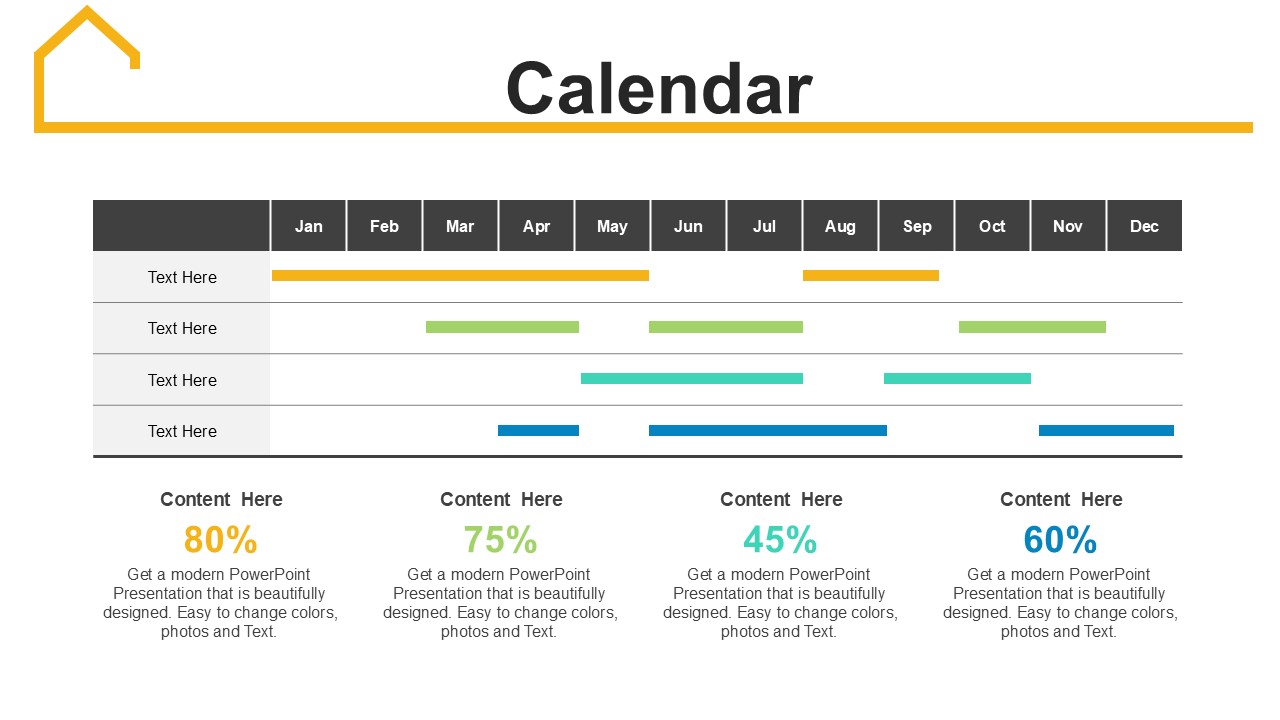
About this PowerPoint template
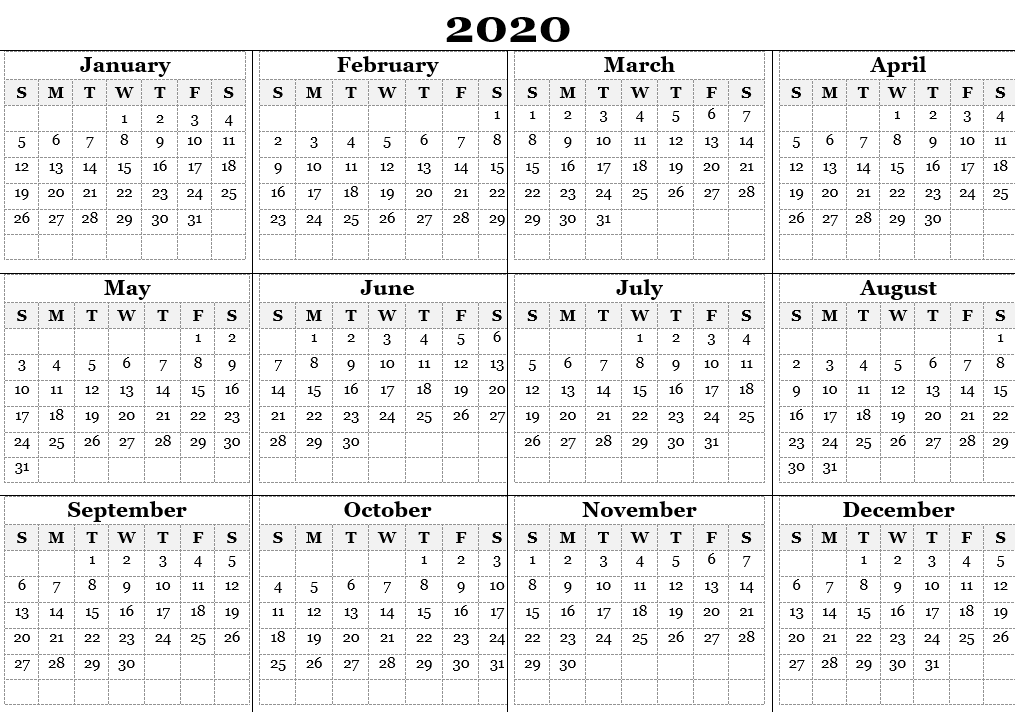
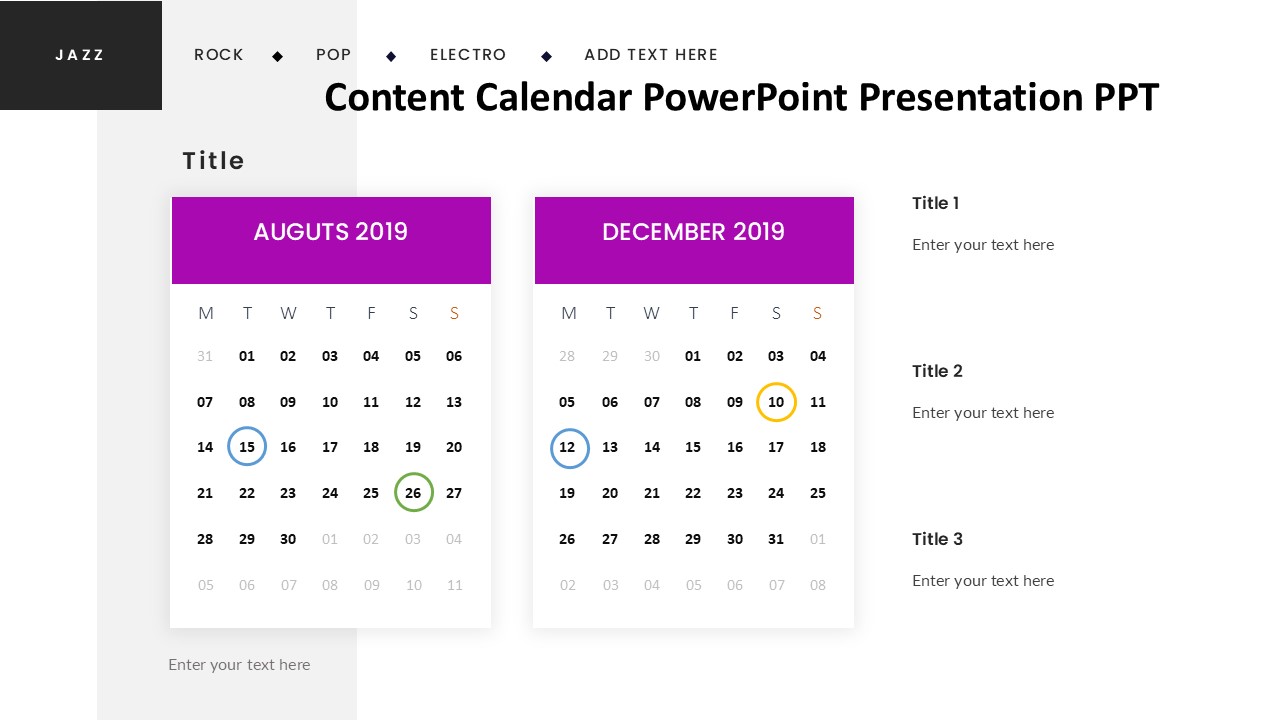
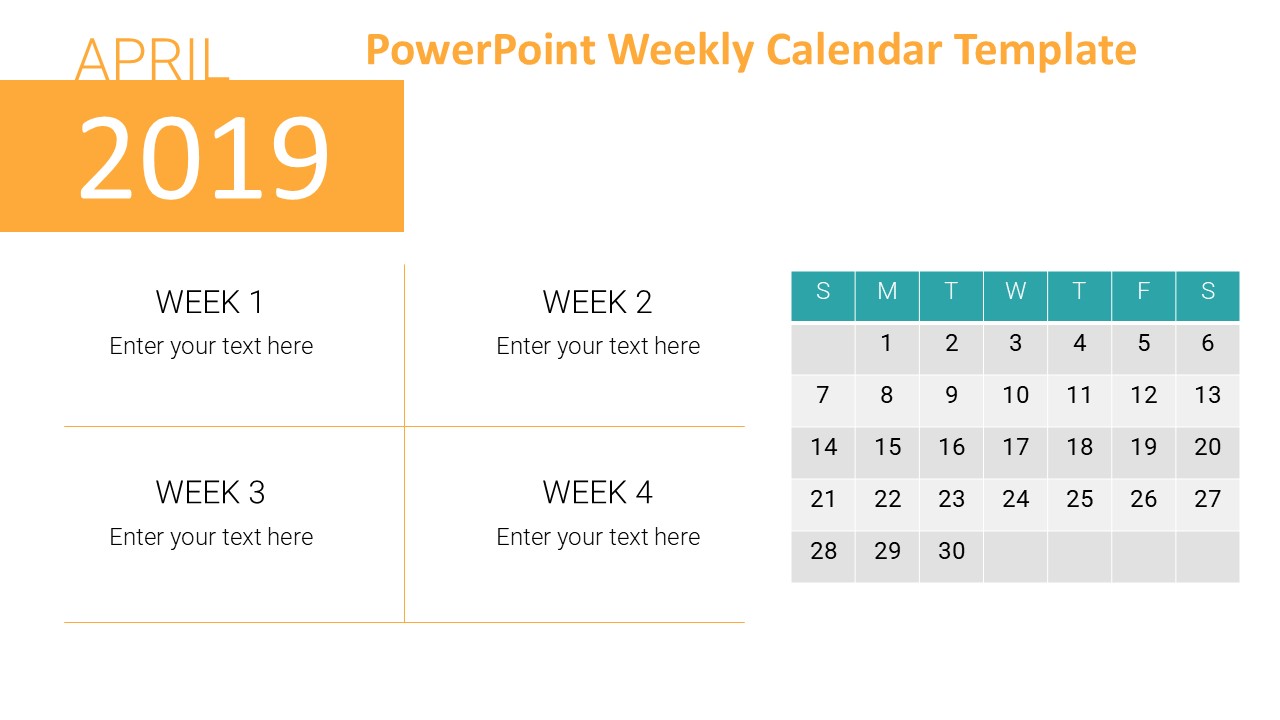
A calendar is an essential tool for keeping track of appointments, events, and deadlines. Whether you prefer a traditional wall calendar, a sleek desk calendar, or a digital calendar on your phone or computer, having a visual representation of your schedule can help you stay organized and on top of your tasks.
A physical calendar allows you to easily see your month at a glance, making it simple to plan ahead and remember important dates. With different sizes and designs available, you can choose one that fits your style and needs. Some calendars even come with additional features like stickers, pockets for storing documents, or inspirational quotes to keep you motivated.
For those who prefer a digital option, there are a variety of calendar apps and software available that offer even more functionality. These digital calendars often sync across multiple devices, allowing you to access your schedule from anywhere. You can set reminders, color-code events, and easily reschedule appointments with just a few clicks.
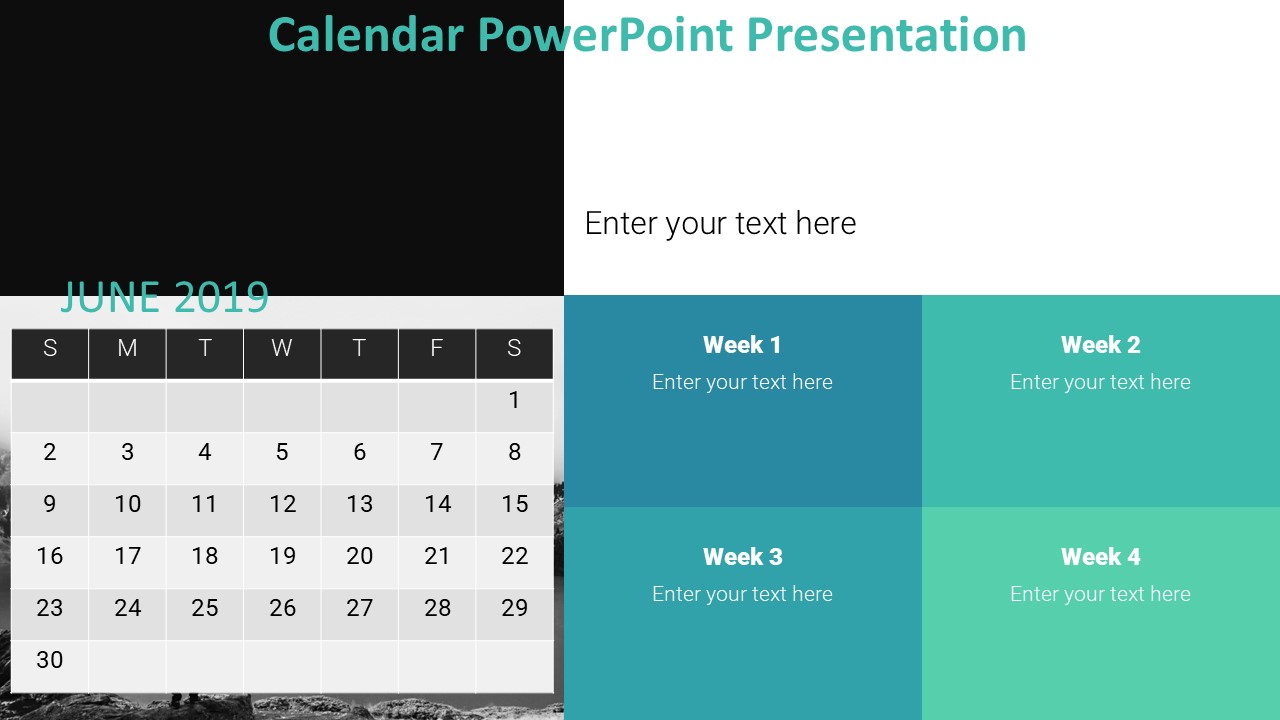
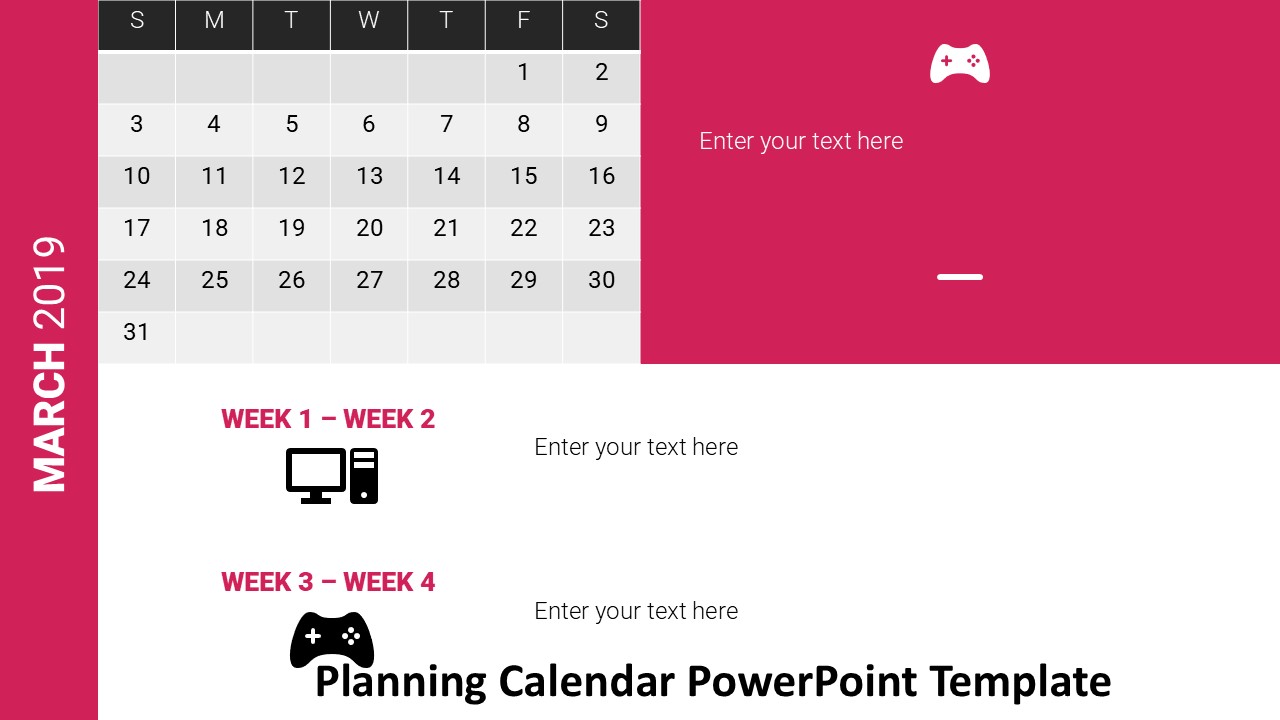
No matter which type of calendar you choose, having one that offers fully editable templates can be incredibly useful. With editable templates, you can customize your calendar to suit your needs, whether that means adding photos, changing the layout, or adjusting the font size. This flexibility allows you to create a calendar that works best for you and helps you stay organized in a way that makes sense for your lifestyle.
Template details
| Template | Calendar |
|---|---|
| Category | PowerPoint Templates |
| File format | PowerPoint (.pptx) |
| Slide size | 16:9 widescreen |
| Preview images | 1 |
| Editable | Yes: text, colours, shapes, icons and charts |
| Works with | PowerPoint 2010 and later, PowerPoint for Mac, Google Slides |
| Licence | Royalty-free, yours to keep using after your plan ends (terms of use apply) |
| Price | Included in every SlideVilla plan |
| Added | 29 Dec 2024 |
Questions about this template
Can I edit the Calendar?
Yes. Every part of the Calendar is made with native PowerPoint shapes and text boxes, so you can change the wording, colours, fonts and sizes, move or delete elements, and swap icons without losing quality.
Does the Calendar work in Google Slides?
Yes. Download the .pptx file, upload it to Google Drive and open it with Google Slides. The layout, shapes and text stay editable there too.
Is the Calendar free?
It is a premium template, included in every SlideVilla plan together with the rest of the library. See plans and pricing.
What size and format is it?
It is a PPTX file in 16:9 widescreen format, with 1 preview image shown above.
How to use this template
- Step 1DownloadClick Download and the .pptx file saves straight to your computer.
- Step 2OpenOpen it in PowerPoint, or upload it to Google Slides from your Drive.
- Step 3Make it yoursChange text, colours, icons and charts. Every element is fully editable.
Categories
Related PowerPoint templates
More designs like this one, ready to edit.