About this PowerPoint template
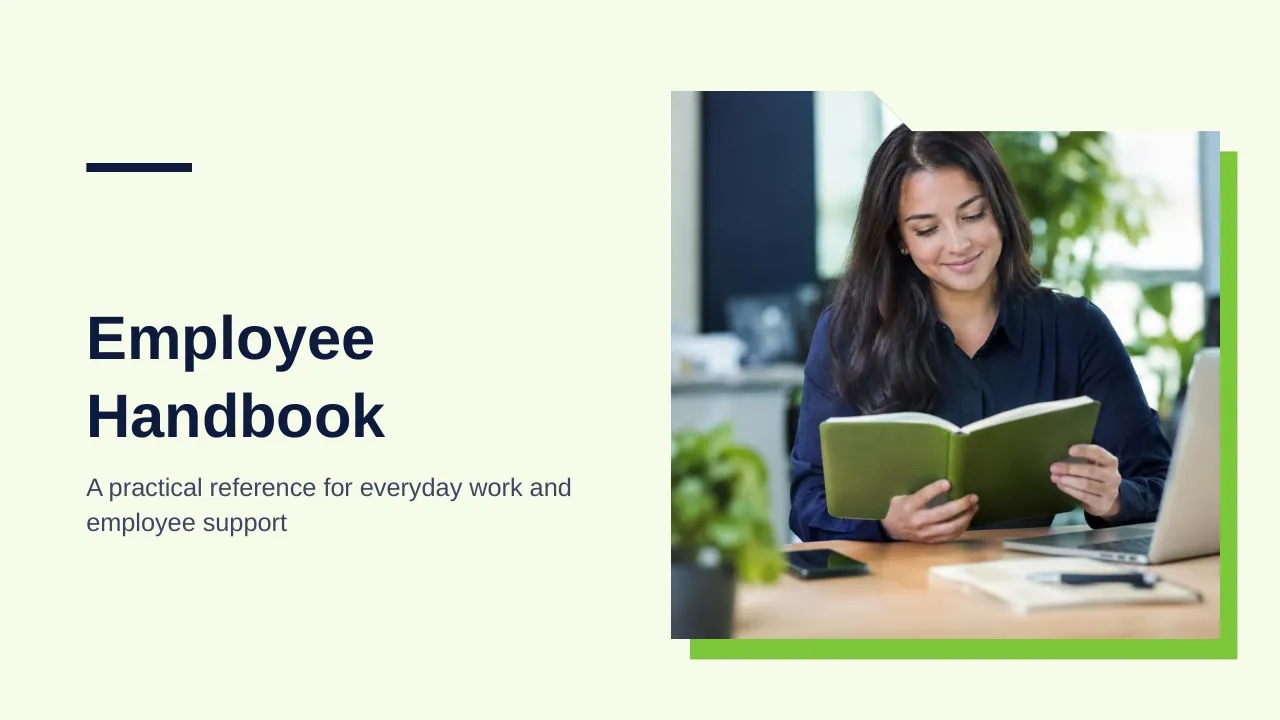
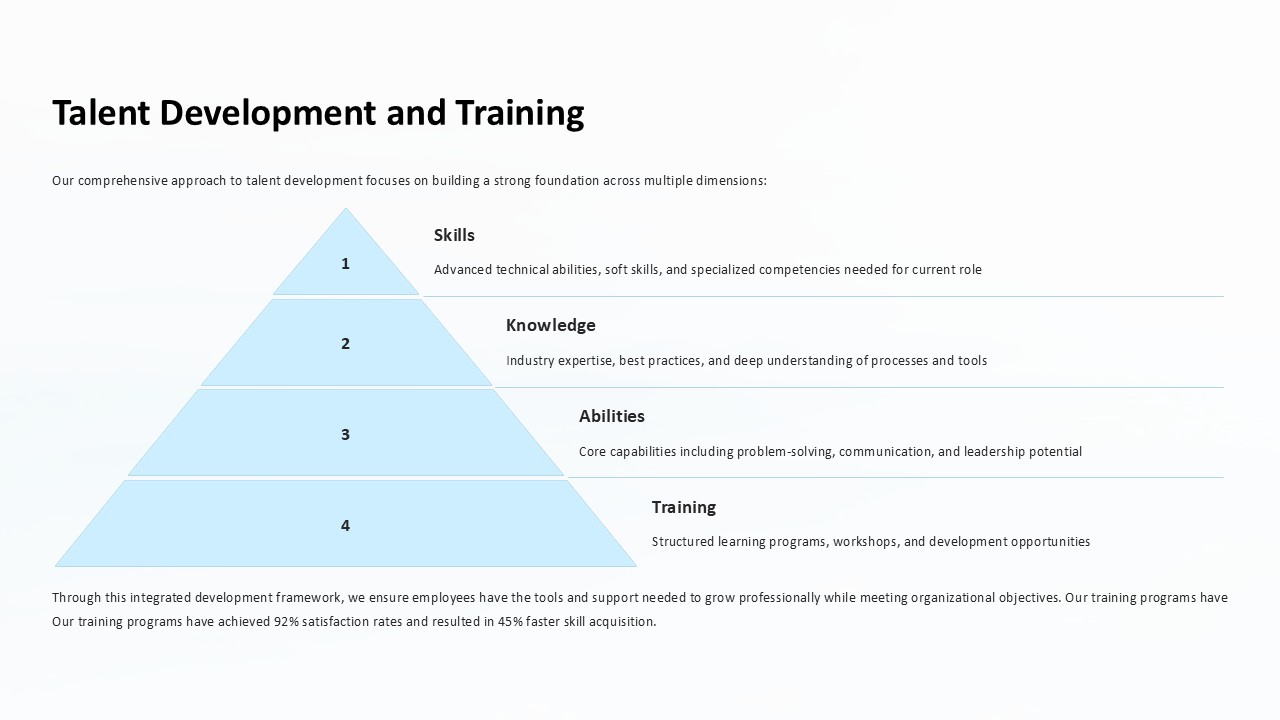
SlideVilla brings you a very specific but interesting template that is designed to record emplyees' goals, decision making skills, problems and challenges he/she has faced and solutions he/she has came up with and executed. Considering all that, this is a very elaborate template and potentially very helpful too. Also, it is completely customizable.
Template details
| Template | Employee powerpoint template |
|---|---|
| Categories | PowerPoint Templates, PowerPoint Diagrams, Segmented Diagrams |
| File format | PowerPoint (.pptx) |
| Slide size | 16:9 widescreen |
| Preview images | 2 |
| Editable | Yes: text, colours, shapes, icons and charts |
| Works with | PowerPoint 2010 and later, PowerPoint for Mac, Google Slides |
| Licence | Royalty-free, yours to keep using after your plan ends (terms of use apply) |
| Price | Included in every SlideVilla plan |
| Added | 25 Feb 2019 |
| Last updated | 12 Sept 2022 |
Questions about this template
Can I edit the Employee powerpoint template?
Yes. Every part of the Employee powerpoint template is made with native PowerPoint shapes and text boxes, so you can change the wording, colours, fonts and sizes, move or delete elements, and swap icons without losing quality.
Does the Employee powerpoint template work in Google Slides?
Yes. Download the .pptx file, upload it to Google Drive and open it with Google Slides. The layout, shapes and text stay editable there too.
Is the Employee powerpoint template free?
It is a premium template, included in every SlideVilla plan together with the rest of the library. See plans and pricing.
What size and format is it?
It is a PPTX file in 16:9 widescreen format, with 2 preview images shown above.
How to use this template
- Step 1DownloadClick Download and the .pptx file saves straight to your computer.
- Step 2OpenOpen it in PowerPoint, or upload it to Google Slides from your Drive.
- Step 3Make it yoursChange text, colours, icons and charts. Every element is fully editable.
Related PowerPoint templates
More designs like this one, ready to edit.