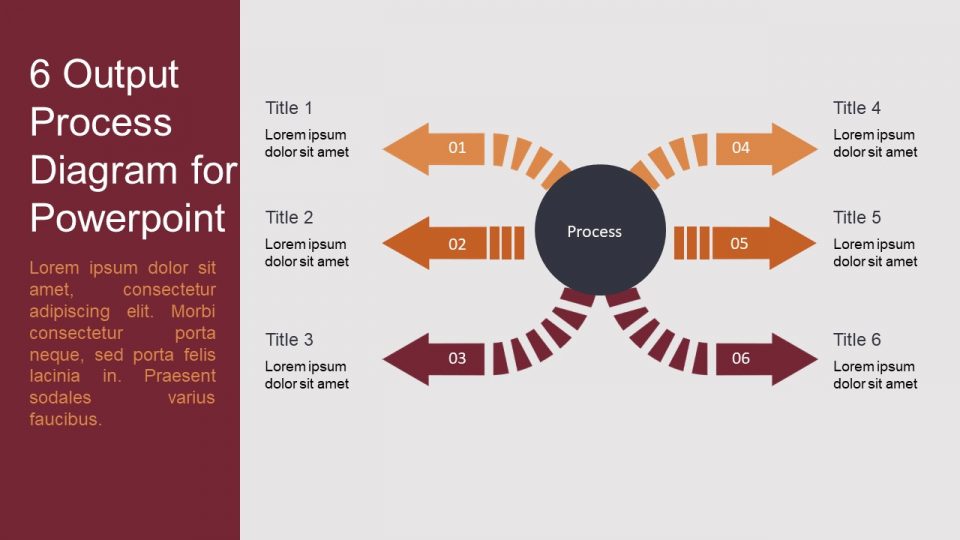
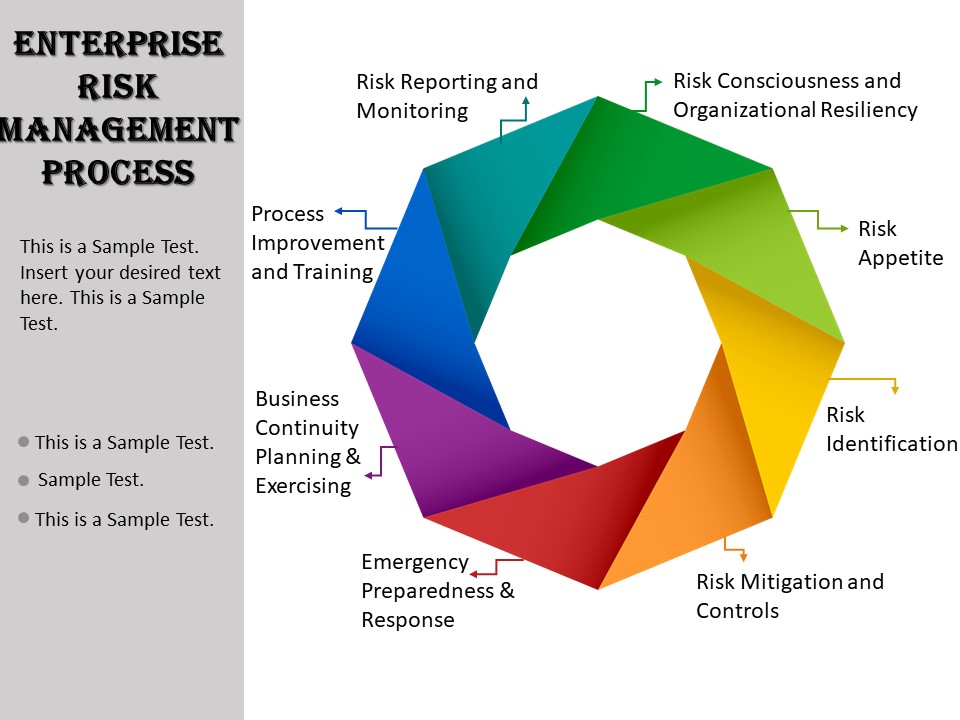
About this PowerPoint template
A business process diagram is a visual representation of a company's workflow, illustrating the steps involved in various processes and how they interact with each other. It provides a clear and concise overview of the organization's operations, helping to identify areas for improvement and optimization.
With a business process diagram, stakeholders can easily understand how different tasks are connected, the sequence in which they occur, and the roles and responsibilities of those involved. This tool is essential for streamlining operations, increasing efficiency, and ensuring smooth communication within the organization.
Features of Business Process Diagrams with Fully Editable Templates:
- Customization: Business process diagrams come with fully editable templates that allow users to customize the layout, colors, shapes, and text to suit their specific needs. This flexibility enables organizations to create diagrams that accurately represent their unique processes.
- Collaboration: With editable templates, team members can work together in real-time to create and modify business process diagrams. This collaborative approach promotes communication and ensures that all stakeholders have input into the visualization of workflows.
- Integration: Business process diagrams can be integrated with other tools and software used within the organization, such as project management platforms or business process management systems. This seamless integration enhances the efficiency of the organization's operations and streamlines workflow management.
- Scalability: Fully editable templates allow business process diagrams to grow and evolve alongside the organization. As processes change and new procedures are implemented, users can easily update the diagrams to reflect the most current workflow.
- Accessibility: Business process diagrams with fully editable templates can be accessed from anywhere, at any time, making it easy for remote teams to collaborate and for stakeholders to review and provide feedback on workflows.
In conclusion, business process diagrams with fully editable templates are a valuable tool for organizations looking to optimize their operations, increase efficiency, and improve communication. With customizable features and seamless integration, these diagrams empower teams to visualize, analyze, and improve their business processes effectively.
Template details
| Template | Business Process Diagram |
|---|---|
| Category | PowerPoint Templates |
| File format | PowerPoint (.pptx) |
| Slide size | 16:9 widescreen |
| Preview images | 1 |
| Editable | Yes: text, colours, shapes, icons and charts |
| Works with | PowerPoint 2010 and later, PowerPoint for Mac, Google Slides |
| Licence | Royalty-free, yours to keep using after your plan ends (terms of use apply) |
| Price | Included in every SlideVilla plan |
| Added | 12 May 2024 |
Questions about this template
Can I edit the Business Process Diagram?
Yes. Every part of the Business Process Diagram is made with native PowerPoint shapes and text boxes, so you can change the wording, colours, fonts and sizes, move or delete elements, and swap icons without losing quality.
Does the Business Process Diagram work in Google Slides?
Yes. Download the .pptx file, upload it to Google Drive and open it with Google Slides. The layout, shapes and text stay editable there too.
Is the Business Process Diagram free?
It is a premium template, included in every SlideVilla plan together with the rest of the library. See plans and pricing.
What size and format is it?
It is a PPTX file in 16:9 widescreen format, with 1 preview image shown above.
How to use this template
- Step 1DownloadClick Download and the .pptx file saves straight to your computer.
- Step 2OpenOpen it in PowerPoint, or upload it to Google Slides from your Drive.
- Step 3Make it yoursChange text, colours, icons and charts. Every element is fully editable.
Categories
Related PowerPoint templates
More designs like this one, ready to edit.