About this PowerPoint template
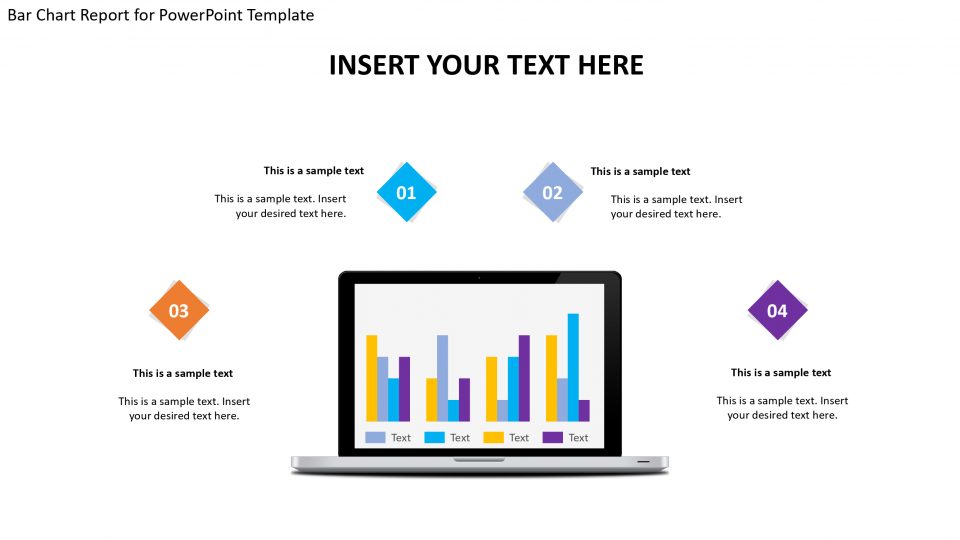
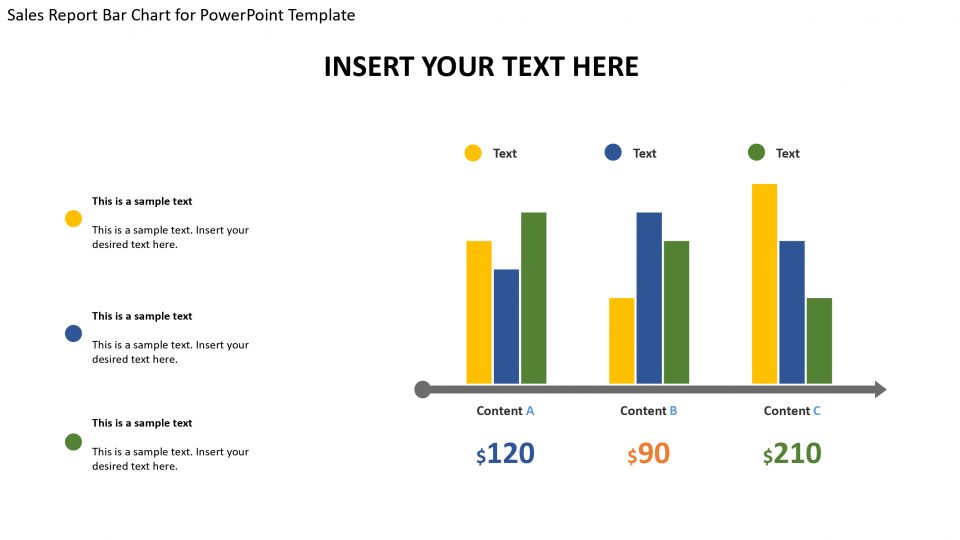
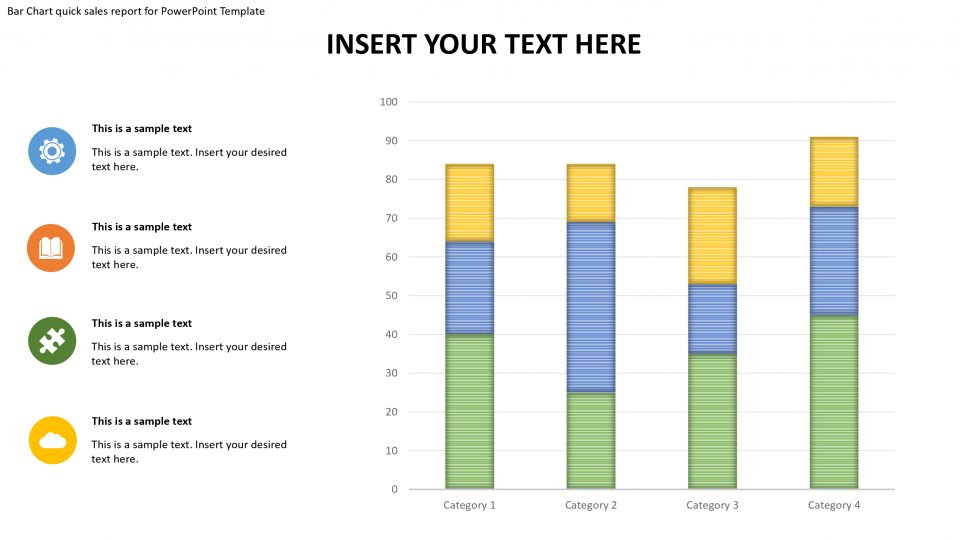
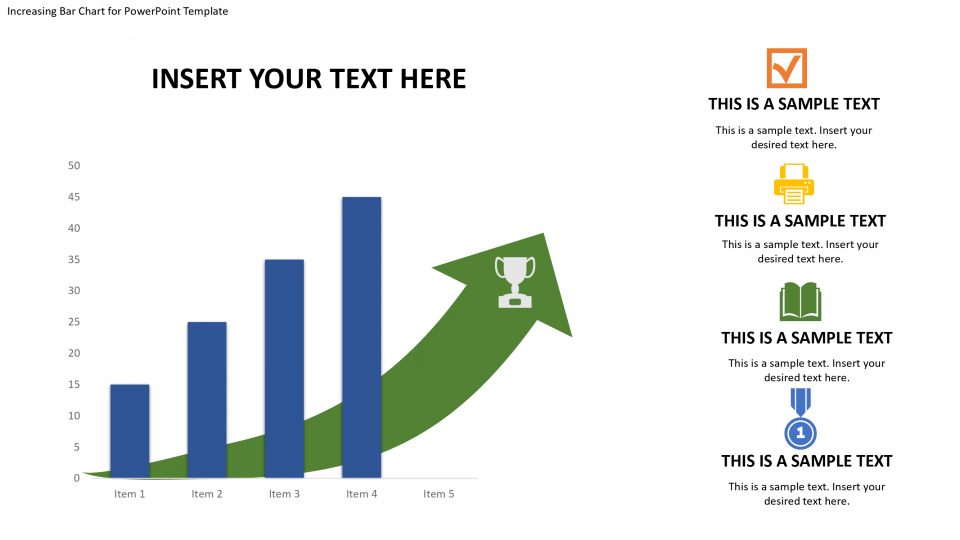
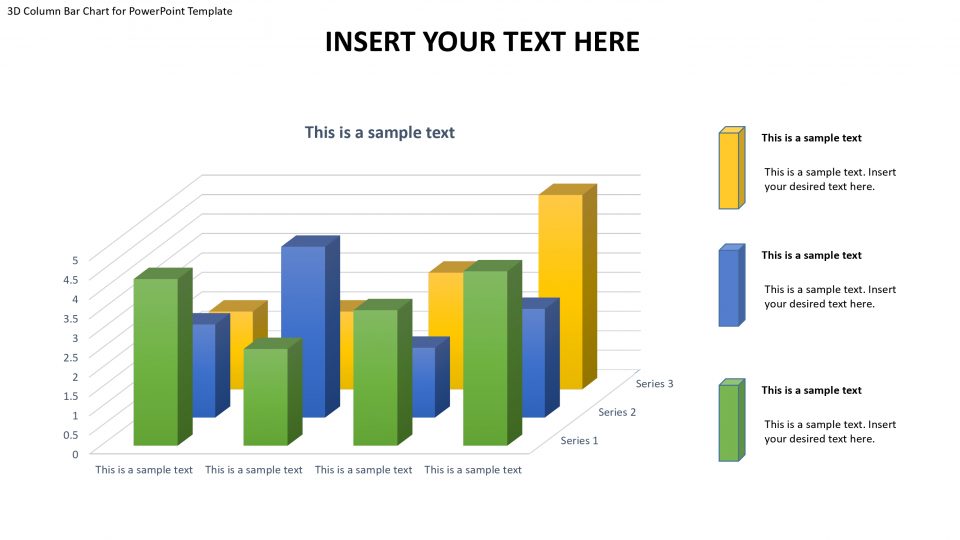
The bar chart error report PowerPoint template is used to explain business presentations, and trends. It is used for explaining complex data, and representing the data with accurate percentile that will aid easy understanding. This template is best used in organizations that have departments or units, to show how well each department is fairing and/or their contribution to the growth of the organization. It can also be used to explain a business strategy and processes involved and how complete each stage is in percentile.
It is used as a singular report presentation. The horizontal bars are editable, and the colors of the bars can be edited to taste and texts can be put in the text bars, the percentage represented by each bar is dependent on the length of the bar. That is if it wants to show the strength of departments in an organization, the longer the bar, the higher the percentage, the shorter the bar, the lesser the percentage. It has text bars beside each bar and a column for years on the x-axis. It is easy to use and understand, and can be modified without altering the image resolution.
Features:
- Completely editable in terms of shape, color, size and text
- This template has a built in color theme which is unaffected by copy-pasting
- Includes an icon family with 135 unique completely editable icons
- Drag and drop image placeholder
- Completely editable (using spreadsheet) data-driven charts for displaying statistics
- Completely editable vector graphics
Supports
Microsoft PowerPoint 2010, 2011, 2013, 2016
MacOffice 2016, MacOffice 365
Template details
| Template | Bar Chart Error Report for PowerPoint Template |
|---|---|
| Categories | PowerPoint Templates, Business PowerPoint Templates, Data & Charts, Bar Chart Presentation, Staged Diagrams |
| File format | PowerPoint (.pptx) |
| Slide size | 16:9 widescreen |
| Preview images | 2 |
| Editable | Yes: text, colours, shapes, icons and charts |
| Works with | PowerPoint 2010 and later, PowerPoint for Mac, Google Slides |
| Licence | Royalty-free, yours to keep using after your plan ends (terms of use apply) |
| Price | Included in every SlideVilla plan |
| Added | 10 Jun 2019 |
| Last updated | 7 Apr 2021 |
Questions about this template
Can I edit the Bar Chart Error Report for PowerPoint Template?
Yes. Every part of the Bar Chart Error Report for PowerPoint Template is made with native PowerPoint shapes and text boxes, so you can change the wording, colours, fonts and sizes, move or delete elements, and swap icons without losing quality.
Does the Bar Chart Error Report for PowerPoint Template work in Google Slides?
Yes. Download the .pptx file, upload it to Google Drive and open it with Google Slides. The layout, shapes and text stay editable there too.
Is the Bar Chart Error Report for PowerPoint Template free?
It is a premium template, included in every SlideVilla plan together with the rest of the library. See plans and pricing.
What size and format is it?
It is a PPTX file in 16:9 widescreen format, with 2 preview images shown above.
How to use this template
- Step 1DownloadClick Download and the .pptx file saves straight to your computer.
- Step 2OpenOpen it in PowerPoint, or upload it to Google Slides from your Drive.
- Step 3Make it yoursChange text, colours, icons and charts. Every element is fully editable.
Categories
Related PowerPoint templates
More designs like this one, ready to edit.