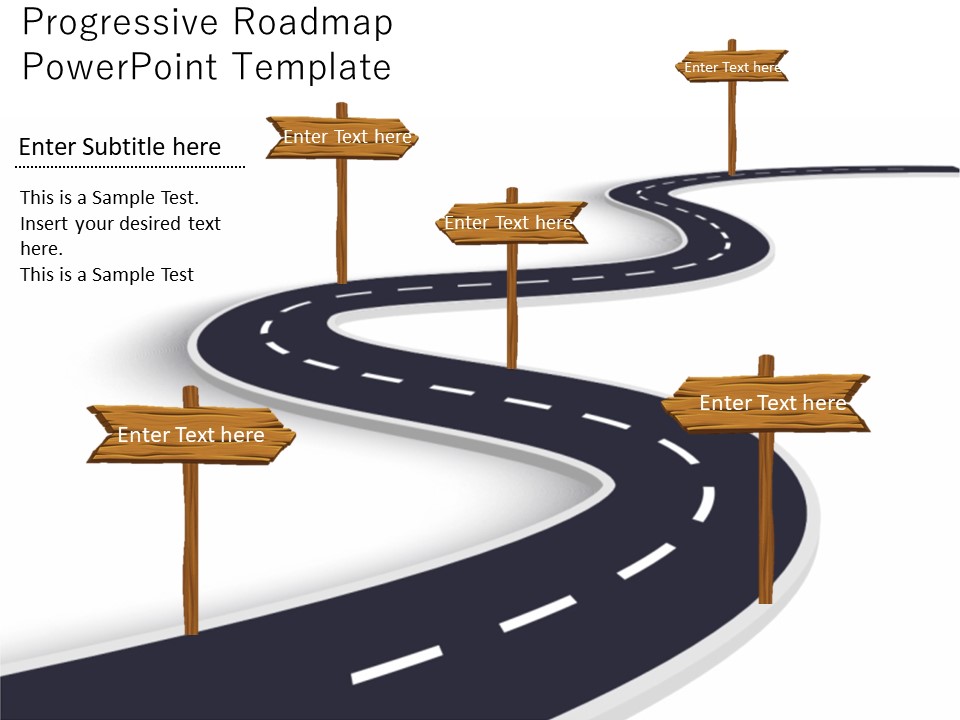
About this PowerPoint template
The Accounting Cycle PowerPoint Presentation is a comprehensive and professional tool designed for accounting professionals, students, and educators to enhance their understanding of the crucial accounting processes. This detailed presentation covers the complete accounting cycle from the initial transaction to the preparation of financial statements.
This PowerPoint presentation is an invaluable resource for those looking to grasp the fundamental concepts of accounting in a clear and visually engaging manner. With its easy-to-follow slides, it simplifies complex accounting topics such as journal entries, ledger maintenance, trial balance preparation, adjusting entries, financial statement creation, and closing entries.
Key Features:
1. Fully Editable Slides: The Accounting Cycle PowerPoint Presentation comes with fully editable slides, allowing users to customize the content to suit their specific needs. Adjust the text, colors, and layout to create a personalized presentation tailored to your requirements.
2. Professional Design: The presentation features a professional design with high-quality graphics and visuals to enhance comprehension and retention of the accounting concepts. The sleek and modern layout ensures a polished and professional look for your presentations.
- Comprehensive Coverage: Covering all stages of the accounting cycle, this PowerPoint presentation provides a comprehensive overview of accounting principles and practices. From recording transactions to preparing financial statements, each step is clearly explained with relevant examples and illustrations.
- Easy to Use: The user-friendly interface and intuitive design make it easy to navigate through the presentation. Whether you are a beginner learning accounting basics or an experienced professional looking for a refresher, this tool is designed to make the learning process simple and effective.
- Versatile Application: The Accounting Cycle PowerPoint Presentation is suitable for a wide range of users, including accounting students, professionals, educators, and business owners. It can be used for classroom teaching, corporate training sessions, seminars, workshops, and self-study purposes.
Overall, the Accounting Cycle PowerPoint Presentation is a valuable resource for anyone looking to enhance their knowledge and understanding of accounting principles. With its fully editable templates and comprehensive coverage of the accounting cycle, this presentation is a must-have tool for accounting enthusiasts at all levels of expertise.
Template details
| Template | Accounting Cycle PowerPoint Presentation |
|---|---|
| Category | PowerPoint Templates |
| File format | PowerPoint (.pptx) |
| Slide size | 16:9 widescreen |
| Preview images | 1 |
| Editable | Yes: text, colours, shapes, icons and charts |
| Works with | PowerPoint 2010 and later, PowerPoint for Mac, Google Slides |
| Licence | Royalty-free, yours to keep using after your plan ends (terms of use apply) |
| Price | Included in every SlideVilla plan |
| Added | 2 Oct 2024 |
Questions about this template
Can I edit the Accounting Cycle PowerPoint Presentation?
Yes. Every part of the Accounting Cycle PowerPoint Presentation is made with native PowerPoint shapes and text boxes, so you can change the wording, colours, fonts and sizes, move or delete elements, and swap icons without losing quality.
Does the Accounting Cycle PowerPoint Presentation work in Google Slides?
Yes. Download the .pptx file, upload it to Google Drive and open it with Google Slides. The layout, shapes and text stay editable there too.
Is the Accounting Cycle PowerPoint Presentation free?
It is a premium template, included in every SlideVilla plan together with the rest of the library. See plans and pricing.
What size and format is it?
It is a PPTX file in 16:9 widescreen format, with 1 preview image shown above.
How to use this template
- Step 1DownloadClick Download and the .pptx file saves straight to your computer.
- Step 2OpenOpen it in PowerPoint, or upload it to Google Slides from your Drive.
- Step 3Make it yoursChange text, colours, icons and charts. Every element is fully editable.
Categories
Related PowerPoint templates
More designs like this one, ready to edit.