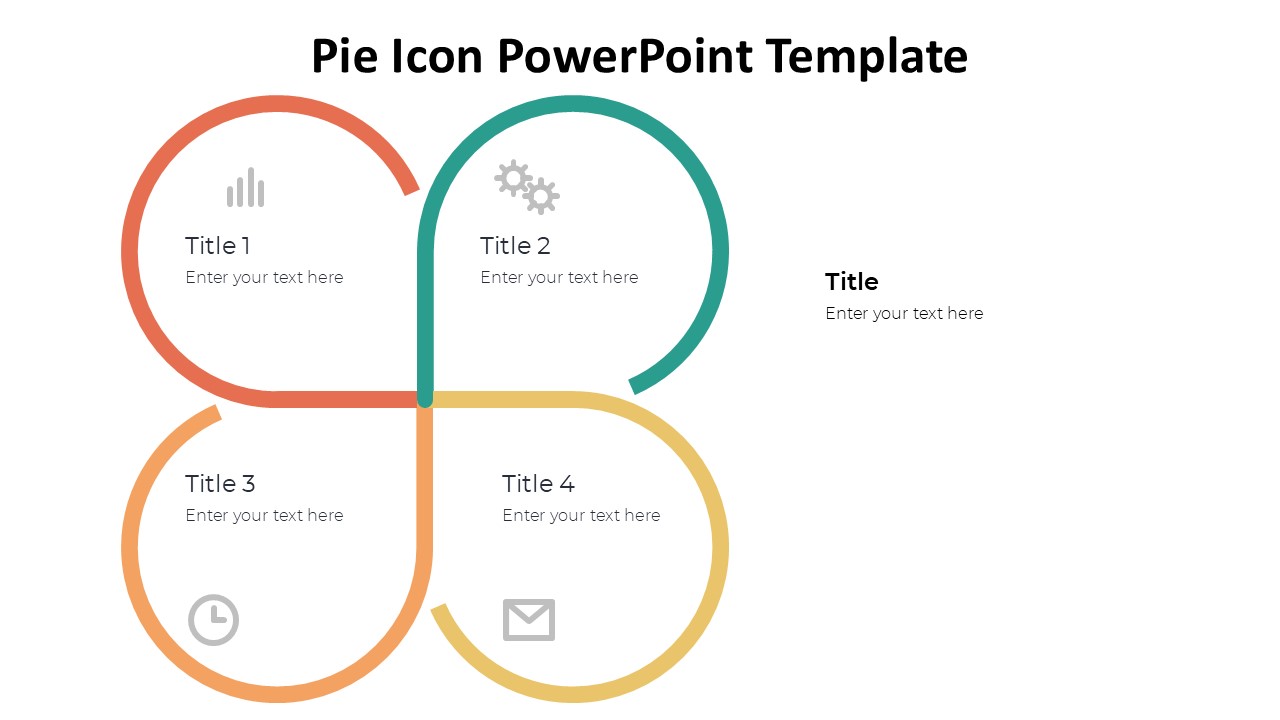
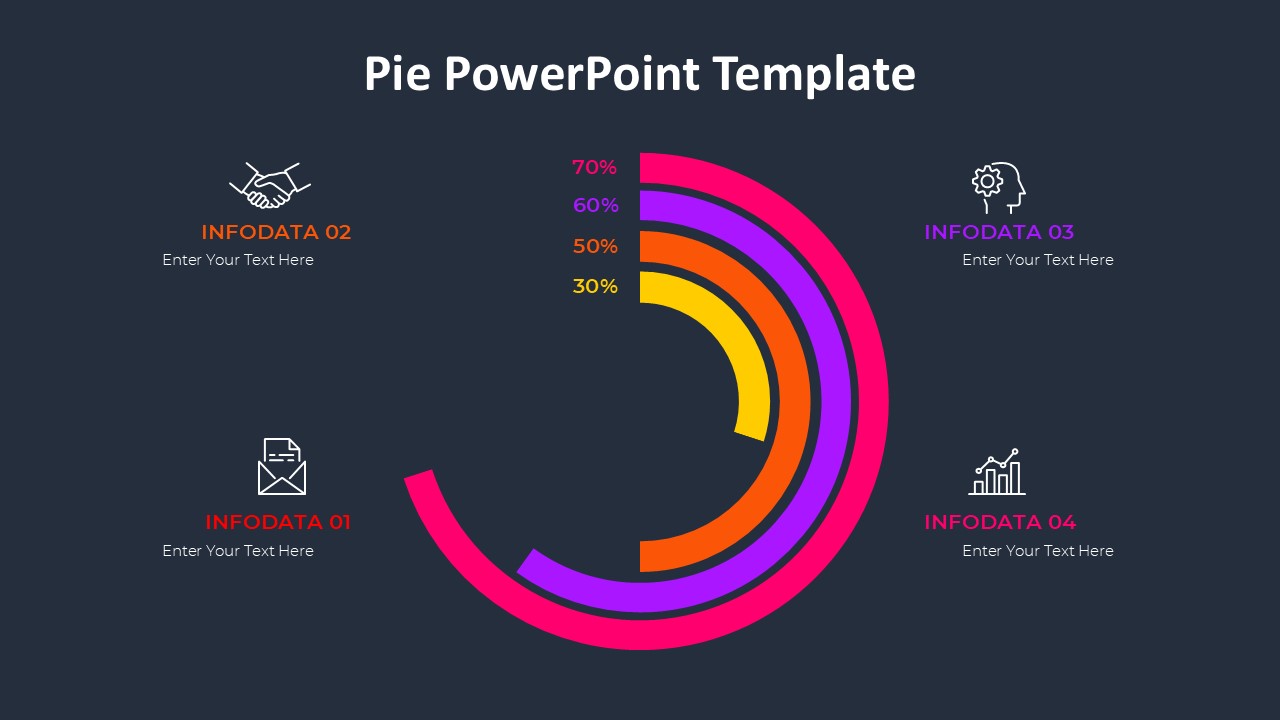
About this PowerPoint template
Enhance your PowerPoint presentations with the 5 Pie PowerPoint Template. This versatile and professional template is perfect for displaying data, statistics, or comparisons in a visually engaging way.
With five different pie chart designs to choose from, you can easily customize each slide to suit your specific needs. Whether you're presenting sales figures, market trends, or project milestones, this template provides a clear and organized way to present your information.
The clean and modern design of the 5 Pie PowerPoint Template ensures that your audience stays focused on the content of your presentation. The easy-to-read fonts and subtle color palette make for a polished and professional look that will impress clients, colleagues, or stakeholders.
Features:
1. Fully Editable Slides: Easily customize the text, colors, and fonts to match your branding or presentation style.
2. Data-driven Charts: The pie charts are linked to Excel spreadsheets, allowing you to update your data with a few simple clicks.
3. High-Quality Graphics: The template features high-resolution graphics that ensure your charts and visuals look sharp and professional.
4. Versatile Design: Use the template for a variety of presentation topics, from business reports to marketing strategies.
5. Easy to Use: Even if you're not a PowerPoint expert, you can quickly create impactful presentations with this user-friendly template.
Overall, the 5 Pie PowerPoint Template is a must-have tool for anyone looking to elevate their presentations and effectively communicate data and information. Upgrade your slides today and make a lasting impression on your audience!
Template details
| Template | 5 Pie PowerPoint Template |
|---|---|
| Category | PowerPoint Templates |
| File format | PowerPoint (.pptx) |
| Slide size | 16:9 widescreen |
| Preview images | 1 |
| Editable | Yes: text, colours, shapes, icons and charts |
| Works with | PowerPoint 2010 and later, PowerPoint for Mac, Google Slides |
| Licence | Royalty-free, yours to keep using after your plan ends (terms of use apply) |
| Price | Included in every SlideVilla plan |
| Added | 2 Oct 2024 |
Questions about this template
Can I edit the 5 Pie PowerPoint Template?
Yes. Every part of the 5 Pie PowerPoint Template is made with native PowerPoint shapes and text boxes, so you can change the wording, colours, fonts and sizes, move or delete elements, and swap icons without losing quality.
Does the 5 Pie PowerPoint Template work in Google Slides?
Yes. Download the .pptx file, upload it to Google Drive and open it with Google Slides. The layout, shapes and text stay editable there too.
Is the 5 Pie PowerPoint Template free?
It is a premium template, included in every SlideVilla plan together with the rest of the library. See plans and pricing.
What size and format is it?
It is a PPTX file in 16:9 widescreen format, with 1 preview image shown above.
How to use this template
- Step 1DownloadClick Download and the .pptx file saves straight to your computer.
- Step 2OpenOpen it in PowerPoint, or upload it to Google Slides from your Drive.
- Step 3Make it yoursChange text, colours, icons and charts. Every element is fully editable.
Categories
Related PowerPoint templates
More designs like this one, ready to edit.