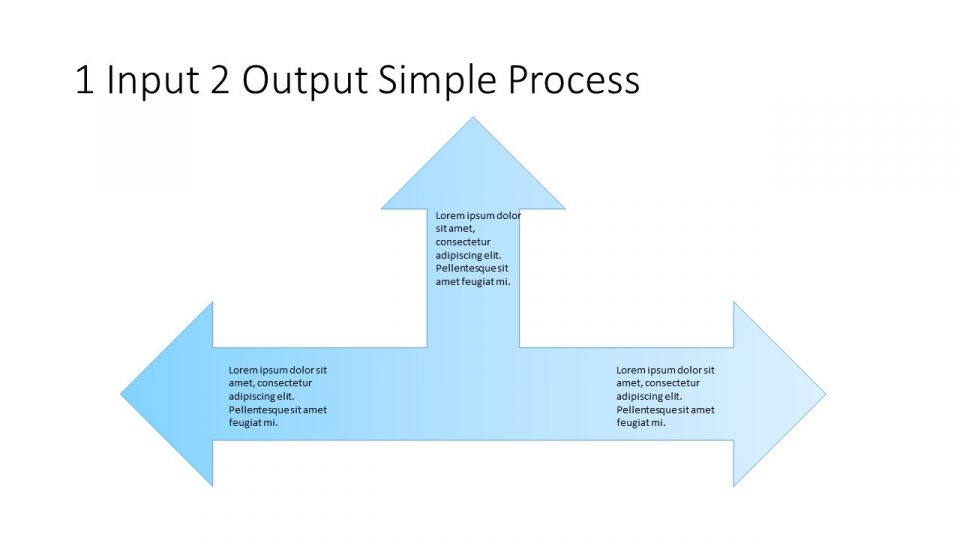
About this PowerPoint template
Introducing the Ideas PowerPoint Template, a must-have tool for anyone looking to create captivating and professional presentations. This versatile template is perfect for business presentations, academic projects, and everything in between. With its sleek design and user-friendly layout, the Ideas PowerPoint Template is sure to impress your audience and help you stand out from the crowd.
Features of the Ideas PowerPoint Template include fully editable slides that allow you to customize the content to suit your needs. Whether you're looking to add your own text, images, or charts, this template makes it easy to create a presentation that is uniquely yours. Additionally, the template comes with a variety of pre-designed slides, including timelines, graphs, and infographics, making it simple to organize your information in a clear and visually appealing way.
Another standout feature of the Ideas PowerPoint Template is its compatibility with both PC and Mac computers, ensuring that you can easily access and edit your presentation no matter what type of device you're using. Plus, the template is fully compatible with Microsoft PowerPoint, Google Slides, and Keynote, giving you the flexibility to choose the platform that works best for you.
In summary, the Ideas PowerPoint Template is a versatile and user-friendly tool that is perfect for anyone looking to create professional and engaging presentations. With its fully editable templates and wide range of features, this template is sure to take your presentations to the next level and leave a lasting impression on your audience.
Template details
| Template | 2 Ideas PowerPoint Template |
|---|---|
| Category | PowerPoint Templates |
| File format | PowerPoint (.pptx) |
| Slide size | 16:9 widescreen |
| Preview images | 1 |
| Editable | Yes: text, colours, shapes, icons and charts |
| Works with | PowerPoint 2010 and later, PowerPoint for Mac, Google Slides |
| Licence | Royalty-free, yours to keep using after your plan ends (terms of use apply) |
| Price | Included in every SlideVilla plan |
| Added | 29 Dec 2024 |
Questions about this template
Can I edit the 2 Ideas PowerPoint Template?
Yes. Every part of the 2 Ideas PowerPoint Template is made with native PowerPoint shapes and text boxes, so you can change the wording, colours, fonts and sizes, move or delete elements, and swap icons without losing quality.
Does the 2 Ideas PowerPoint Template work in Google Slides?
Yes. Download the .pptx file, upload it to Google Drive and open it with Google Slides. The layout, shapes and text stay editable there too.
Is the 2 Ideas PowerPoint Template free?
It is a premium template, included in every SlideVilla plan together with the rest of the library. See plans and pricing.
What size and format is it?
It is a PPTX file in 16:9 widescreen format, with 1 preview image shown above.
How to use this template
- Step 1DownloadClick Download and the .pptx file saves straight to your computer.
- Step 2OpenOpen it in PowerPoint, or upload it to Google Slides from your Drive.
- Step 3Make it yoursChange text, colours, icons and charts. Every element is fully editable.
Categories
Related PowerPoint templates
More designs like this one, ready to edit.